 EN
 IT Italiano
 ES Español
 FR Français
 DE Deutsch
Description
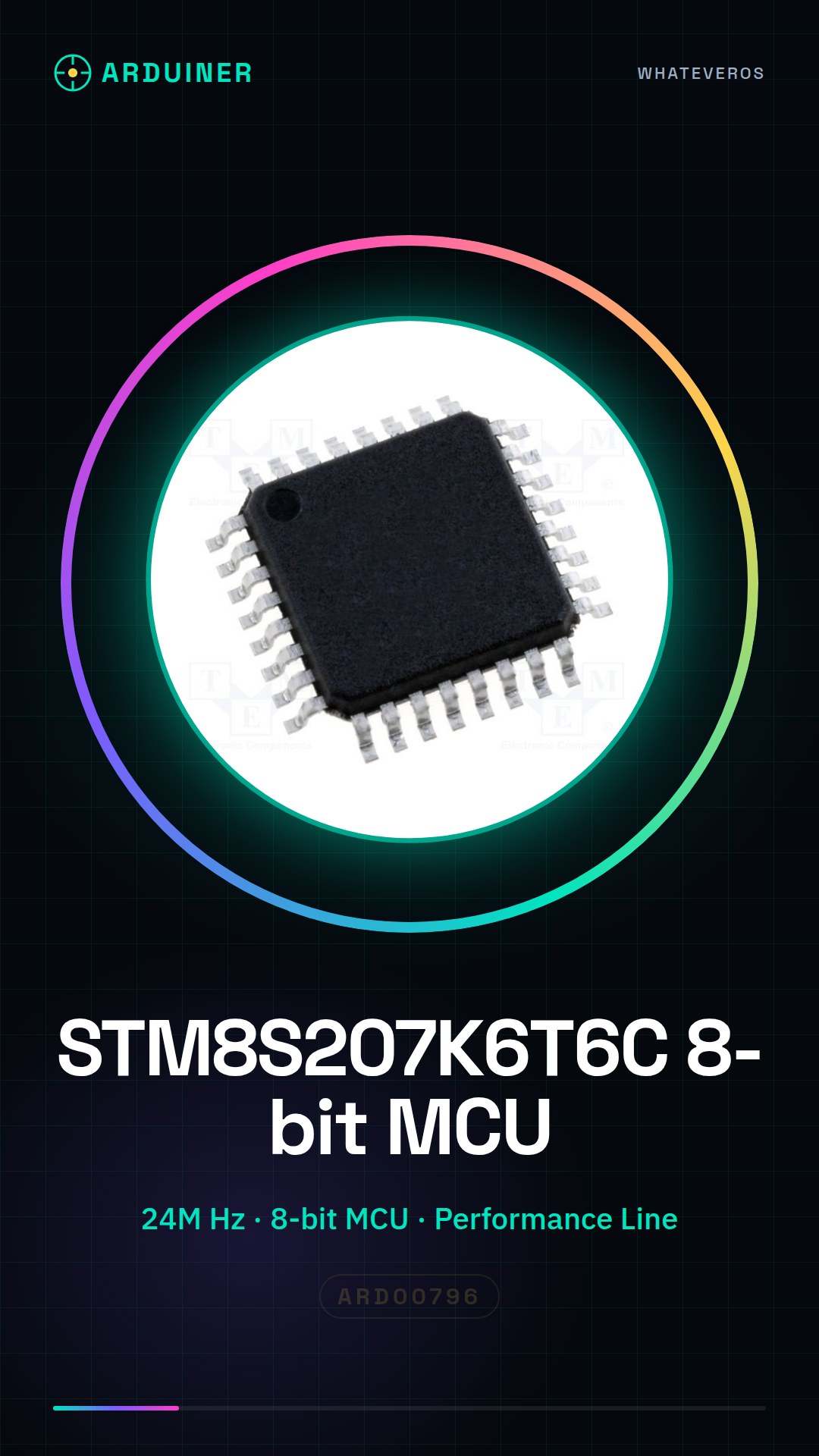
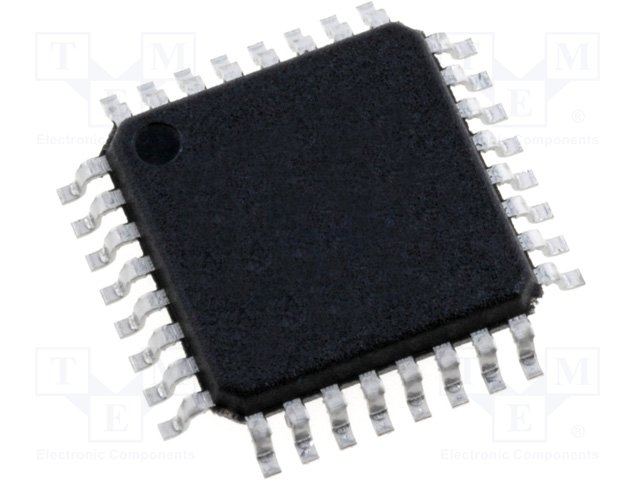
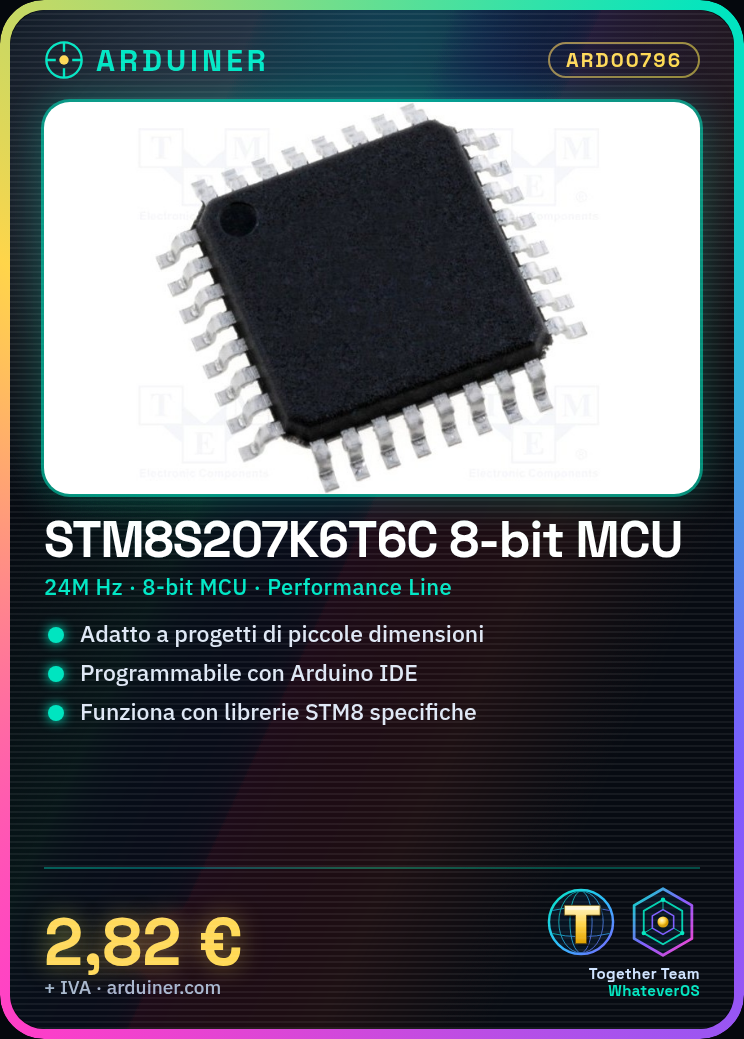
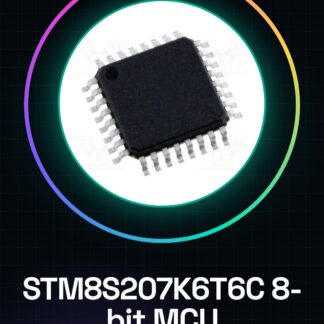
STM8S207K6T6C Performance Line 24M Hz STMS 8-Bit MCU IC Integrated Circuits
Tutorial: How to Use STM8S207K6T6C
The STM8S207K6T6C microcontroller is ideal for small projects that require an 8-bit processor with high performance. This component is perfect for both beginners and more experienced makers.
What you need
- Arduino IDE
- USB Connection
- Perforated Board
- Soldering Iron
Steps
- Install the Arduino IDE and the necessary driver for programming the microcontroller.
- Download the specific libraries for STM8S207K6T6C from the official STMicroelectronics website.
- Connect the microcontroller to the computer via a USB connector.
- Load a sample sketch provided in the product documentation.
- Verify the proper functioning of the microcontroller through the output of the Arduino IDE console.
Mini project
Create a small control interface for a projector with buttons and LEDs, using the STM8S207K6T6C as the central microcontroller.
Common mistakes
- Make sure the library is correctly installed in your Arduino environment.
- Check the microcontroller configuration during the upload of the sketch.
- Check the physical connections between the microcontroller and other components to avoid short circuits.
Recommended accessories
- USB A-B cable
- Soldering kit
- Perforated board
Frequently asked questions
How can I find the official documentation?
Visit the STMicroelectronics website and search for the technical specifications for STM8S207K6T6C.
Which IDE do you recommend?
Arduino IDE is the most common IDE used for programming STM8 microcontrollers.
Reviews
There are no reviews yet.