 EN
 IT Italiano
 ES Español
 FR Français
 DE Deutsch
Description
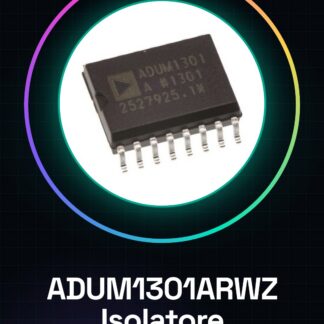
Tutorial: How to Use ADUM1301ARWZ Digital Isolator
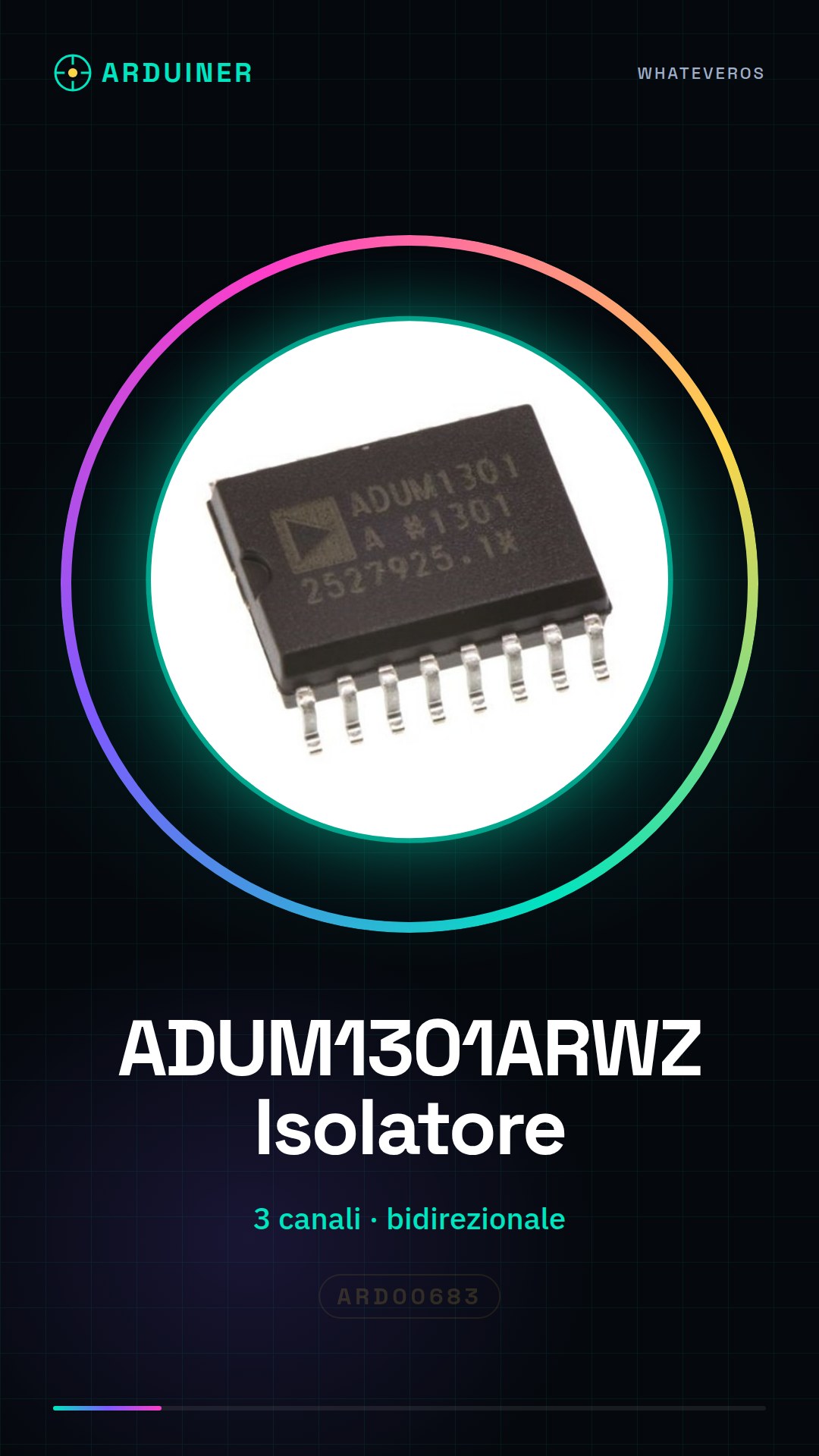
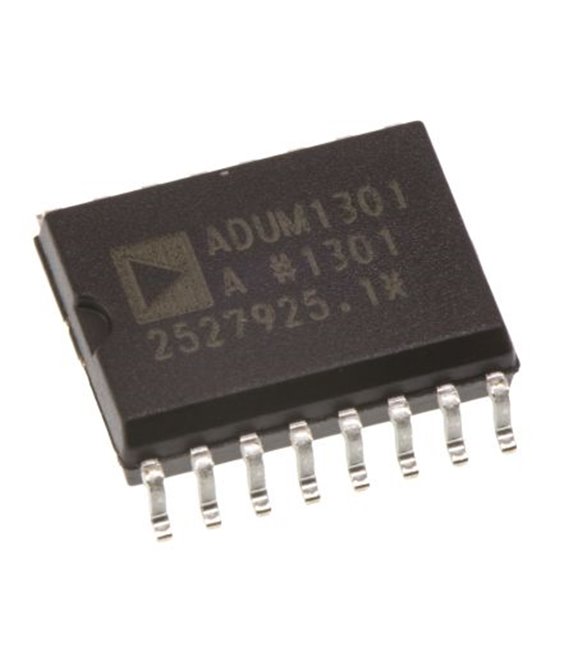
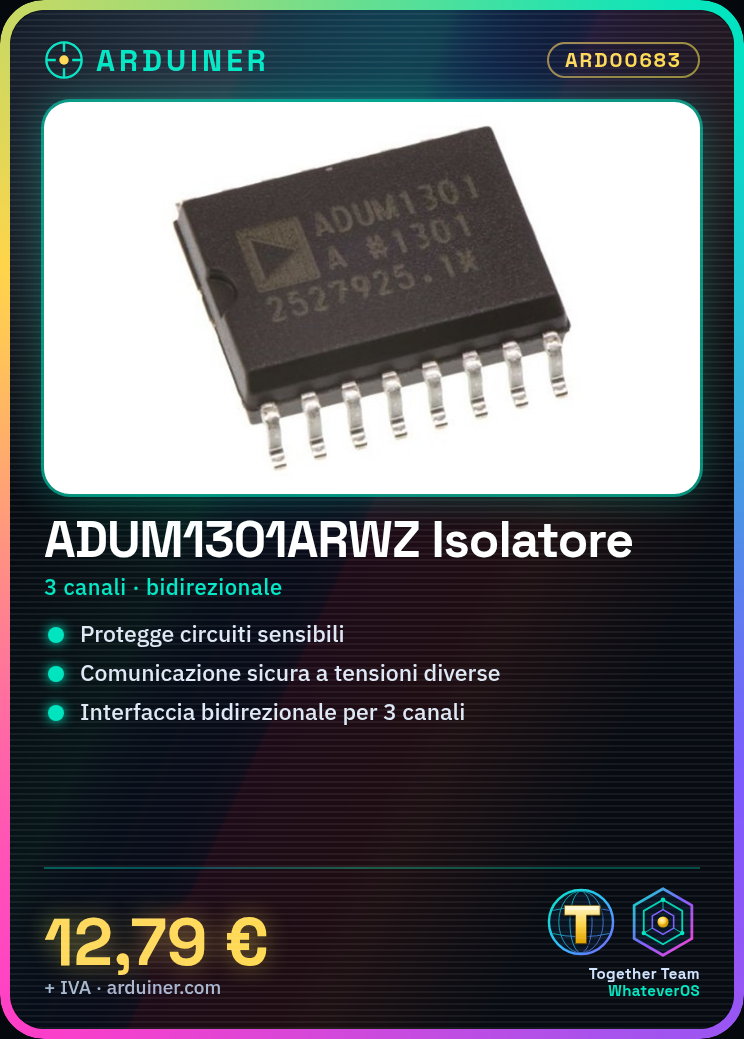
The ADUM1301ARWZ is a bidirectional digital isolator with three channels that allows protecting sensitive circuits from electrical disturbances. Ideal for Arduino projects where secure communication between two system parts operating at different voltages is required.
What you need
- Arduino Uno
- USB Connection
- Headers or tubes
Steps
- Connect the ADUM1301ARWZ to the Arduino digital pins using headers or connectors.
- Check the correct polarization of the component (see datasheet).
- Write a simple sketch to test the bidirectional communication.
- Configure the input and output pins appropriately.
- Test the circuit with a separate power supply for each side of the isolator.
Example code
void setup() {
  pinMode(A0, INPUT);
  pinMode(A1, OUTPUT);
}

void loop() {
  int val = digitalRead(A0);
  digitalWrite(A1, val);
}
Mini project
Create a remote control system for electronic devices with the ADUM1301ARWZ as a safe interface between the Arduino controller and the sensors/actuators.
Common mistakes
- Incorrect polarization of the isolator.
- Incorrect pin configuration.
- Insufficient power supply for effective isolation.
Recommended accessories
- USB Connections
- Universal clamps
- Separate power supply
Frequently asked questions
What is the minimum and maximum supported voltage?
Check the component datasheet.
How can I test the isolator’s functionality?
Use an oscilloscope or multimeter to monitor signals on the input/output pins.
Reviews
There are no reviews yet.