 EN
 IT Italiano
 ES Español
 FR Français
 DE Deutsch

Description
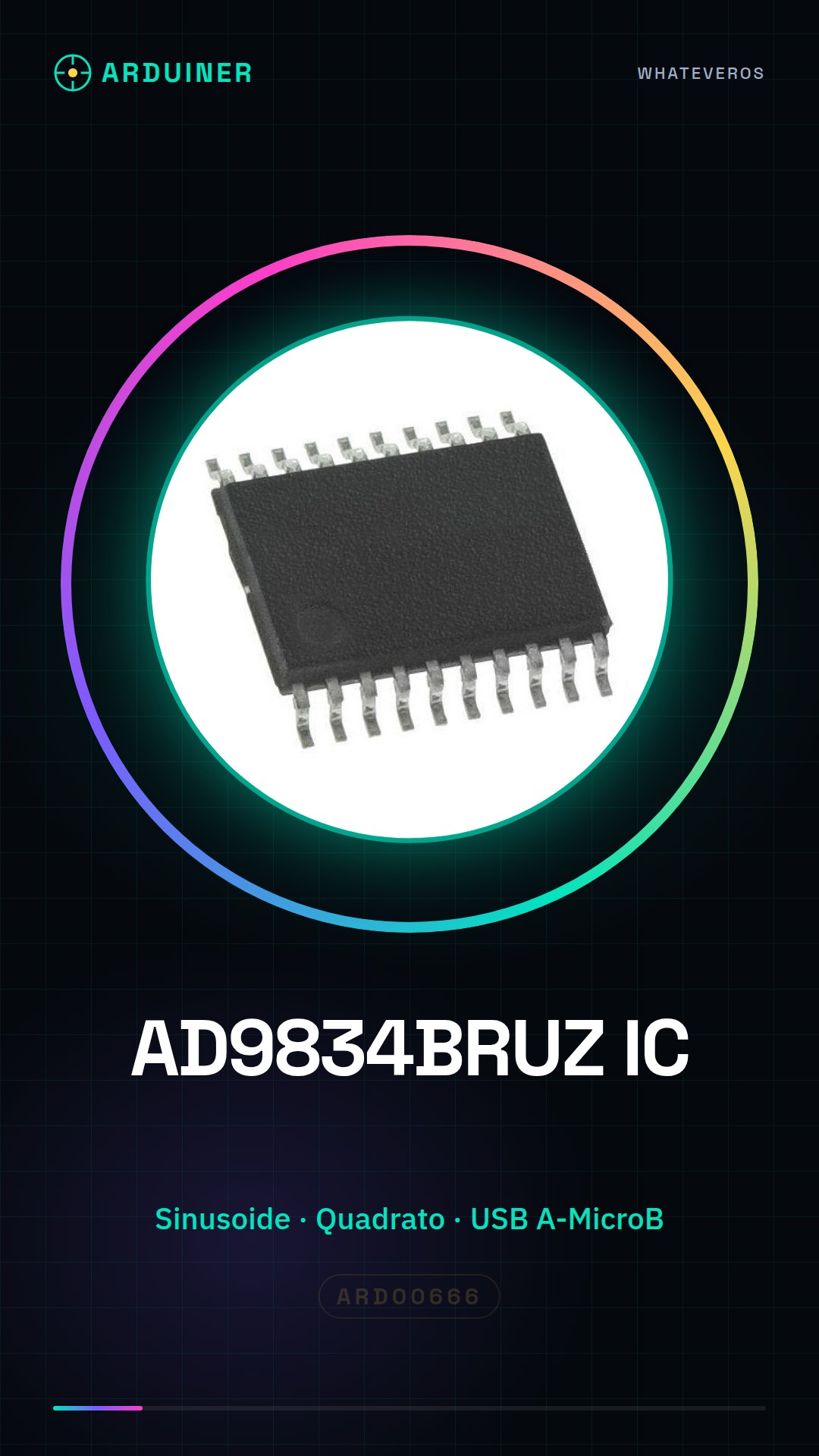
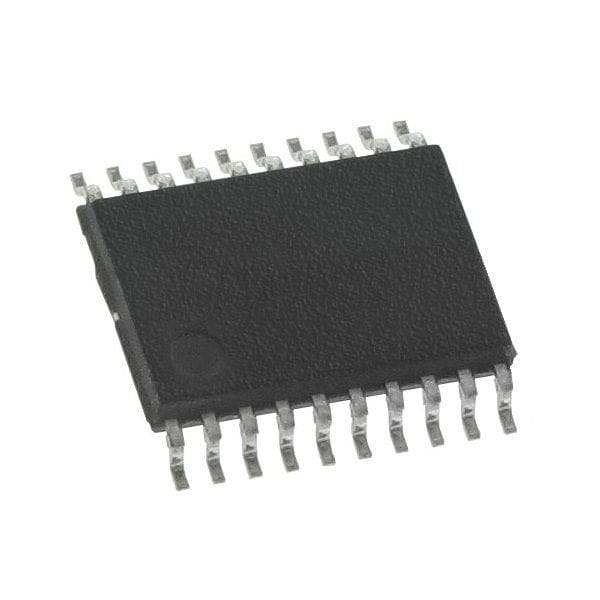
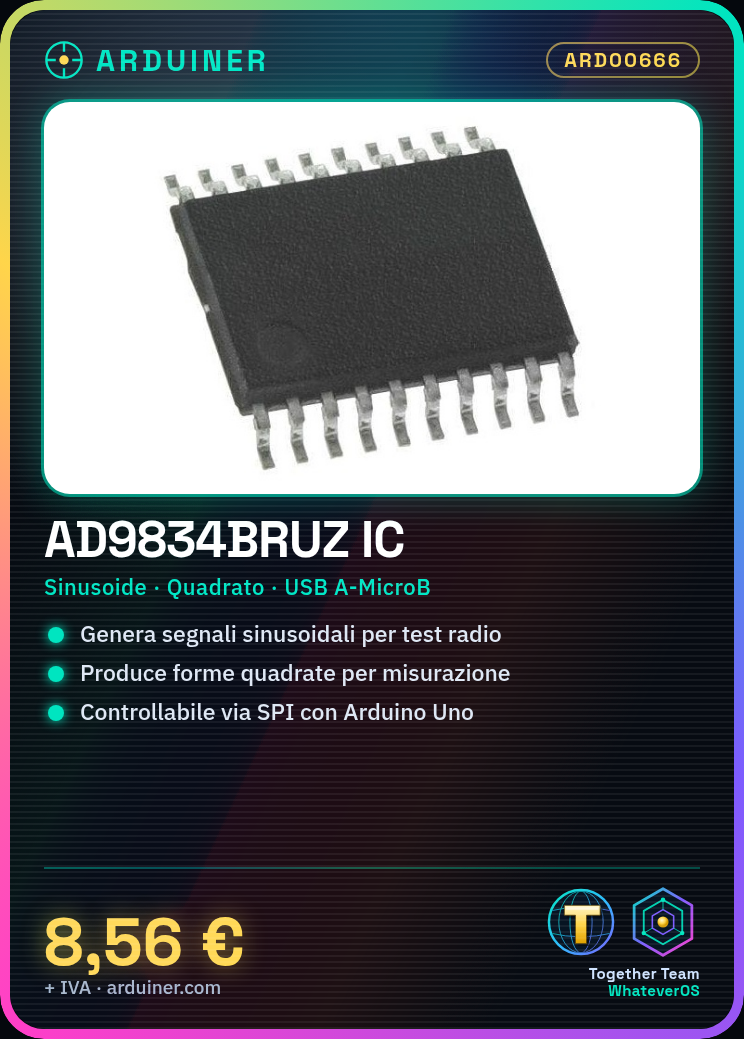
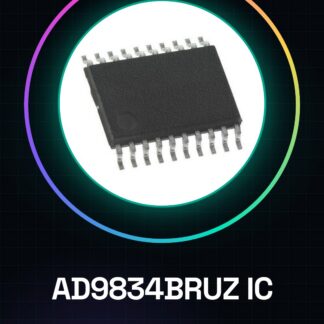
Integrated Circuits IC AD9834BRUZ
Tutorial: How to Use AD9834BRUZ IC Integrated Circuits
The AD9834BRUZ is a key component for generating high-precision sinusoidal and quadrature signals. Ideal for radio communication, test, and measurement projects.
What you need
- Arduino Uno or Compatible
- USB A-MicroB Cable
- Solderable Connections
Steps
- Connect the AD9834BRUZ to the Arduino microcontroller following the datasheet documentation.
- Install the SPI library to manage serial communication with the IC.
- Initialize the AD9834BRUZ registers in the setup() function.
- Set the desired frequency in the loop() using the specific datasheet commands.
- Verify functionality with an oscilloscope or an analog signal generator.
Example code
// Includere il librario SPI
#include <SPI.h>
// Definire le pin per l'AD9834BRUZ
#define SCK 13
#define SDI 12
void setup() {
  // Inizializzare la comunicazione SPI
  SPI.begin();
}
void loop() {
  // Impostare la frequenza desiderata (verifica sul datasheet)
}
Mini project
Sinusoidal Signal Generator with Arduino and AD9834BRUZ
Common mistakes
- Incorrect Frequency Setting
- Unstable Connection Between Arduino and AD9834BRUZ
- Ignore the necessary register configuration
Recommended accessories
- Digital Oscilloscope
- Analog Signal Generator
- PCB Soldering Kit
- SPI Library for Arduino
Frequently asked questions
How can I control the AD9834BRUZ?
Use the SPI library and the datasheet instructions.
What frequencies can it generate?
Check the datasheet for the supported frequency range.
Reviews
There are no reviews yet.