 EN
 IT Italiano
 ES Español
 FR Français
 DE Deutsch
Description
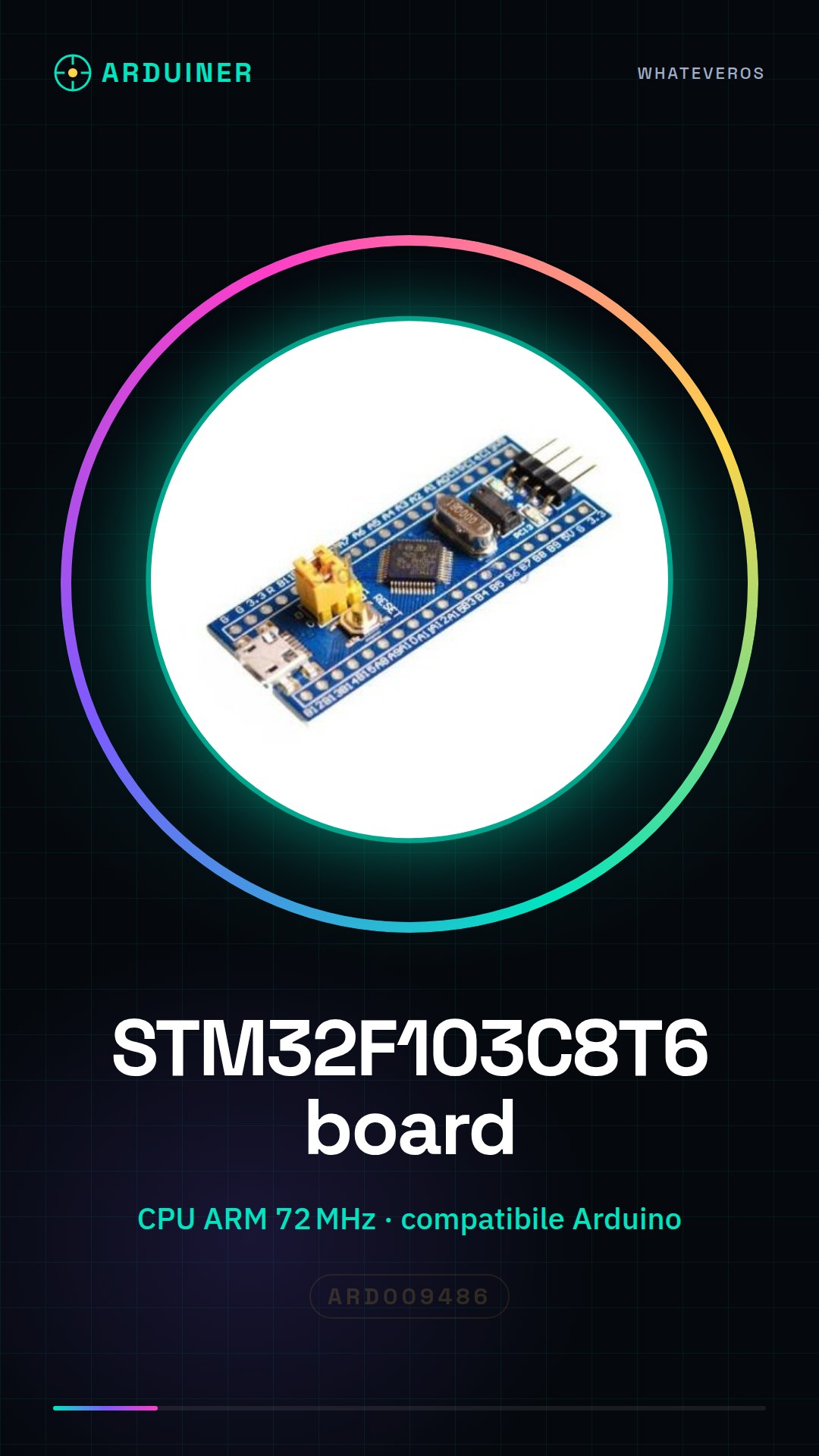
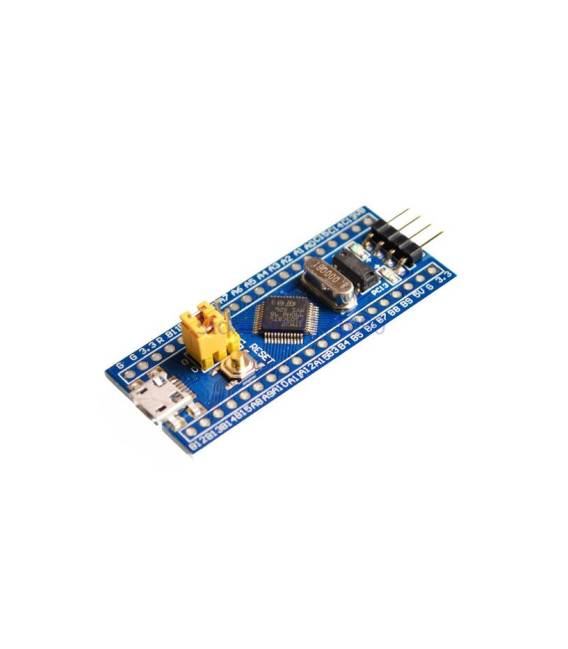
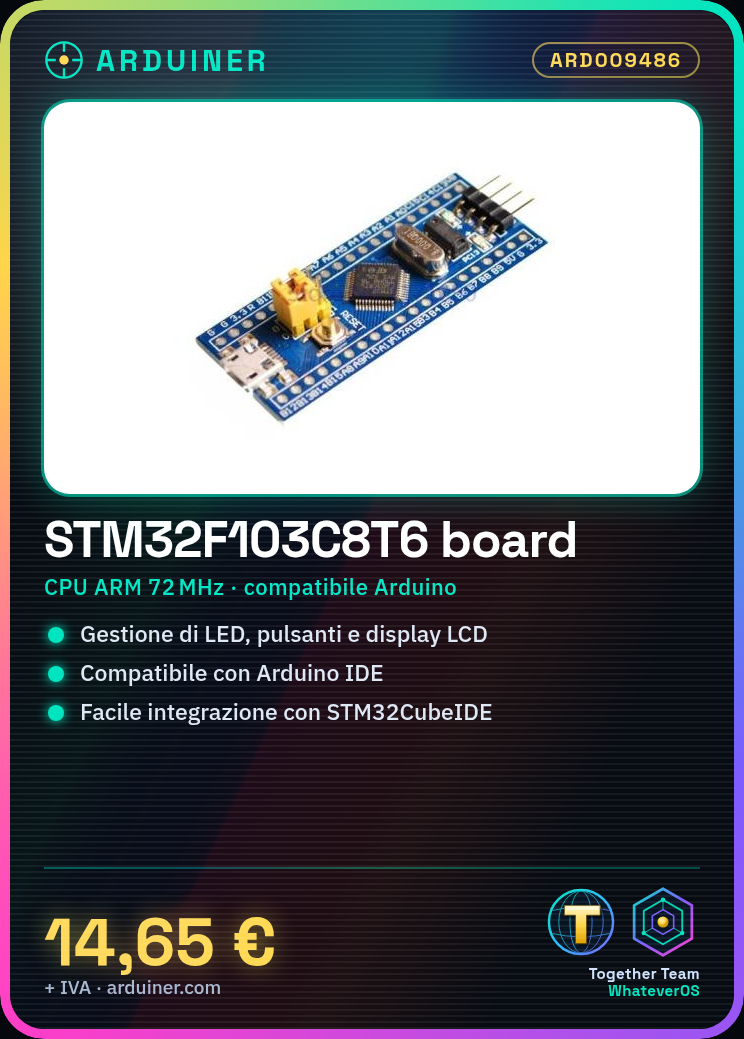
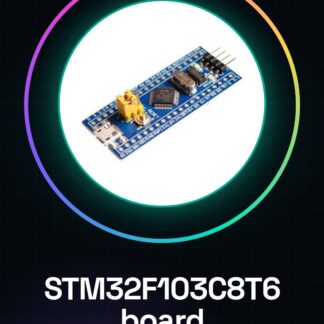
The STM32F103C8T6 board is a powerful and flexible microcontroller for Arduino and advanced electronics projects. It features a 72 MHz ARM CPU, making it ideal for developers and makers seeking high performance. Key Features: STM32F103C8T6 CPU, 72 MHz clock frequency. What it’s used for: Ideal for projects requiring precise control of external devices, such as LED management, button handling, and LCD display control. The Arduino compatibility allows for easy integration into existing development environments. Tutorial: How to Use STM32F103C8T6 System Board This tutorial guides you through the initial setup and usage of this component. You will need: A computer with Arduino IDE installed, USB Type A-B or Micro-USB cable, external power supply (check datasheet), optional serial monitor. Steps: Install the STM32CubeIDE library or use the STM32 Arduino Core. Connect the USB cable between the computer and the board. Ensure the necessary USB driver is installed. Download example code from the library or official site. Upload the source code to the microcontroller via Arduino IDE. Optionally monitor the device output using the serial console. Verify everything is working correctly by running a simple test program. Example Code: void setup() { Serial.begin(115200); } void loop() { Serial.println(“Hello, STM32!”); } Mini-Project: Create a small interface with an LCD display and a button to control the illumination of some LEDs. Set the microcontroller to handle button commands and display messages on the LCD. Common Errors: USB connectivity issues, missing required library, incorrect clock frequency configuration, wrong GPIO pin selection. Recommended Accessories: 16×2 LCD Display (SKU: ARD009487), Push Button (SKU: ARD009488), RGB Variable LEDs (SKU: ARD009489), USB-C Power Supply (SKU: ARD009500). Frequently Asked Questions: How do I install the STM32 library? Use the Arduino IDE library manager and search for ‘STM32Cube’ or visit the official product site. Which GPIO pins are available on this board? Check the board’s datasheet for a complete list of available GPIO pins.
Reviews
There are no reviews yet.