 EN
 IT Italiano
 ES Español
 FR Français
 DE Deutsch
Description
What it is
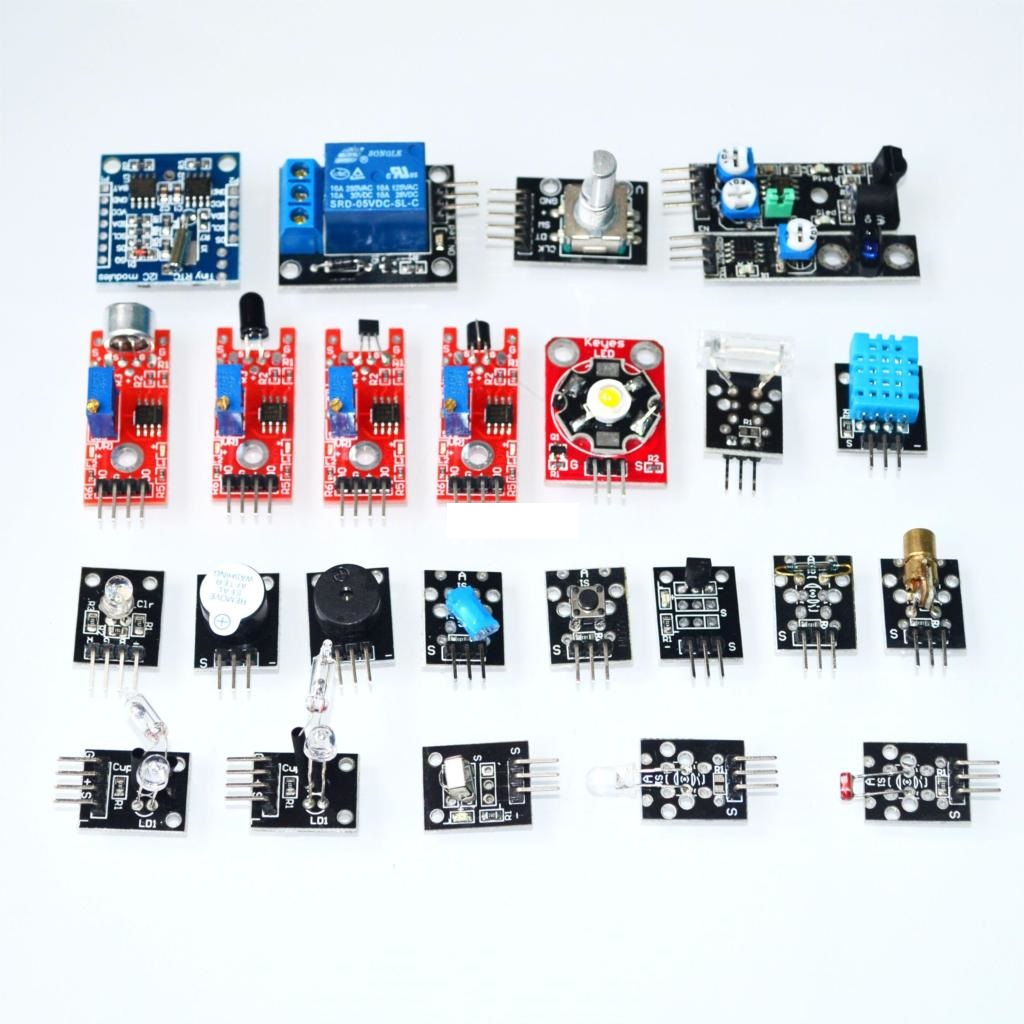
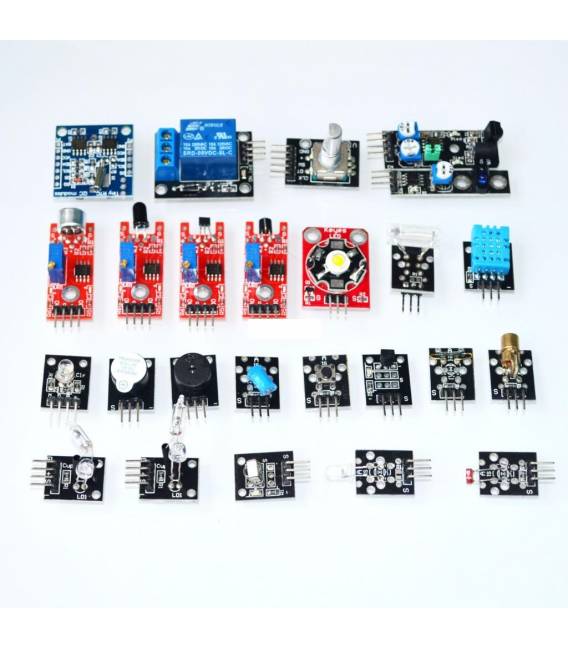
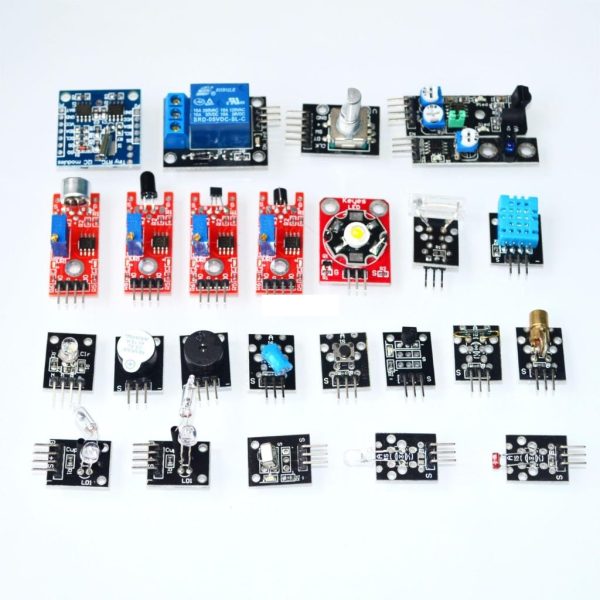
The H021 24 Piece Sensor Kit is a multifunction sensor package for Arduino, ideal for both beginners and moderately skilled enthusiasts. This kit offers a variety of sensors for buttons, temperature, and color.
Features
- 24 pieces total
- Multifunction sensors included: button, temperature, and color
What it is for
This kit is used for Arduino projects that require reading various environmental data. It can be integrated into smart home systems to control lighting based on temperature, presence, and ambient color.
Tutorial: How to Use Button Temperature Color Sensor Kit
This sensor kit is ideal for Arduino projects that require reading buttons, temperature, and color. It is suitable for beginners and intermediates who want to explore the basics of data acquisition.
What you need
- Arduino Uno or compatible
- Button Temperature Color Sensor Kit (SKU: ARD004187)
- USB cable to connect the Arduino to the computer
- Install Arduino IDE software on the computer
Steps
- Install and start the Arduino IDE software.
- Connect the Arduino to the USB port of the computer.
- Download the example codes provided with the kit or write a simple sketch to test each module.
- For the push button sensor: connect it to digital pins of the Arduino and check the datasheet for the correct configuration.
- For the temperature sensor: connect it to an analog pin of the Arduino and consult the datasheet for connection details.
- For the color module: connect it to the I2C bus of the Arduino (pins A4 and A5) and configure the sketch according to the datasheet specifications.
- Run the uploaded sketch on the Arduino and monitor the console to see the data received from the sensors.
- Test each module separately before integrating them into a more complex project.
Example code
// Includere le librerie necessarie basate sul datasheet del modulo colore
#include <Adafruit_TCS34725.h>
// Configurazione dello sketch per leggere i sensori e stampare dati su Serial Monitor
Mini project
Create a smart home system that turns on the lights when low temperature is detected or when a button is pressed, and changes the lighting based on the color detected in the environment.
Common mistakes
- Connect the color module without properly configuring it for I2C
- Ignore the difference between digital and analog pins when connecting sensors
- Fail to check the datasheet for the power supply specifications of the modules
- Omit installing the necessary libraries before uploading the sketch
Recommended accessories
- USB A/B cable for Arduino
- LiPo battery and charger for mobile projects
- LCD or OLED display to show sensor data
- Relay Module to control external devices
Frequently asked questions
How can I connect multiple kit modules together?
Use the I2C bus with different addresses or separate digital/analog pins for each module.
What is the difference between an analog and a digital temperature sensor?
The analog sensor provides a continuous reading of temperature on a continuous signal, while the digital one converts it into discrete data.
I lost the datasheet for the kit, where can I find it online?
Check the Arduino website or contact customer support to obtain a copy.
Reviews
There are no reviews yet.