 EN
 IT Italiano
 ES Español
 FR Français
 DE Deutsch
Description
What it is
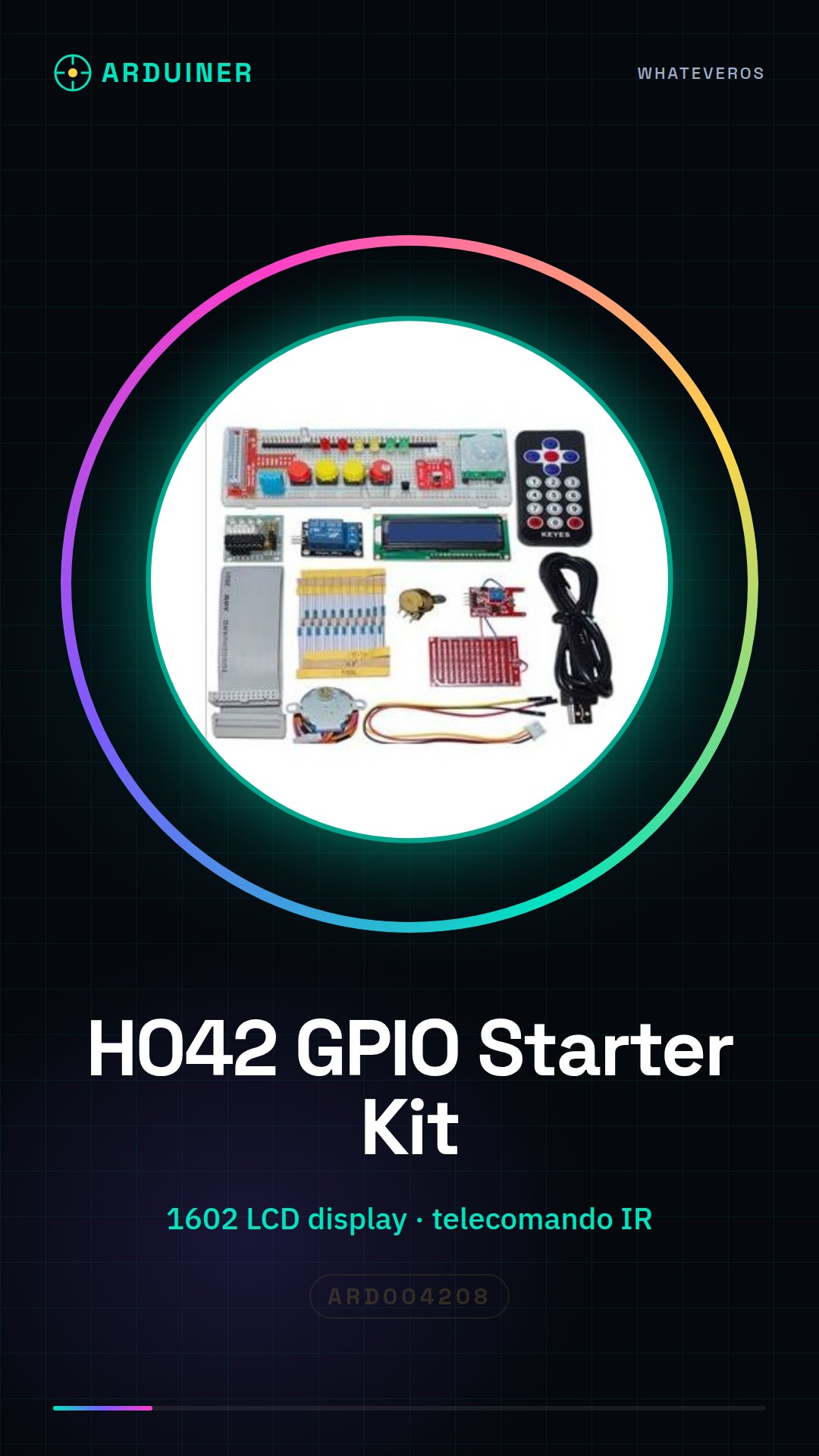
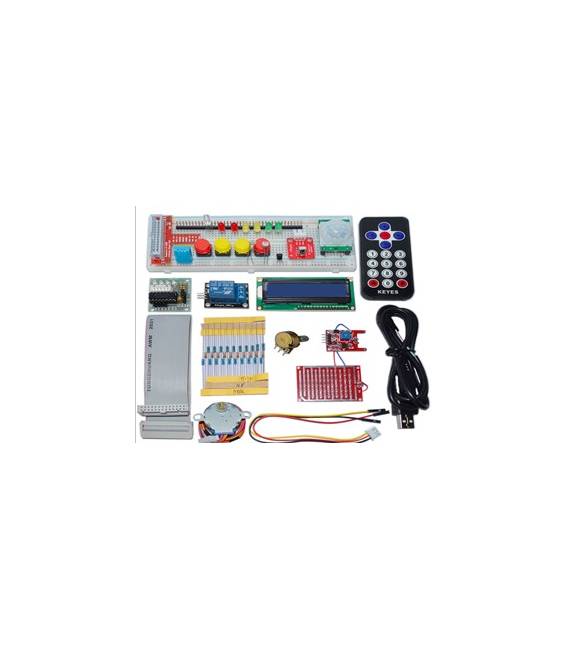
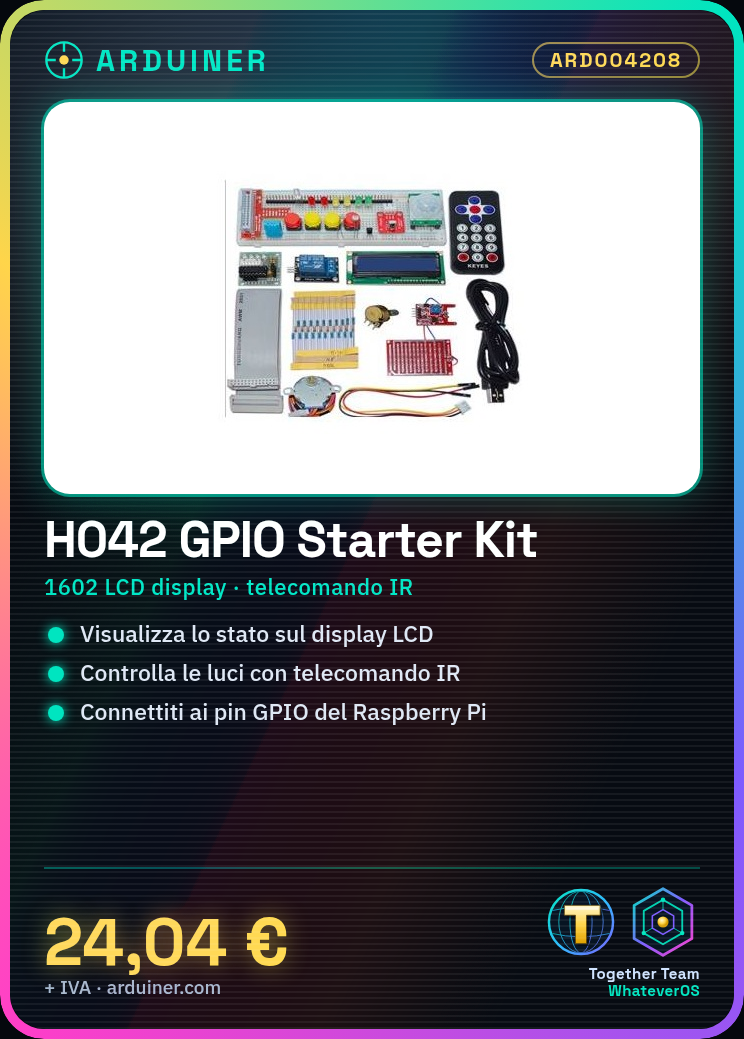
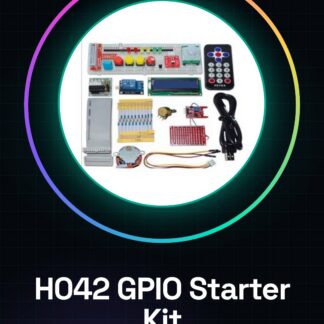
The H042 GPIO Electronics Starter Kit is a complete package to get started with Arduino and Raspberry Pi. It includes fundamental components such as an LCD display, an IR remote control, and LEDs.
Features
- Includes a 1602 LCD display
- Includes an IR remote control
- Includes LEDs for Raspberry Pi
What it is for
Great for user interface and remote control projects. It can be used to create simple light control systems that respond to IR remote commands and display the status on the LCD display.
Tutorial: How to use H042 GPIO Electronics Starter Kit
The H042 GPIO Electronics kit is ideal for starting to explore the basic programming features of Raspberry Pi. This starter kit includes an LCD display, an IR remote control, and LEDs, providing a solid foundation for interactive projects.
What you need
- Raspberry Pi
- H042 GPIO Electronics kit
- micro USB cable
- monitor or TV with HDMI connector
Steps
- Connect the Raspberry Pi to the monitor using the HDMI adapter.
- Plug the power supply into the Raspberry Pi board via a micro-USB cable.
- Install the necessary libraries to manage GPIO and LCD devices through SSH or a direct connection to the Raspberry Pi.
- Connect the LCD 1602 display to the Raspberry Pi GPIO pins following the documentation provided in the kit.
- Verify that the LCD display is correctly connected by checking the test commands available online or in the instruction files.
- Connect the IR remote control to the Raspberry Pi and install the necessary libraries to receive IR signals.
- Test the IR remote control functionality by sending a simple command to an LED connected to the GPIO pins.
- Configure the LEDs in the kit following the provided documentation and test their functionality.
Example code
// Esempio di codice per controllare un LED
import RPi.GPIO as GPIO
GPIO.setmode(GPIO.BCM)
LED_PIN = 18
GPIO.setup(LED_PIN, GPIO.OUT)
GPIO.output(LED_PIN, GPIO.HIGH)
Mini project
Create a simple light control system that responds to IR remote commands and displays the light status on the LCD screen.
Common mistakes
- Incorrect GPIO pin connection to the kit
- Missing proper installation of the necessary libraries for GPIO devices
- Synchronization issues of the IR remote with the Raspberry Pi
- Difficulty in reading the documentation provided by the manufacturer
Recommended accessories
- Electronic prototyping kit
- Universal GPIO connector set
- Wi-Fi antenna for Raspberry Pi
- Portable battery to power the Raspberry Pi on the go
Frequently asked questions
Which libraries should I install?
Rpi.GPIO and WiringPi for GPIO pins, lirc for IR remote.
How can I control the LCD display?
Use the lcd.py library provided in the kit or find code examples online.
The remote control does not work, what should I do?
Check the connections and install lirc with ‘sudo apt-get install lirc’. Configure the IR receiver according to the manufacturer’s instructions.
Reviews
There are no reviews yet.