 EN
 IT Italiano
 ES Español
 FR Français
 DE Deutsch
Description
What it is
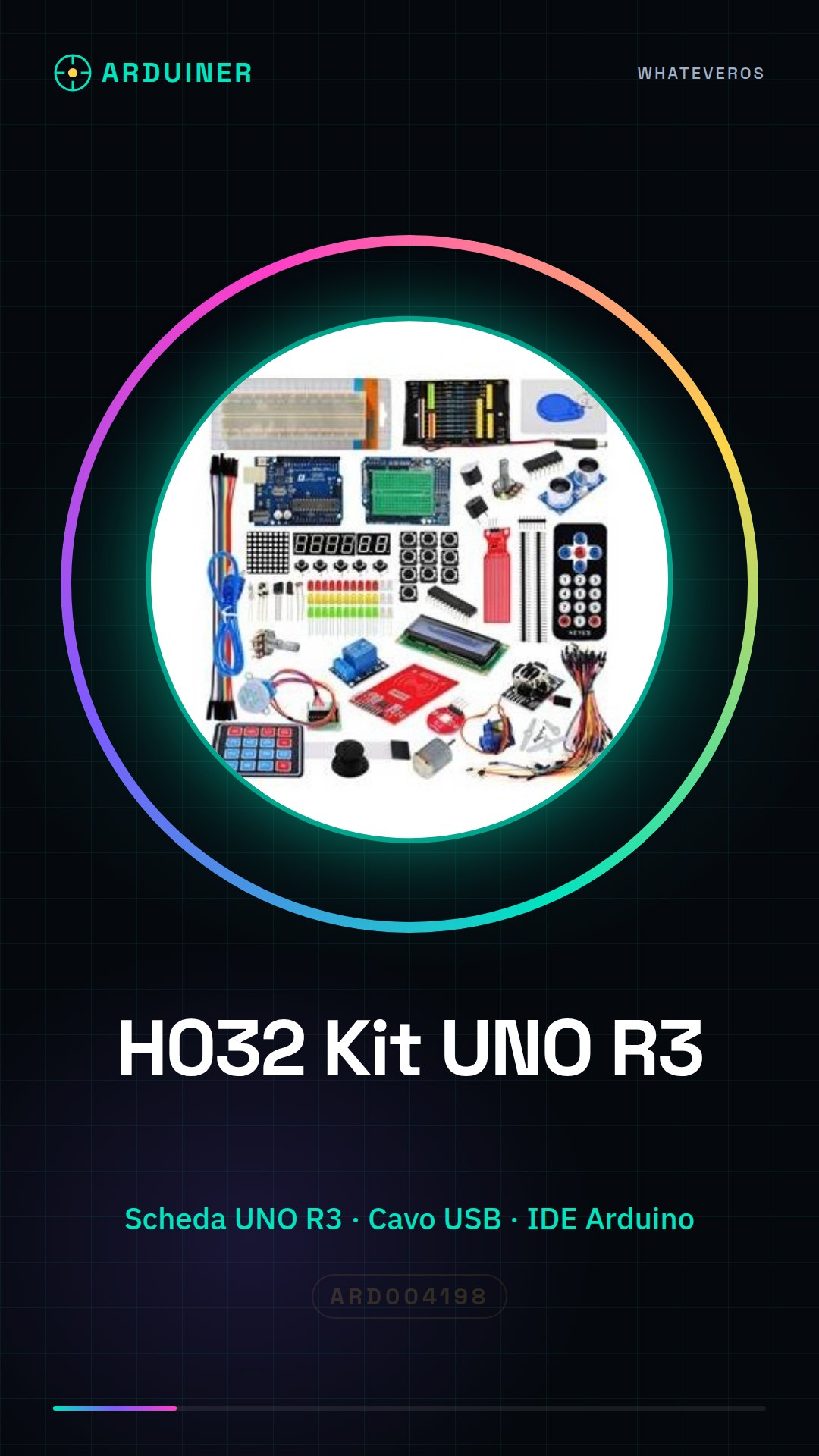
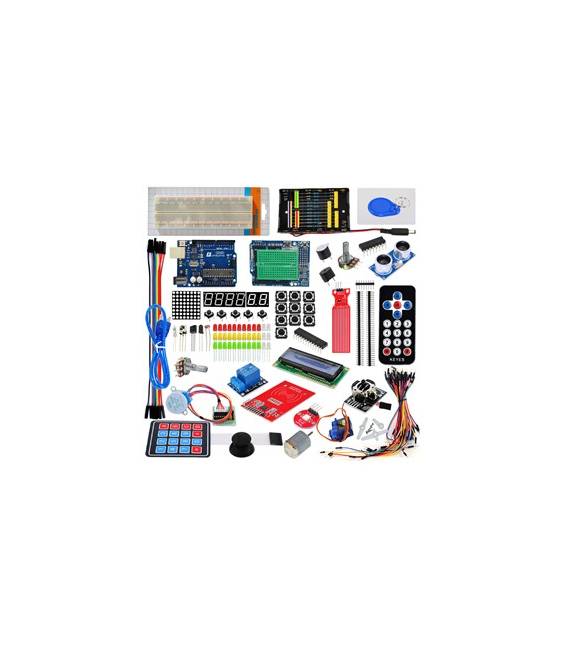
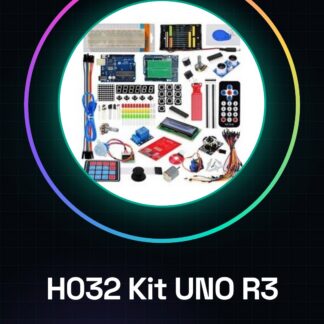
The H032 Prototyping Kit with UNO R3 Board is a complete set to start developing and prototyping electronic projects.
Features
- UNO R3 Board
- Check the datasheet: additional components
What it is for
The kit is ideal for beginners and for those who want to develop Arduino projects. The UNO R3 board facilitates the creation of electronic prototypes. Examples of use: build a simple LED counter using the digital pins of the UNO R3 board.
Tutorial: How to use H032 Prototyping Kit with UNO R3 Board
The Prototyping Kit with UNO R3 Board is ideal for beginners and for those who want to develop Arduino projects. Includes the UNO R3 board, it facilitates the creation of electronic prototypes.
What you need
- Arduino UNO R3 Board
- USB Cable
- Computer with Arduino IDE installed
Steps
- Download and install the Arduino IDE on a computer.
- Connect the UNO R3 board with the USB cable.
- Open the Arduino IDE and select ‘Arduino UNO’ as the serial port.
- Load the example sketch ‘Blink’ to ensure everything is working correctly.
- Disconnect the board and turn on the test LED.
- Start exploring digital and analog pins with basic sketches.
- Try connecting a sensor to read data.
- Explore the Arduino documentation to delve deeper.
Example code
int led = 13; void setup() { pinMode(led, OUTPUT); } void loop() { digitalWrite(led, HIGH); delay(1000); digitalWrite(led, LOW); delay(1000); }Mini project
Build a simple LED counter using the digital pins on the UNO r3 board.
Common mistakes
- Forget to install the Arduino IDE.
- Connect the board to the wrong USB port.
- Set the wrong pin as input or output.
- Forget to update the Arduino IDE library.
Recommended accessories
- Pressure sensors
- LEDs
- Resistors
- Connection cables
Frequently asked questions
How can I check if the board is functioning?
Load the ‘Blink’ sketch and verify that the test LED turns on and off.
Which pins can I use to connect a sensor?
Digital and analog pins can be used to connect sensors.
Do I need specific software to use this kit?
Yes, it is necessary to install the Arduino IDE to program the board.
Can I use the kit with a Mac computer?
Yes, the Arduino IDE supports Mac computers.
Reviews
There are no reviews yet.