 EN
 IT Italiano
 ES Español
 FR Français
 DE Deutsch
Description
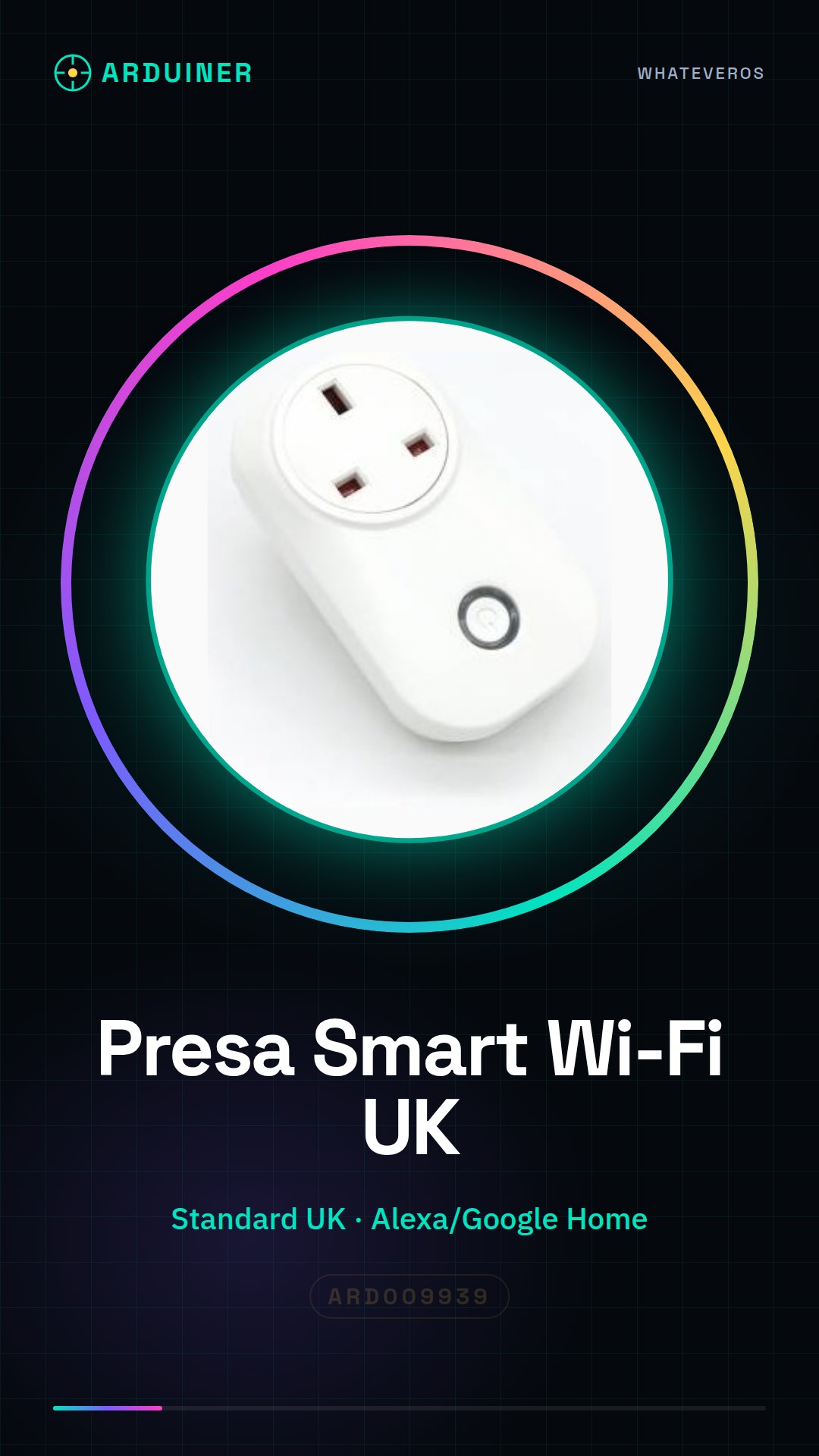
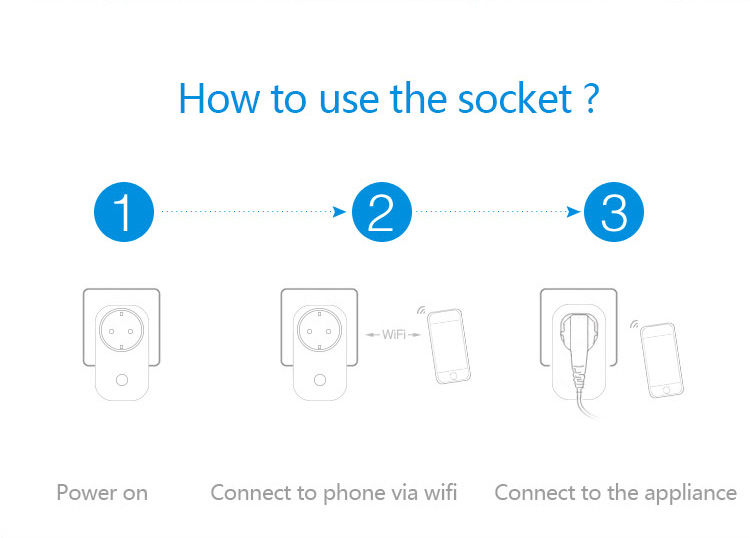
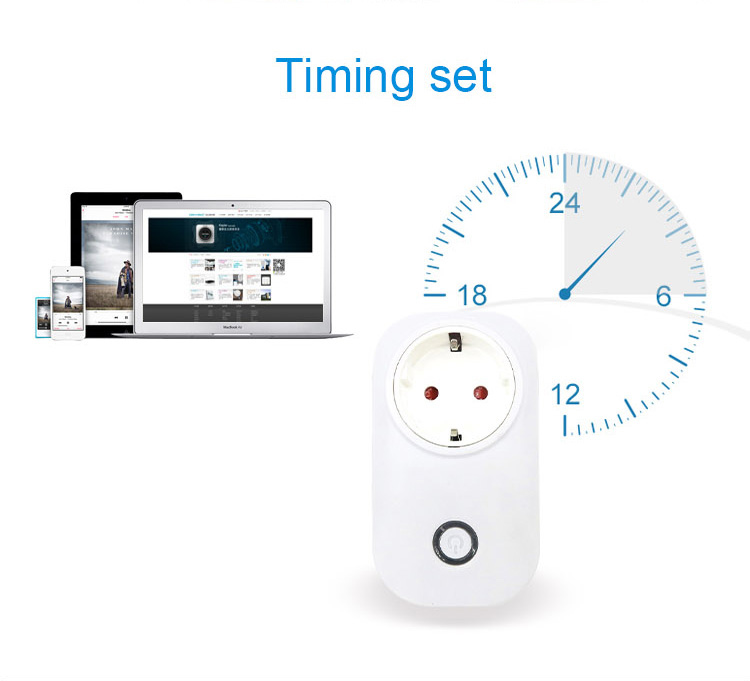
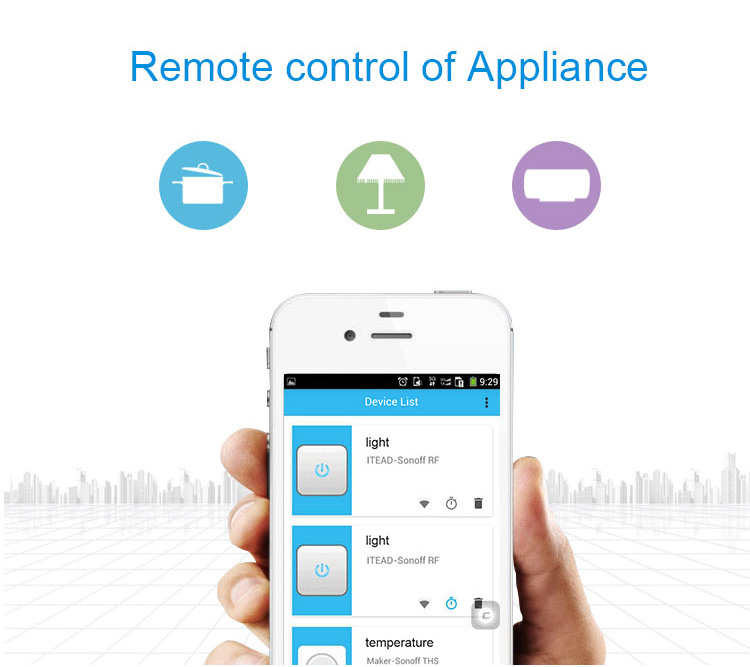
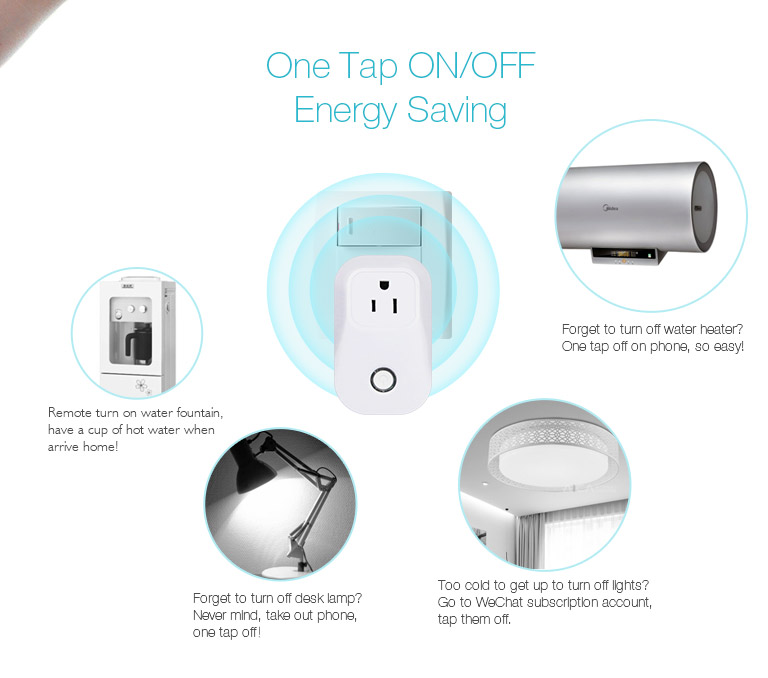
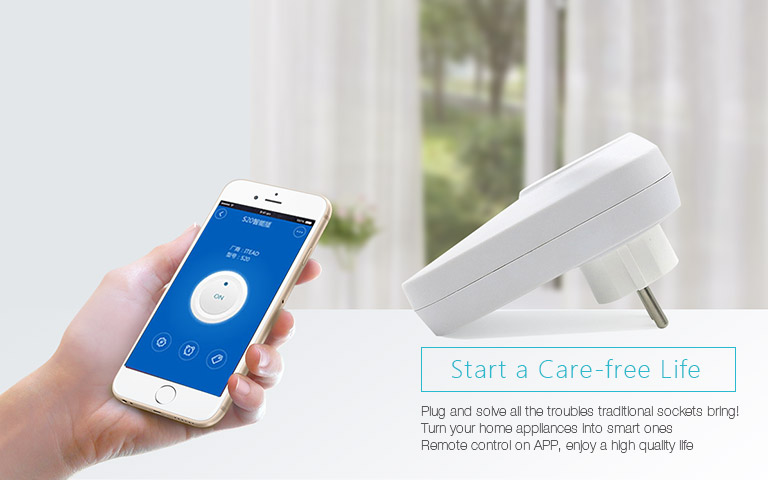
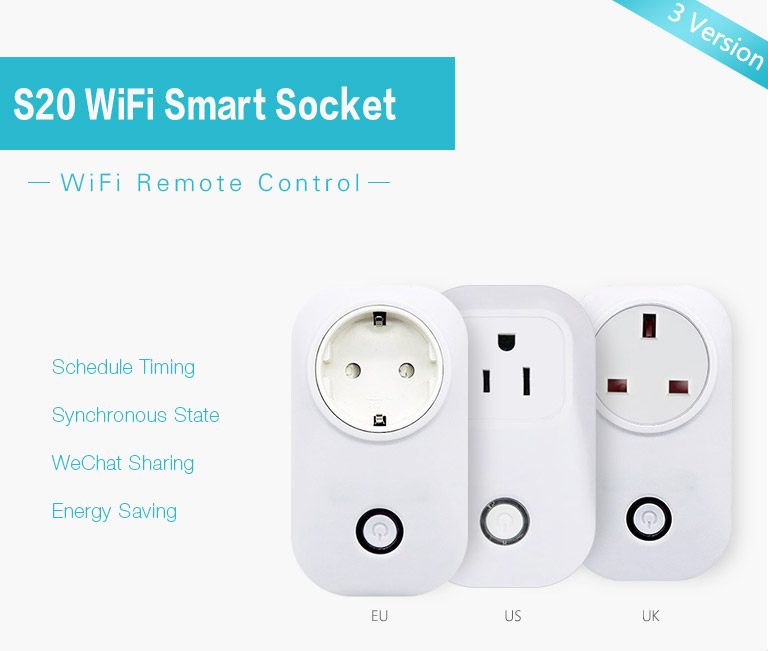
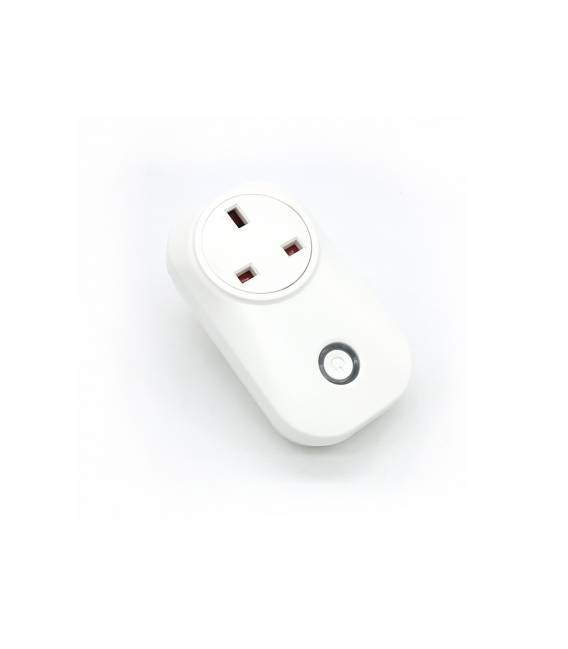
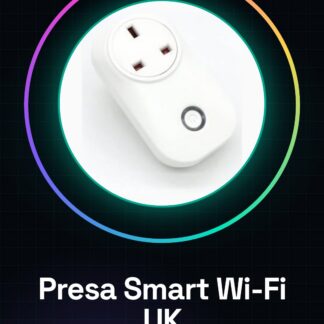
The Standard UK Smart Wi-Fi Plug with Energy Monitoring is a device that allows you to control and monitor the energy consumption of connected devices via Wi-Fi. It is compatible with voice assistants like Alexa and Google Home. Features: Compatible with Alexa and Google Home, Real-time energy monitoring, Type of plug: Standard UK, Connection: Wi-Fi What does it do? The smart plug can be configured to turn on and off devices at specific times, enabling home automation. Useful for monitoring the energy consumption of a device and optimizing its use. Tutorial: How to Use the Standard UK Smart Wi-Fi Plug with Energy Monitoring This intelligent plug allows you to control and monitor the power used by connected devices. Ideal for beginners and intermediates who want to automate their homes. What is needed? Smart Wi-Fi Plug, Wi-Fi connection, Mobile app or browser, Internet-connected device Steps: 1. Ensure the plug is compatible with your Wi-Fi network. 2. Download the dedicated app on smartphone or access the website. 3. Register an account and create a new device. 4. Follow instructions to configure the plug. 5. Connect the plug to the electrical circuit. 6. Activate the plug and check the app for status control. 7. Set scheduling rules for automation. 8. Monitor energy consumption through the app. Mini-project: Configure the plug to turn on a chandelier at 20:00 and off at 23:00. Common mistakes: Do not configure the plug with an insecure Wi-Fi network, do not connect the plug to voltage higher than 230V, do not use the app on unsupported devices, remember to save settings before exiting the app. Recommended accessories: USB charging cable, product manual, plug connection cable Frequently Asked Questions How can I check my Wi-Fi network compatibility? Check the datasheet or contact technical support. Can I use the plug with a device that does not support scheduling? Yes, you can control the state of the plug but cannot schedule it. What are the voltage limitations? Check the datasheet for voltage specifications. Can I connect multiple plugs to one network? Yes, ensure your network supports the number of devices.
Reviews
There are no reviews yet.