 EN
 IT Italiano
 ES Español
 FR Français
 DE Deutsch
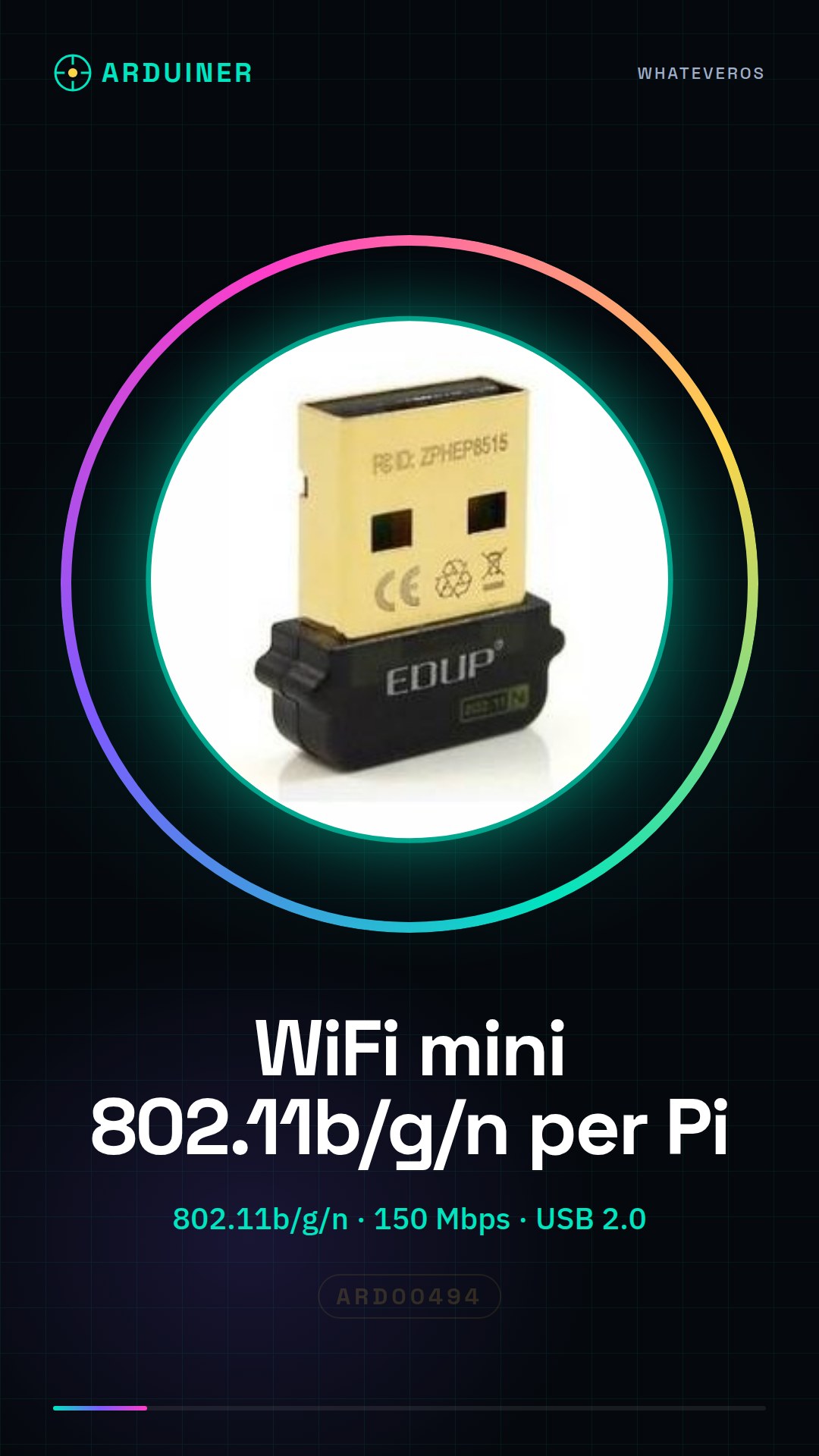
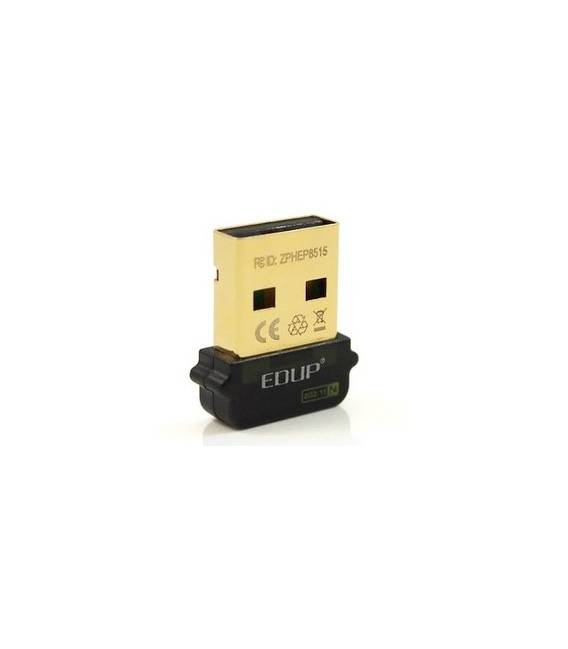
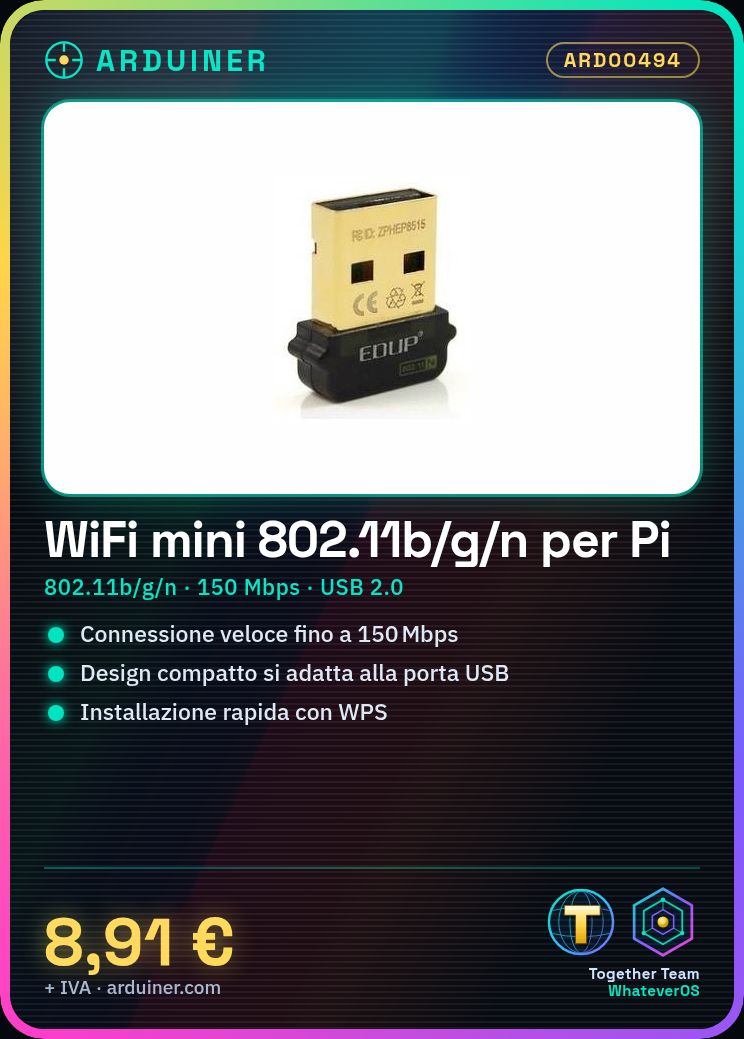
Description
Features:
* Supports standard IEEE802.11n.
* Faster transmission.
* Greater signal gain.
* Maximum proximity to the wired network.
* Lower delays in gaming and streaming.
* Features a compact and elegant design that fits your computer’s USB port with minimal protrusion, making it ideal for use on the go or in a crowded workspace.
* Includes the latest 11n technology, which provides a better wireless signal compared to the previous generation 11g.
* Adding Wireless-N to your computer offers an excellent solution for daily activities such as file transfer, web browsing, and music downloading.
Discussions:
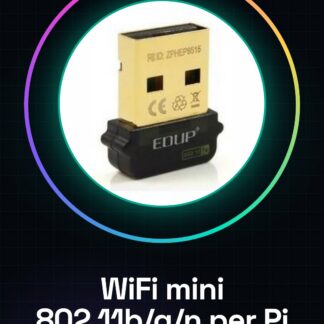
* Wireless network standard: IEEE 802.11n
* Frequency range: 2,4-2,4835 GHz
* Channel: 13
* Supported network protocol: CSMA / CA with ACK
* Transmission mode: DSSS
* Device Type: Wireless Adapter
* Operating Systems: WIN2K, XP, VISTA, WIN7, MAC, LINUX.
* Interface: USB 2.0
* Product Dimensions: 18 * 9mm
* Package Dimensions: 130 * 86 * 22mm
- MIMO technology improves data speed and range compared to existing 802.11b / g products
- Add high-speed Wireless-N (draft 802.11n) Internet access to any USB-enabled computer
- Download music and movies, browse the Internet and e-mail up to 5 times faster than the previous generation wireless networks (Wireless 802.11g )
- Provides greater coverage of Wireless-G networks for Internet access throughout the home or office
- Works with Wireless-G networks previous and Wireless-B networks
- WiFi Protected Setup (WPS) simplifies installation and operation
- Operational range up to 300 feet indoors and up to 900 feet outdoors
- Data transfer speed up to 150 Mbps (downlink) and 150 Mbps (uplink)
- Supports USB 2.0 interface , backward compatible with USB 1.1 and 1.2
- Enhanced WEP and WPA wireless security for protected Internet access
- 64-bit / 128-bit WEP (Wired Equivalent Privacy), TKIP, AES 2.400GHz ISM
- Frequency band modulation method : QPSK / BPSK / 16-QAM / 64-QAM
- Supports Ad Hoc and Infrastructure modes modes
- Supports IEEE 802.11e standard
We have the technical specifications of all components available. If not present in the product download card, send a message through the contact us module and we will publish it as soon as possible on our website.
Tutorial: Quick WiFi Installation for Raspberry Pi
Add wireless connectivity to your Raspberry Pi. Perfect for beginners.
What you need
- Raspberry Pi
- ARD00494 WiFi Module
- microSD with Raspbian installed
Steps
- Connect the WiFi module to the Raspberry Pi GPIO pins
- Insert the microSD into the Raspberry Pi and power it on
- Open an SSH terminal or access via HDMI/monitor
- Check that the system automatically recognizes the module (command lsusb)
- If necessary, install the drivers from the manufacturer’s website
- Configure WiFi network through Raspbian graphical interface
Mini project
Create a web server on Raspberry Pi with wireless access
Common mistakes
- The module is not recognized by the system
- Unstable connection or loss of network
- Installation driver difficulties
Recommended accessories
- Raspberry Pi Cases
- GPIO Connectivity Kit
- USB 5V Power Supply
- External WiFi Antenna
Frequently asked questions
How can I check if the module is recognized?
Use the lsusb command in the terminal.
What are the minimum hardware requirements to use this module?
Any model of Raspberry Pi with microSD and USB 5V Power Supply.
Reviews
There are no reviews yet.