 EN
 IT Italiano
 ES Español
 FR Français
 DE Deutsch
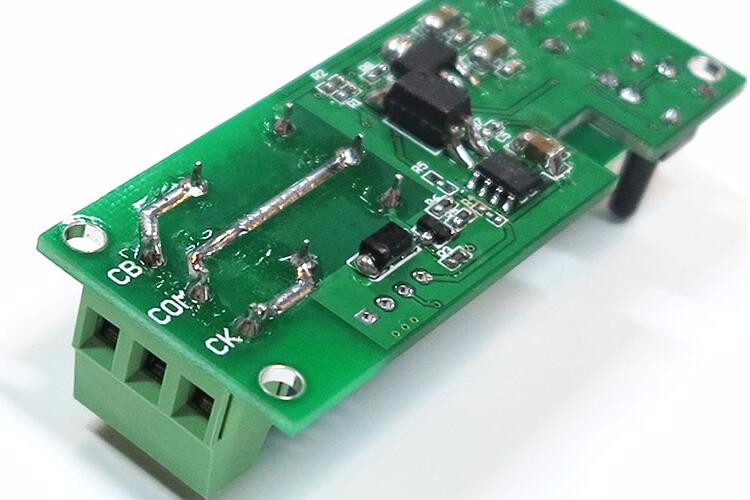
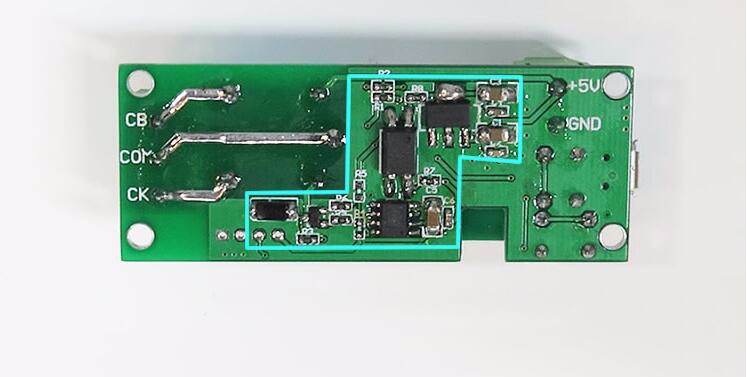
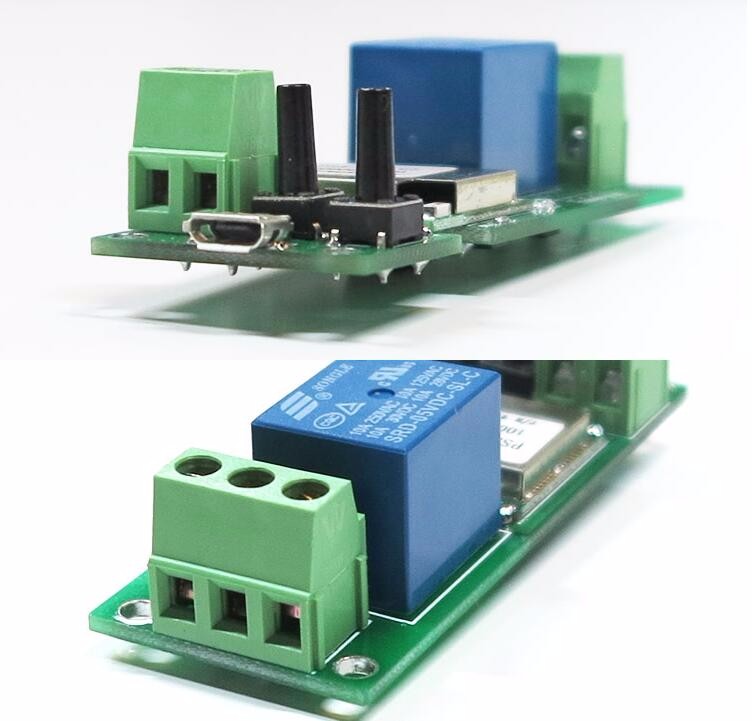
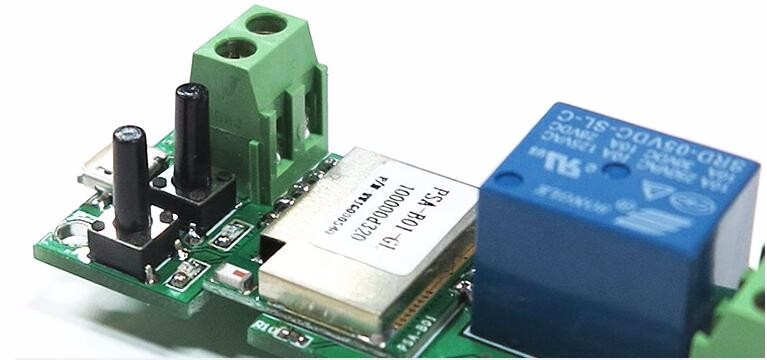
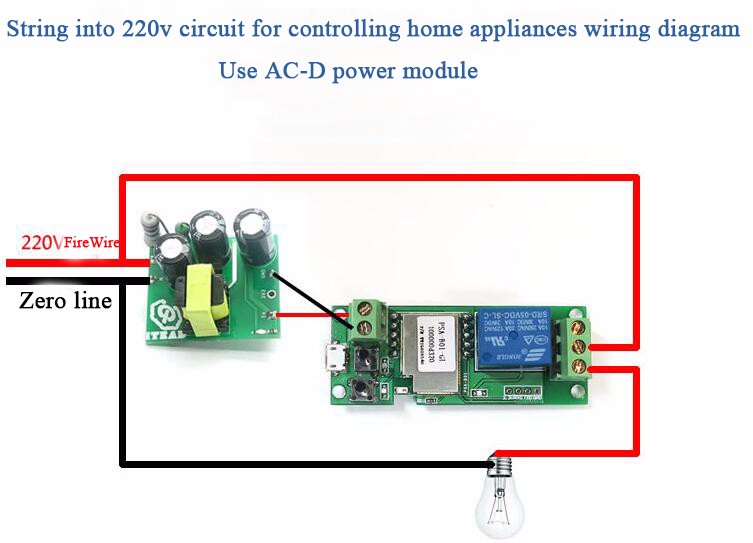
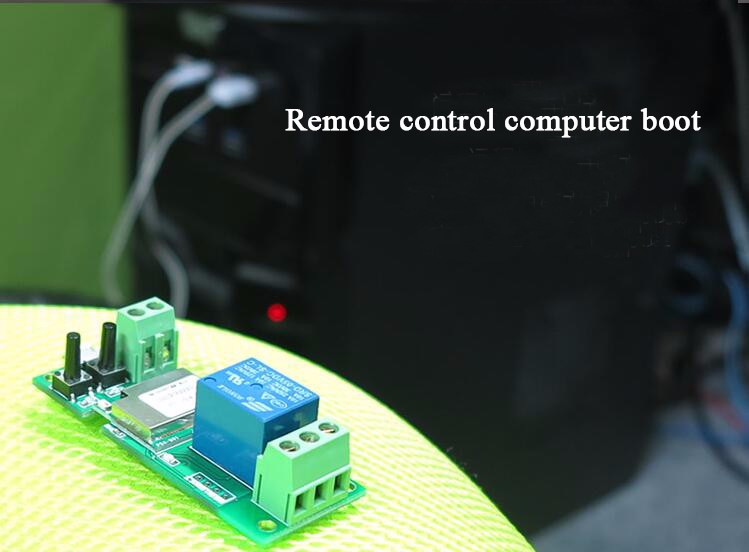
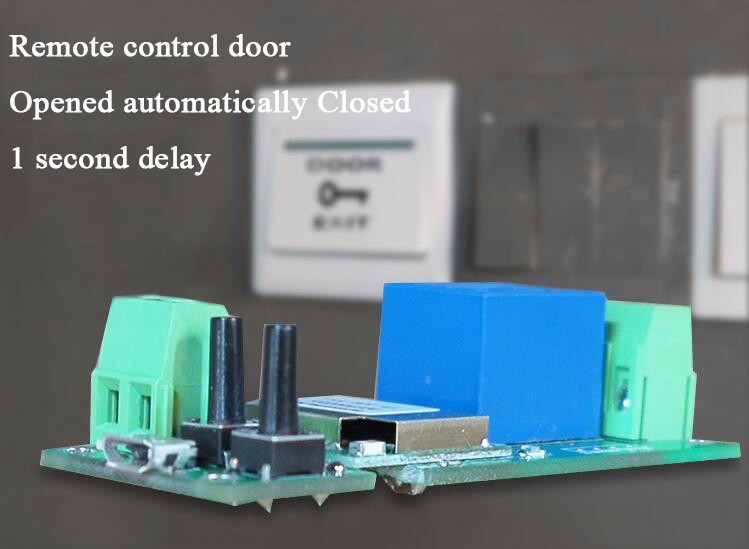
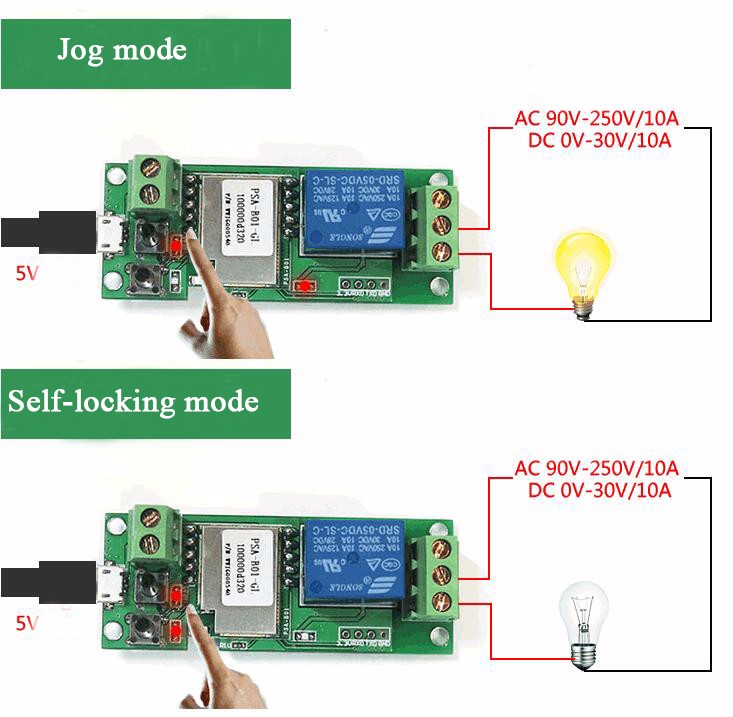
Description
What it is
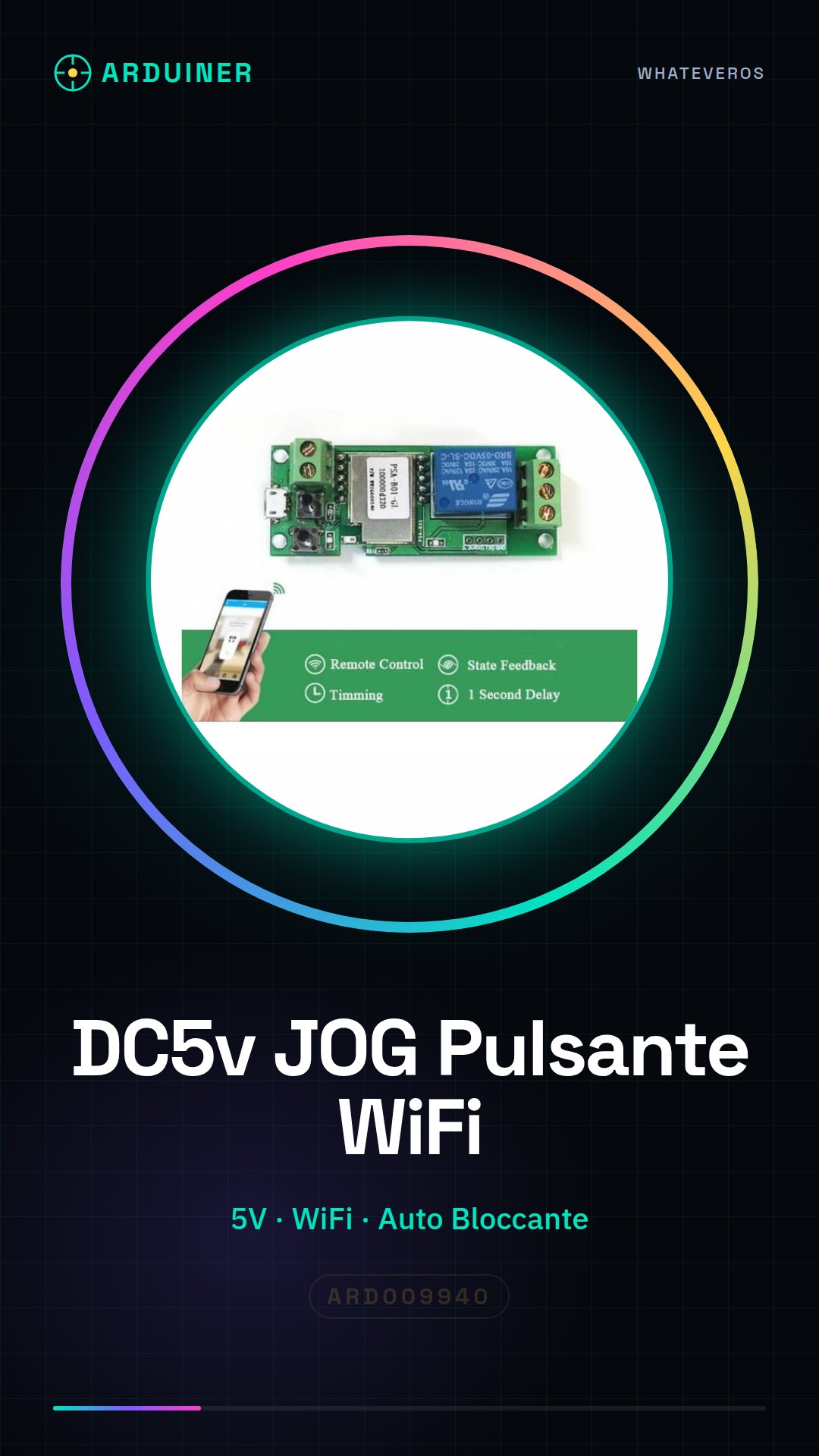
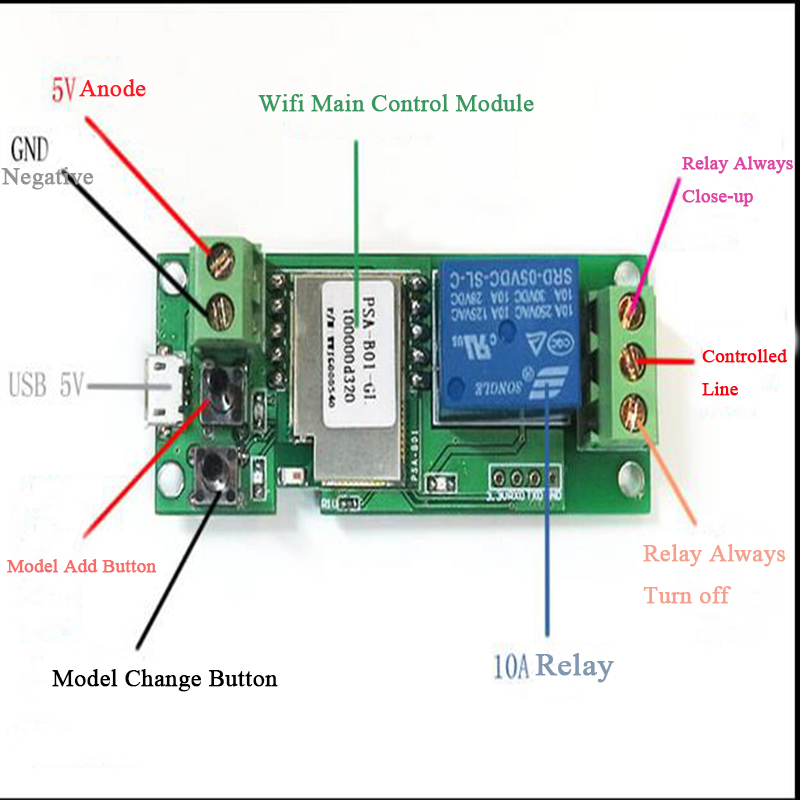
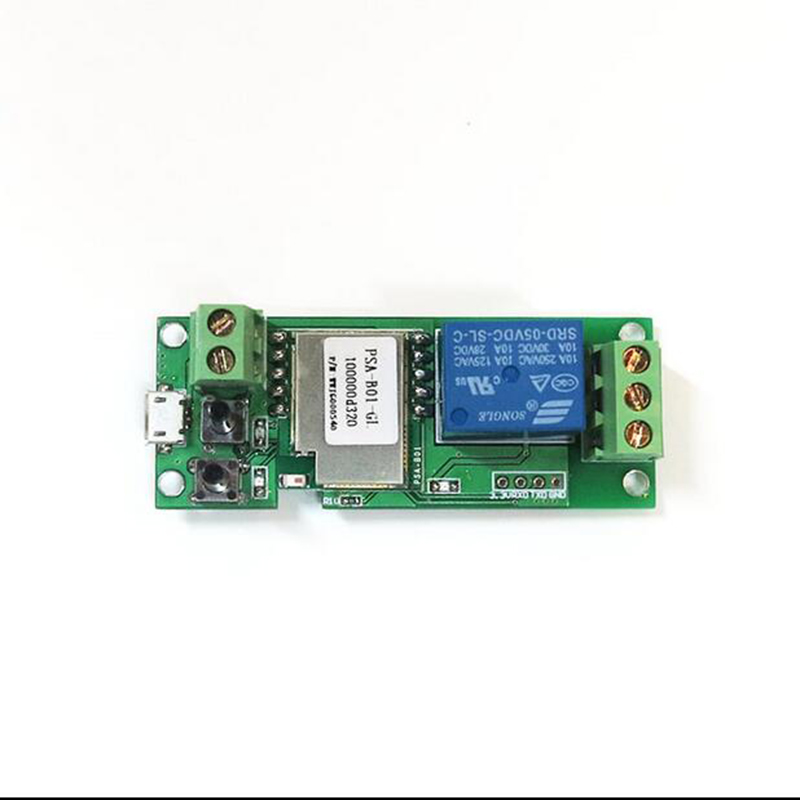
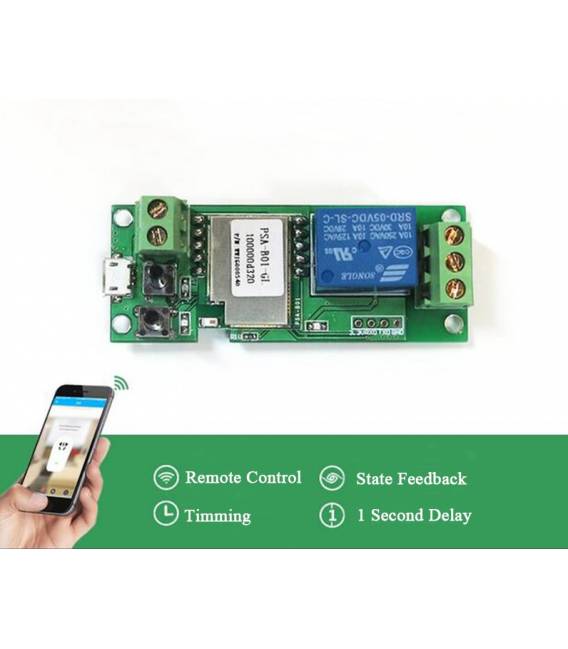
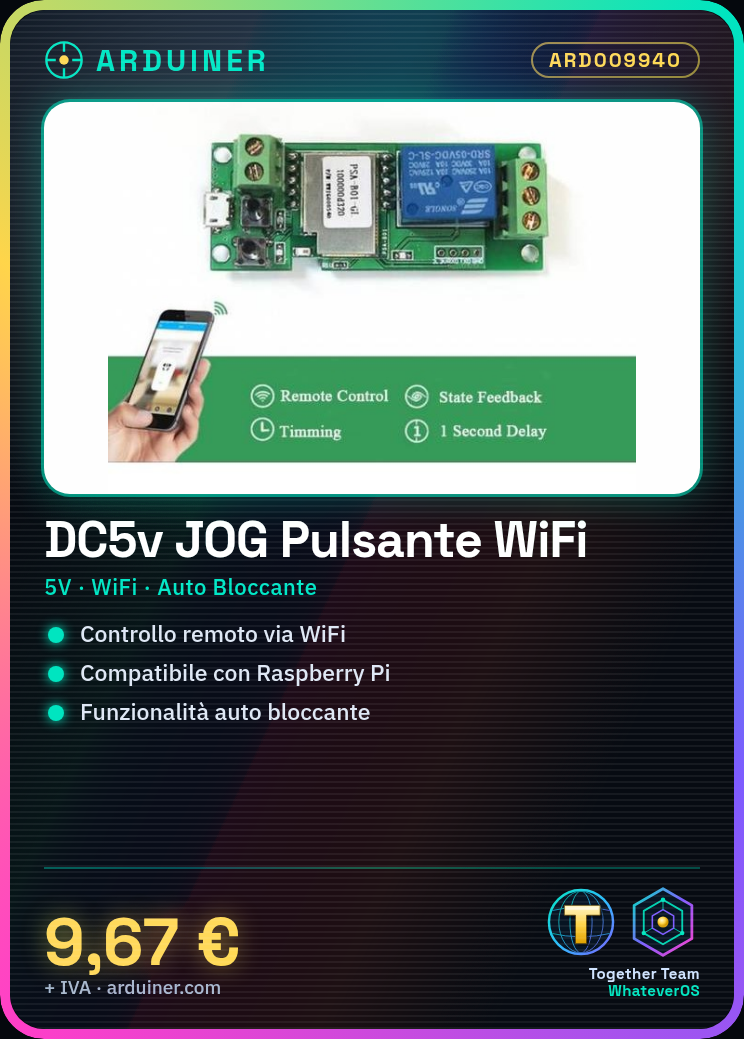
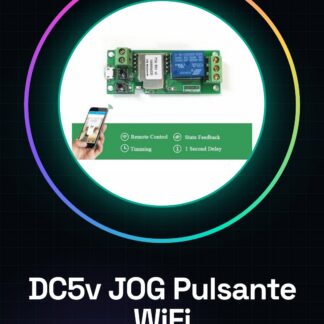
The DC5v JOG Push Button Auto-Locking Remote Control is a wireless push button designed for remote management of devices in a Smart Home environment. When connected to a platform like Raspberry Pi, it allows for remote control of devices via WiFi connection.
Features
- Operating Voltage: 5V
- Type: Auto-locking push button
- Connection: WiFi
- Compatibility: Raspberry Pi
What it is for
This push button is ideal for creating remote control systems for devices such as lights, appliances, or other components of a Smart Home. You can connect it to a Raspberry Pi and send WiFi commands to turn on/off or manage the operation of these devices remotely.
Tutorial: How to use DC5v JOG Push Button Auto-Locking Remote Control
This auto-locking push button allows for remote control of devices via WiFi, ideal for Smart Home projects.
What you need
- DC5v JOG Push Button
- Arduino or Raspberry Pi
- 5V power lead
- WiFi Shield or compatible WiFi module
Steps
- 1. Check that the button works correctly with a power test.
- 2. Connect the button to an Arduino or Raspberry Pi.
- 3. Check the power specifications on the datasheet.
- 4. Connect the button to the appropriate GPIO.
- 5. Connect the pull-up or pull-down resistor if necessary.
- 6. Configure the WiFi Shield or WiFi module.
- 7. Write the code to control the button and send WiFi signals.
- 8. Test the system to ensure everything works correctly.
Example code
```void setup() { pinMode(2, INPUT_PULLUP);}void loop() { if(digitalRead(2) == LOW) { // Invia comando WiFi per controllare dispositivo} delay(100);}```Mini project
Create a remote control system for a light. Connect the button to the Raspberry Pi and send a WiFi command to turn on/off a lamp.
Common mistakes
- Incorrect packaging of the button.
- Incorrect connection of the pull-up/pull-down resistor.
- Incorrect WiFi configuration.
- Incorrect Arduino code.
Recommended accessories
- WiFi Shield
- LED lamp
- 5V power lead
- Pull-up/pull-down resistor
Frequently asked questions
How can I test the button before connecting it?
Connect the button directly to an Arduino and verify with a voltmeter monitor.
What WiFi specifications do I need to configure?
Check the module WiFi datasheet.
Can I use another microcontroller?
Yes, but check the compatibility of power supply and interface specifications.
Does the button work with batteries?
Check the datasheet for battery compatibility.

Reviews
There are no reviews yet.