 EN
 IT Italiano
 ES Español
 FR Français
 DE Deutsch
Description
What it is
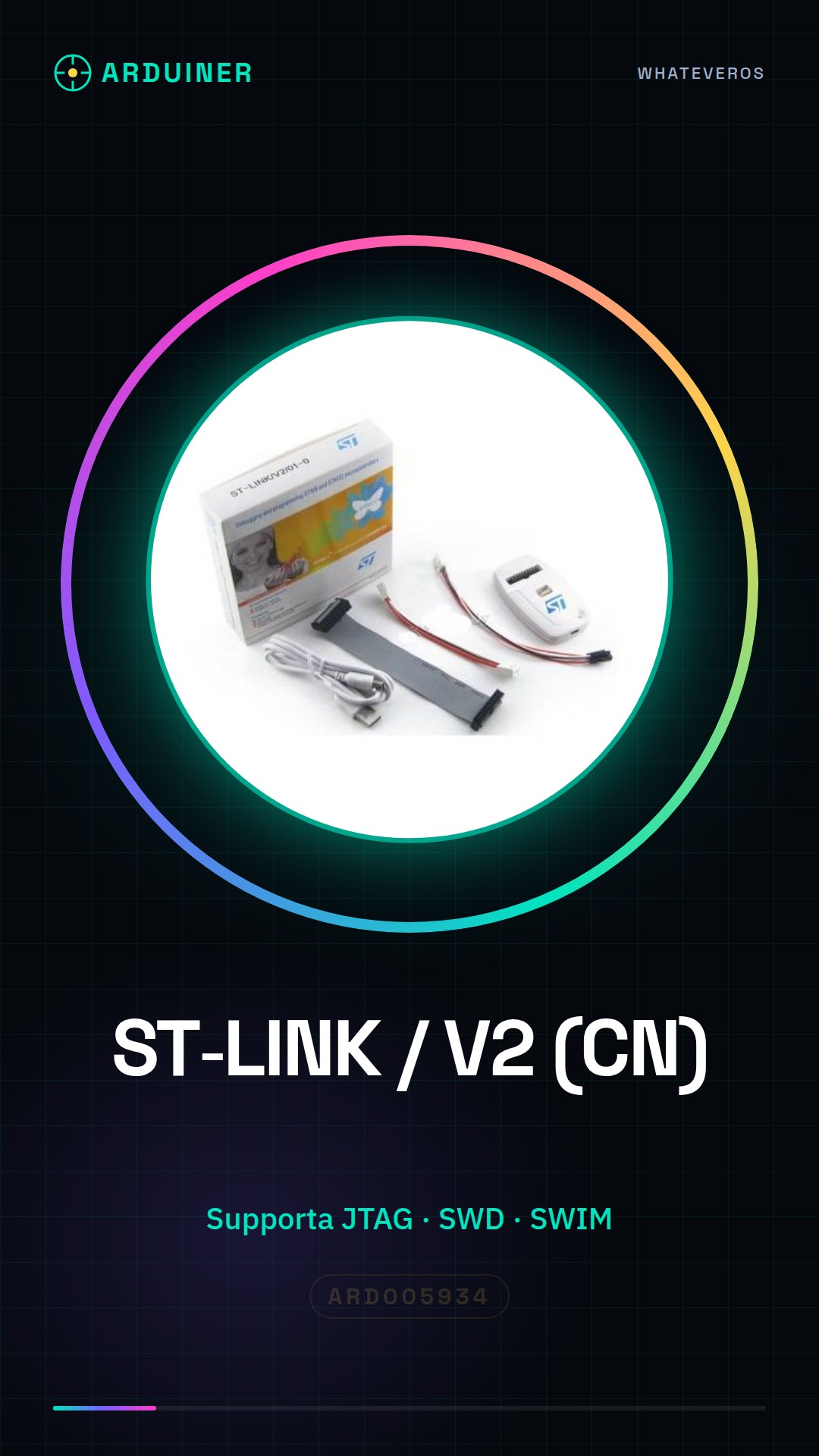
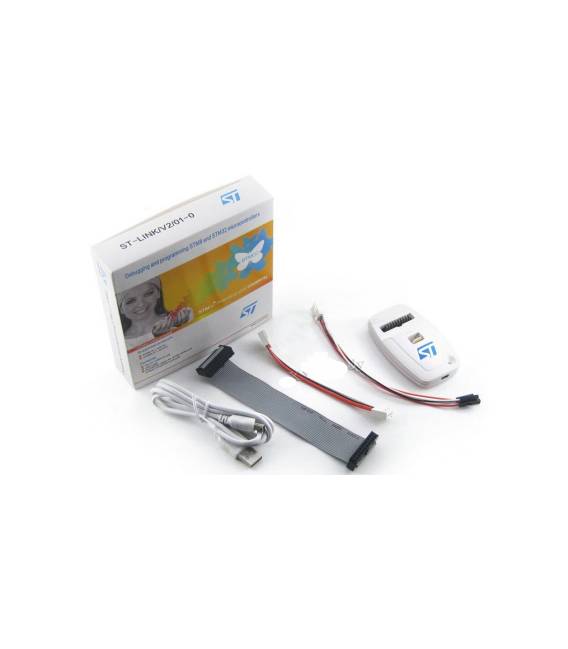
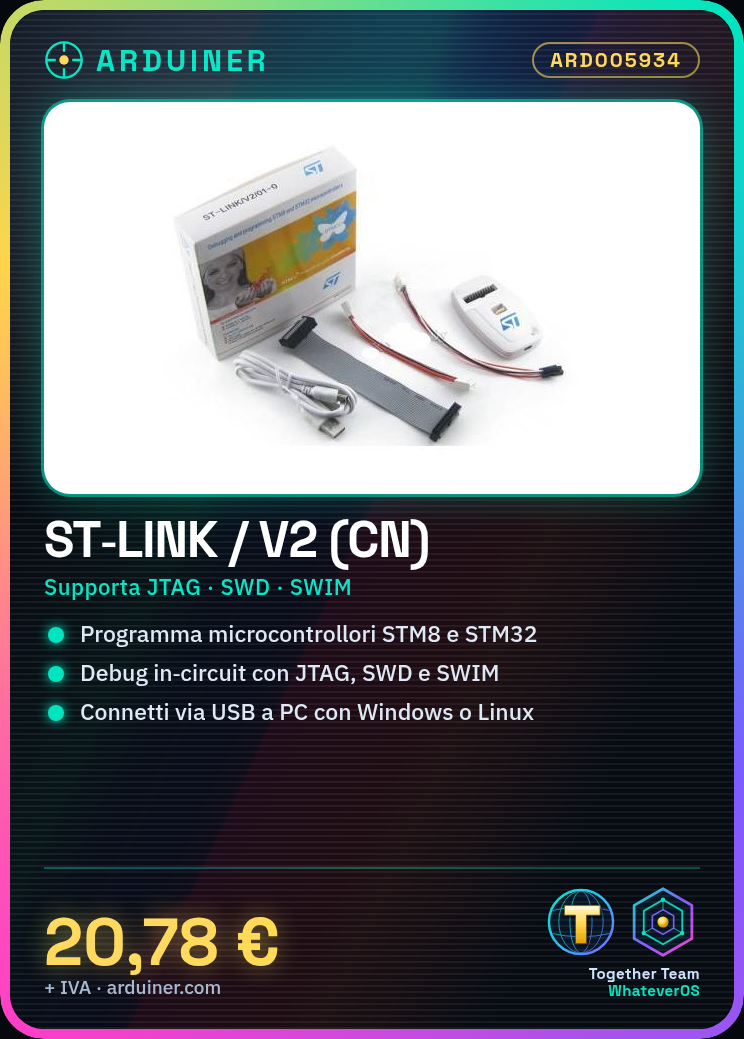
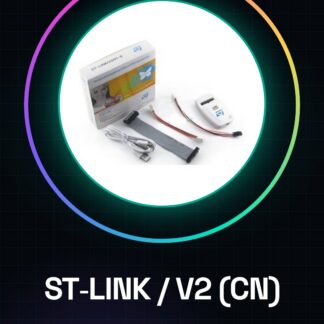
The ST-LINK / V2 (CN version) is a debugger and programmer for STM8 and STM32 microcontrollers. It is used to configure, program, and debug projects that use these microcontrollers.
Features
- Supports JTAG, SWD, and SWIM
- In-circuit debugger for STM8 and STM32
What it is for
Used to program and debug Arduino or other projects that use STM8 and STM32 microcontrollers. Allows for quick configuration and programming of a project, such as an RGB LED controlled by an STM32 microcontroller.
Tutorial: How to use ST-LINK / V2 (CN version) Debugger
The ST-LINK / V2 is an in-circuit debugger for STM8 and STM32 microcontrollers. It is used to program and debug your Arduino projects with these microcontrollers, making the process easier and faster.
What you need
- ST-LINK / V2
- Computer with Windows or Linux
- USB drivers installed
- STM32CubeMX or ST-Link Utility IDE
Steps
- Install the ST-LINK / V2 USB drivers from the official STMicroelectronics website.
- Connect the ST-LINK / V2 to the computer via USB and verify that it is recognized correctly.
- Open the STM32CubeMX or ST-Link Utility IDE to configure communication with the microcontroller.
- Select debug settings such as JTAG, SWD, or SWIM based on your project specifications and the microcontroller datasheet.
- Load the source code into the microcontroller via the configured IDE.
- Verify that the debugger is functioning correctly by checking the debug settings in the IDE.
Mini project
Configure and program an RGB LED bullet using an STM32 microcontroller with ST-LINK / V2 in less than 30 minutes.
Common mistakes
- The USB driver has not been installed correctly, the computer does not recognize the hardware.
- The debug settings in the microcontroller datasheet have been ignored or misconfigured.
- The IDE used does not support the debug features necessary for ST-LINK / V2.
- The source code has been uploaded correctly but the project does not work as expected.
Recommended accessories
- STM32 Microcontrollers
- RGB LEDs
- Variable resistors to adjust the light intensity
- Universal connection cables
Frequently asked questions
Where can I find the USB drivers for ST-LINK / V2?
The drivers are available on the official STMicroelectronics website.
Which IDE do you recommend using with ST-LINK / V2?
We recommend using the STM32CubeMX IDE or ST-Link Utility, both support the necessary debug features.
Reviews
There are no reviews yet.