 EN
 IT Italiano
 ES Español
 FR Français
 DE Deutsch
Description
What it is
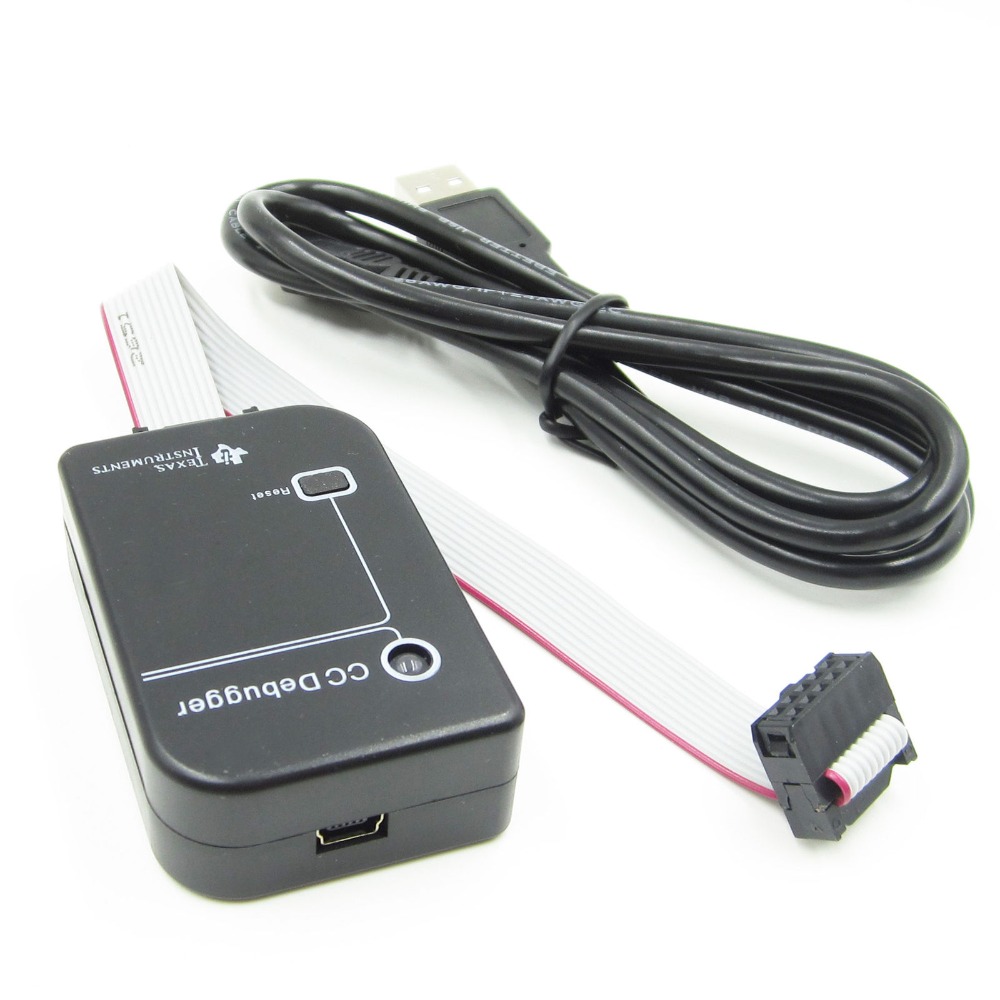
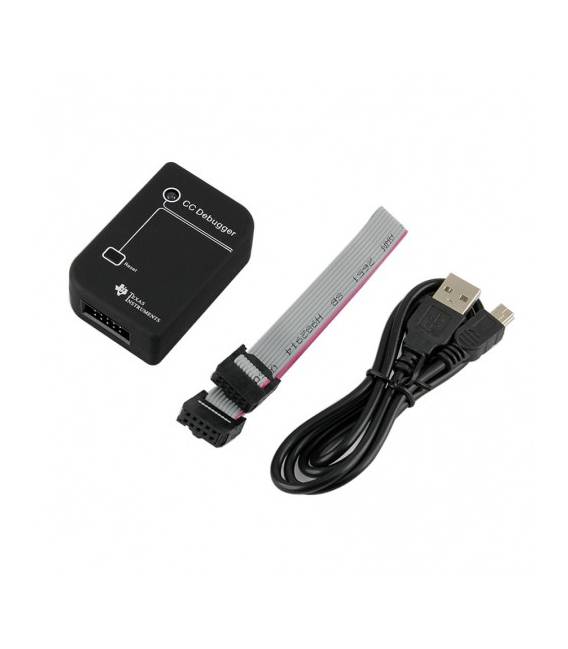
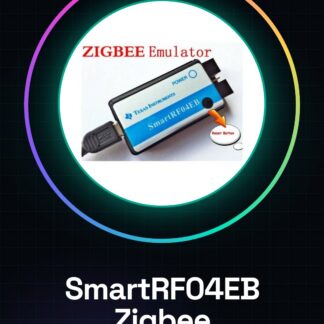
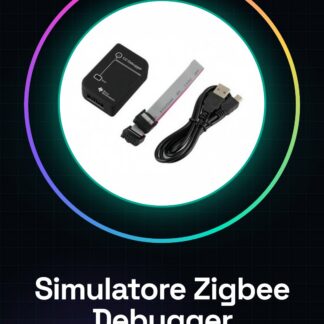
The Bluetooth Zigbee Simulator Emulator CC debugger is a tool for developing and debugging Zigbee protocols on ATmega microcontrollers. It allows you to test and debug Zigbee devices 2540, 2541, 2530 directly from your computer.
Features
- Bluetooth and Zigbee Simulation
- CC Protocol Debugger
- Compatible with ATmega microcontrollers 2540, 2541, 2530
- SKU: ARD007793
- Price: 19.98 €
What it is for
This component is useful for programmers and makers working with Zigbee protocols. You can use it to create a simple Zigbee device that sends a test message when it connects. The configuration and use are simple and can be completed in 30 minutes.
Tutorial: How to use Simulator Emulator CC Debugger
This component helps you test and debug Zigbee devices 2540, 2541, 2530 directly from your computer. Useful for programmers and makers working with Zigbee protocols.
What you need
- PC with Windows or macOS
- Arduino IDE
- Zigbee Device 2540, 2541, 2530
Steps
- 1. Download and install Arduino IDE.
- 2. Connect the Zigbee device to the PC.
- 3. Check the datasheet for the correct Zigbee protocol.
- 4. Create a new sketch in Arduino IDE.
- 5. Write the example code for the Zigbee device.
- 6. Upload the code to the Zigbee device.
- 7. Start the CC Debugger Emulator Simulator.
- 8. Verify communication between Arduino and Zigbee device.
Example code
void setup() {}
void loop() {}
Mini project
Create a simple Zigbee device that sends a test message when it connects. Complete in 30 minutes.
Common mistakes
- Forget to connect the Zigbee device.
- Write incorrect Arduino code.
- Fail to start the CC Debugger Emulator Simulator.
- Use a Zigbee protocol different from the one specified.
Recommended accessories
- USB cable
- Arduino Uno
- Zigbee Device 2540
- Zigbee Device Datasheet
Frequently asked questions
How do I connect to the Zigbee device?
Connect the Zigbee device to your PC using a USB cable.
Which Zigbee protocols does it support?
It supports Zigbee protocols 2540, 2541, 2530. Check the datasheet for further details.
Can I use this with Arduino Mega?
Yes, but check compatibility on the datasheet.
Does the CC Debugger Emulator Simulator require regular updates?
No, it is a stable software that does not require updates.
Reviews
There are no reviews yet.