 EN
 IT Italiano
 ES Español
 FR Français
 DE Deutsch
Description
What it is
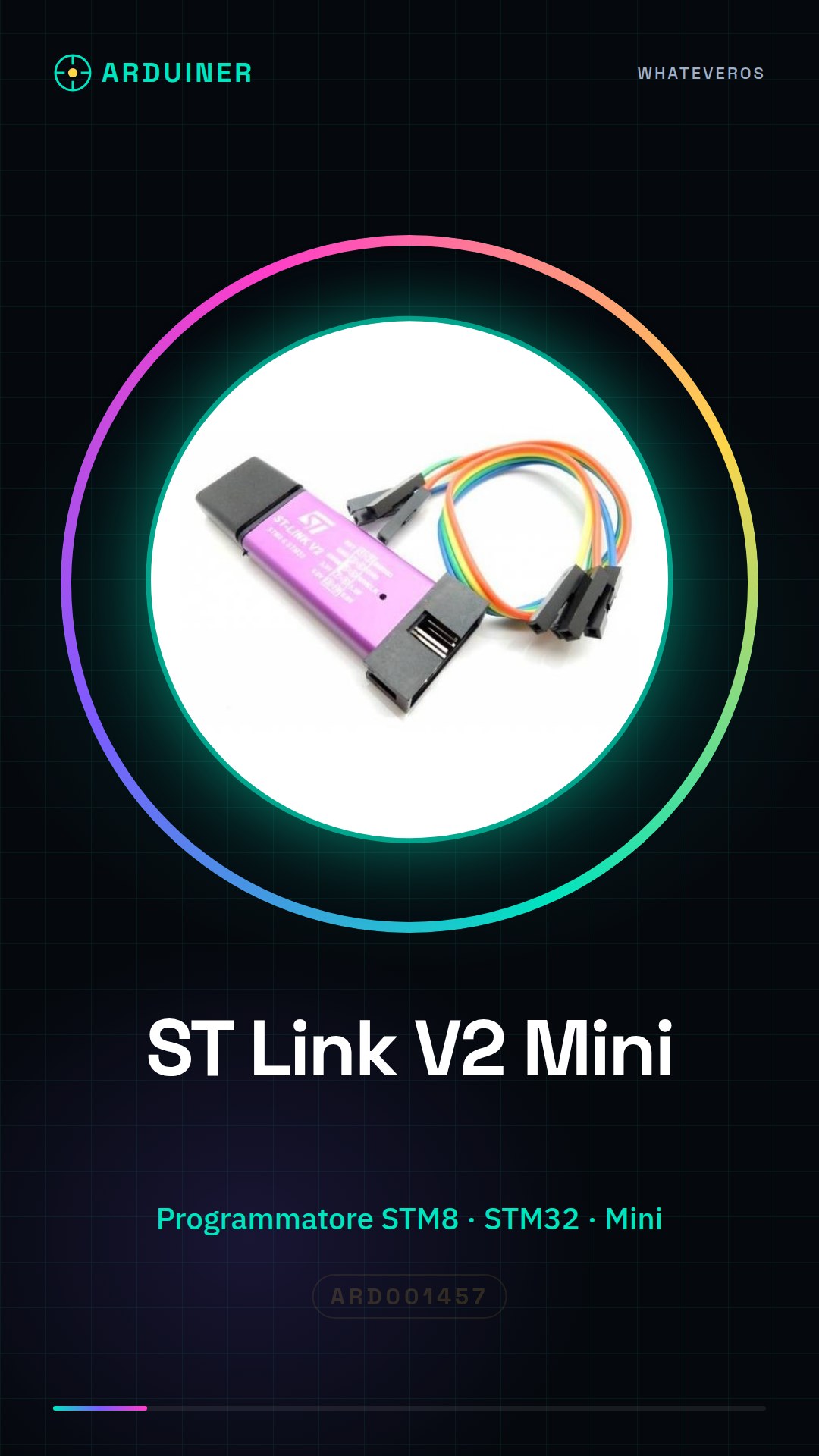
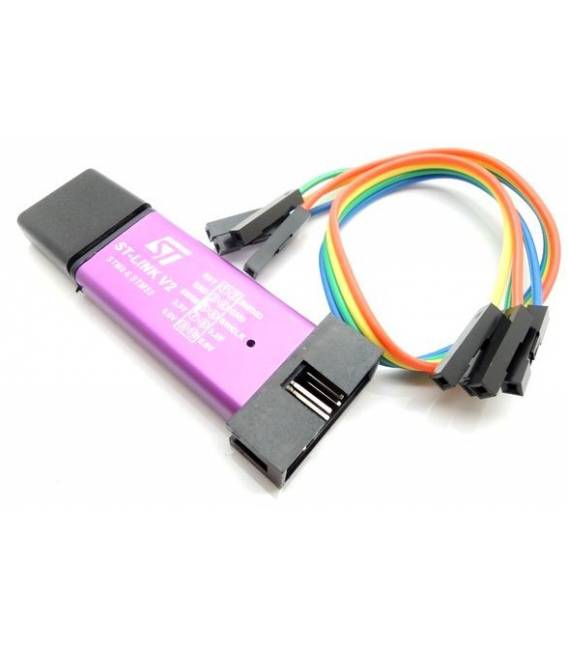
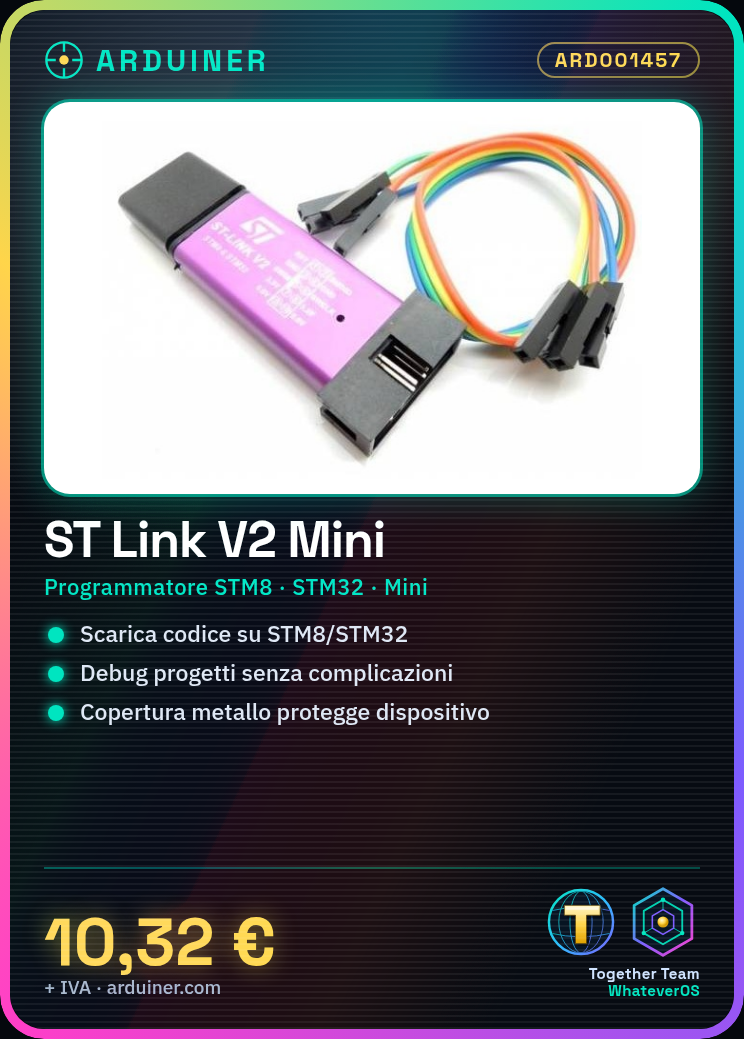
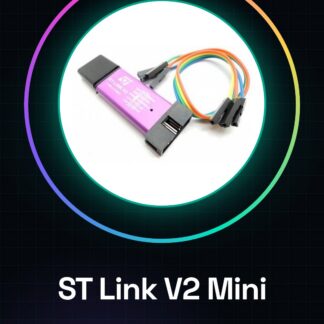
The ST Link V2 Mini is a small essential tool for developers and makers working with STM8 and STM32 microcontrollers. This programmer emulator allows you to download code, debug, and simulate your projects without complications.
Features
- Programmer for STM8 and STM32 microcontrollers
- Miniaturized for ease of use and transport
- Metal casing for protection
What it is for
The ST Link V2 Mini is used to download code and debug projects on STM8 and STM32 microcontrollers. It is ideal for projects such as small light-controlled devices using STM32.
Tutorial: How to use ST Link V2 Mini Programmer Emulator Downloader
The ST Link V2 is an essential tool for developers and makers working with STM8 and STM32 microcontrollers. This small but powerful programmer allows you to download code, debug, and simulate your projects without complications.
What you need
- Computers with Windows or Linux
- ST Link V2 driver (check the datasheet)
- STM8/STM32 project
Steps
- Install the device drivers from the STMicroelectronics website.
- Connect the ST Link V2 to the computer via USB.
- Open the corresponding microcontroller IDE (STMCube, IAR Embedded Workbench).
- Configure the serial port and microcontroller type in the development software.
- Compile the source code to generate the binary file to be downloaded.
- Connect your STM8/STM32 project to the ST Link V2 following the datasheet diagrams.
- Download the binary file onto the microcontroller via the IDE.
- Ensure everything works correctly and proceed with debugging (check the datasheet).
Mini project
Create a small light-up projectile controlled by STM32 using the ST Link V2 to download the code.
Common mistakes
- USB device not recognized.
- The microcontroller does not respond during debugging.
- Source code compilation error.
- Issues with identifying the serial port in the development software.
Recommended accessories
- STM32 Nucleo Board
- STM8/STM32 Prototyping Kit
- STMCube Development Software
- LiPo Battery and Protection
Frequently asked questions
How can I know which driver to install?
Visit the official STMicroelectronics website and download the specific drivers for your operating system version.
My microcontroller is not responding.
Check all physical connections and verify that the settings in the software are correct (microcontroller type, serial port).
Reviews
There are no reviews yet.