 EN
 IT Italiano
 ES Español
 FR Français
 DE Deutsch
Description
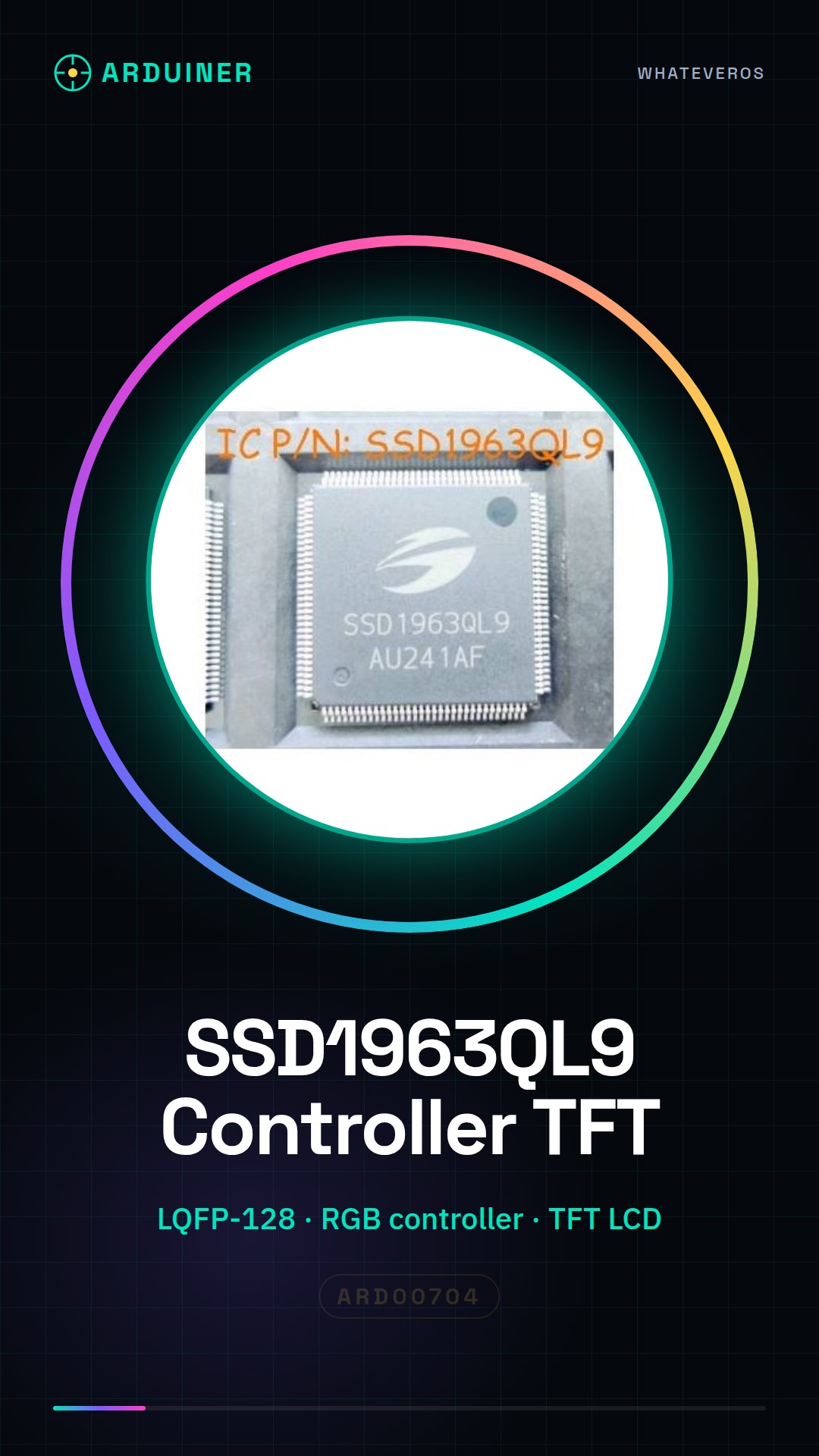
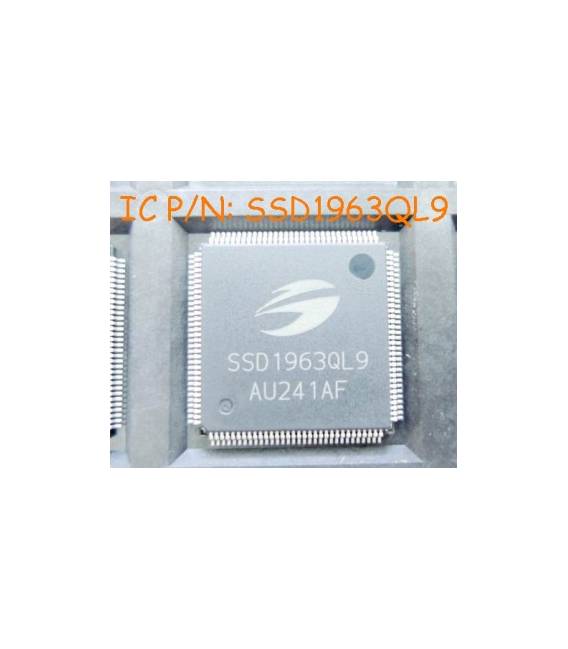
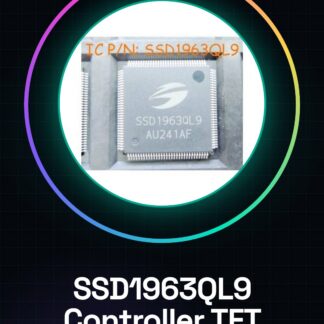
SSD1963QL9 LQFP-128 a display controller.
Tutorial: How to use SSD1963QL9 Controller MCU RGB Module Display TFT CLD IC Circuits
The SSD1963QL9 module is a TFT LCD controller with RGB control features, ideal for projects requiring high-resolution graphic displays. It is particularly useful for makers and developers who want to add color screens to their Arduino or similar microcontroller devices.
What you need
- Arduino Uno/Nano
- USB cable
- Pull-up resistors
- Display connector
Steps
- Connect the SSD1963QL9 module to the Arduino microcontroller using the pins specified in the module’s datasheet.
- Check the correct connection of the signals VCC, GND, SCLK, MOSI, MISO and CS.
- Download and install the TFT_ILI9341 or similar library for display control.
- Write an Arduino sketch that initializes the SSD1963QL9 module and tests basic functionalities such as drawing rectangles, lines, and text.
- Check the datasheet for correct RGB control configuration.
- Test the user interface by creating a simple menu with virtual buttons.
- Add advanced features such as animations and transparencies if necessary.
- Verify that the display responds correctly to all commands sent by the microcontroller.
Example code
// Esempio di codice base
#include <TFT_ILI9341.h>
// Inizializza il display
TFT_ILI9341 tft = TFT_ILI9341(TFT_CS, TFT_DC);
void setup() {
  tft.begin();
  tft.fillScreen(TFT_BLACK);
  tft.setTextColor(TFT_WHITE);
  tft.setTextSize(2);
  tft.setCursor(50, 50);
  tft.print("Benvenuto!");
}
void loop() {
}
Mini project
Create a temperature display that shows data read from a DS18B20 sensor on a TFT SSD1963QL9 screen. The project should take approximately 30 minutes to complete.
Common mistakes
- Display malfunction due to incorrect or unstable connections.
- Screen resolution issues.
- RGB configuration error preventing correct color display.
- Difficulty in finding the right library for controlling the display.
Recommended accessories
- Arduino Uno
- Temperature Sensor DS18B20
- 4.7kΩ Pull-up Resistors
- LCD Connection
Frequently asked questions
What is the maximum resolution supported?
Check the datasheet to obtain the resolution specifications.
How can I add touch control to the display?
Add a compatible touchscreen sensor and configure the SSD1963QL9 module with the appropriate library.
Reviews
There are no reviews yet.