 EN
 IT Italiano
 ES Español
 FR Français
 DE Deutsch
Description
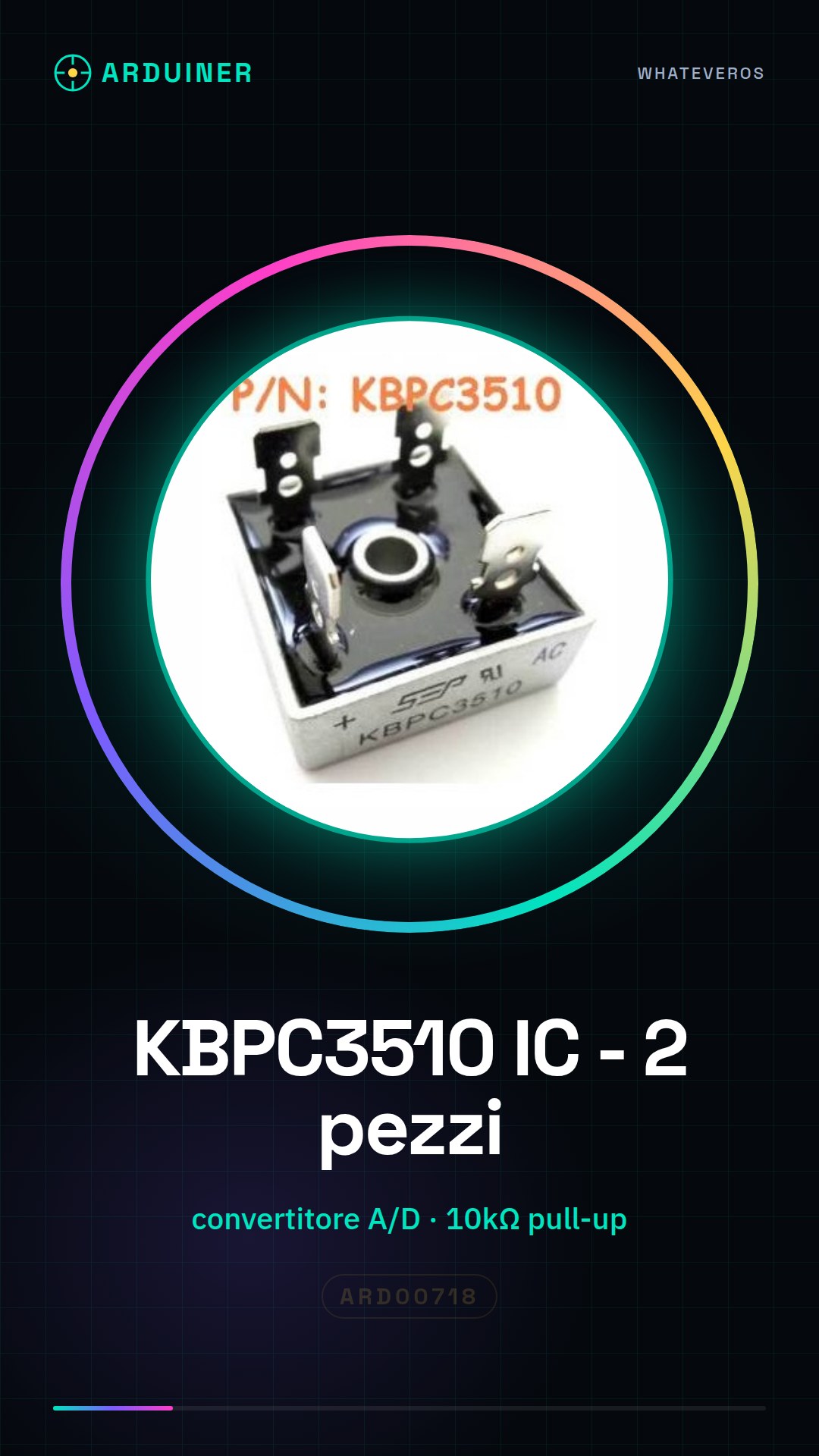
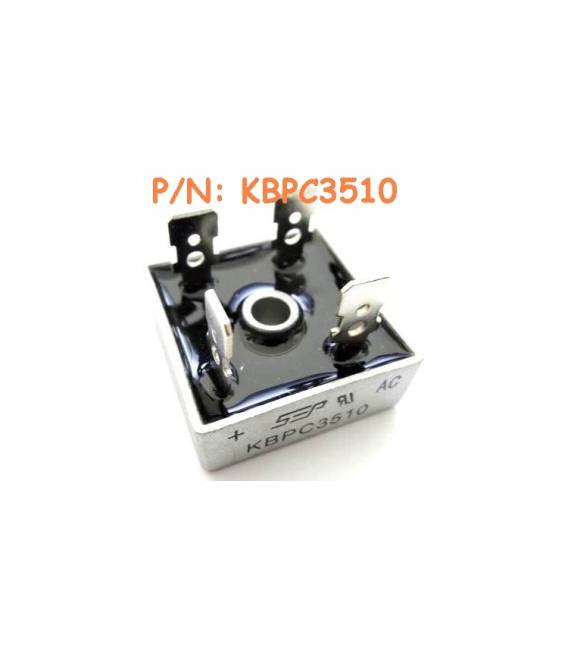
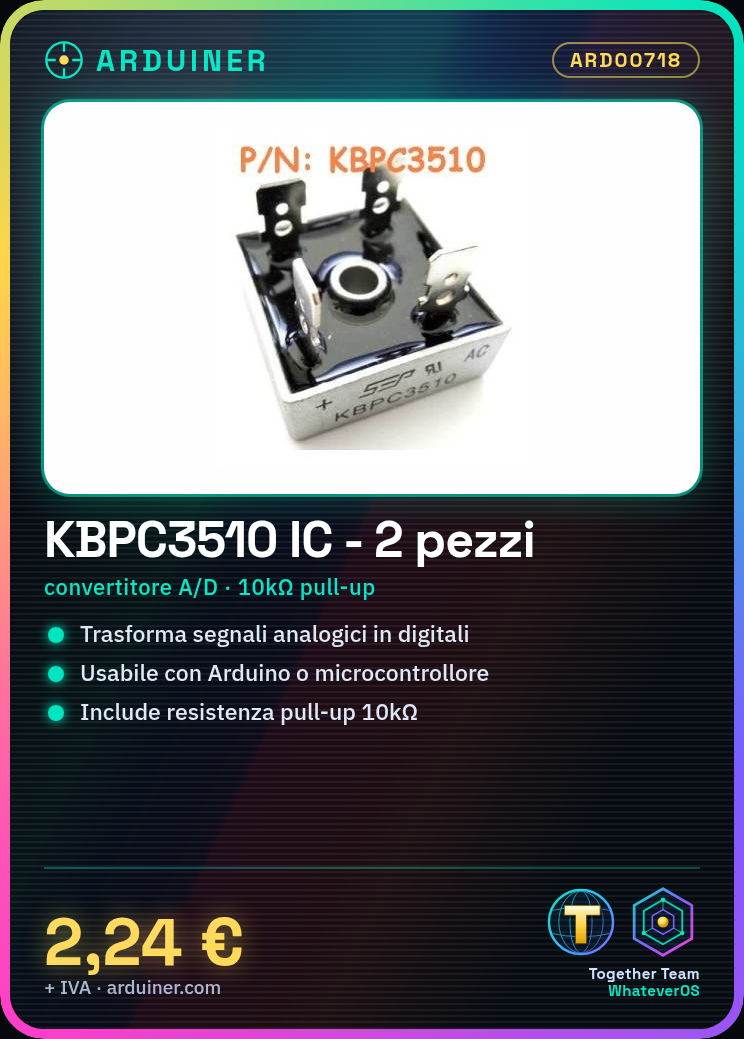
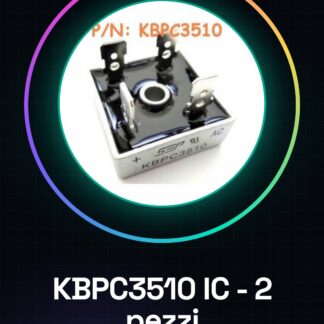
2PCS KBPC3510 IC Integrated Circuits
Tutorial: How to Use 2 Pieces KBPC3510 IC Integrated Circuits
The KBPC3510 is an analog-to-digital converter used to measure analog values and convert them into digital signals. It is useful for projects requiring accurate measurements.
What you need
- 2 pieces KBPC3510 IC Integrated Circuits
- Arduino or compatible microcontroller
- 10kΩ resistor
- Test lead
Steps
- Check the datasheet for the specifications of the KBPC3510.
- Connect the VCC of the KBPC3510 to the VCC of the microcontroller.
- Connect the GND of the KBPC3510 to the GND of the microcontroller.
- Connect the SDA pin of the KBPC3510 to the SDA pin of the microcontroller.
- Connect the SCL pin of the KBPC3510 to the SCL pin of the microcontroller.
- Connect a 10kΩ resistor between SDA and SCL.
- Upload the code to an Arduino.
- Verify the data with the serial monitor.
Example code
void loop() {
  int value = analogRead(A0);
  Serial.println(value);
}
Mini project
Create a simple digital thermometer using a temperature sensor and the KBPC3510.
Common mistakes
- Do not verify specifications on the datasheet.
- Connect VCC and GND correctly.
- Omit the 10kΩ pull-up resistor between SDA and SCL.
- Forget to verify data with the serial monitor.
Recommended accessories
- DS18B20 Temperature Sensor
- 16×2 LCD Display
- 10kΩ Pull-up Resistor
- Test Lead
Frequently asked questions
How can I verify data on a digital thermometer?
Use the serial monitor to display values analyzed by KBPC3510.
Which resistors can I use as pull-up resistors?
Any resistor between 1kΩ and 10kΩ is suitable.
Can the KBPC3510 work with a 3.3V microcontroller?
Yes, but verify specifications on the datasheet for maximum values.
Which sensors can I connect to the KBPC3510?
Any analog sensor, such as temperature or pressure sensors.
Reviews
There are no reviews yet.