 EN
 IT Italiano
 ES Español
 FR Français
 DE Deutsch
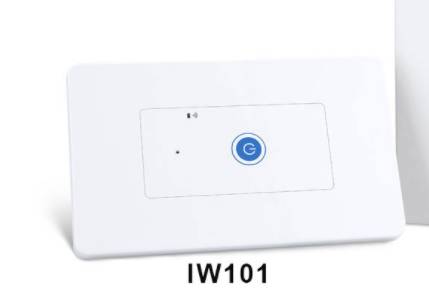
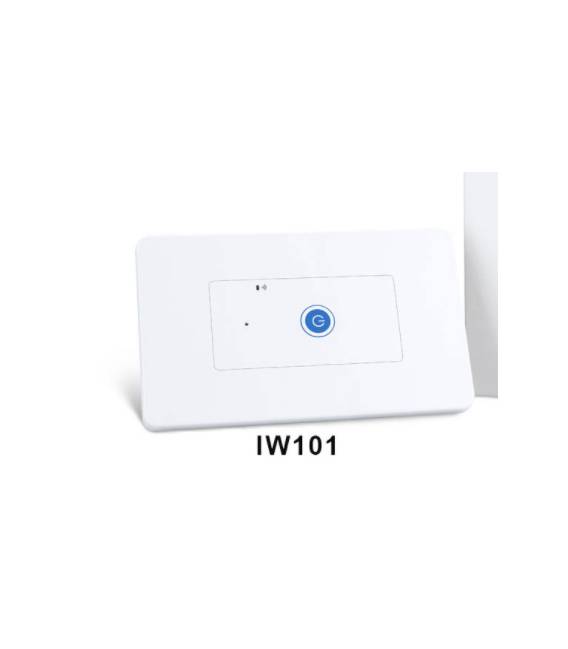
Description
What it is
The SONOFF IW101 is a smart Wi-Fi wall switch that allows you to control lights and appliances remotely via smartphone or tablet. Ideal for standard US installations.
Features
- Compatibility: Standard US
- Connection: Wi-Fi
- Remote control: via Tuya Smart app
- SKU: ARD0011539
- Price: 23.42 €
What it is for
The IW101 enables the automation of light on/off, creating personalized lighting scenarios. It can also be used to control other appliances compatible with standard US voltage. Compatibility with the Tuya Smart app allows remote control from anywhere with internet connection.
Tutorial: How to use SONOFF IW101 Smart Wi-Fi Wall Switch
The SONOFF IW101 is a smart wall switch that allows you to control lights and appliances from any internet-connected device. Ideal for beginners and experts looking to automate their home.
What you need
- SONOFF IW101
- Wi-Fi Connection
- Tuya Smart App
- Drill Tool
- Power Cable
- Light to Control
Steps
- Download the Tuya Smart app from your smartphone’s app store.
- Follow the app instructions to connect the wall switch to your Wi-Fi account.
- Install the SONOFF IW101 on the wall using the provided drill tool.
- Connect the wall switch to the electrical circuit.
- Connect the light or appliance you want to control to the switch.
- Configure the switch through the Tuya Smart app.
- Try controlling the light or appliance through the app.
- Check that the switch responds correctly to received commands.
Mini project
Create an intelligent lighting system by connecting multiple SONOFF IW101 wall switches and controlling them via the Tuya Smart app.
Common mistakes
- I am unable to connect the wall switch to Wi-Fi.
- The app does not detect the installed switch.
- I am unable to control the light/appliance.
- The switch does not respond to received commands.
Recommended accessories
- SONOFF Power Strip
- SONOFF S20 Smart Switch
- Home motion sensors
- Electrical protection kit
Frequently asked questions
How can I configure the switch?
Follow the instructions in the user manual or the Tuya Smart app.
The switch does not respond to commands.
Check the Wi-Fi connection and app configuration.
Can I control multiple devices?
Yes, you can connect multiple devices and control them all via the app.



Reviews
There are no reviews yet.