 EN
 IT Italiano
 ES Español
 FR Français
 DE Deutsch
Description
What it is
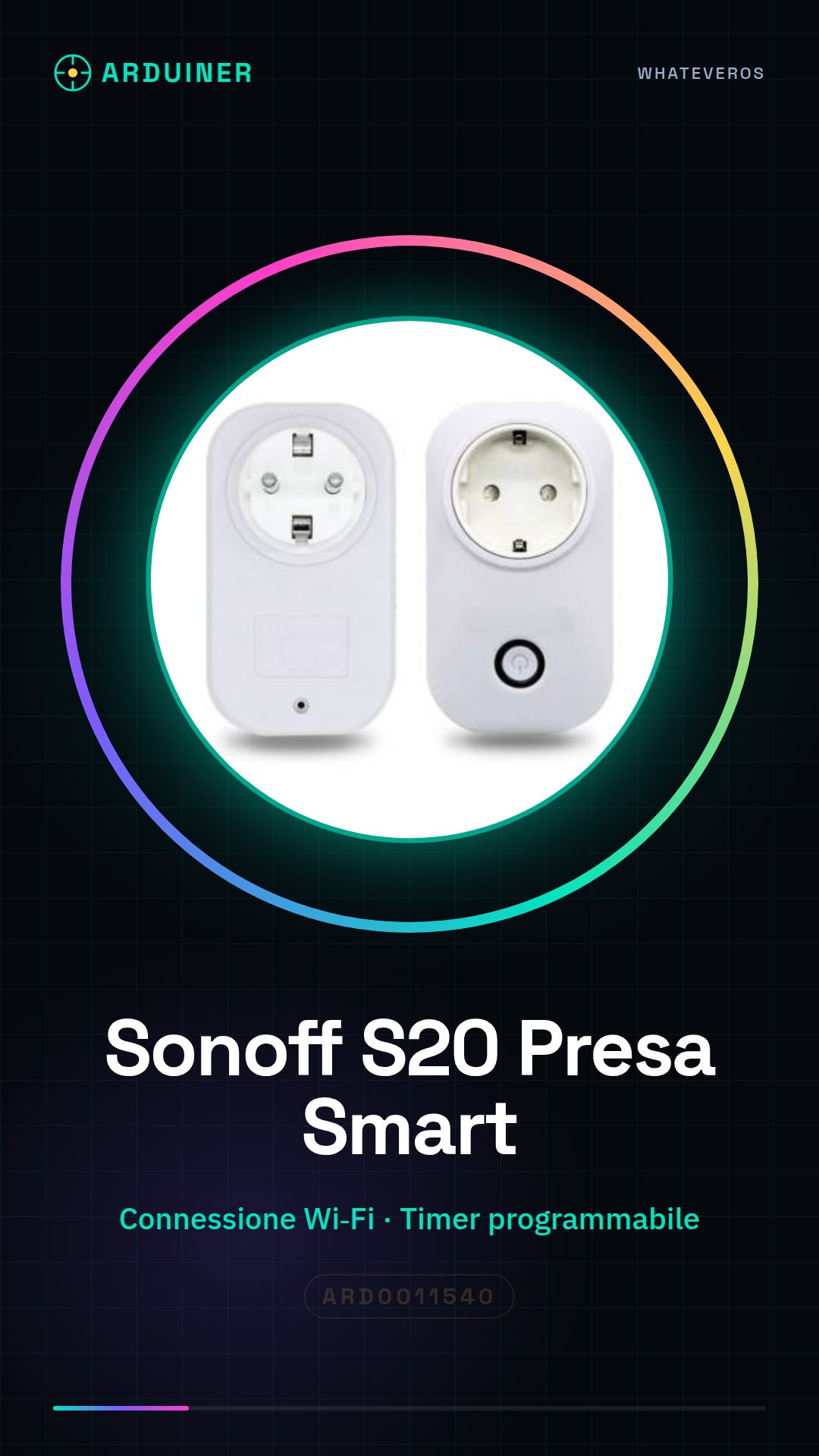
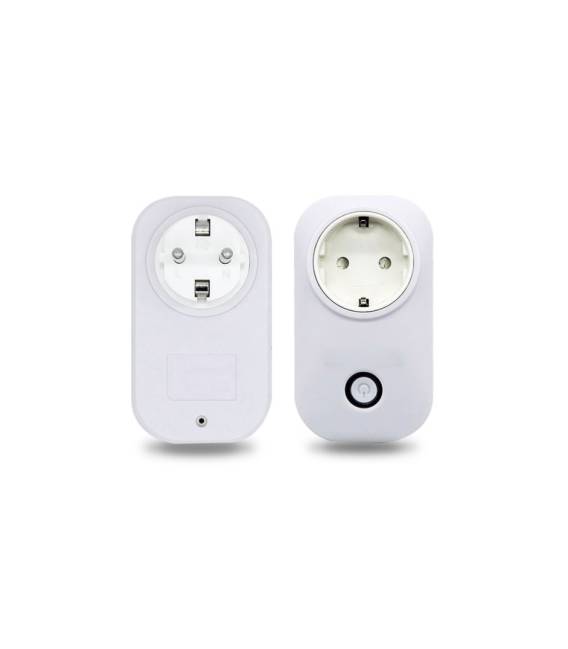
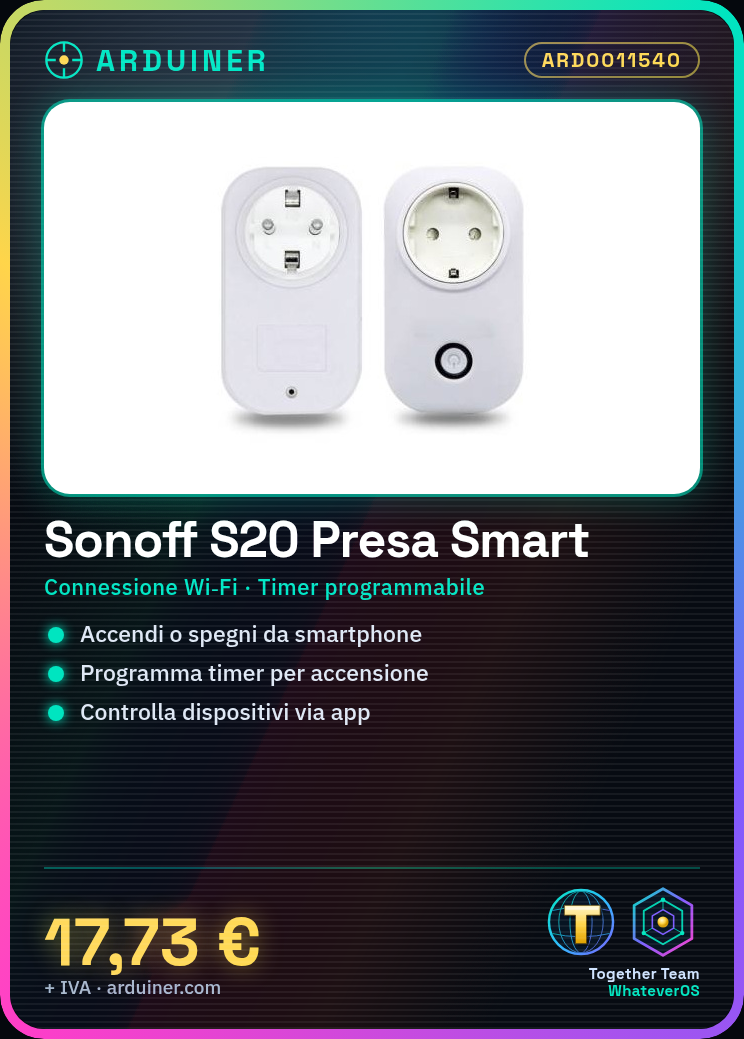
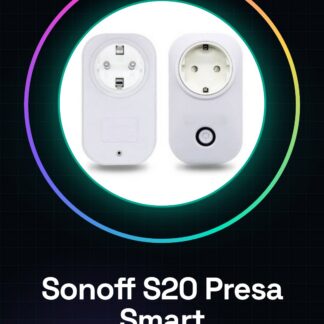
The Sonoff S20 EU Type is a Wi-Fi smart plug that allows you to control and program access to the electrical current of a connected device. You can turn it on or off via a mobile app, setting timers for automatic on and off.
Features
- Wi-Fi Connection
- Programmable Timer
- Remote Control via Mobile App
- EU Type
What it is for
The Sonoff S20 EU Type is ideal for creating a smart lighting system, turning lights on and off based on a schedule. It can also be used to control other electrical devices, such as appliances, heating, or fans. Compatibility with Arduino/ESP is not specified in the name or hints.
Tutorial: How to Use Sonoff S20 Wi-Fi Smart Plug
The Sonoff S20 is a smart plug to connect electrical devices to the Wi-Fi network and control them via a mobile app. Ideal for beginners who want to start with the Internet of Things (IoT).
What you need
- Sonoff S20
- Wi-Fi router
- smartphone or tablet
- Tuya Smart app
- adapter for the device to be controlled
Steps
- Download the Tuya Smart app from the App Store or Google Play.
- Plug the Sonoff S20 into the electrical outlet.
- Log into the Tuya Smart app and follow the instructions to add the device.
- Check that the device is recognized in the app and can be controlled.
- Configure timers and remote control rules as you prefer.
- Try turning the device on and off from your app.
- Verify the remote control and timer functions.
- Add other Sonoff or compatible devices to create a smart control network.
Mini project
Create an intelligent lighting system by connecting a lamp to the Sonoff S20 and setting timers to turn the light on and off automatically.
Common mistakes
- Difficulty in connecting the device to Wi-Fi.
- Device recognition issues in the app.
- Incorrect network settings.
- Device does not respond to commands from the app.
Recommended accessories
- Sonoff S31 (for devices with higher power)
- Sonoff TH16 (for thermostat and humidity)
- Sonoff RF Bridge (for controlling wireless devices)
- Sonoff Basic R2 (for devices with low power consumption)
Frequently asked questions
How do I add the Sonoff S20 to my Wi-Fi network?
Follow the initial setup instructions in the Tuya Smart app.
Can I control the Sonoff S20 without internet?
No, remote control requires an active Wi-Fi connection.
How much power can it handle?
Check the product datasheet.



Reviews
There are no reviews yet.