 EN
 IT Italiano
 ES Español
 FR Français
 DE Deutsch
Description
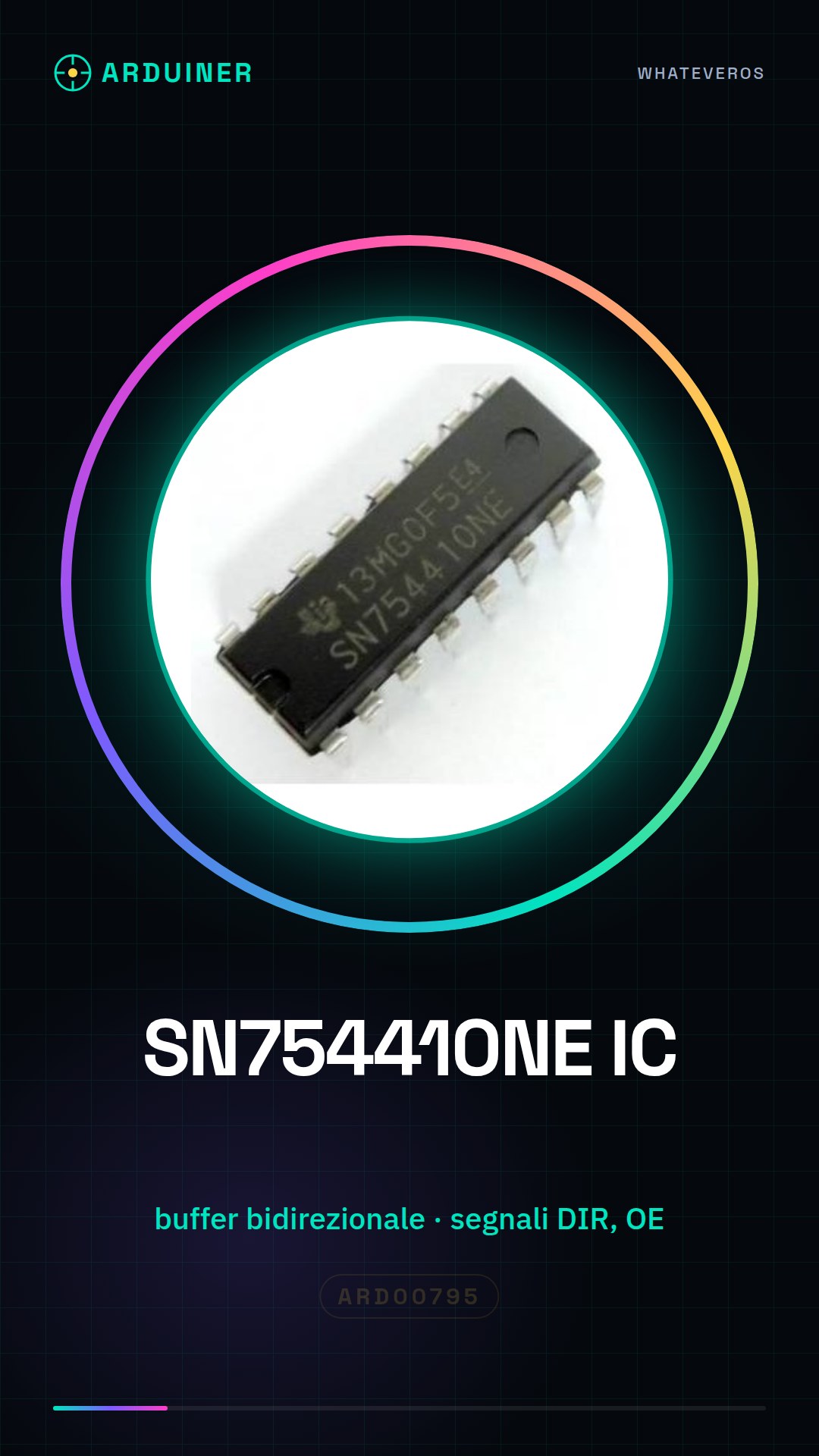
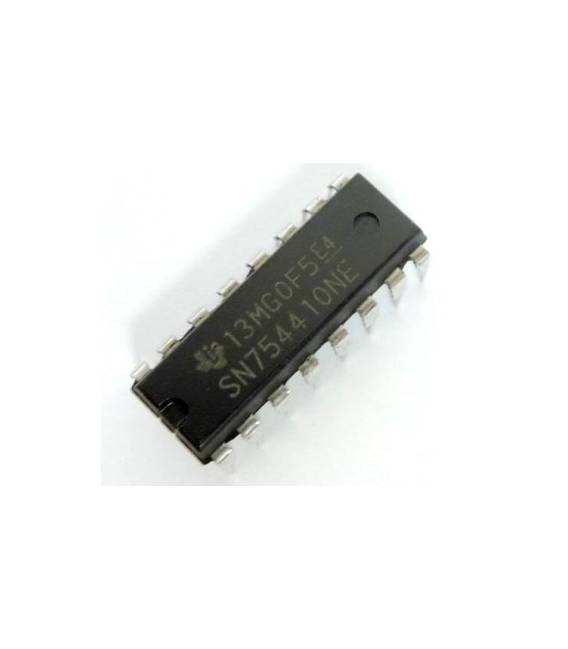
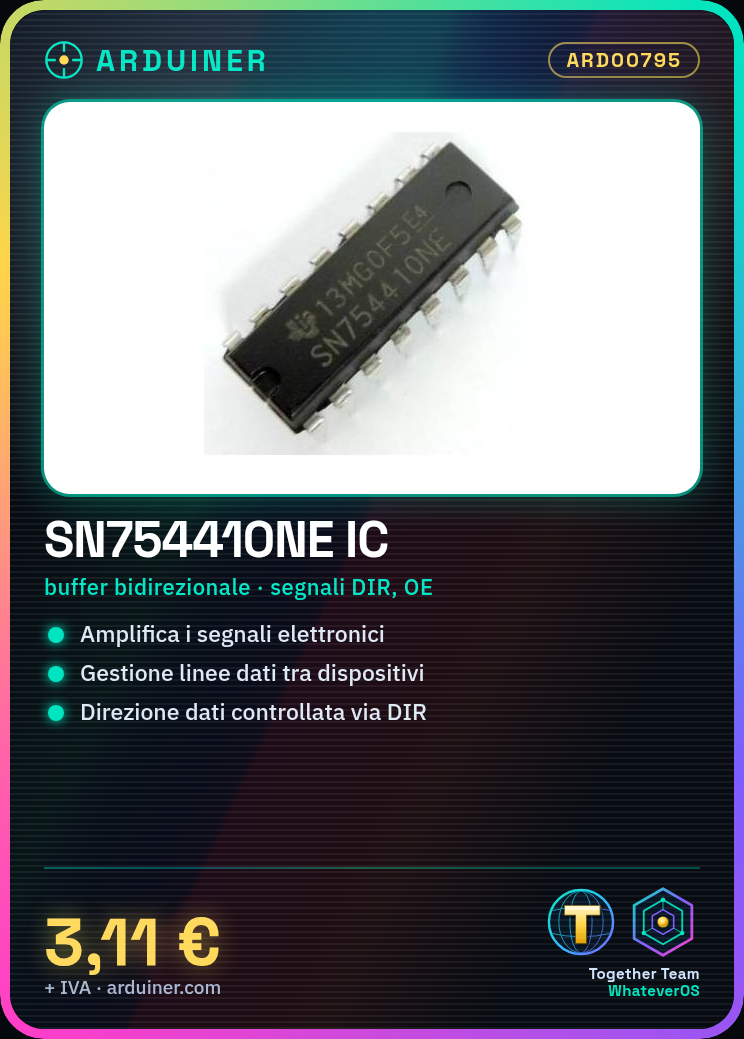
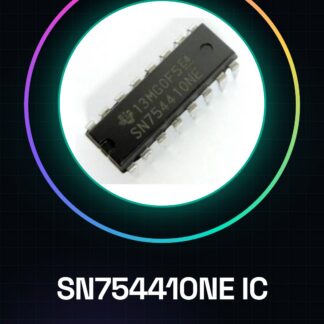
SN754410NE IC Integrated Circuits
Tutorial: How to Use SN754410NE IC
The SN754410NE IC is a bidirectional quad buffer used to amplify electronic signals. Ideal for projects requiring data line management between devices with different logic levels.
What you need
- Arduino
- connectors
- connection wires
Steps
- Check the specifications of the SN754410NE on the datasheet.
- Connect the IC to the circuit using compatible connectors.
- Connect the control signals (DIR, OE) to the Arduino.
- Configure the data direction via the DIR signal.
- Enable/disable the buffer with the OE signal.
- Verify that the data has been correctly transferred using an oscilloscope or multimeter.
- Test the circuit with various logic levels to ensure compatibility.
Mini project
Create a bidirectional communication system between two microcontrollers using the SN754410NE IC as a buffer.
Common mistakes
- Do not properly configure the DIR signal.
- Omit the pull-up resistor for OE.
- Do not verify the logic levels of the input and output signals.
- Use connectors that are not compatible with the IC.
Recommended accessories
- Connectors
- Pull-up/pull-down resistors
- Oscilloscope
- Multimeter
Frequently asked questions
How can I control the data direction?
Configure the DIR signal to 1 to send data and to 0 to receive data.
What logic levels does the SN754410NE IC support?
Check the datasheet for the component’s input/output specifications.
Reviews
There are no reviews yet.