 EN
 IT Italiano
 ES Español
 FR Français
 DE Deutsch
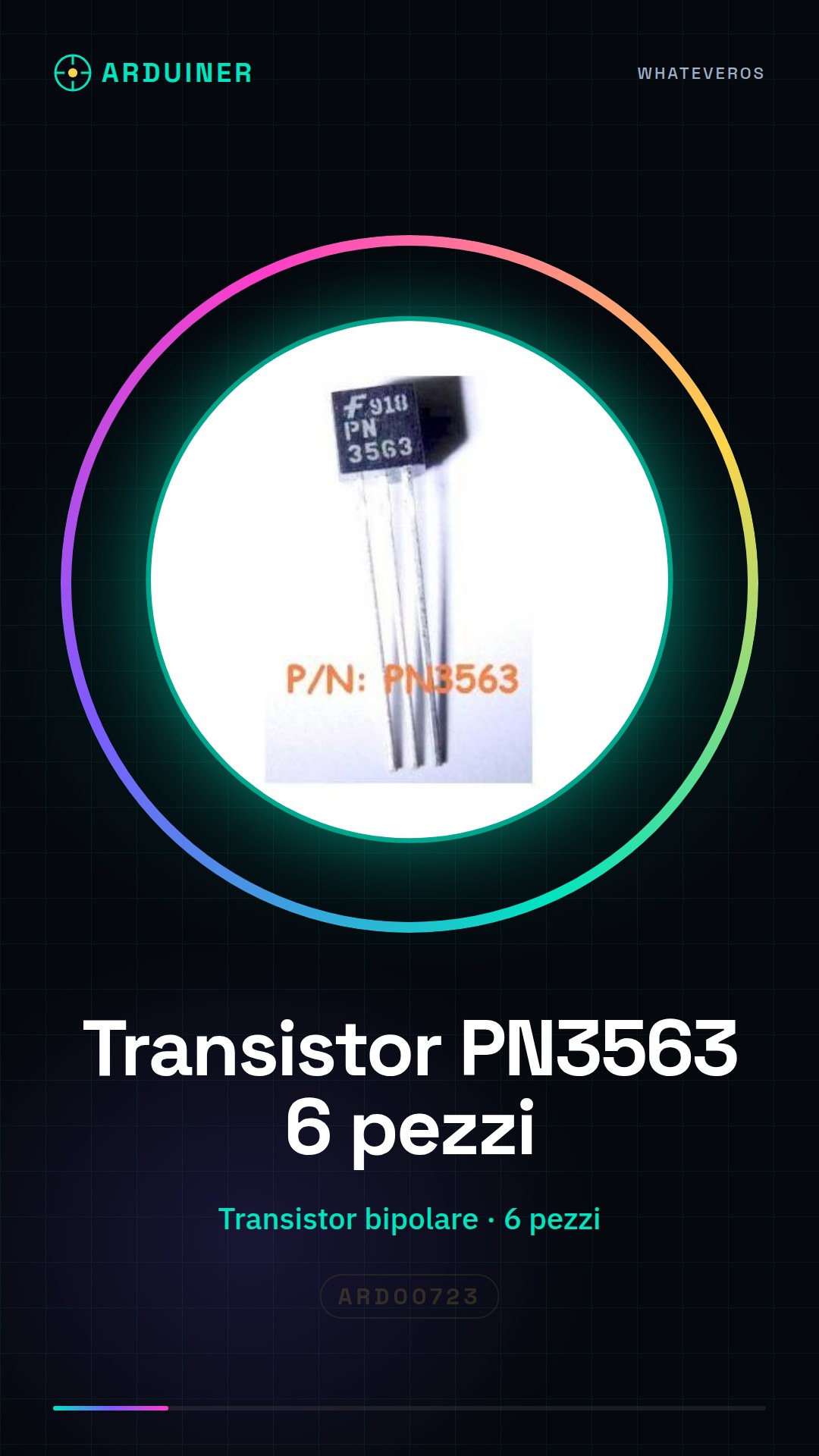
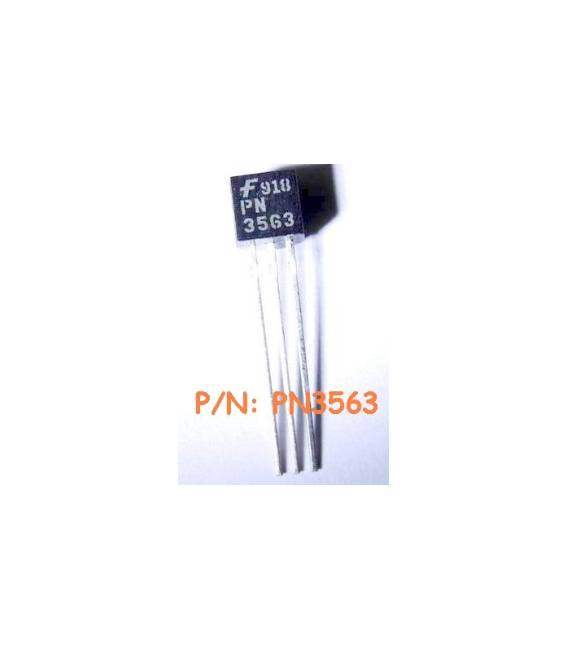
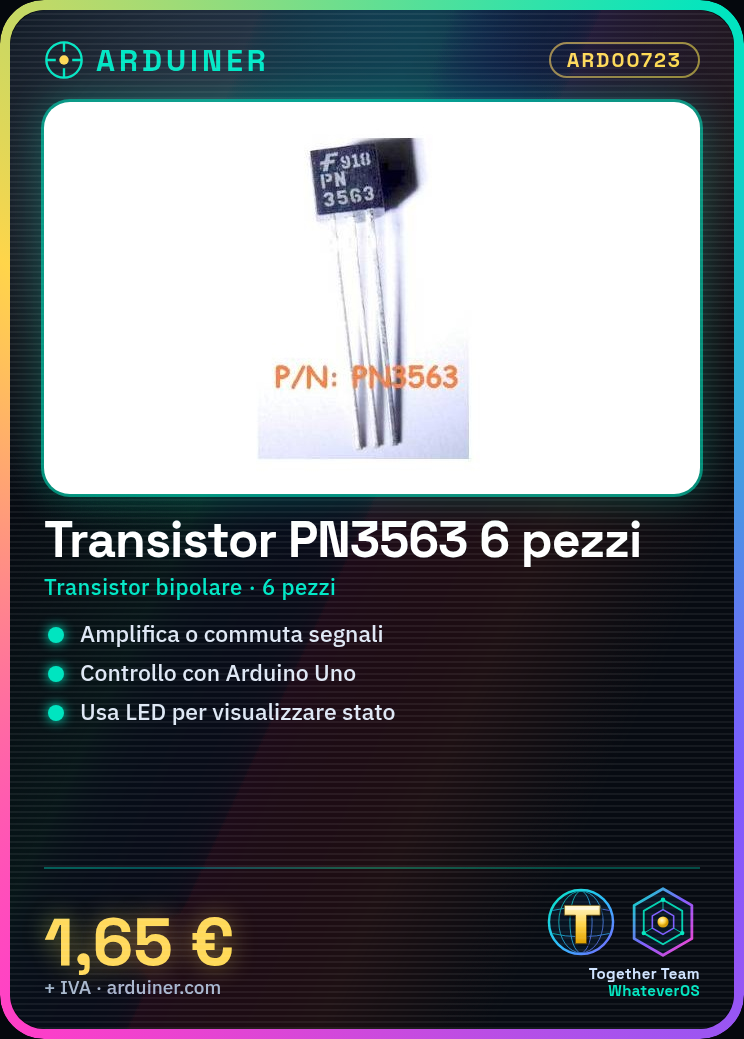

Description
Tutorial: How to Use PN3563 Bipolar Transistor
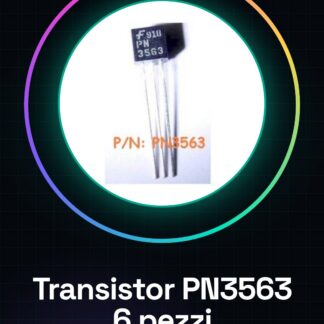
The PN3563 bipolar transistor is a fundamental component for electronic projects that require signal amplification or switching. This tutorial will guide you through the basics of its usage, suitable for both beginners and intermediate makers.
What you need
- PN3563 Bipolar Transistor
- Arduino Uno R3
- Pull-up and Pull-down Resistors
- LED Bulb
- Battery or Power Supply
- Connecting Wire
Steps
- Check the PN3563 specifications on the datasheet to understand the correct pins.
- Connect the transistor’s base to the Arduino control pin, for example, digital pin 2.
- Connect the emitter (E) to ground and the collector (C) to the anode of the LED bulb. The cathode of the LED should be connected to ground through an appropriate resistor to protect the LED.
- Write a simple Arduino sketch that controls the state of pin 2, alternating between HIGH and LOW.
- Load the code onto the Arduino and test the circuit. The LED should blink in sync with the signals from the transistor.
- Verify the proper function of the component by adding an input sensor to control the activation of the LED.
Example code
void setup() {
  pinMode(2, OUTPUT);
}

void loop() {
  digitalWrite(2, HIGH); // Attiva il transistor
  delay(1000);
  digitalWrite(2, LOW); // Disattiva il transistor
  delay(1000);
}
Mini project
Create a simple alarm system that activates an LED when motion is detected by a PIR sensor connected to the PN3563 transistor pin.
Common mistakes
- Connect the anode of the LED directly to ground without a resistor.
- Do not check the specifications of the transistor on the datasheet before use.
- Use a low-level signal to activate the transistor in switching mode.
- Ignore the necessary electronic protection during amplification.
Recommended accessories
- PIR Sensor ARD01234
- Arduino Starter Kit ARD05678
- Breadboard ARD09876
- Variable Resistors ARD04567
Frequently asked questions
What is the difference between an NPN and PNP transistor?
An NPN transistor works by activating the high signal (HIGH) to turn on the output, while a PNP requires a low signal (LOW).
Can I use PN3563 with other microcontrollers?
Yes, the PN3563 is compatible with most microcontrollers that provide a digital signal.
Reviews
There are no reviews yet.