 EN
 IT Italiano
 ES Español
 FR Français
 DE Deutsch
Description
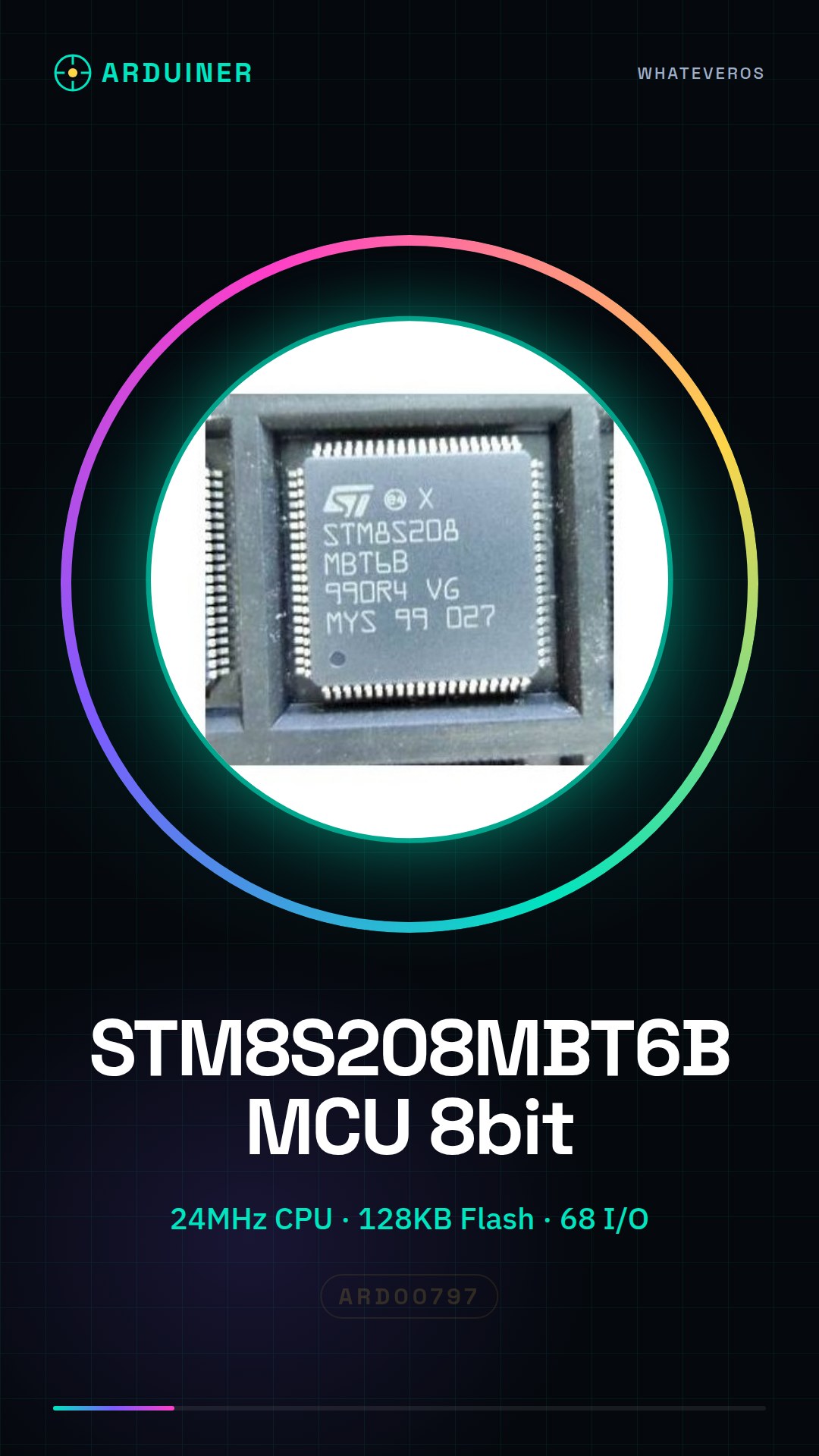
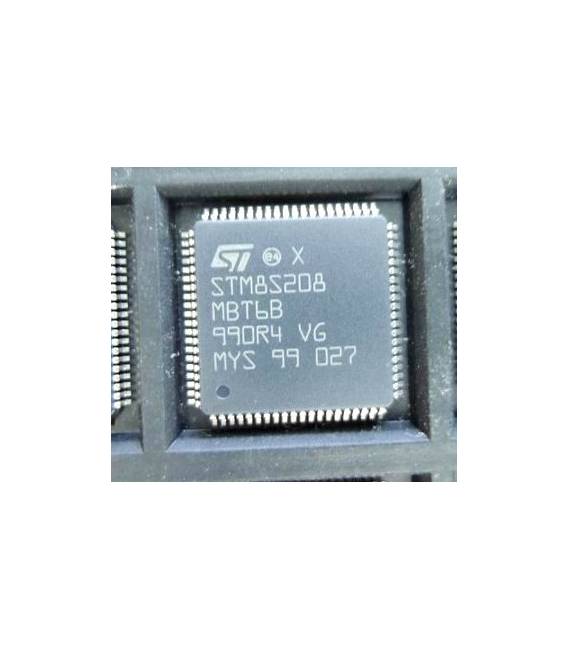
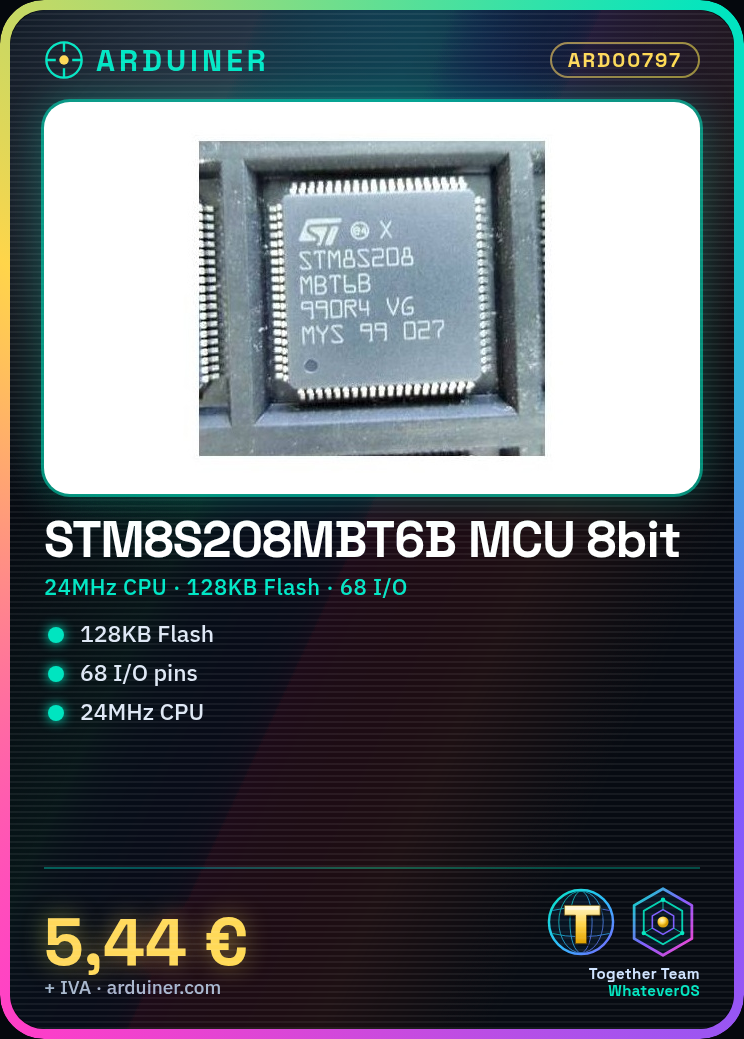
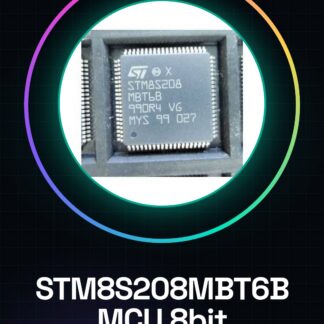
STM8S208MBT6B IC Integrated Circuits
- MCU, 8BIT, STM8S, 128K FLASH, 80LQFP
- Controller Family / Series: STM8
- Core Size: 8BIT
- Number of I / O: 68
- Supply Voltage Range: from 2.95 V to 5.5 V
- Package Case CI digital: LQFP
- Number of Pins: 80
- Program Memory Size: 128KB
- EEPROM Memory Size: 2KB
- RAM Memory Size: 6KB
- CPU Speed: 24MHz
- Oscillator Type: External, Internal
- Number of Timers: 4
- Peripherals: ADC, PWM, Timer
- Integrated Interface Type: CAN, I2C, SPI, UART
- Number of PWM Channels: 12
- Operating Temperature Range: From to
- MSL: MSL 3 – 168 hours
- SVHC: No SVHC (18-jun-2012)
- Clock Frequency: 24MHz
- Flash memory size: 128KB
- Interface: CAN, I2C, SPI, UART
- Interface type: CAN, I2C, SPI, UART
- Number of ADC inputs: 16
- Number of I/O: 68
- Package / case: LQFP
- Max supply voltage: 5,5V
- Min supply voltage: 3V
- Termination type: SMD
Technical documentation for all components is available. If it is not included in the product download card, send a message from the contact us module and we will publish it as soon as possible on our website.
Tutorial: How to use STM8S208MBT6B
The STM8S208MBT6B component is a low-power microcontroller ideal for small projects that require few I/O pins. This guide will help you get started with this powerful chip.
What you need
- Arduino Uno or similar
- USB A-MicroB cable
- 3D printing (optional for creating a support)
Steps
- Connect the STM8S208MBT6B to your computer via Arduino Uno as a bridge.
- Check the connectivity between the Arduino and the STM8S208MBT6B.
- Install the necessary libraries to communicate with the STM8S208MBT6B following the product manual.
- Upload a test sketch to Arduino that communicates with the microcontroller.
- Verify the correct execution of commands on the STM8S208MBT6B through the Arduino IDE.
Example code
// Esempio di codice per comunicare con lo STM8S208MBT6B
#include <SoftwareSerial.h>

SoftwareSerial mySerial(10, 11); // RX, TX

void setup() {
 Serial.begin(9600);
 mySerial.begin(4800);
}

void loop() {
 if (mySerial.available())
 Serial.write(mySerial.read());
}
Mini project
Create a simple timer that uses the STM8S208MBT6B to count time and send data to the connected Arduino microcontroller.
Common mistakes
- Do not verify the correct communication between the Arduino and the STM8S208MBT6B.
- Use a transmission frequency that does not conform to the requirements of the STM8S208MBT6B.
- Omit installing the necessary libraries to interact with the microcontroller.
Recommended accessories
- Arduino Uno
- USB A-MicroB cable
- 3D Printing (for creating a custom support)
- Electronic Test Kit
Frequently asked questions
How can I get more information about the STM8S208MBT6B?
Consult the official datasheet available from STMicroelectronics.
Which libraries do I need to install to use the STM8S208MBT6B with Arduino?
Check the datasheet for the required libraries and follow the product guide.
Reviews
There are no reviews yet.