 EN
 IT Italiano
 ES Español
 FR Français
 DE Deutsch
Description
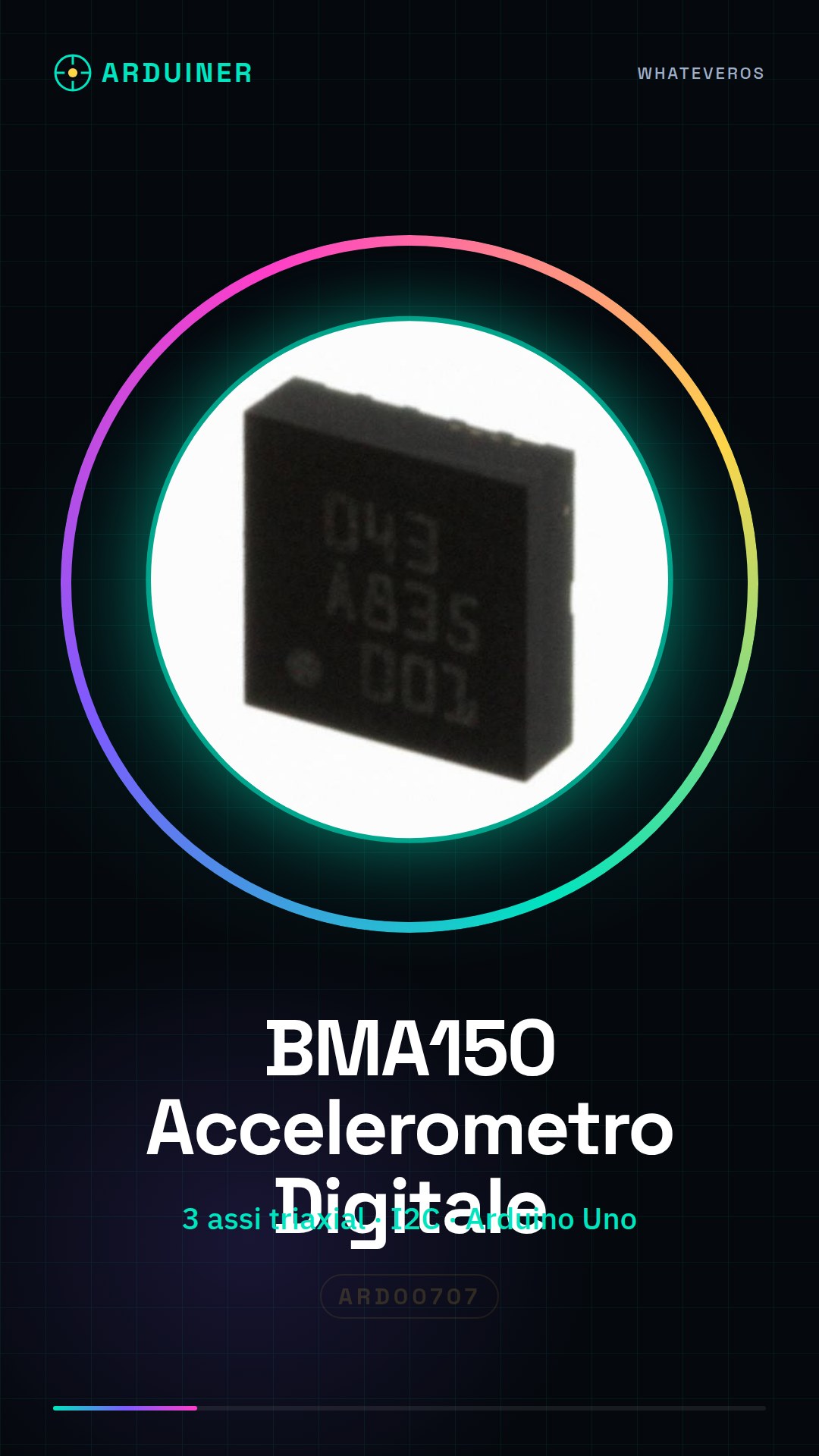
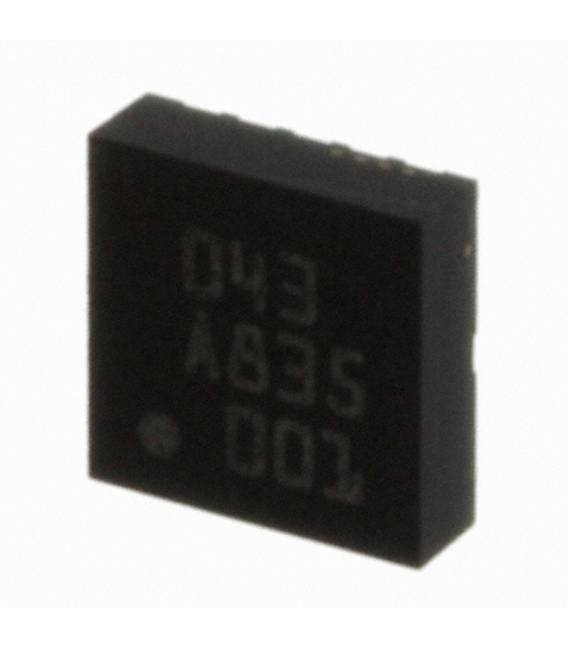
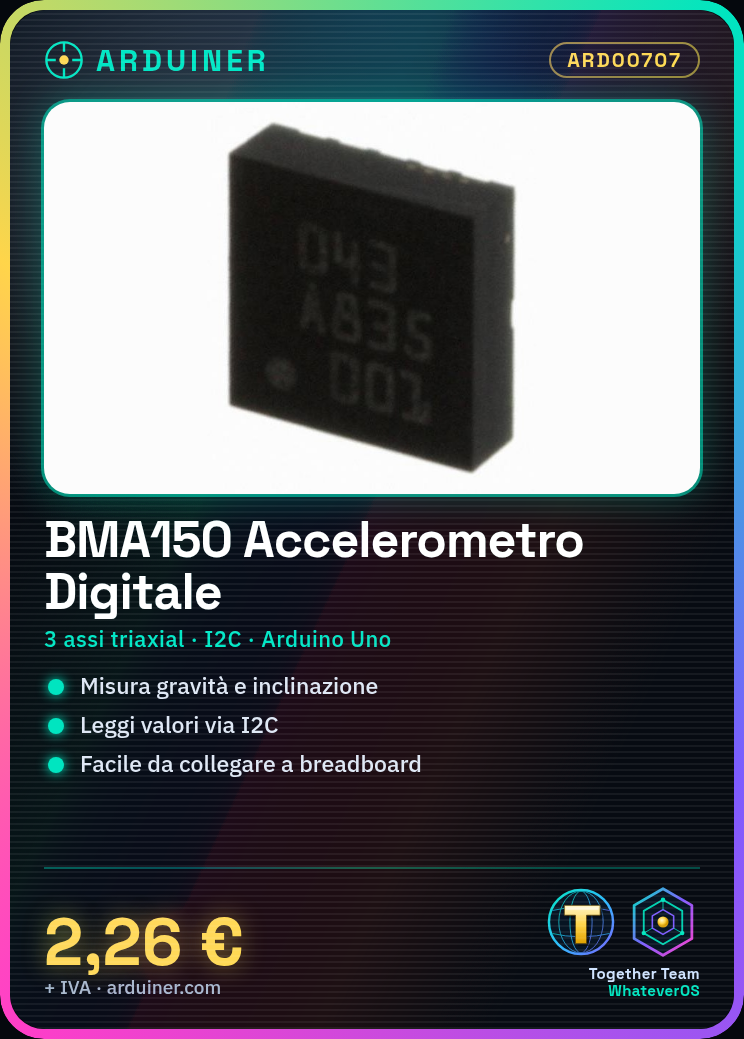
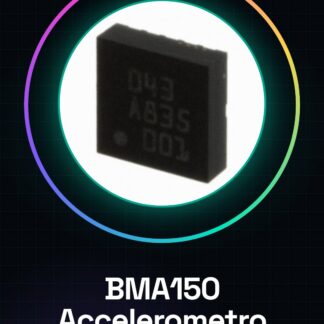
BMA150 Digital Accelerometer
Tutorial: How to Use the Digital Accelerometer BMA150
The digital accelerometer BMA150 is a very useful component for projects that require the measurement of gravity forces and inclination. Ideal for beginners and intermediate makers.
What you need
- Arduino Uno
- USB Cable
- Breadboard
- I2C Connection
Steps
- Connect the BMA150 to the breadboard following the datasheet documentation.
- Use connection cables to connect VCC and GND of the accelerometer to corresponding pins on the Arduino.
- Connect SDA and SCL of the accelerometer to the respective I2C pins on Arduino (A4 and A5).
- Download the BMA150 library from GitHub or the manufacturer’s website.
- Include the library in the Arduino code using #include
. - Instantiate a BMA150 object in the setup() scope and verify the initialization of the accelerometer with the methods available in the documentation.
- In the loop(), read the values from the accelerometer and print them to the screen or send them to an I2C LCD display.
- Check the project’s functionality by verifying the output on the Arduino serial monitor.
Example code
// Includi la libreria BMA150
#include <BMA150.h>

// Instanzia un oggetto BMA150
BMA150 accel;

void setup() {
  Serial.begin(9600);
  if (accel.init()) {
    Serial.println("Accelerometro inizializzato");
  } else {
    Serial.println("Errore di inizializzazione dell'accelerometro");
  }
}

void loop() {
  int ax, ay, az;
  accel.getAccel(&ax, &ay, &az);
  Serial.print(ax); Serial.print(", "); Serial.print(ay); Serial.print(", "); Serial.println(az);
}
Mini project
Build an indoor drone prototype that changes direction based on the inclination of the BMA150 sensor.
Common mistakes
- Incorrect I2C connection.
- Library not installed or incorrect.
- VCC and GND pins swapped.
- Output values not consistent with the physical position of the accelerometer.
Recommended accessories
- Arduino Uno
- Breadboard
- I2C LCD Display
- I2C Connections
Frequently asked questions
How to install the BMA150 library?
Download the .zip file from the project’s GitHub page and install it via the ‘Add .ZIP Library’ option in the Arduino libraries menu.
What other sensors can be used with I2C?
Other sensors like temperature, humidity, or gyroscopes can be connected to I2C. Ensure there are no address conflicts between devices.
How to read the accelerometer values in degrees?
Use trigonometric formulas to convert the absolute values (ax, ay, az) into angles. Check the datasheet for specific details.
Reviews
There are no reviews yet.