 EN
 IT Italiano
 ES Español
 FR Français
 DE Deutsch
Description
What it is
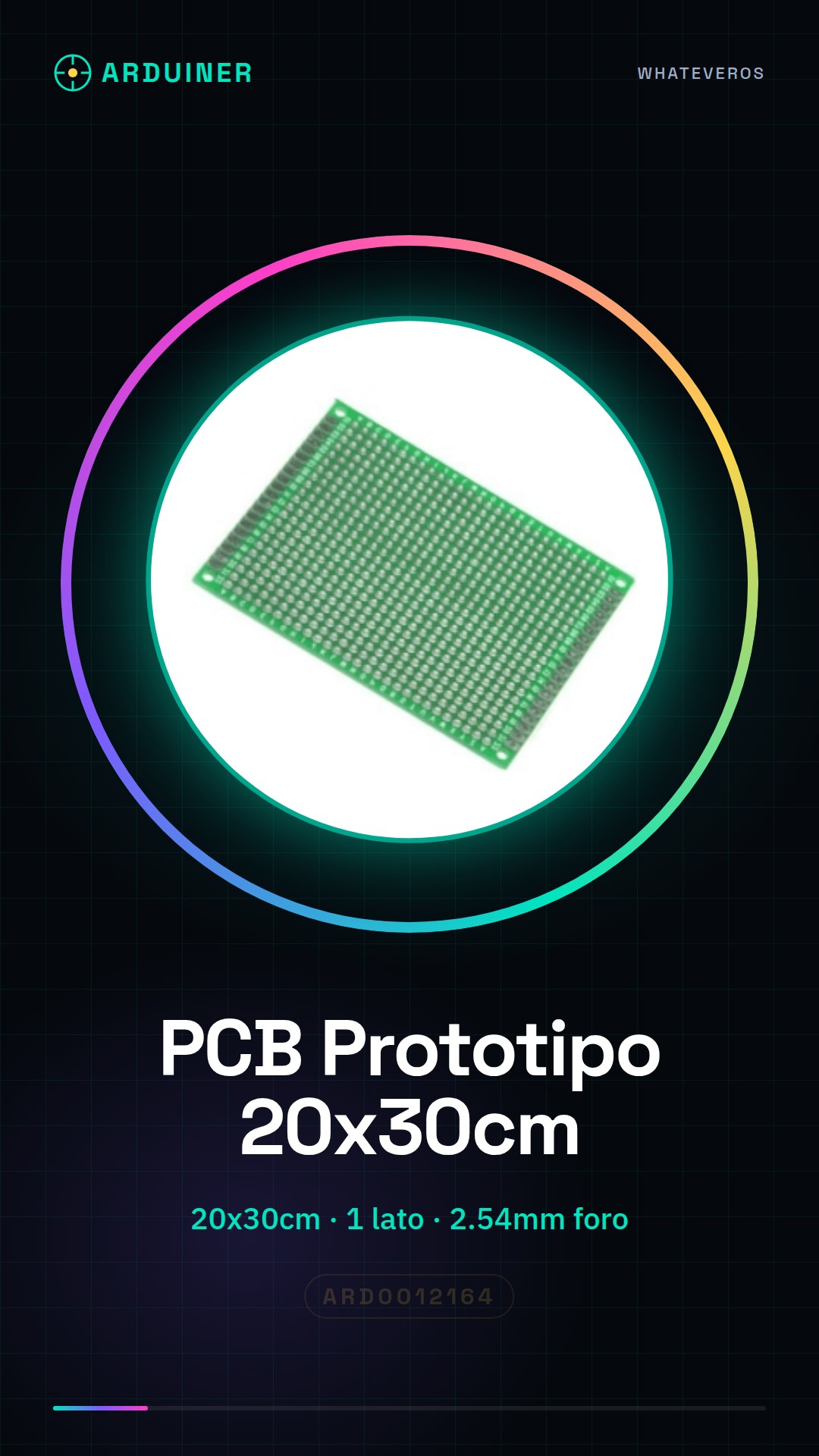
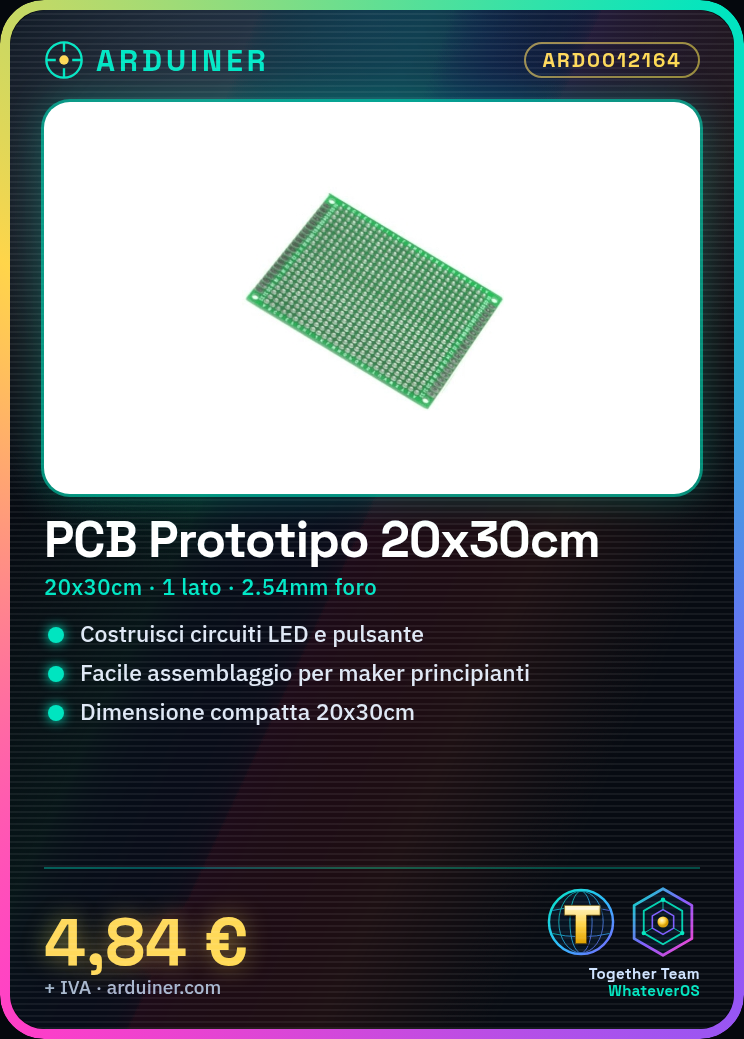
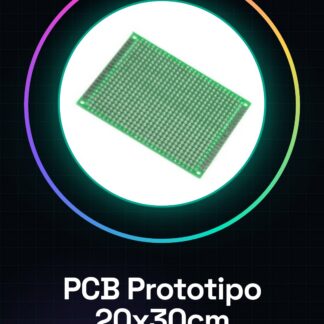
The Single-Sided PCB Prototype 20x30cm 2.54mm is a printed circuit board (PCB) measuring 20x30cm, with a single copper side and holes with a diameter of 2.54mm. It is ideal for quickly prototyping simple electronic circuits.
Features
- Dimensions: 20x30cm
- Side: Single
- Hole spacing: 2.54mm
What it is for
This PCB is perfect for building simple electronic circuit prototypes, such as an LED lighting circuit based on an LED and a button. It is useful for beginner and intermediate makers who want to experiment with electronics in an economical and quick way. Compatibility with Arduino and ESP needs to be verified in the datasheet.
Tutorial: How to Use Single-Sided PCB Prototype
The Single-Sided PCB Prototype is a perfect support for creating simple electronic prototypes and circuits. Useful for beginner and intermediate makers.
What you need
- Single-Sided PCB Prototype 20x30cm
- Electronic Components (resistors, capacitors, microcontrollers, etc.)
- Connection Tools (pliers, multimeter)
- Test Connections (cables, pins)
Steps
- 1. Prepare your work area clean and well-lit.
- 2. Check that the PCB is clean and free of residues.
- 3. Arrange the electronic components on the free side of the PCB.
- 4. Connect the components using soldering points.
- 5. Verify the correct values of the components using the datasheet.
- 6. Connect the microcontroller or processor.
- 7. Verify the correct pin connections.
- 8. Test the circuit using a multimeter.
Mini project
Build a simple lighting circuit based on an LED and a button.
Common mistakes
- Connecting components incorrectly.
- Omitting the verification of component values.
- Not using an insulator for soldering points.
- Not testing the circuit before using it.
Recommended accessories
- Pliers
- Multimeter
- Test connections
- Soldering iron
Frequently asked questions
How to clean the PCB?
Use a silver brush or a damp cloth to remove any residues.
Which components can I use?
Resistors, capacitors, LEDs, buttons, microcontrollers.
Can I use the PCB for complex circuits?
For complex circuits, use multilayer PCB or a protobreadboard.
How to test the circuit?
Use a multimeter to check the correct pin connections and functionality of the components.
Reviews
There are no reviews yet.