 EN
 IT Italiano
 ES Español
 FR Français
 DE Deutsch
Description
What it is
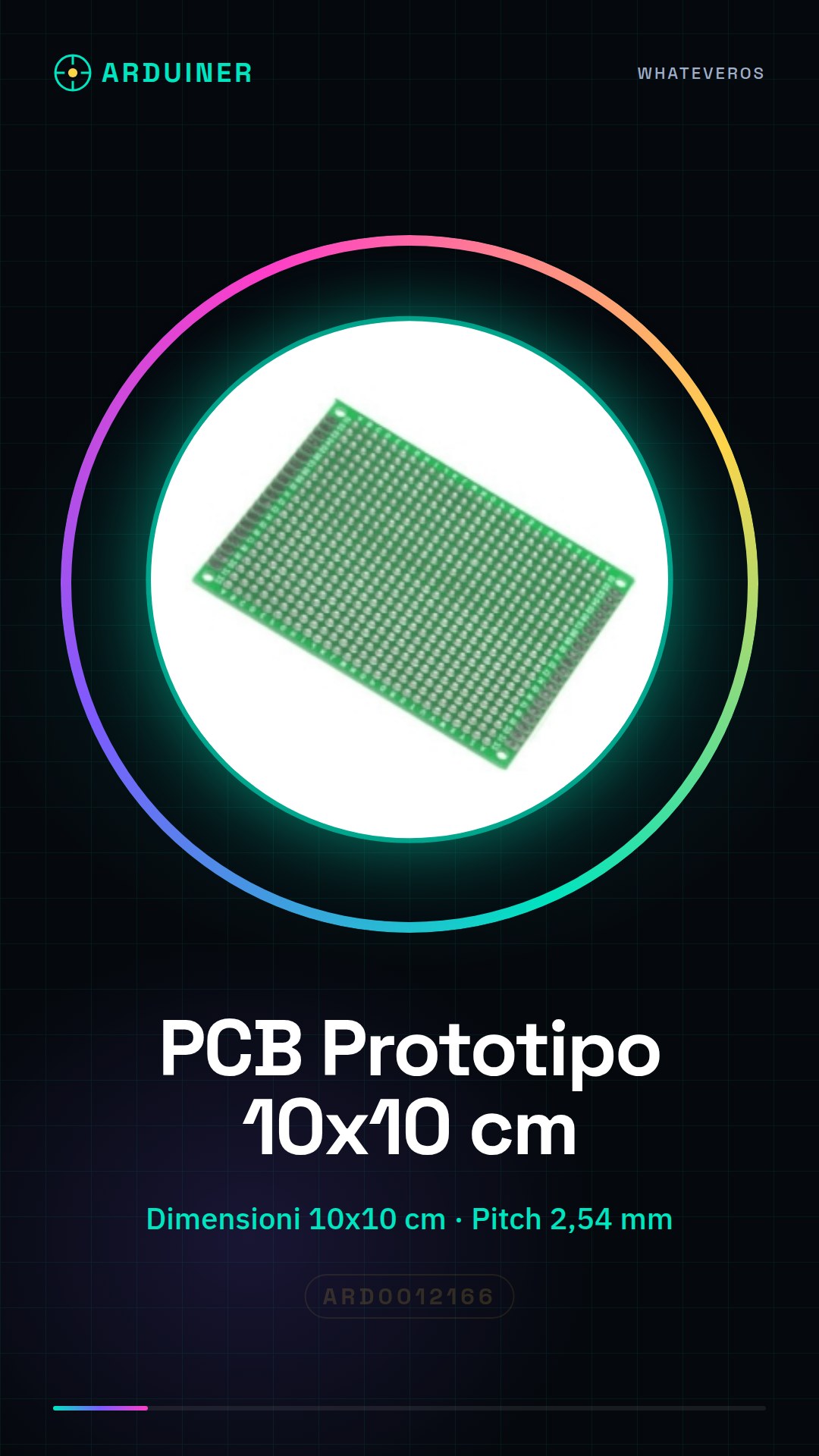
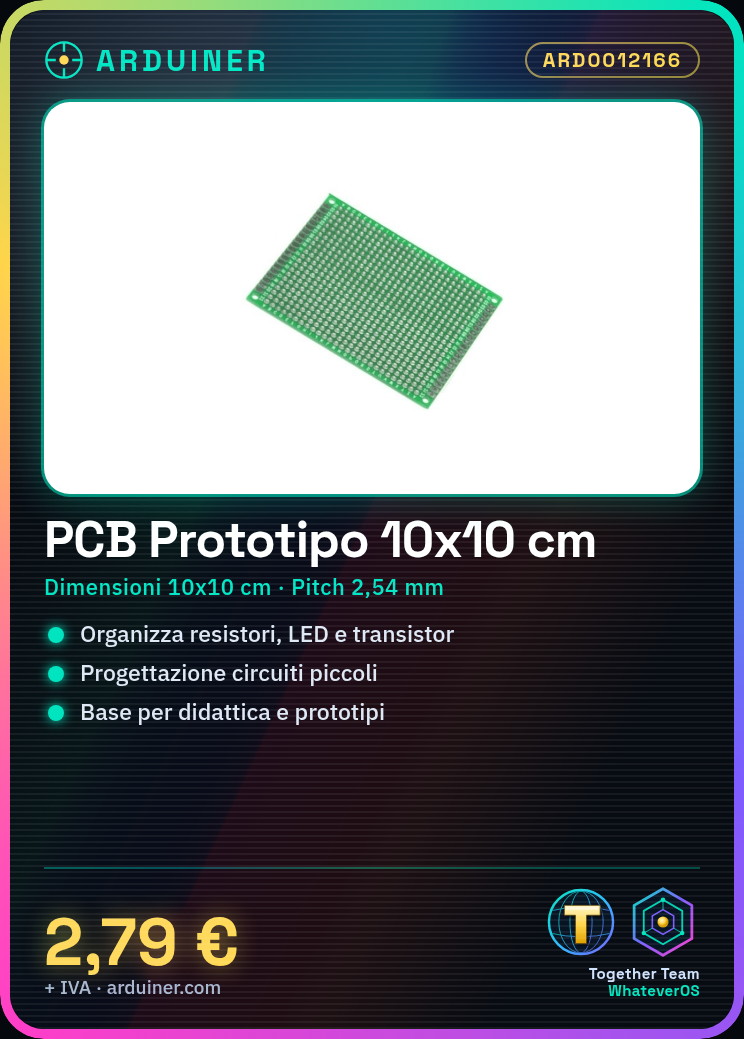
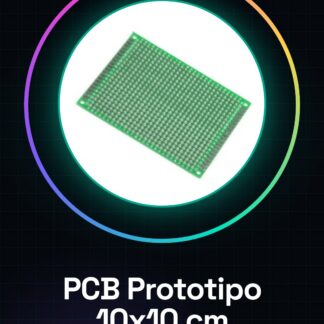
The Universal PCB Prototype Single-Sided 10 x 10 cm with 2.54 mm pitch is an ideal support for the realization of simple electronic circuits. It allows for the orderly and safe connection of electronic components such as resistors, LEDs, transistors, and microcontrollers.
Features
- Dimensions: 10 x 10 cm
- Single-sided
- Pitch of holes: 2.54 mm
- SKU: ARD0012166
- Price: 2.79 €
What it is for
This PCB prototype is perfect for experimenting and realizing small-sized electronic circuits. It can be used for educational projects, prototyping simple circuits, or as a base for robotics or home automation projects. Compatibility with Arduino and ESP depends on the type of components used in the circuit.
Tutorial: How to use the Universal PCB Prototype
The Universal PCB Prototype is an essential component for makers and electronics enthusiasts who want to create and test electronic circuits. With a workspace of 10×10 cm and a pitch of 2.54 mm, it is ideal for small projects that require a custom PCB.
What you need
- Arduino or microcontroller
- solder
- pin tester
- electronic components
Steps
- Draw your circuit on a piece of paper to plan
- Place the electronic components on the PCB
- Solder the components to the PCB
- Check the connectivity between the components
- Test the circuit with a pin tester
- If necessary, add connections between the components with insulated wire
- Verify that everything works correctly
- If everything is in order, mount the PCB in the project
Mini project
Create a simple lighting circuit controlled by a button. Connect an LED and a resistor to the PCB, then connect a button to turn the LED on and off. Use an Arduino to manage the button and the LED.
Common mistakes
- Inaccessible soldering
- Components connected incorrectly
- Compromised connectivity between components
- Lower quality soldering
Recommended accessories
- Arduino Uno
- Soldering kit
- Various electronic components
- Breadboard
Frequently asked questions
How can I clean the PCB?
Use a plastic brush and isopropyl alcohol to clean the PCB.
Can I use this PCB for larger projects?
Yes, but consider purchasing a larger PCB for larger projects.
Reviews
There are no reviews yet.