 EN
 IT Italiano
 ES Español
 FR Français
 DE Deutsch
Description
What it is
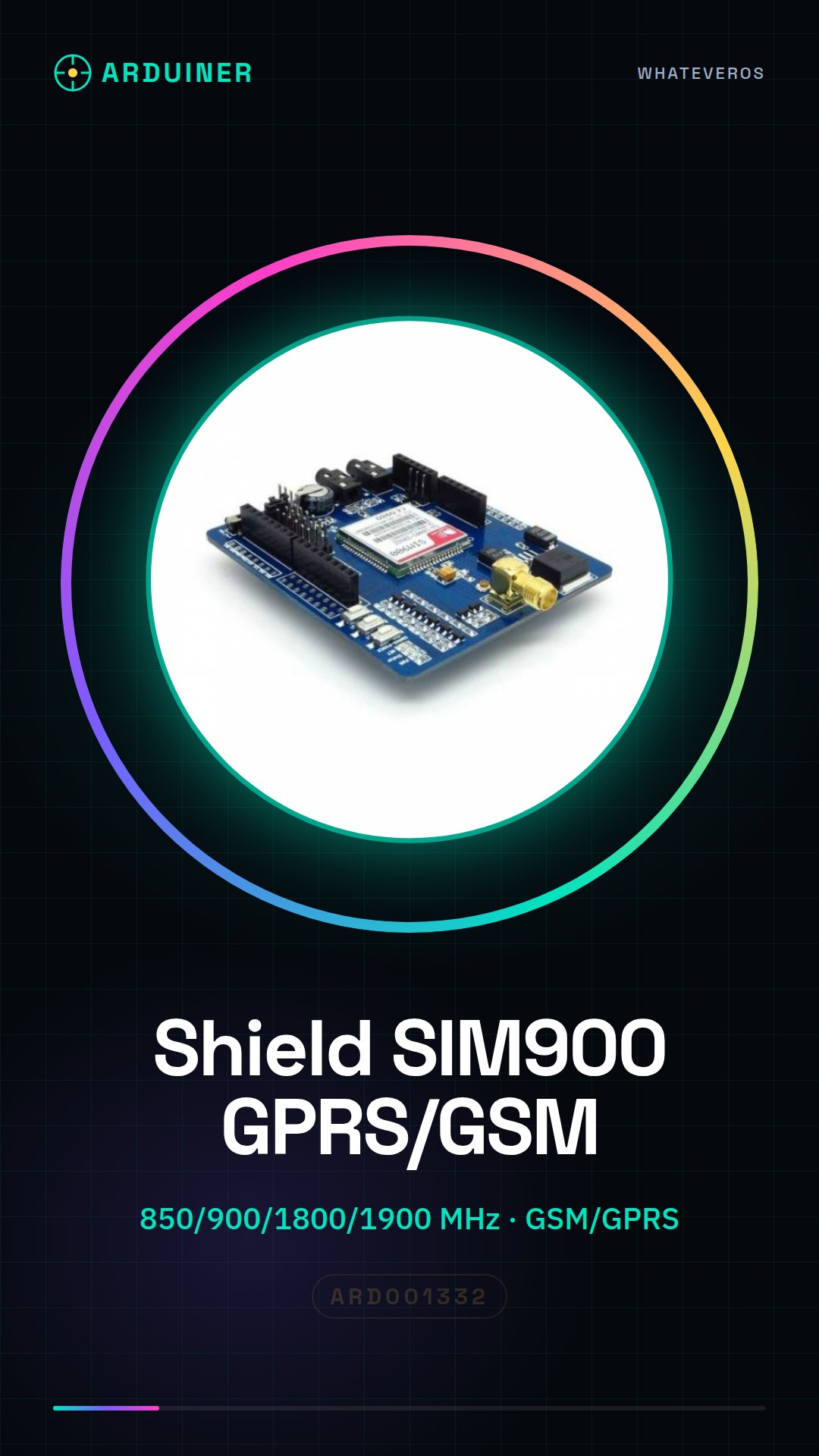
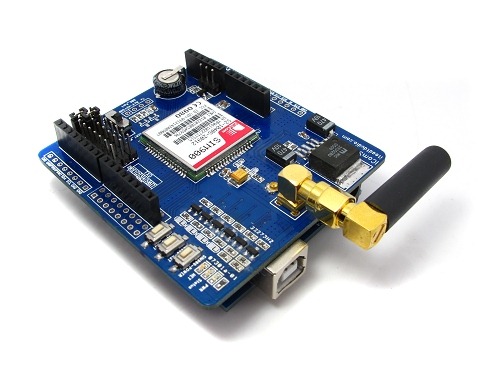
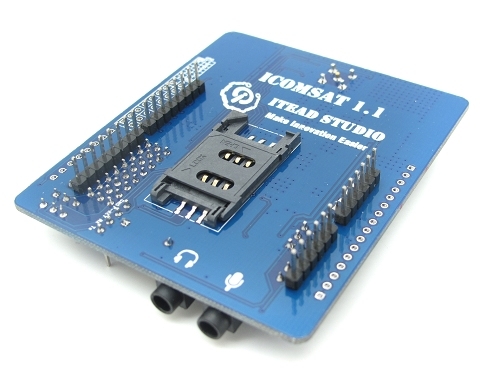
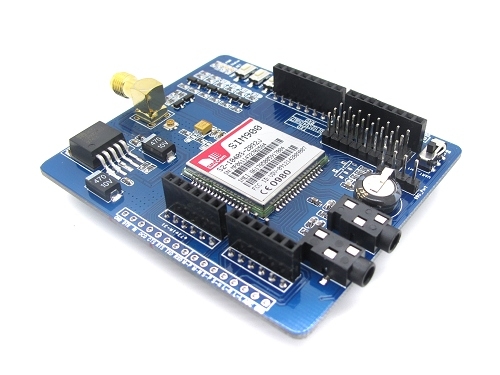
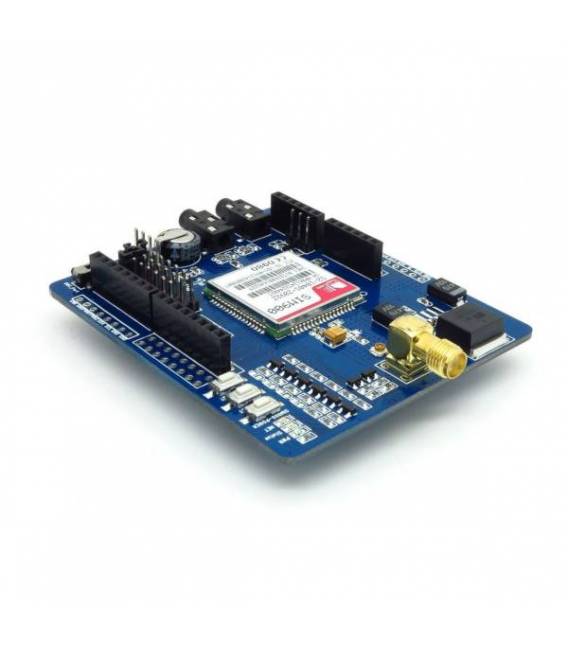
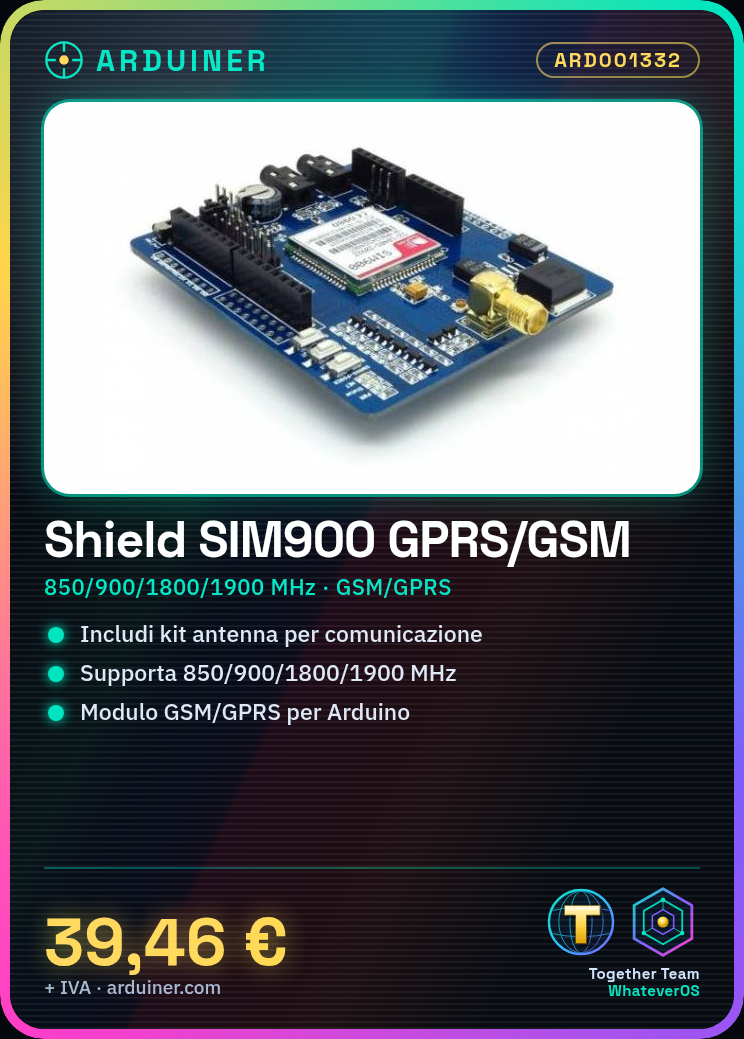
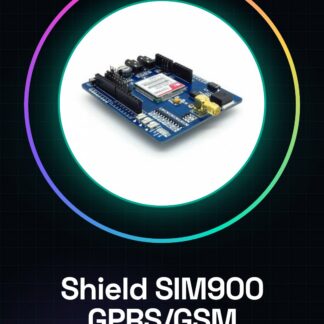
The SIM900 Shield is a complete GSM/GPRS module for Arduino that includes an antenna kit. This device allows the integration of mobile phone and data communication features into electronic projects.
Features
- Supported Frequencies: 850/900/1800/1900 MHz
- GSM/GPRS Technology
- Includes antenna kit
What it is for
The SIM900 Shield is ideal for remote communication and control projects, such as creating devices that allow light control via SMS. It is useful for both beginners and intermediate developers.
Tutorial: How to use SIM900 Shield
The SIM900 Shield is a GPRS/GSM module for Arduino ideal for remote communication and control projects. Useful for beginners and intermediates.
What you need
- Arduino UNO or compatible
- FPC cable (for the SIM900 shield)
- GPRS Antenna
- Soldering iron and pin headers (optional)
Steps
- 1. Installation: Download and install the SIM900 libraries for Arduino.
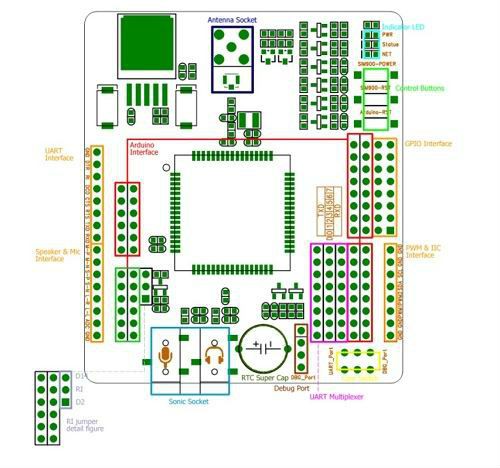
- 2. Connection: Connect the SIM900 Shield to the Arduino with FPC cables.
- 3. Antenna: Mount the GPRS antenna on the dedicated port.
- 4. Progress: Check the datasheet for the correct frequency.
- 5. Sketch: Load the example sketch SIM900Serial.
- 6. Test: Verify the GPRS connection with a simple AT command.
- 7. Configuration: Configure the modem with AT commands.
- 8. Function: Use AT commands to send and receive SMS messages.
Example code
```
#include <SIM900.h>
SIM900 gsm;
void setup() {
  Serial.begin(9600);
  gsm.begin(9600);
}
void loop() {
  Serial.println("AT+CMGF=1");
  delay(1000);
}
```
Mini project
Create a remote control device for lights using SMS commands.
Common mistakes
- Incorrect connection: Check the connection pins.
- Antenna not mounted: The GPRS antenna is necessary for communication.
- Incorrect frequency: Check the datasheet for the correct frequency.
- AT commands not working: Ensure you have a good GPRS connection.
Recommended accessories
- Arduino UNO
- GPRS Antenna
- FPC Cable
- Pin headers
Frequently asked questions
How can I verify the GPRS connection?
Send the command AT+CGATT? If you receive a 1, the connection is active.
What AT commands can I use?
Consult the datasheet for a list of supported AT commands.
My Arduino does not recognize the SIM900 Shield.
Check the correct installation of the libraries and hardware connections.
Reviews
There are no reviews yet.