 EN
 IT Italiano
 ES Español
 FR Français
 DE Deutsch
Description
What it is
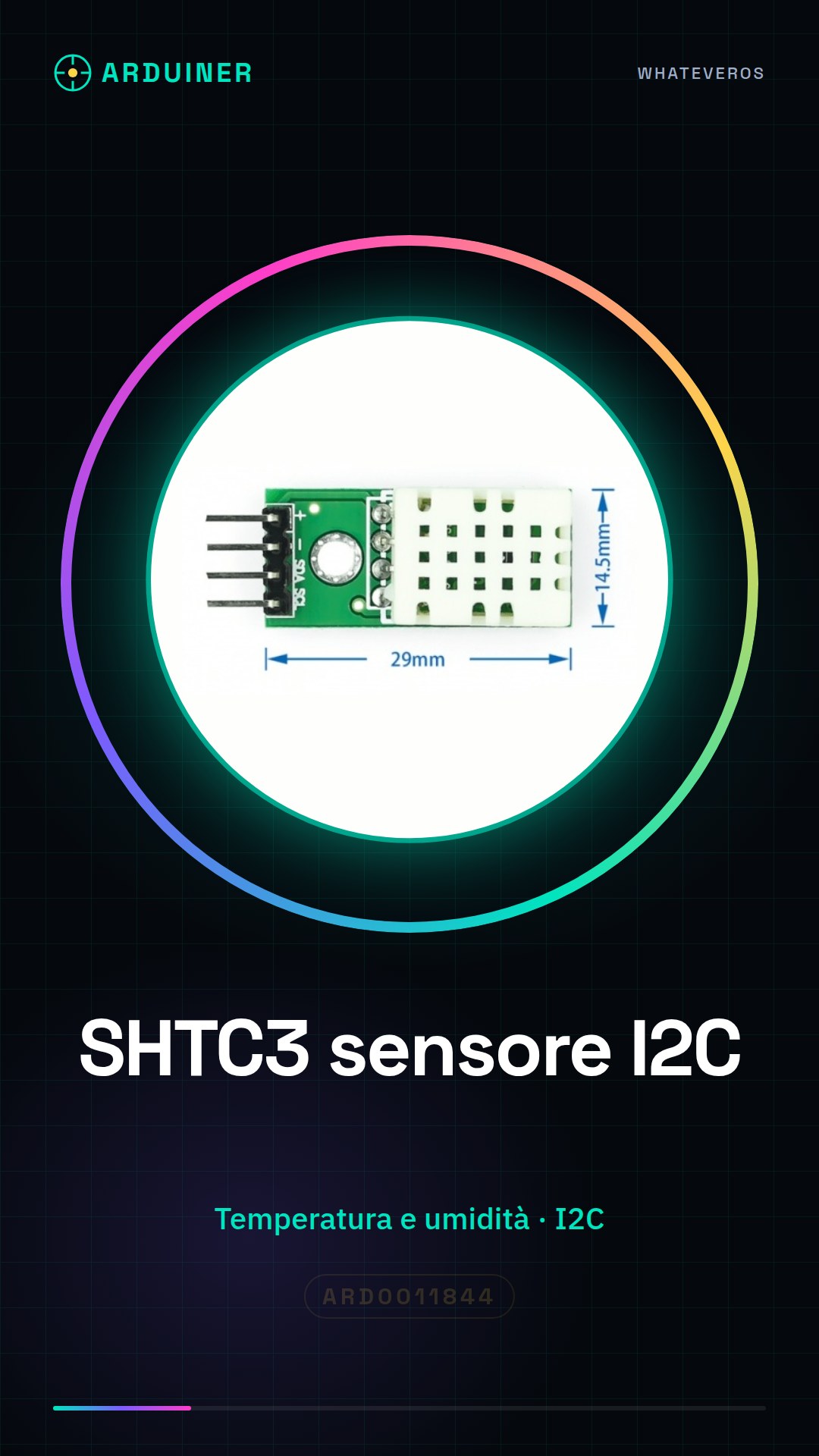
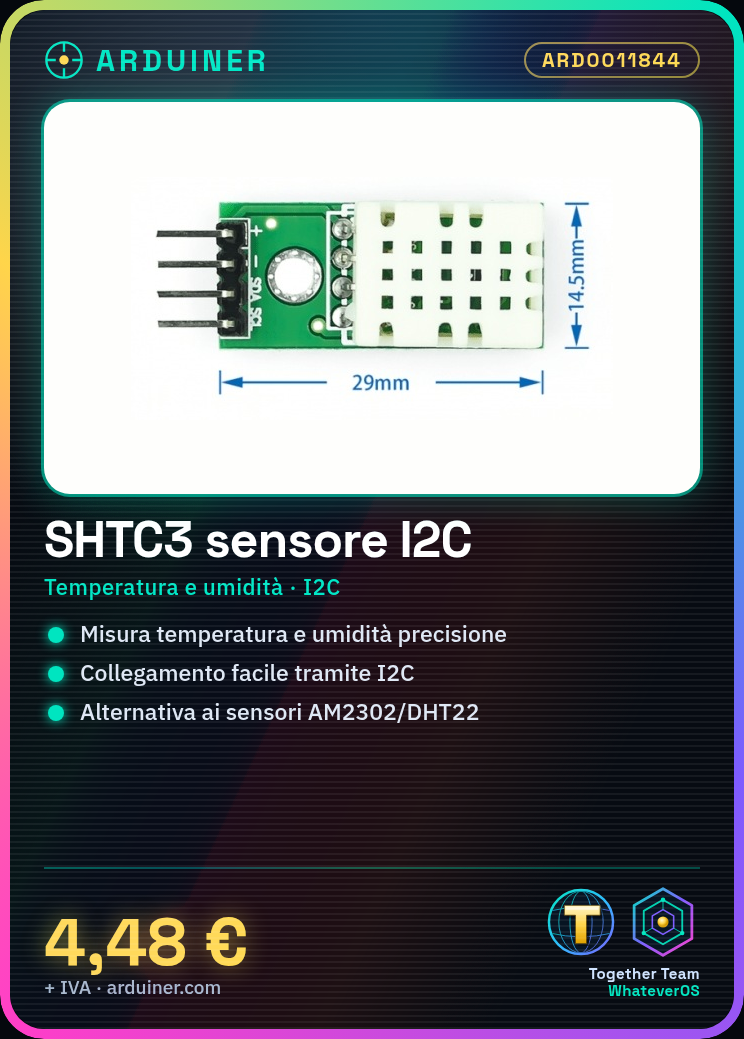
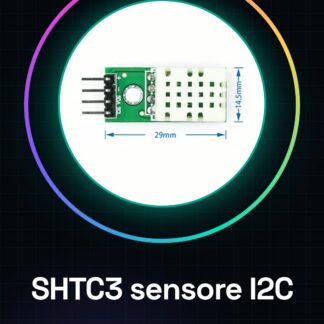
The SHTC3 is a high-precision digital sensor for measuring temperature and humidity. It is an alternative to the AM2302/DHT22 sensor.
Features
- Temperature and Humidity Measurement
- I2C Interface
- High Precision
- SKU: ARD0011844
- Price: 4.48 €
What it is for
The SHTC3 is ideal for environmental monitoring projects, such as humidity alarm systems. It can be easily connected to an Arduino microcontroller or ESP for precise temperature and humidity measurement.
Tutorial: How to Use the SHTC3 Temperature and Humidity Sensor
The SHTC3 is a high-precision digital temperature and humidity sensor, ideal for environmental monitoring projects. Connect it easily to a microcontroller for precise temperature and humidity measurement.
What you need
- Arduino or Compatible Microcontroller
- USB Cable
- Jumper Wire
- Arduino IDE Software
Steps
- Connect the SHTC3 to the microcontroller using jumper wires. The VCC and GND pins must be connected to the +5V and GND of the microcontroller respectively. The SDA pin should be connected to the A4 (SDA) pin of the microcontroller and the SCL pin to the A5 (SCL) pin.
- Open the Arduino IDE software and install the Adafruit_SHTC3 library.
- Include the Adafruit_SHTC3 library in your code.
- Create an SHTC3 object and initialize it.
- Use the readTemperature() and readHumidity() functions to read the temperature and humidity values.
- Send the read data to the serial monitor to display it.
- Check the values on the serial monitor to ensure the sensor is working correctly.
- Modify your project to integrate the sensor data into a more complex application.
Example code
Adafruit_SHTC3 shtc3;

void setup() {
  Serial.begin(9600);
  if (!shtc3.begin()) {
    Serial.println(F("Errore durante l'inizializzazione del sensore"));
    while (1);
  }
}

void loop() {
  float temperature = shtc3.readTemperature();
  float humidity = shtc3.readHumidity();
  Serial.print("Temp: ");
  Serial.print(temperature);
  Serial.print(" C, Humidity: ");
  Serial.print(humidity);
  Serial.println(" %");
  delay(2000);
}
Mini project
Create a humidity alarm system that sends a message when the humidity exceeds a certain limit.
Common mistakes
- PIN connection error for the sensor.
- Incorrect data on the serial monitor.
- Sensor recognition issues.
- Library installation problems.
Recommended accessories
- Arduino Uno
- USB cable
- Jumper wire kit
- OLED display
Frequently asked questions
How can I verify the accuracy of the sensor?
Compare the read values with those of a precise thermometer and hygrometer.
Can the sensor be used in outdoor environments?
Yes, but make sure the environment is protected from rain and direct sunlight.
What other sensors can I use with Arduino?
You can use other sensors like DHT11, DHT22, BMP280 to measure temperature and humidity.
Reviews
There are no reviews yet.