 EN
 IT Italiano
 ES Español
 FR Français
 DE Deutsch
Description
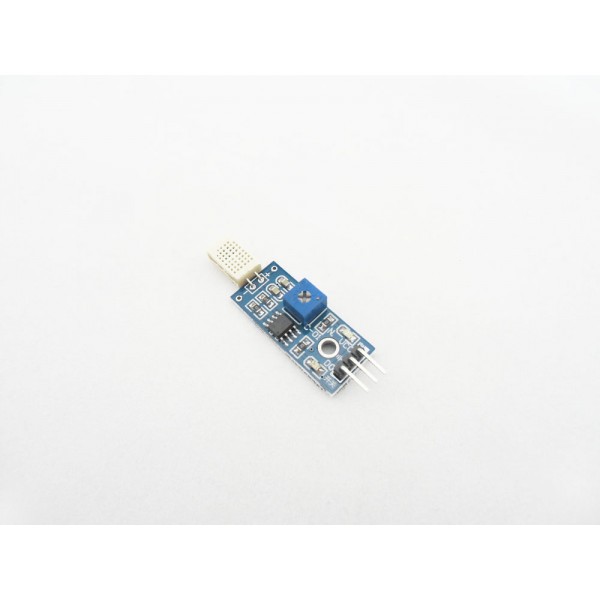
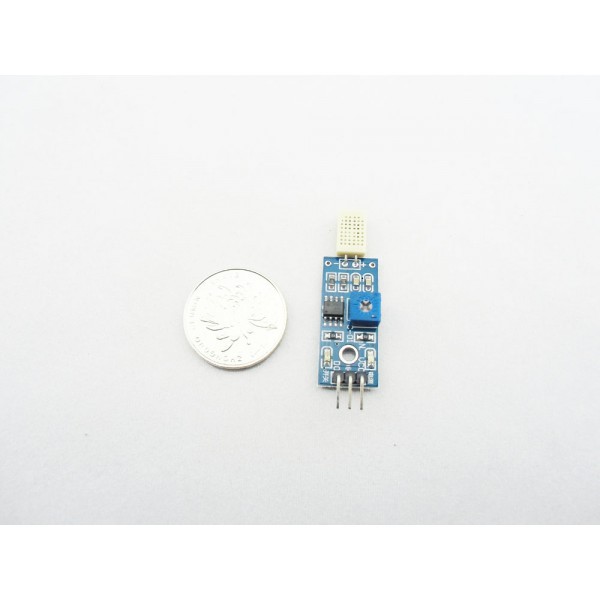
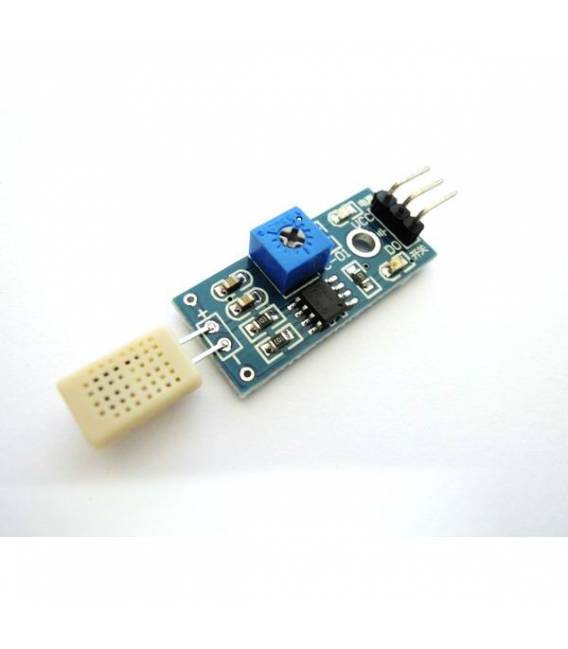
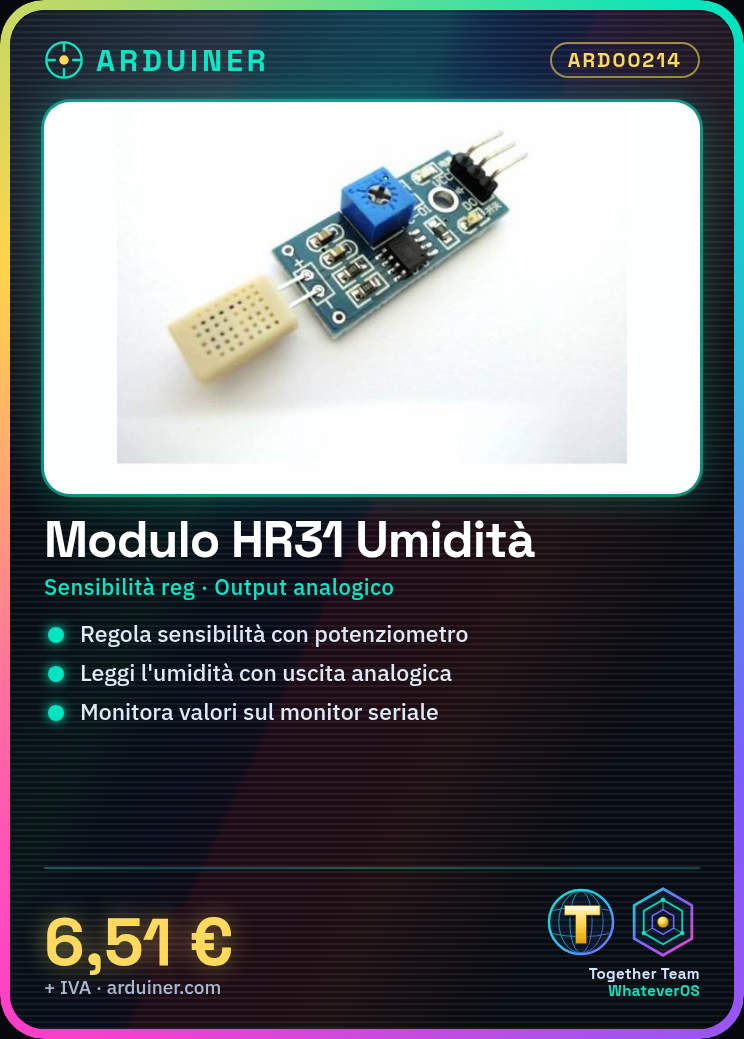
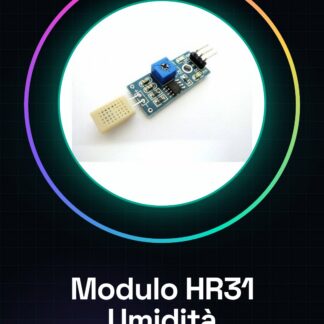
Analog HR31 Humidity Sensor Adjustable Module Arduino Compatible
Tutorial: How to Use the HR31 Humidity Sensor
The HR31 module is an adjustable humidity sensor for Arduino projects. Ideal for beginners and makers.
What you need
- Arduino Uno
- USB Cable
- VCC/GND Connection
Steps
- Connect VCC to the 5V of the Arduino.
- Connect GND to a GND port of the Arduino.
- Connect the analog output to a digital or analog pin of the Arduino.
- Install the Adafruit_DHT library if necessary.
- Download and upload the provided example sketch.
- Adjust the sensitivity of the sensor via the potentiometer.
- Monitor humidity values on the Arduino serial monitor.
Example code
void setup() {
  Serial.begin(9600);
}

void loop() {
  int val = analogRead(A0); // leggi l'umidità dal sensore
  Serial.println(val);      // invia il valore al monitor seriale
}
Mini project
Create an automatic alarm system for excessive humidity.
Common mistakes
- VCC/GND Connection Error.
- Sensor sensitivity not correctly adjusted.
- Adafruit_DHT library not installed or incorrectly configured.
Recommended accessories
- Arduino Uno
- 3D Print Cases for Arduino
- LCD 16×2 Display
Frequently asked questions
Does the sensor work with other microcontrollers?
Yes, but it may be necessary to adapt the supply voltage and connections.
How to adjust the sensor sensitivity?
Use a multimeter to measure the analog output and adjust the potentiometer until you achieve the desired sensitivity.
Reviews
There are no reviews yet.