 EN
 IT Italiano
 ES Español
 FR Français
 DE Deutsch
Description
What it is
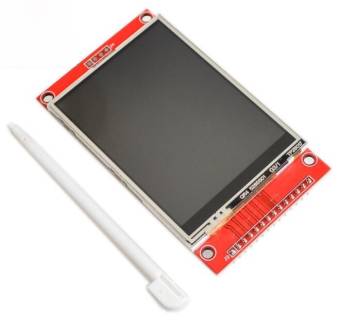
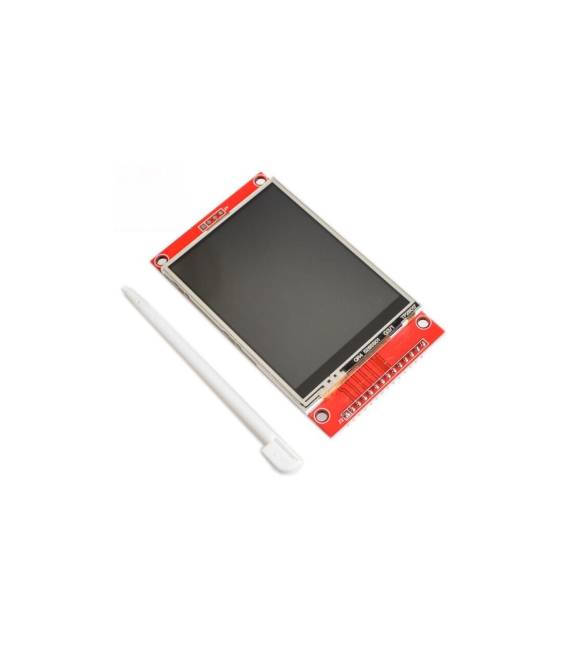
SPI Serial Port Module touch panel LCD SPI TFT 240×320 2.8 inch ILI9341 display. Allows interfacing a color TFT touch screen display with a microcontroller via SPI protocol.
Features
- Display size: 2.8 inches
- Resolution: 240×320 pixels
- Technology: TFT
- Controller: ILI9341
- Interface: SPI
- Touch screen: present
What it is for
Ideal for Arduino and 3D printing projects that require an interactive graphical interface. It can be used to create interactive digital clocks, sensor displays, custom user interfaces, and much more. Compatibility with Arduino and ESP is guaranteed thanks to the SPI interface.
Tutorial: How to use Touch LCD SPI TFT 2.8 inch Display Module
This 2.8 inch TFT touch display module is ideal for projects requiring an interactive graphical interface. It is perfect for makers who want to add colorful and touch-sensitive screens to their Arduino projects.
What you need
- Arduino Uno or compatible
- USB cable to connect Arduino to PC
- Jumper wires
- Third-party libraries to manage the display
- Arduino IDE development software
- Touch Screen Tester (optional)
Steps
- Connect the display module to the Arduino SPI pin
- Install the necessary libraries in the Arduino IDE software
- Write a sketch to initialize the display
- Test the display functionality
- Configure the touch screen
- Verify the correct interaction between display and touch screen
- Try drawing simple shapes on the display
- Add interactive features to the display
Example code
/* Includi le librerie necessarie */
#include <Adafruit_GFX.h>
#include <Adafruit_ILI9341.h>

/* Inizializza il display */
Adafruit_ILI9341 tft = Adafruit_ILI9341(TFT_CS, TFT_DC, TFT_MOSI, TFT_SCLK, TFT_RST);

void setup() {
  tft.begin();
  tft.fillScreen(TFT_BLACK);
  tft.setCursor(0,0);
  tft.setTextColor(TFT_WHITE);
  tft.setTextSize(2);
  tft.println("Benvenuto!");
}

void loop() {
}
Mini project
Create an interactive digital clock that displays the time and day of the week on the display and allows setting the time with the touch screen.
Common mistakes
- Incorrect SPI pin connection
- Third-party libraries not installed correctly
- Incorrect touch screen configuration
- Insufficient power supply issues
Recommended accessories
- Arduino Uno R3
- USB A-MicroB cable
- Third-party libraries for TFT display
- Touch Screen Tester
Frequently asked questions
Which libraries are needed?
To manage the display, use the Adafruit_GFX and Adafruit_ILI9341 libraries.
How do I verify the correct touch screen configuration?
Use a touch screen tester or write a sketch to test touch coordinates.
The display does not turn on, what should I do?
Check the power supply and SPI pin connection.



Reviews
There are no reviews yet.