 EN
 IT Italiano
 ES Español
 FR Français
 DE Deutsch
Description
What it is
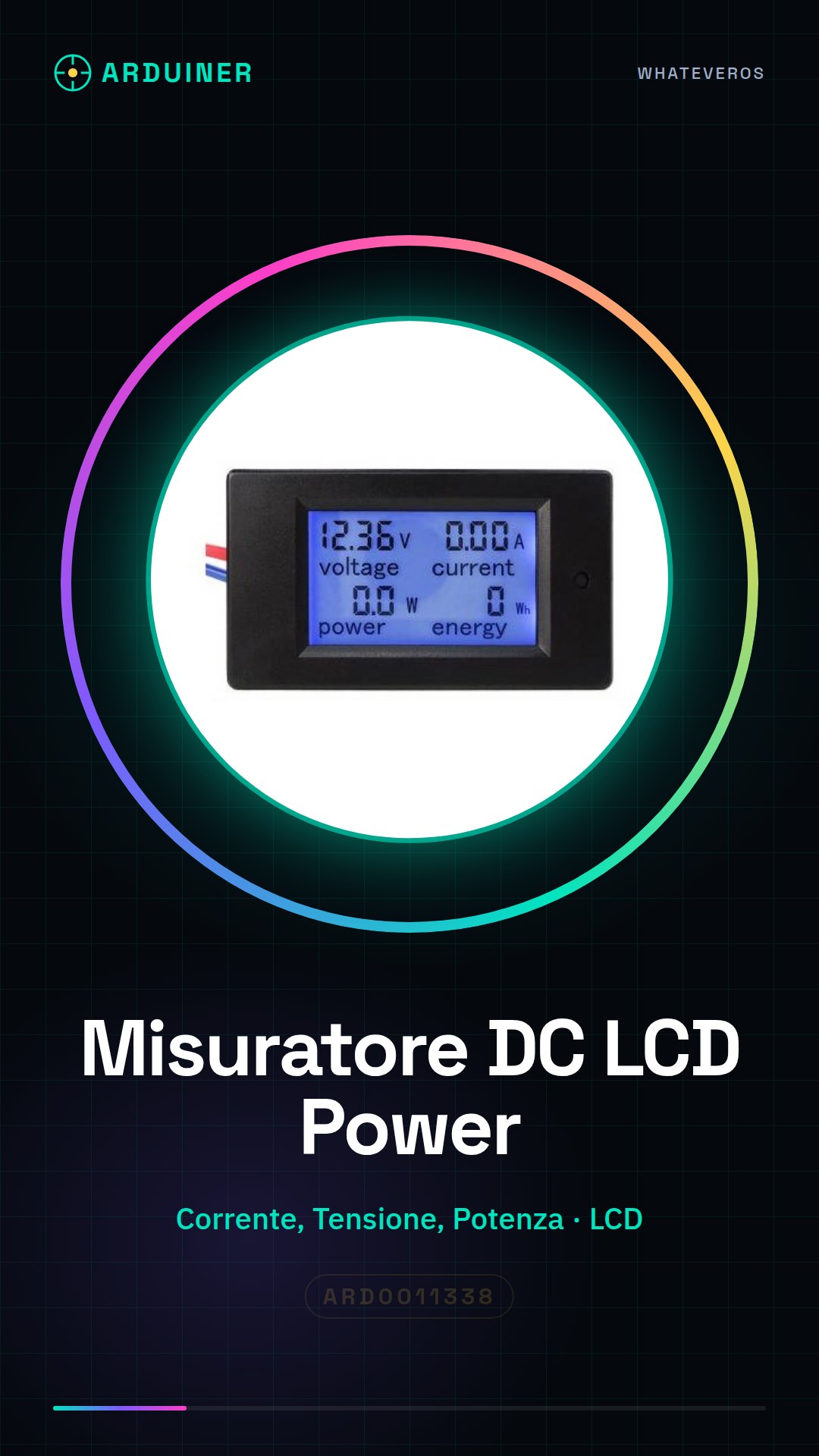
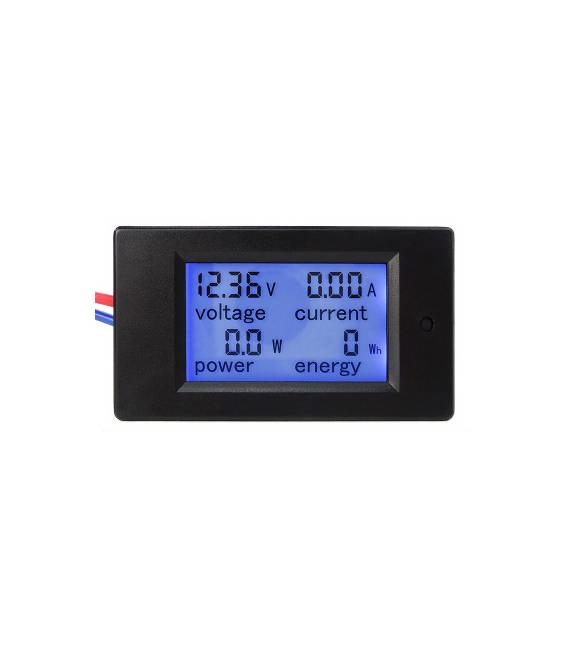
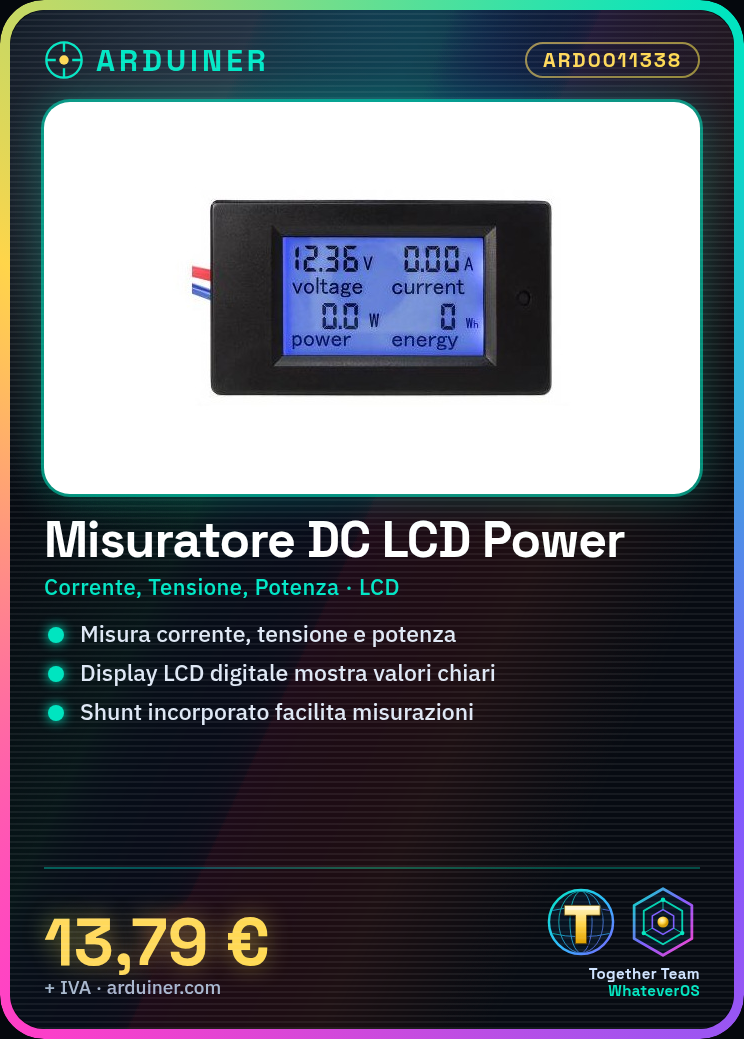
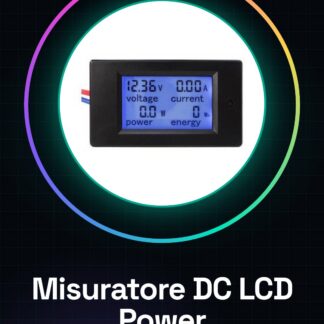
The DC LCD Power Meter ARD0011338 is a tool for measuring current, voltage, and power of DC motors. It features an integrated digital LCD display that clearly and precisely shows the values.
Features
- Measures ammeter, voltmeter, and power
- Integrated digital LCD display
- Built-in shunt
- For DC motors
What it is for
This meter is ideal for makers and electronic projects that require monitoring the energy consumption of devices. It can be used, for example, to create an energy monitoring system for a drone prototype or to analyze the energy consumption of electronic circuits.
Tutorial: How to use the DC LCD Power Meter
The DC Power Meter LCD is an essential tool for makers who want to monitor electrical energy consumption in various electronic devices. With an integrated digital LCD display, this tool allows for simple and precise measurement of current, voltage, and power.
What you need
- DC Power Meter LCD
- Arduino Uno
- USB cable
- Test leads
Steps
- Connect the DC Power Meter LCD to the Arduino Uno using test leads.
- Download and upload the Arduino sketch to the microcontroller.
- Configure the LCD display to show current, voltage, and power data.
- Check the datasheet to correctly set the shunt sensitivity values.
- Monitor real-time data through the Arduino serial port.
- Calibrate the meter to ensure measurement accuracy.
- Use the power meter to monitor the energy consumption of a small DC motor.
- Record the consumption data over a period of time for subsequent analysis.
Example code
void setup() {
  Serial.begin(9600);
  // Inizializza il display LCD
}
void loop() {
  // Leggi i dati dal misuratore di potenza
  // Verifica sul datasheet per i dettagli di lettura specifici
  Serial.print("Corrente:");
  Serial.print(current);
  Serial.print(" V");
  Serial.print(" Tensione:");
  Serial.print(voltage);
  Serial.print(" V");
  Serial.print(" Potenza:");
  Serial.print(power);
  Serial.println(" W");
}
Mini project
Create an energy monitoring system for a small drone prototype, using the power meter to monitor the motor’s energy consumption.
Common mistakes
- Set the shunt value without checking the datasheet.
- Omit calibrating the power meter.
- Do not monitor the data in real-time via the serial port.
- Do not record the consumption data for a sufficient period of time for analysis.
Recommended accessories
- Arduino Uno
- USB cable
- Test leads
- DC motor
Frequently asked questions
How do I calibrate the power meter?
Check the datasheet for specific calibration steps.
What data can I monitor?
Current, voltage, and power.
Can I use the power meter with other microcontrollers?
Yes, but it may be necessary to modify the Arduino sketch.



Reviews
There are no reviews yet.