 EN
 IT Italiano
 ES Español
 FR Français
 DE Deutsch
Description
What it is
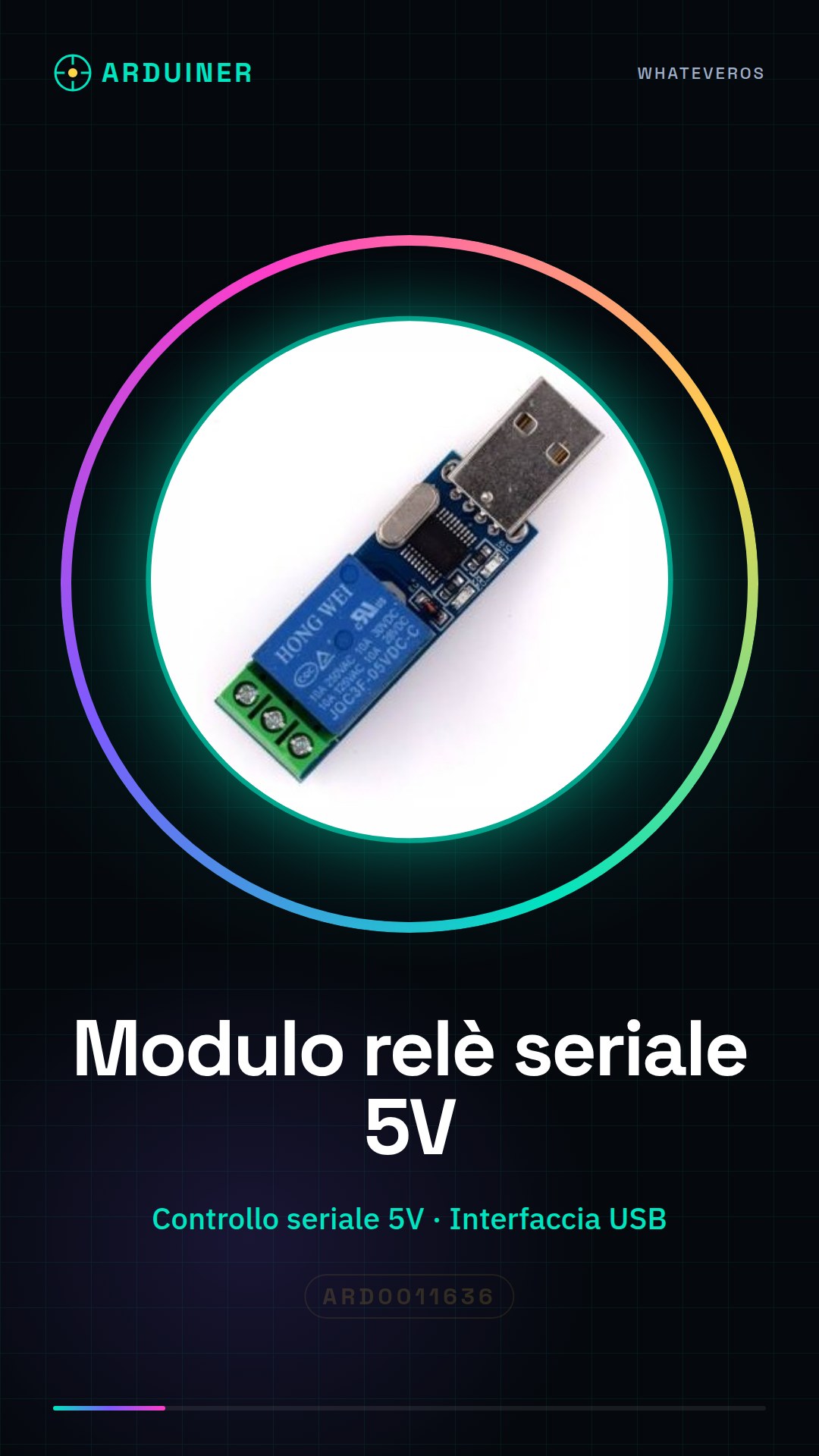
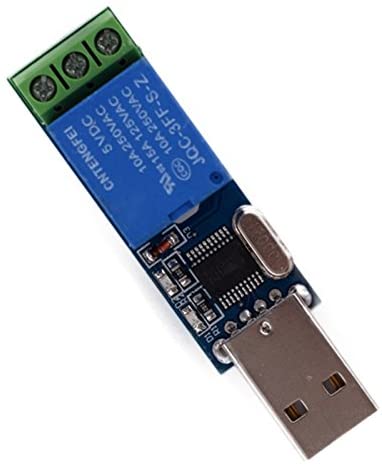
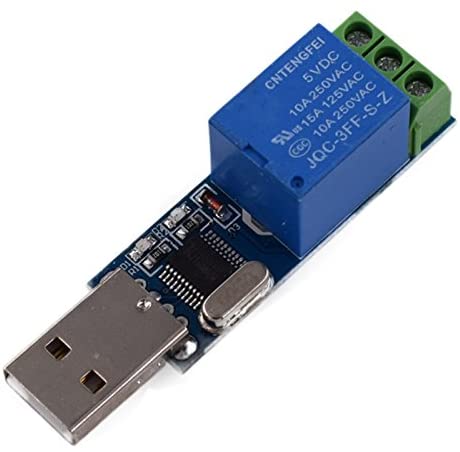
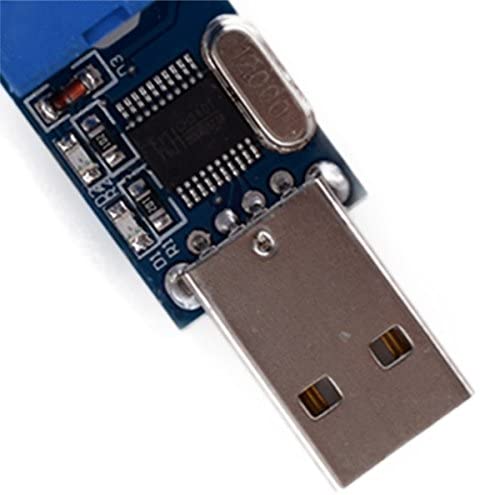
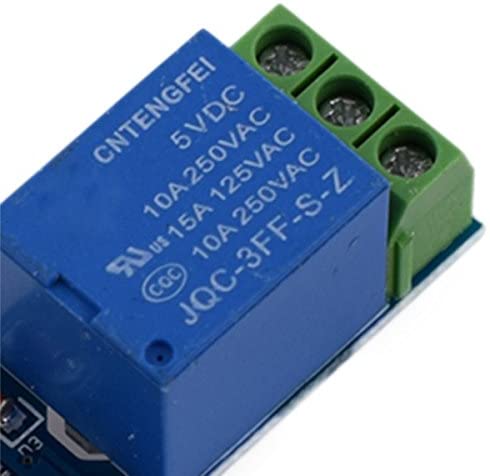
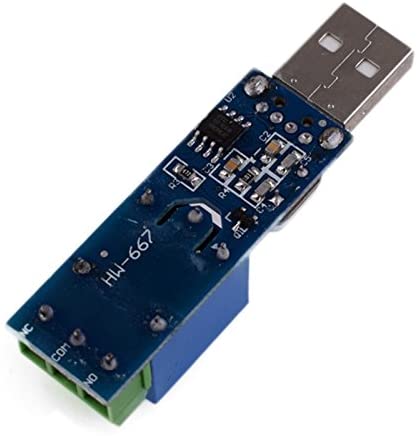
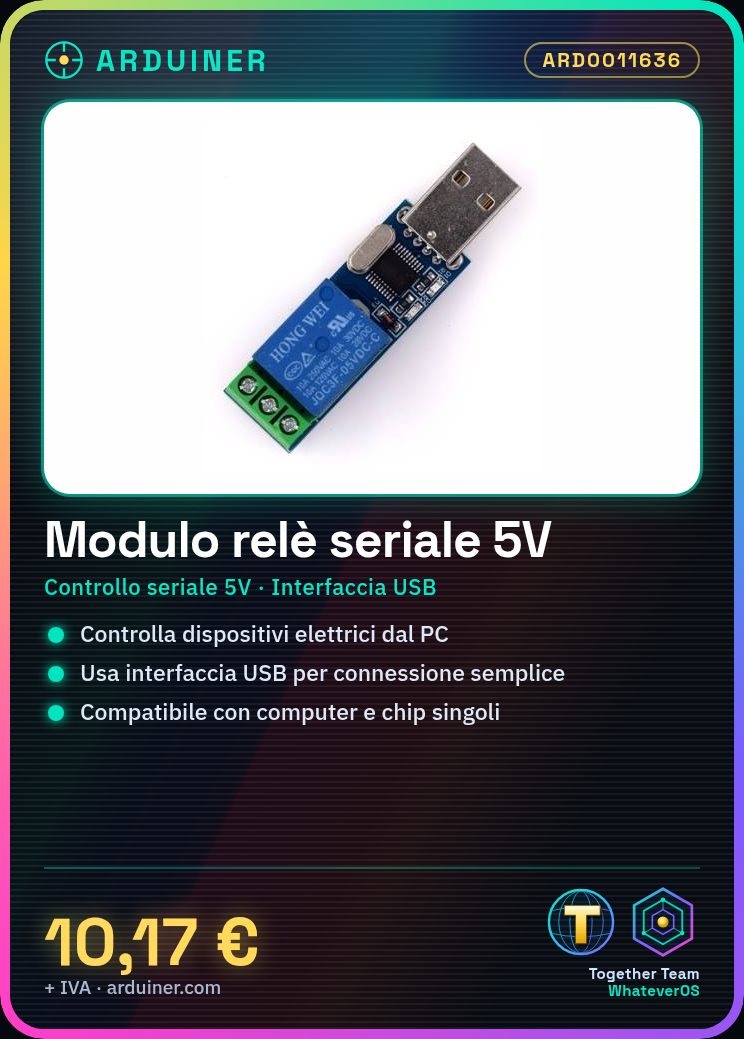
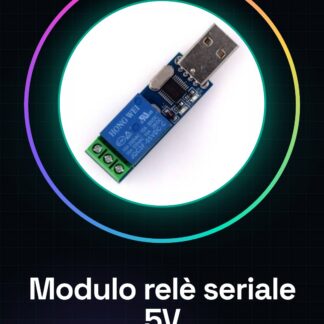
The 5V Serial Control Relay Module with USB interface is a device that allows you to control electrical devices from a computer or single-board chip, such as Arduino or ESP. This module can be used for automatic switching in electronic projects.
Features
- 5V Serial Control
- USB Interface
- Compatible with computers and single-board chips
What it is for
This module is ideal for home automation projects, light control, or industrial equipment. You can use it to create a light control system that turns on and off based on commands sent from the computer.
Tutorial: How to Use 5V Serial Control Relay Module
This relay module is perfect for controlling electrical devices from a computer or single-board chip. It’s ideal for home automation projects, light control, or industrial equipment control.
What you need
- Arduino Uno
- USB A-B Cable
- Potentiometer
Steps
- Connect the relay module to the Arduino using the serial TX and RX connectors.
- Connect the module power line to the 5V of the Arduino.
- Configure the potentiometer to adjust the threshold level of the control port.
- Write the Arduino sketch that sends serial commands to the relay module.
- Verify serial communication using the serial monitor in the Arduino IDE software.
- Test the activation and deactivation of the relay through input signals.
- Adjust the sketch parameters to fit the specific project requirements.
- Implement additional features such as remote control or configuration storage.
Example code
Serial.begin(9600); // Imposta la velocità di trasmissione seriale
if (Serial.available() > 0) {
    int command = Serial.read();
    if(command == '1'){
        digitalWrite(relayPin, HIGH);
    }
    else if(command == '0'){
        digitalWrite(relayPin, LOW);
    }
}
Mini project
Create a lighting control system that turns lights on and off based on commands sent from the computer.
Common mistakes
- Set the wrong serial speed in the Arduino IDE or in the Arduino sketch.
- Connect the relay module to the incorrect Arduino power pin.
- Fail to properly verify the physical connections between the Arduino and the relay module.
- Use a serial command not supported by the Arduino sketch.
Recommended accessories
- USB A-B Cable
- Motion Sensors
- Ethernet Socket for Arduino
- Portable Battery
Frequently asked questions
Does the module work with other microcontrollers besides Arduino?
Yes, the module can be used with any device that supports serial communication.
What is the maximum power of the relay?
Check the datasheet to obtain this specific data.
Can it be used with 24V DC or AC devices?
Check the electrical characteristics of the relay module in its datasheet.



Reviews
There are no reviews yet.