 EN
 IT Italiano
 ES Español
 FR Français
 DE Deutsch
Description
What it is
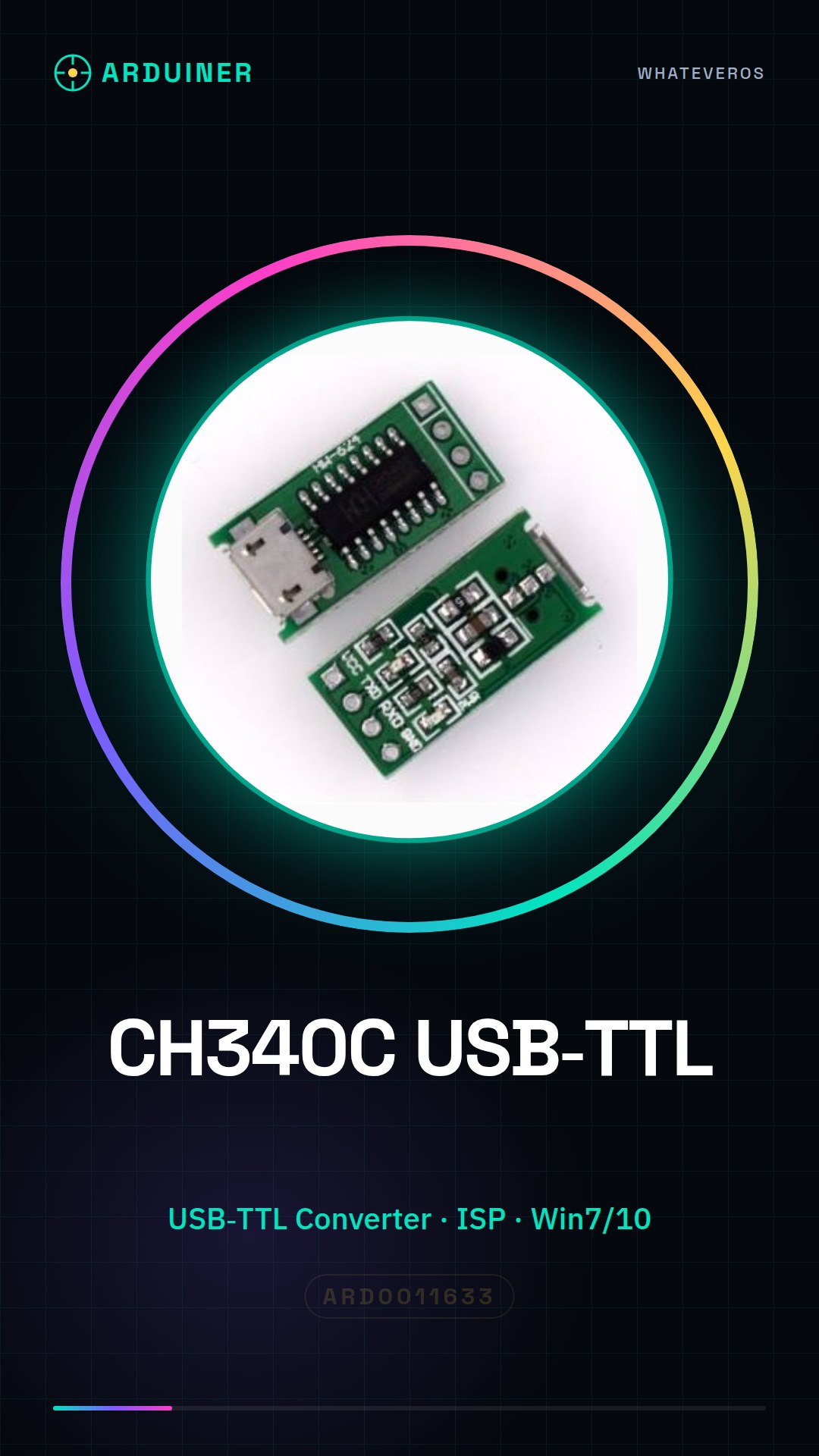
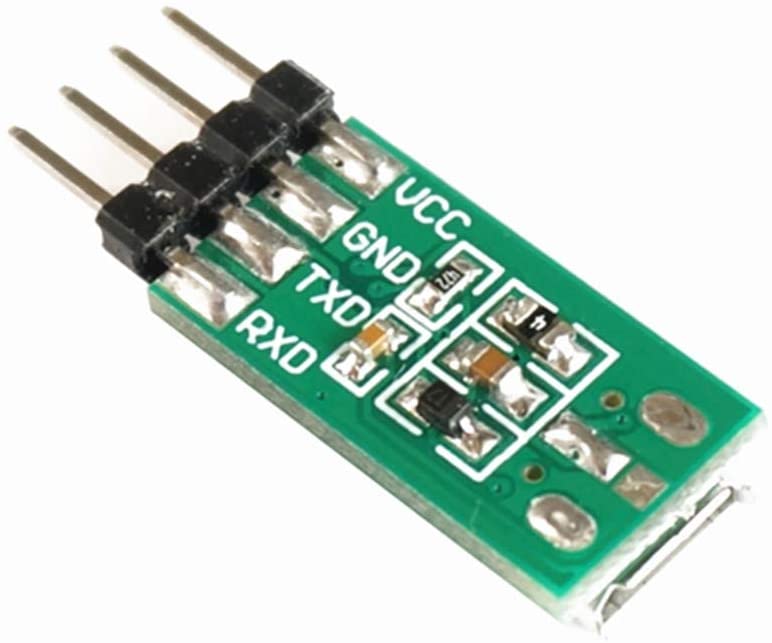
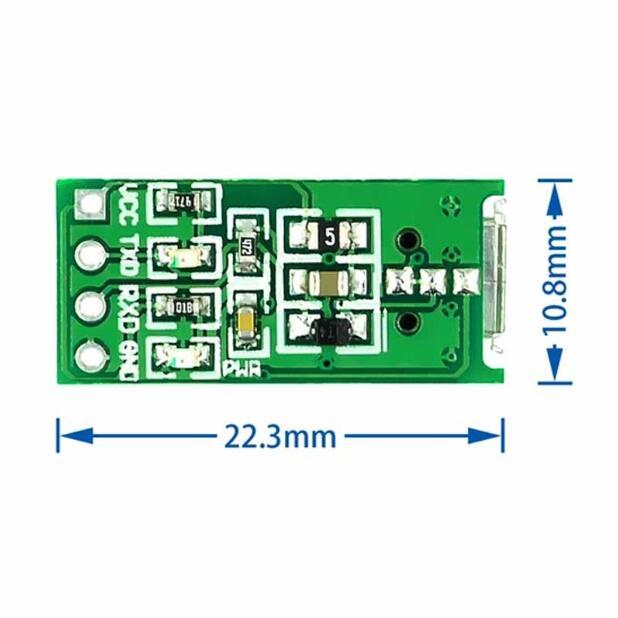
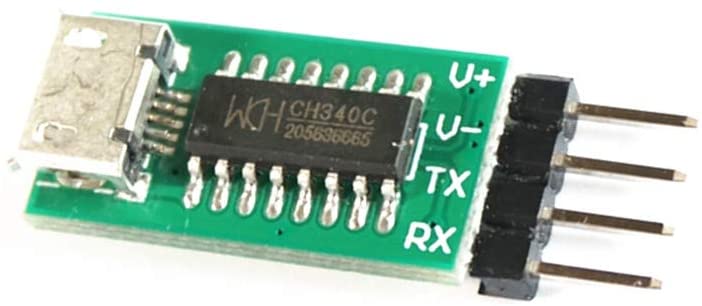
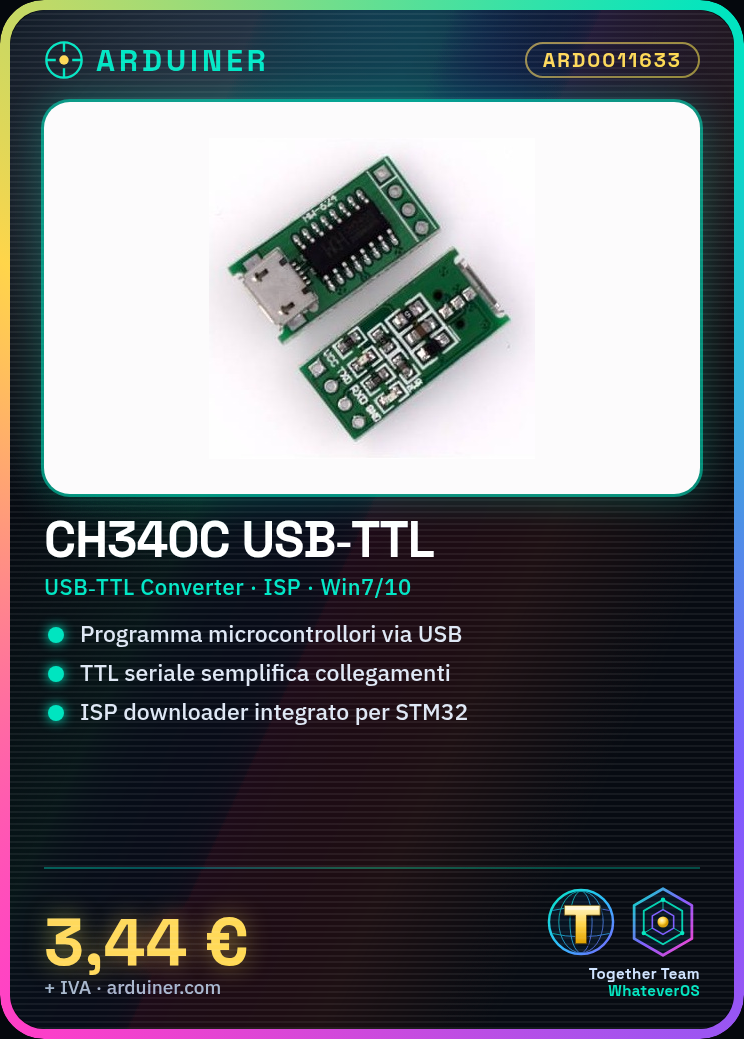
The CH340C module is a USB-TTL converter that allows connecting devices with TTL serial connectors to computers via USB port. The module supports programming of microcontrollers like Arduino and STM32.
Features
- USB-TTL Converter CH340C
- Integrated ISP downloader function
- Compatible with Windows 7, 10 (CH340T)
What it is for
The CH340C module is used for programming microcontrollers and Arduino devices via USB connection. It is ideal for beginners who want to start working with these devices without complications.
Tutorial: How to use CH340C USB to TTL Module
The CH340C module is a useful device for programming microcontrollers like Arduino and STM32 via USB connection. It is ideal for beginners who want to start working with these devices without complications.
What you need
- Arduino Uno or compatible
- CH340C Module
- Computer with Windows 7/10 operating system
Steps
- Check the connection of the CH340C module to the computer via the USB port.
- Open the Arduino IDE and select ‘Arduino Uno’ as the programming device.
- In the ‘Tools’ menu, choose ‘Serial Port’ and verify that the port associated with the CH340C module is selected (check the datasheet for the correct port).
- Upload a simple sketch to Arduino using the CH340C module.
- Verify the execution of the sketch through an LED connected to a digital output port.
Example code
void setup() {
  pinMode(13, OUTPUT);
}

void loop() {
  digitalWrite(13, HIGH);
  delay(1000);
  digitalWrite(13, LOW);
  delay(1000);
}
Mini project
Create a simple glowing projectile with Arduino and CH340C: connect an LED to a digital output port on Arduino, upload a sketch that makes the LED blink, and add a casing for the projectile.
Common mistakes
- Ensure that the serial port is correctly selected in the ‘Tools’ menu.
- Make sure the CH340 driver is installed on your computer.
- Check the physical connections between Arduino and the CH340C module to avoid short circuits.
Recommended accessories
- Resistor for LEDs
- LEDs various colors
- Header connectors
Frequently asked questions
My computer does not recognize the CH340C module.
Check that the CH340 drivers are correctly installed on your system.
How can I verify the serial port associated with the module?
In the ‘Tools’ menu of Arduino IDE, select ‘Serial Ports’ and look for a port that starts with ‘CH340’. If you find nothing, check the module’s datasheet.
Can I use this module to program STM32 microcontrollers?
Yes, but make sure you have the correct development environment installed and correctly configured.



Reviews
There are no reviews yet.