 EN
 IT Italiano
 ES Español
 FR Français
 DE Deutsch
Description
What it is
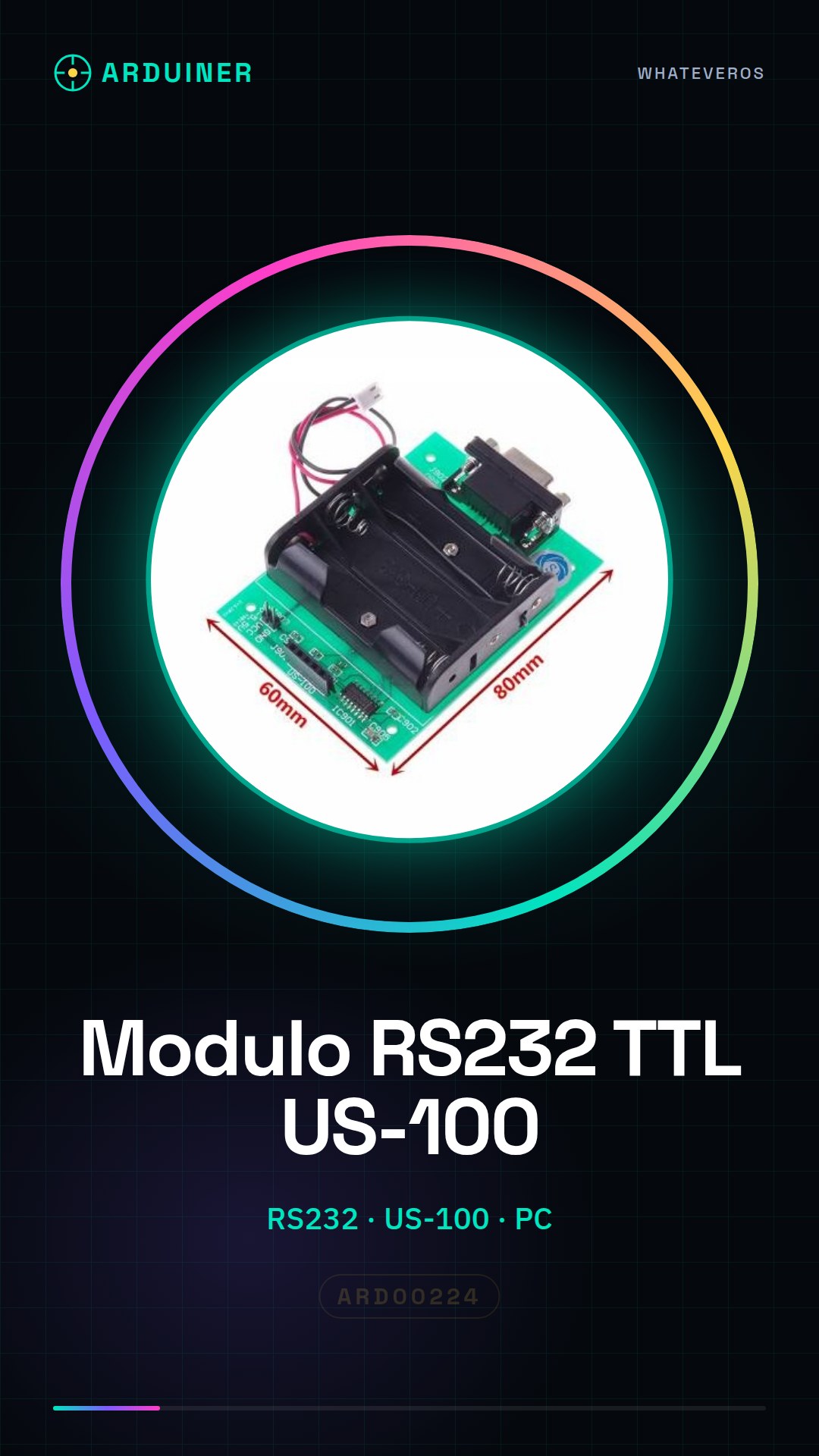
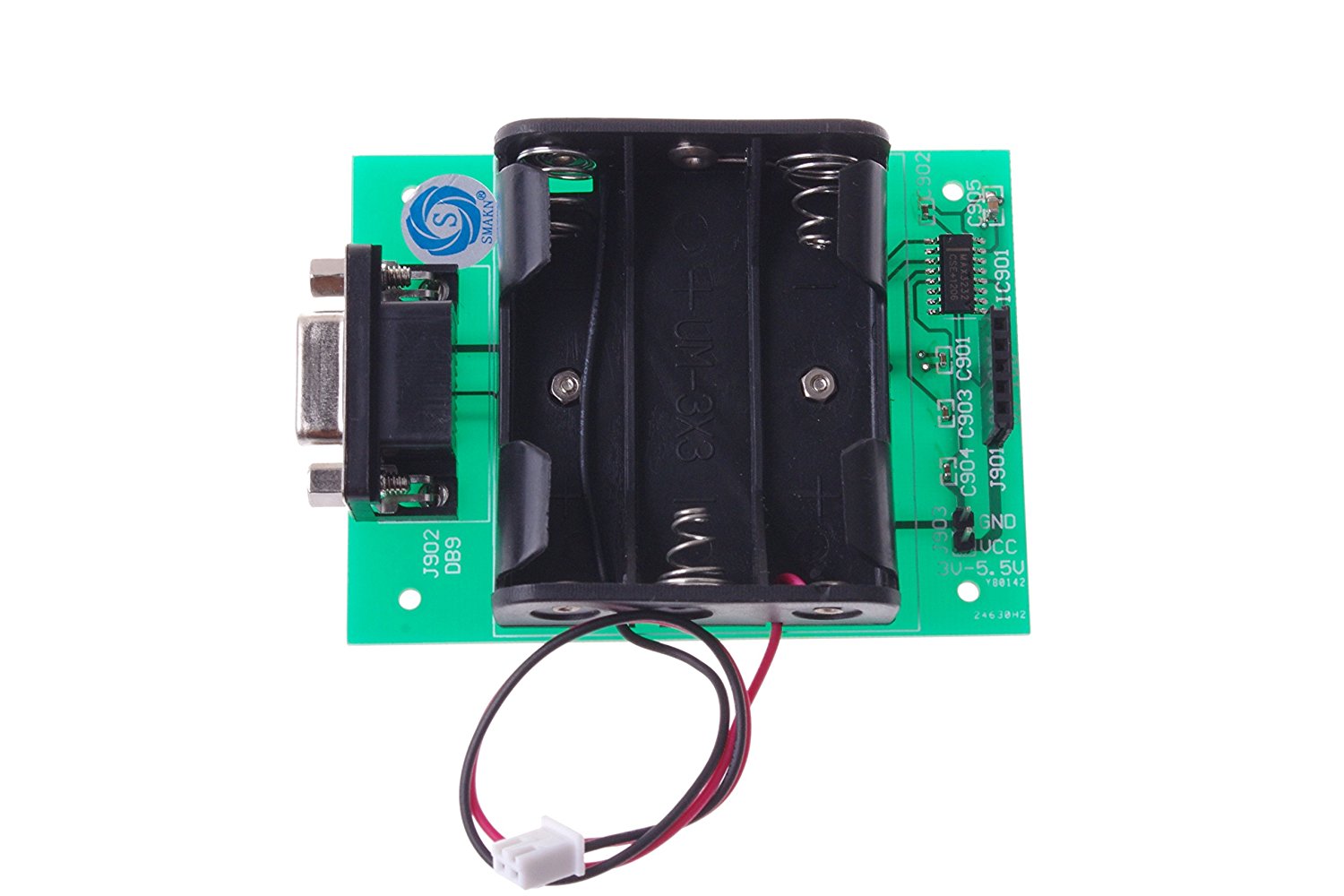
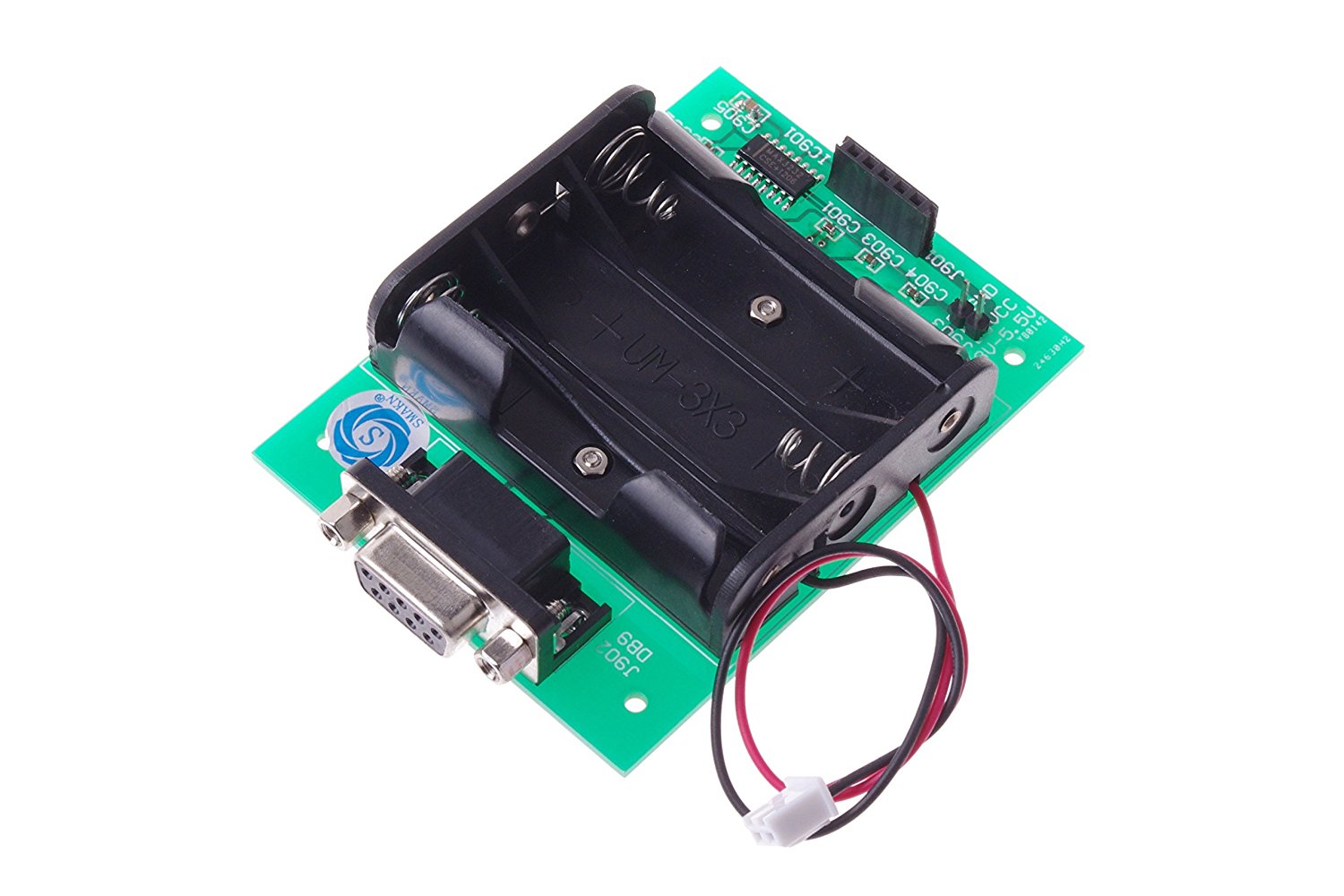
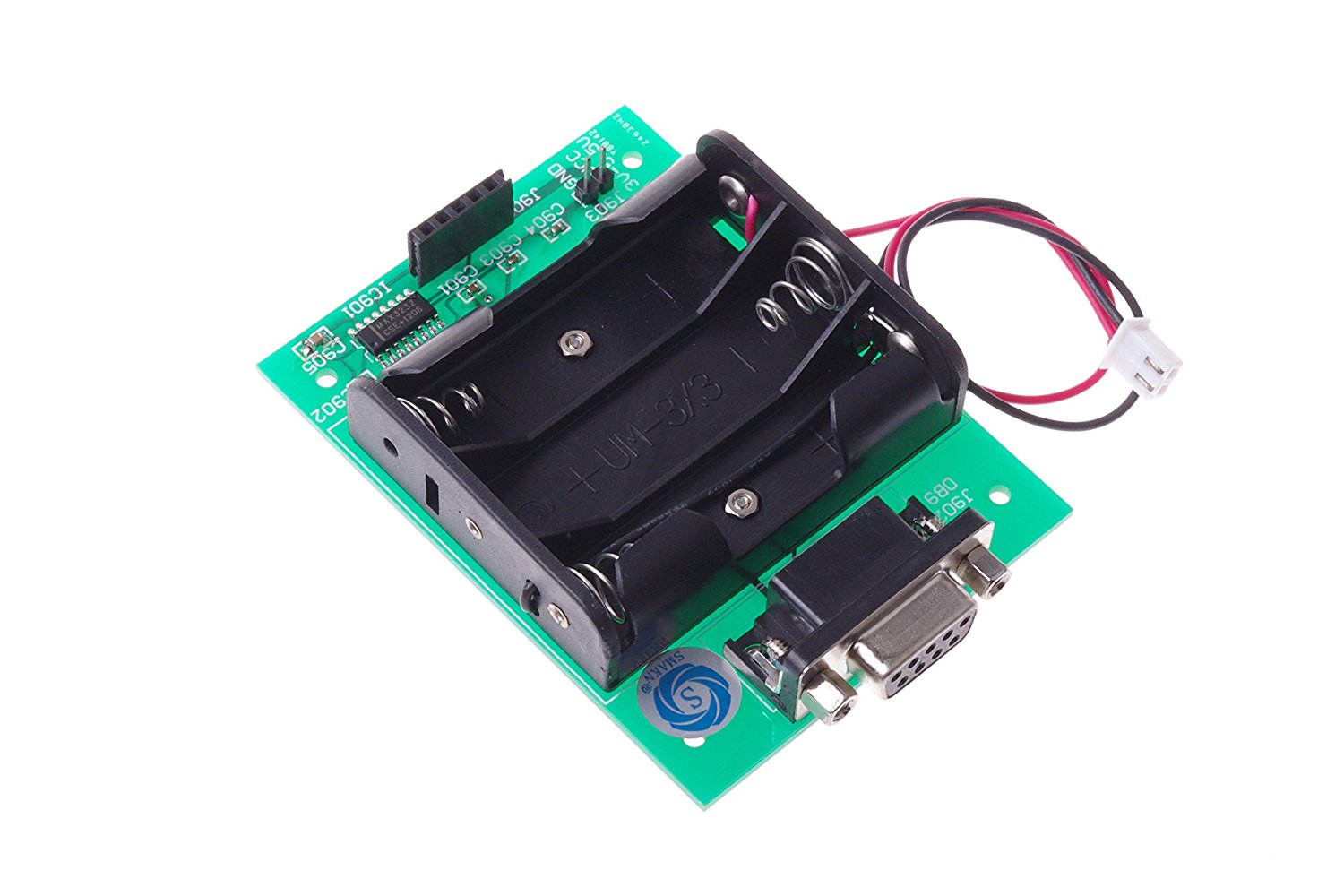
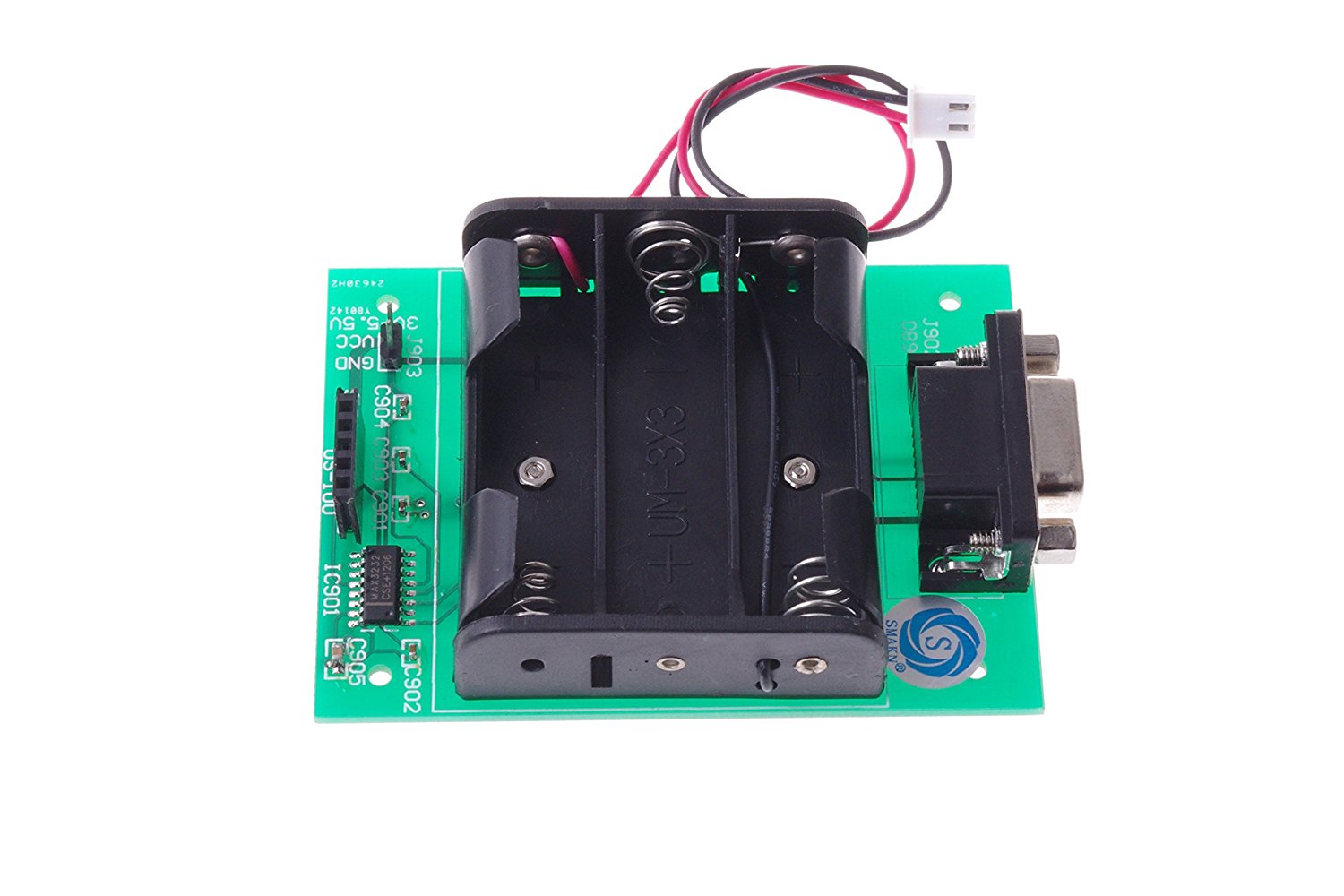
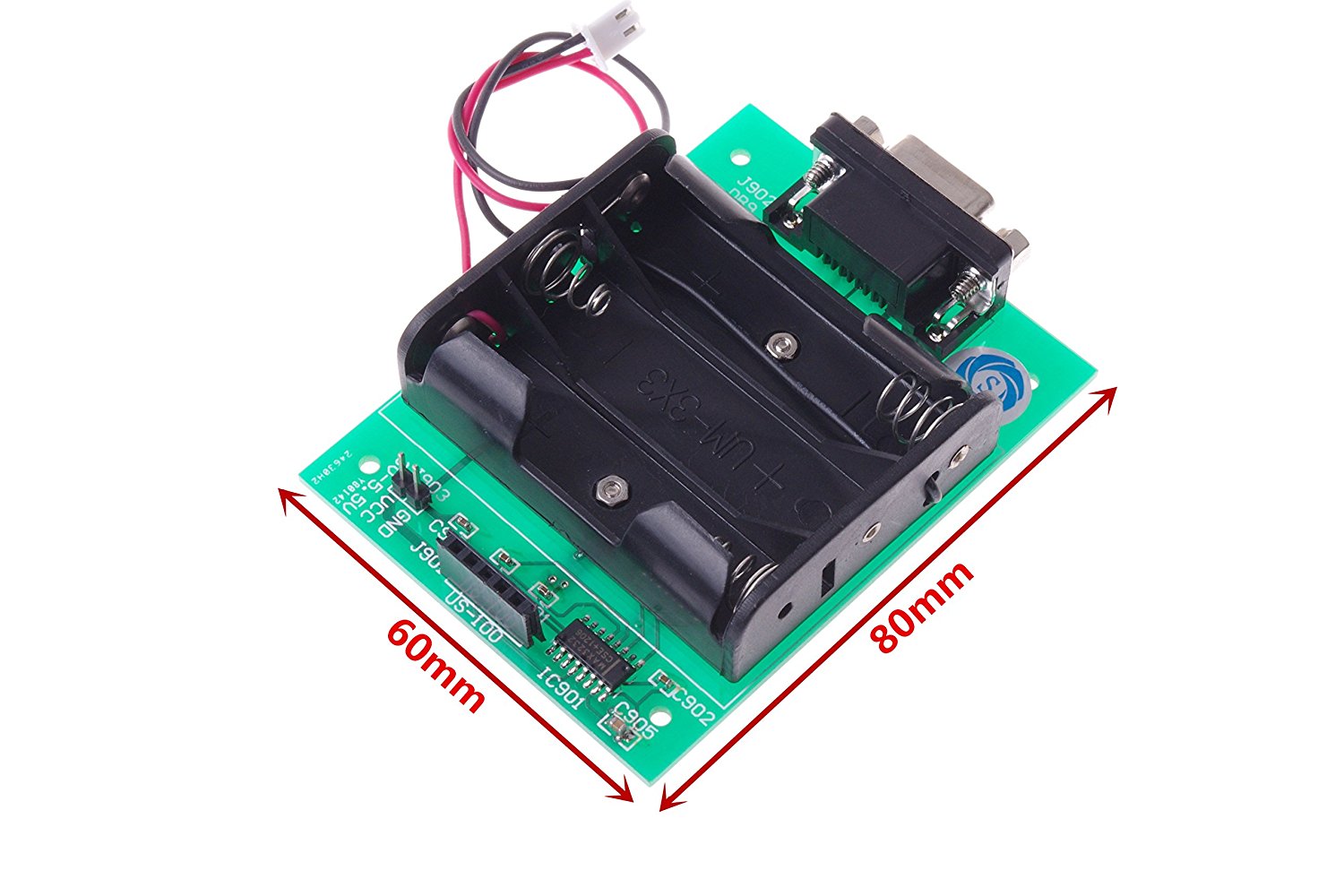
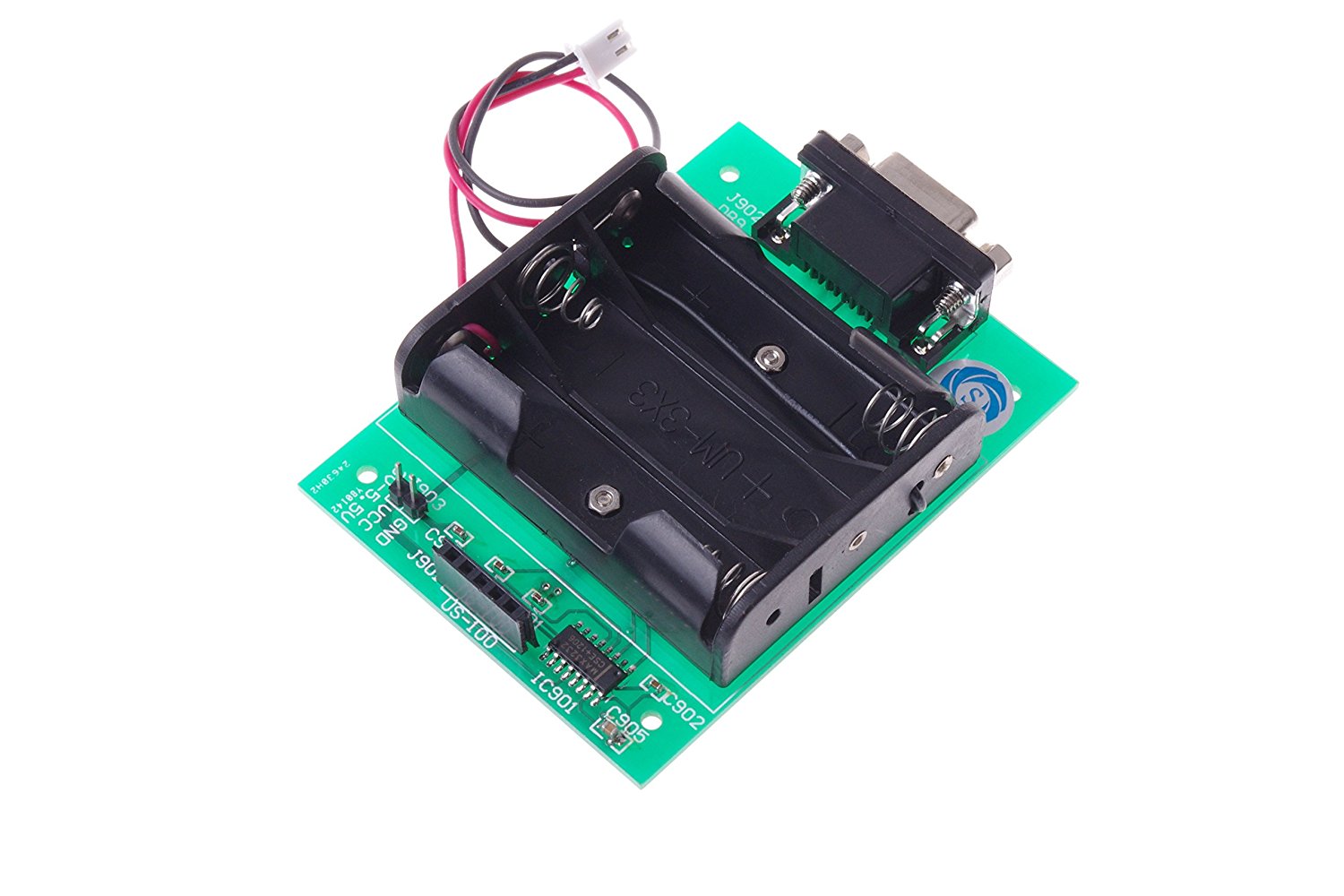
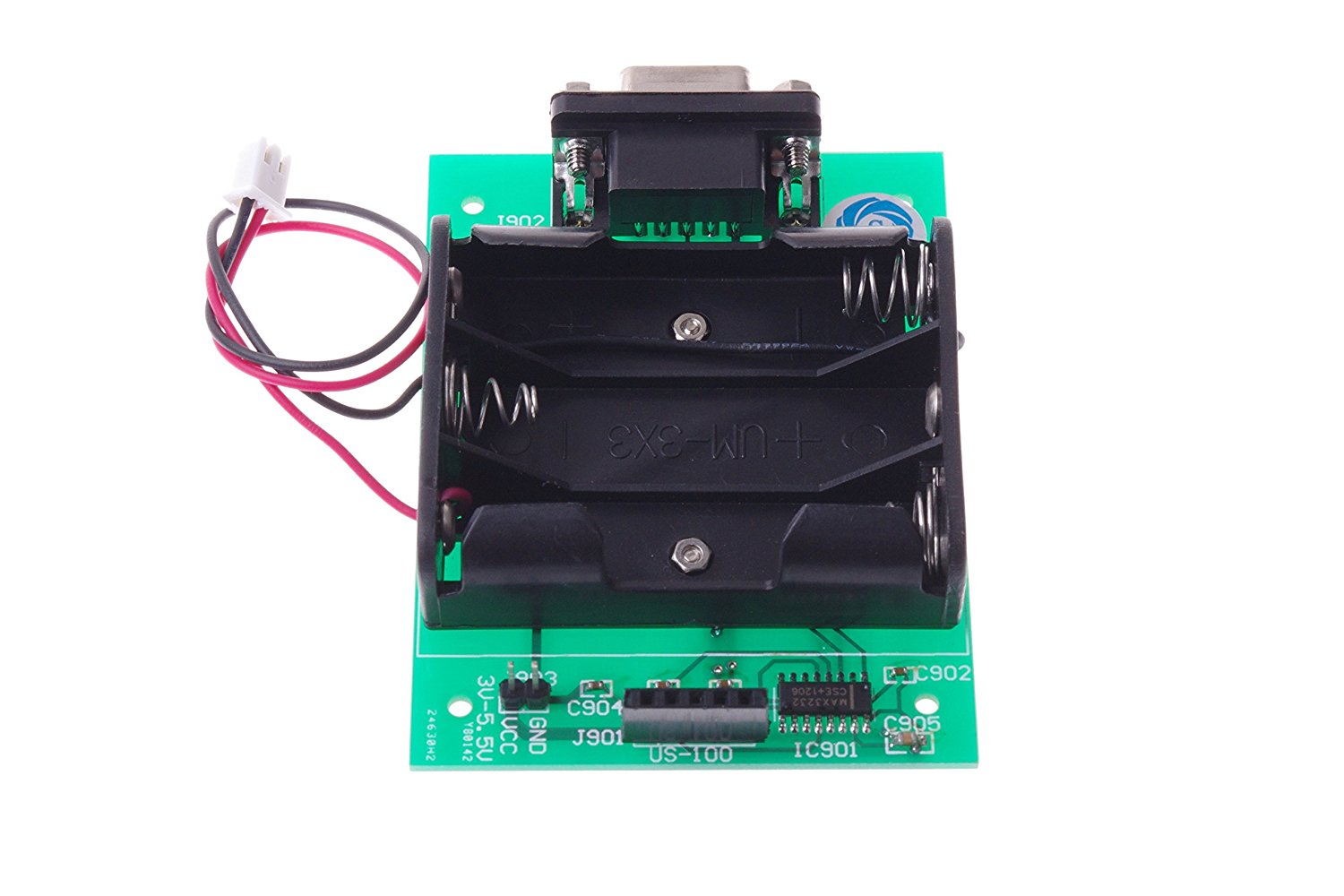
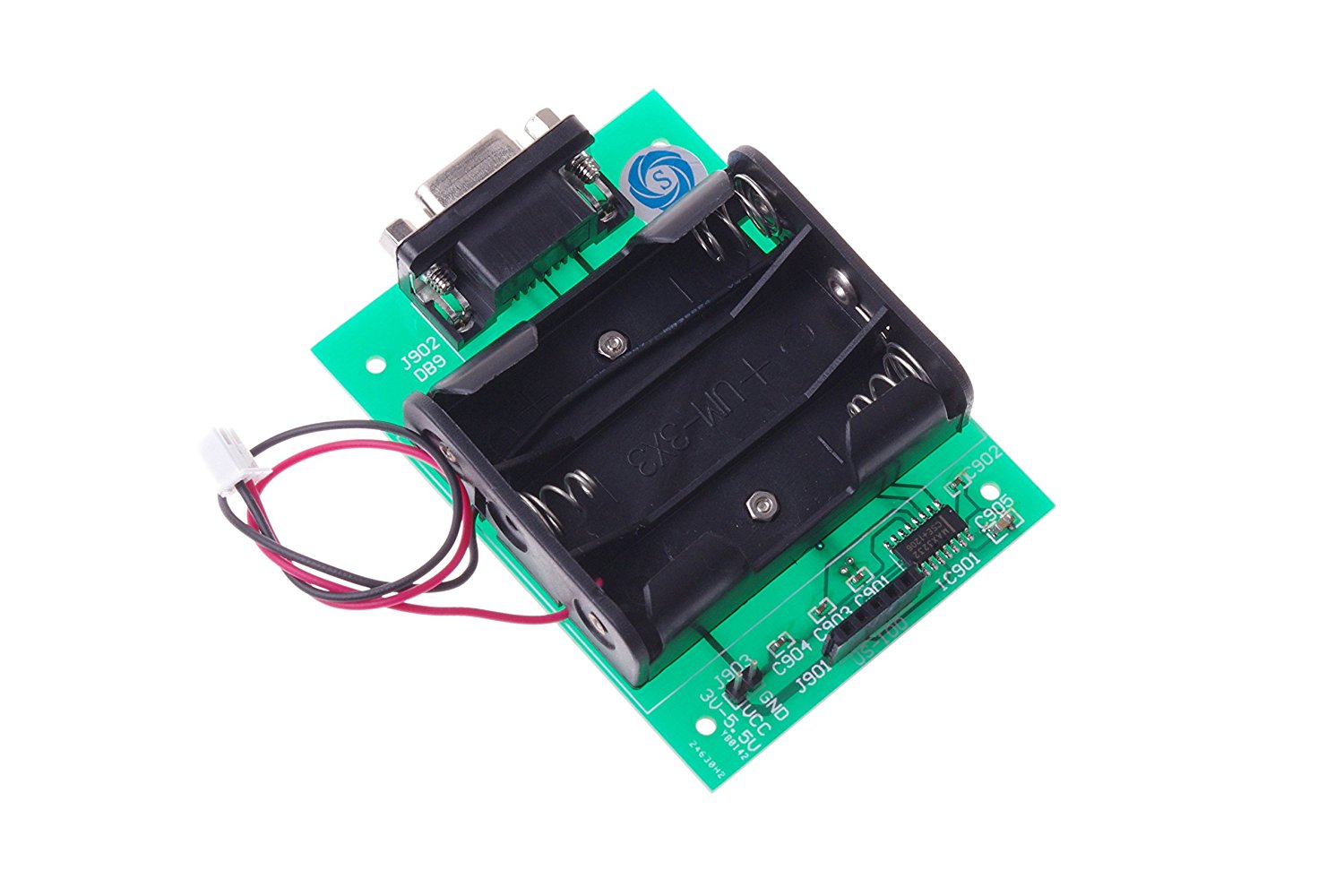
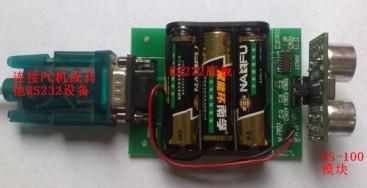
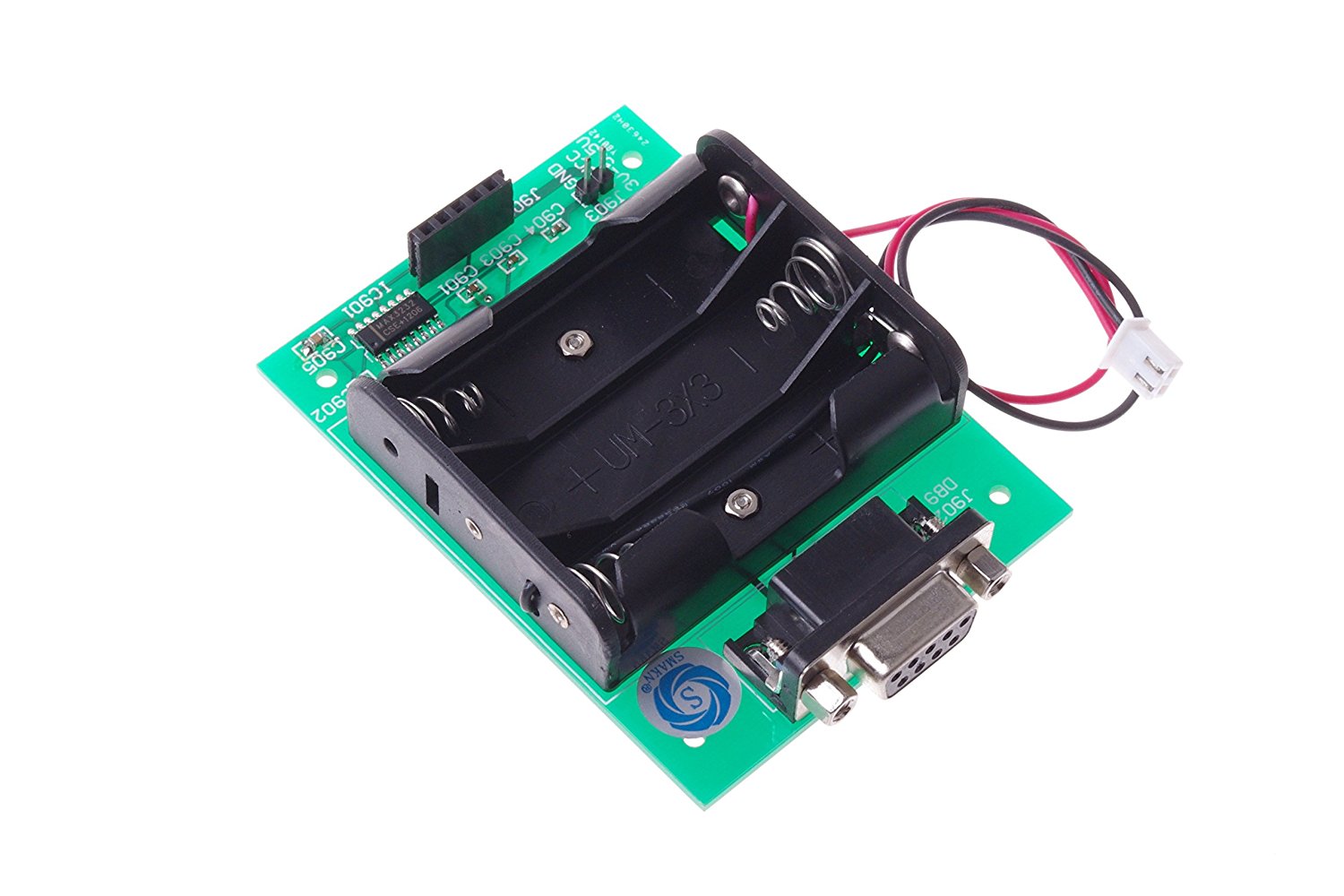
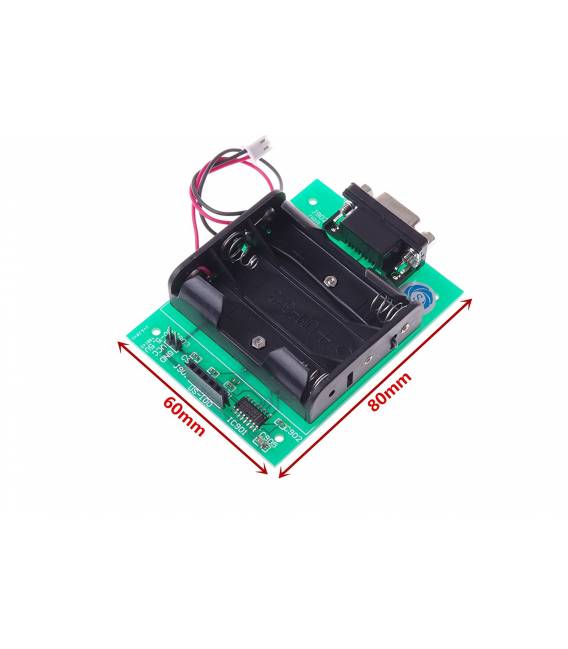
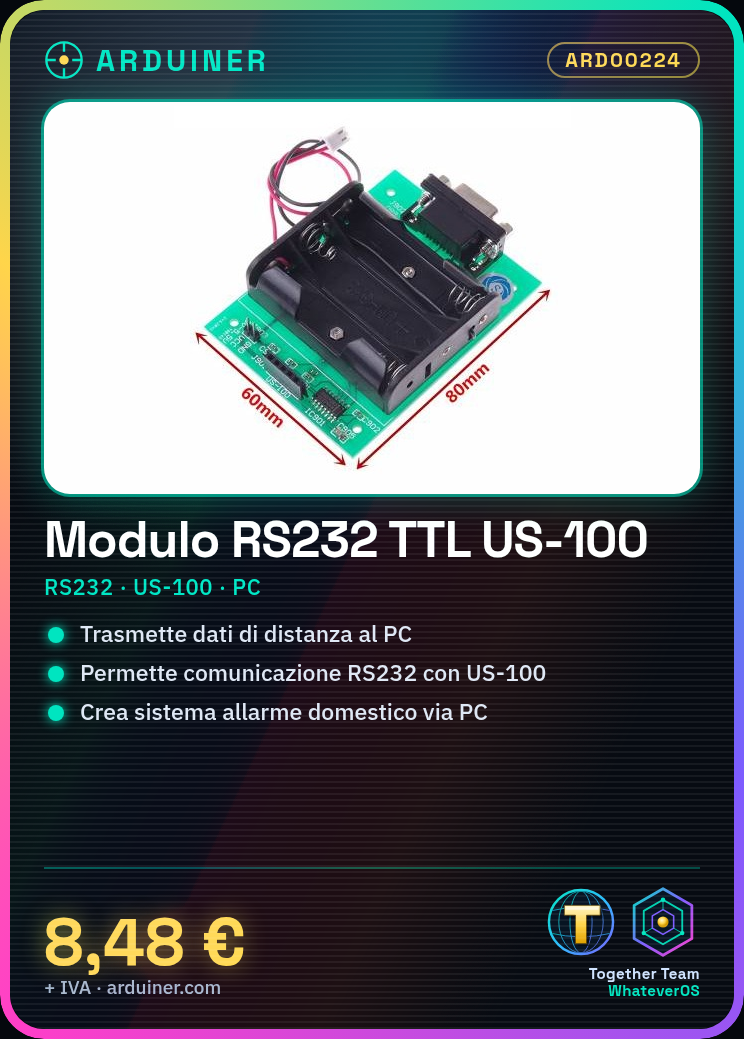
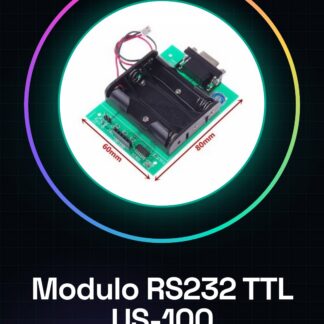
The RS232 TTL module is a device used to connect the US-100 ultrasonic module to the computer. This connector allows the data collected by the distance sensor to be transmitted to the PC application through the RS232 serial interface.
Features
- Enables communication between the US-100 ultrasonic module and the computer via RS232
- Ideally suited for Arduino and robotics projects
What it is for
It is used to create a home alarm system that alerts the PC when a certain proximity threshold is exceeded. Additionally, it is useful for monitoring distance in various environments and applications.
Tutorial: Connect US-100 to PC with RS232 Module
Allows the US-100 ultrasonic module to be connected to the computer via RS232. Ideal for makers and students.
What you need
- RS232 TTL Module
- USB-TTL Cable
- PC with serial port or adapter
Steps
- Connect the US-100 module to the RS232 module following the pinout table.
- Connect the RS232 module to a computer via USB-TTL cable.
- Install the necessary serial communication driver (check the datasheet).
- Open a serial monitoring application such as PuTTY or Tera Term.
- Configure the application with the correct settings (baud rate, stop bits, etc. – check the datasheet).
- Send commands to the US-100 module to obtain distance data.
- Analyze the data received from the US-100 module.
Mini project
Create a home alarm system that alerts via PC when a certain proximity threshold is exceeded.
Common mistakes
- Incorrect serial settings
- Missing or incorrect drivers
- Pins connected incorrectly
Recommended accessories
- USB-TTL cable
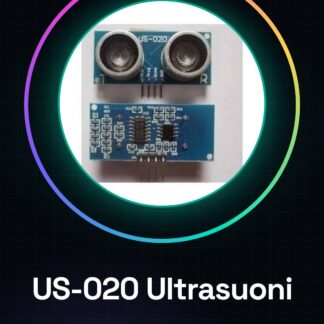
- US-100 module
- Arduino Uno R3
- RS232 adapter
Frequently asked questions
How can I configure the module?
Follow the module documentation and correctly set baud rate, stop bits, etc.
Which serial monitoring programs do you recommend?
PuTTY or Tera Term are good options.
Reviews
There are no reviews yet.