 EN
 IT Italiano
 ES Español
 FR Français
 DE Deutsch
Description
What it is
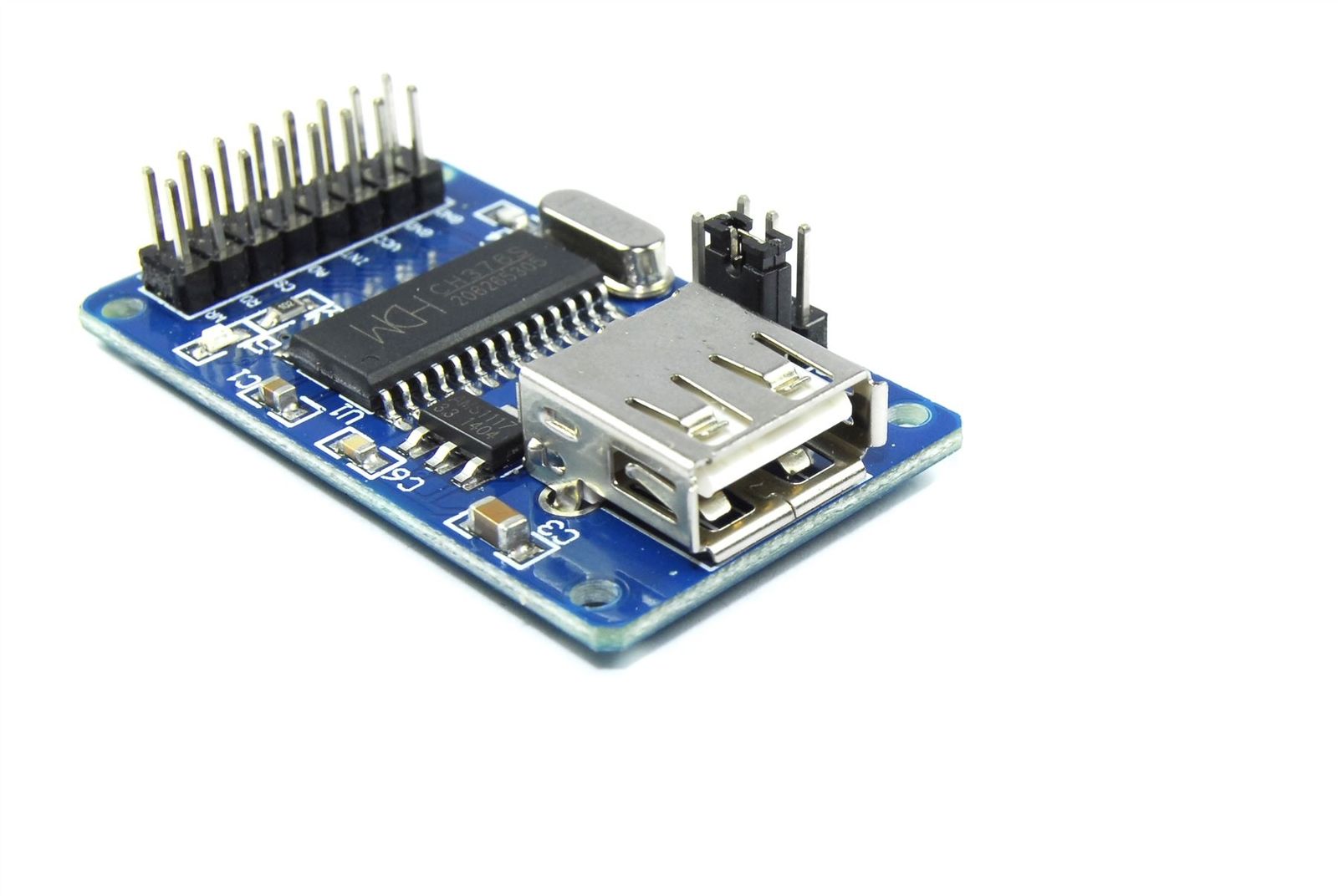
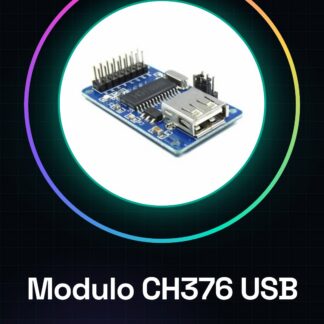
The CH376 module is a component for Arduino that allows reading and writing data to USB devices with FAT16 and FAT32 formats. This module enables Arduino-based projects to interact with files and folders on connected USB memory units.
Features
- USB data read/write on FAT16/FAT32 devices
- Ideally suited for Arduino-based projects
What it is for
It is used to create data storage systems that can record information on a connected USB unit. Useful for projects that require file management and interaction with USB devices.
Tutorial: How to use CH376 USB Module for Arduino
The CH376 module allows reading and writing to USB FAT16/FAT32 devices. Perfect for projects that require file management.
What you need
- Arduino Uno
- CH376 Module
- USB cable
- USB device
Steps
- Connect the CH376 to pin 7 of Arduino.
- Power the module with external power (5V).
- Install the CH376 library for Arduino.
- Upload the sketch to the Arduino.
- Check the device USB parameters on the datasheet.
- Verify file read and write operations through Serial Monitor.
Example code
void setup() {
  Serial.begin(9600);
}

void loop() {
  // Codice per leggere/scrivere file da/dispositivo USB
}
Mini project
Create a data storage system that logs information on a connected USB drive.
Common mistakes
- Insufficient power supply
- USB device not recognized
- Incorrect library configuration
Recommended accessories
- Batteries to power the module
- Ethernet network cable
- LCD display
- Temperature and humidity sensors
Frequently asked questions
How to install the CH376 library?
Download the library from GitHub and add it to the Arduino library manager.
What is the power consumption of the module?
Check the datasheet for details on power supply and consumption.
Reviews
There are no reviews yet.