 EN
 IT Italiano
 ES Español
 FR Français
 DE Deutsch
Description
What it is
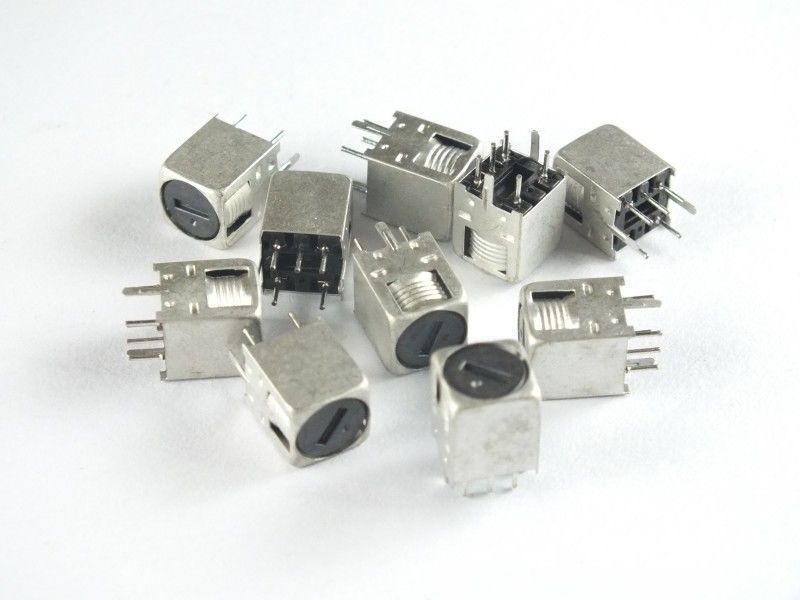
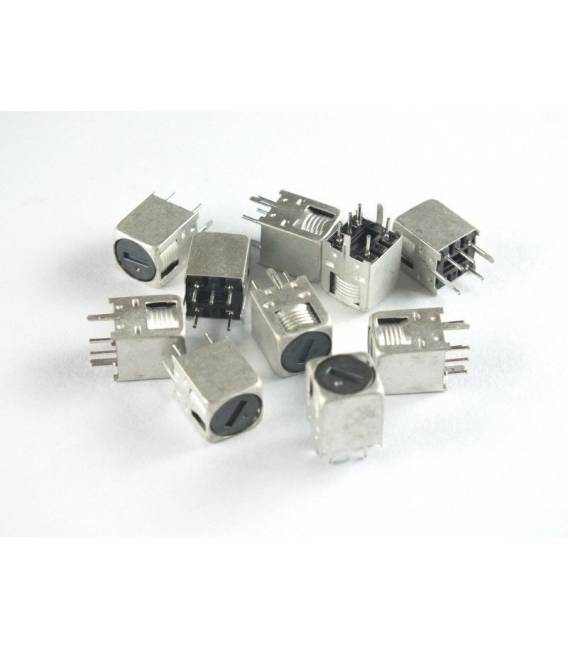
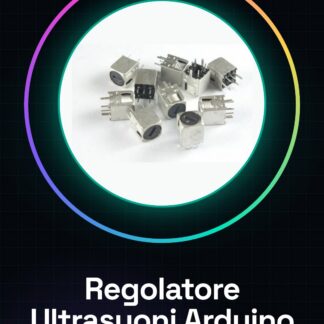
The Ultrasonic Distance Sensor Controller for Arduino Compatible is an electronic component designed to measure distance from an object using ultrasonic sound waves.
Features
- Compatible with Arduino
- SKU: ARD00112
- Price: 1.97 €
- Category: Distance / Proximity / Obstacles, Ultrasonic
What it is for
This sensor is ideal for projects that require distance measurement from an obstacle, such as home alarm systems that alert when someone approaches beyond a certain distance, or configurations to send a sound or light signal. It is perfect for beginners and intermediate makers who want to explore obstacle detection applications.
Tutorial: How to use Ultrasonic Distance Sensor Controller
This ultrasonic distance sensor is ideal for projects that require measuring distance from an obstacle. It is perfect for beginners and intermediate makers who want to explore obstacle detection applications.
What you need
- Arduino Uno or compatible
- USB A-Micro B cable
- Connect to computer
Steps
- Connect the sensor pins to the following Arduino pins: VCC to 5V, GND to GND, TRIG to an available digital pin (e.g., 7), ECHO to another available digital pin (e.g., 8)
- Install the NewPing library from the Arduino library manager
- Write the provided tutorial sketch to read and display distances
Example code
const int trigPin = 7; const int echoPin = 8; #include <NewPing.h> NewPing sonar(trigPin, echoPin, maxDistance); void setup() { Serial.begin(9600); } void loop() { unsigned int distance = sonar.ping_cm(); Serial.print(distance); Serial.println(" cm"); delay(1000); }Mini project
Create a home security system that alerts when someone approaches beyond a certain distance. Configure the sensor to send an audio or visual signal.
Common mistakes
- Do not correctly connect the sensor pins
- Do not install the NewPing library
- Set a maximum distance too high
- Use a high frequency without checking the datasheet
Recommended accessories
- Arduino Uno R3
- 3D Print Case for Arduino
- Buzzer
- RGB LED
Frequently asked questions
How can I calibrate the sensor?
Check the datasheet if necessary, otherwise it is not required for most applications.
What other sensors can be used with Arduino?
There are various types of sensors such as infrared or laser sensors that work well with Arduino.
Reviews
There are no reviews yet.