 EN
 IT Italiano
 ES Español
 FR Français
 DE Deutsch
Description
What it is
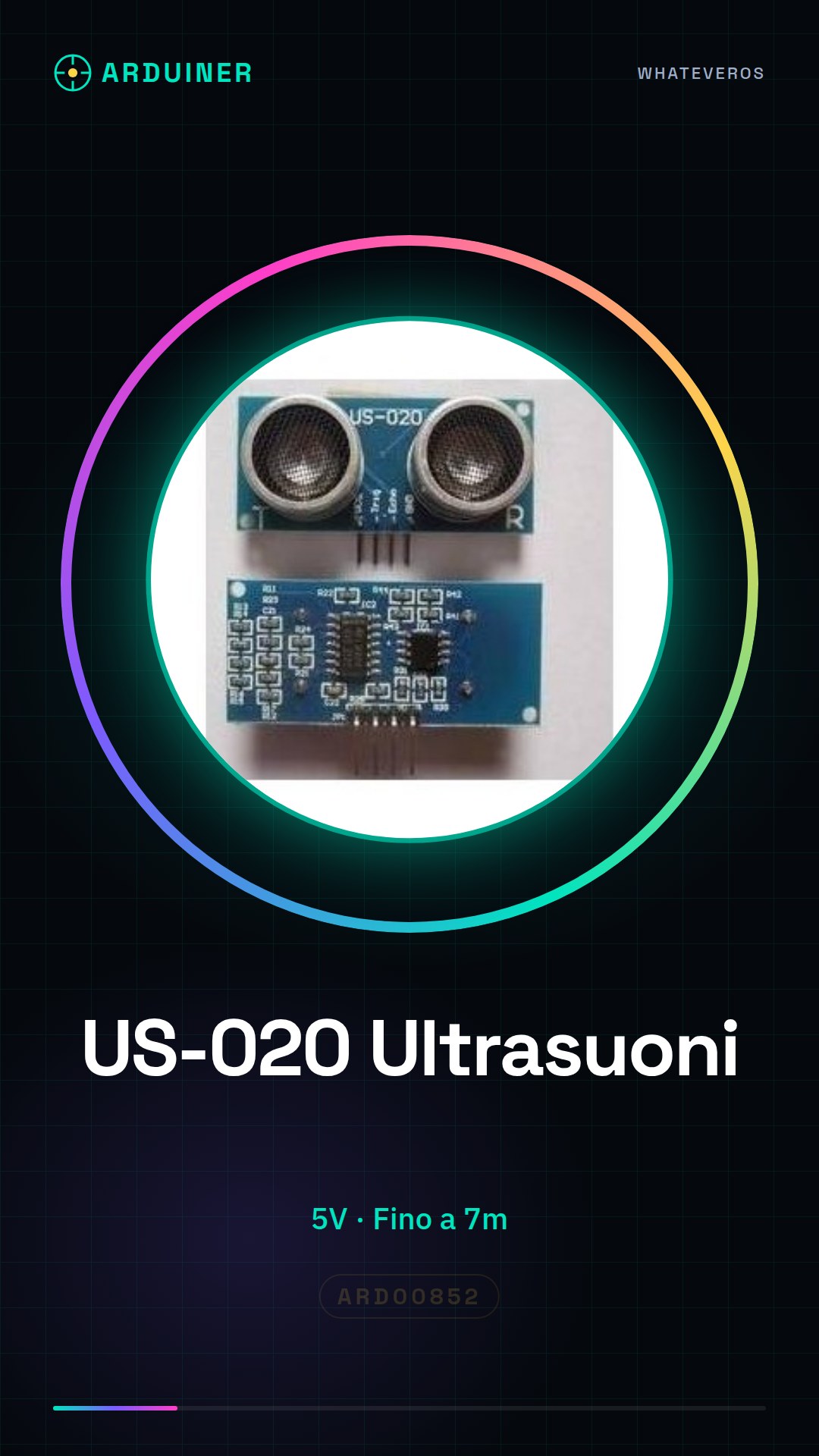
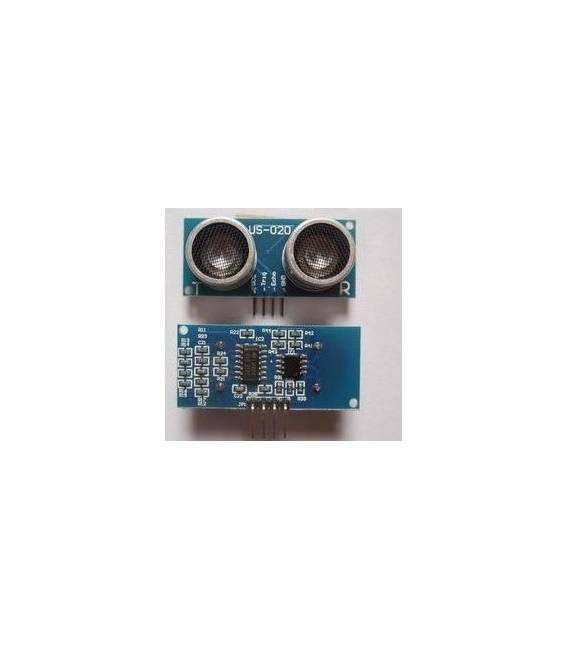
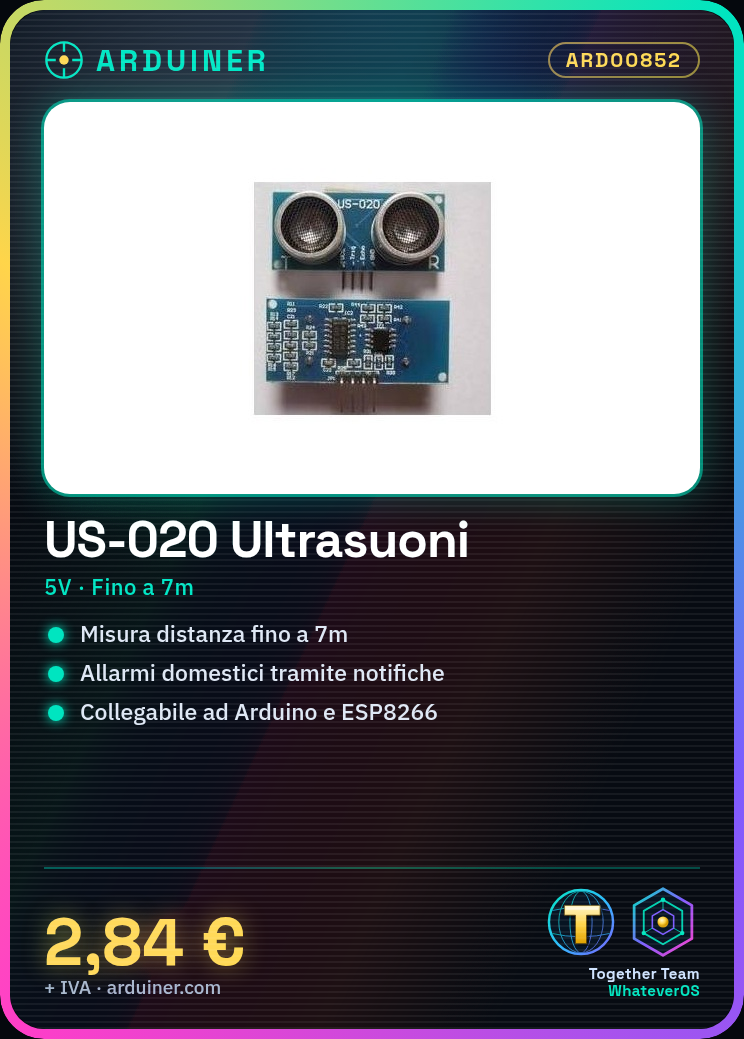
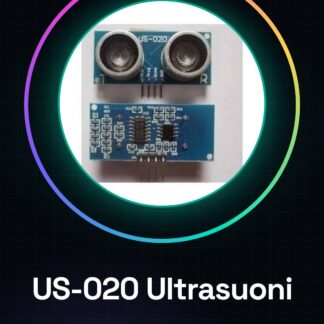
The US-020 module is an ultrasonic detection device that allows distance measurement up to 7 meters. This component is ideal for projects requiring obstacle presence monitoring or moving object identification.
Features
- Operating voltage: 5V
- Measurement range: up to 7 meters
What it is for
US-020 modules are useful for creating home alarm systems that send a notification when the presence of people or animals is detected. Additionally, they can be integrated into Arduino and ESP8266 projects for applications such as pedestrian traffic control or safety sensors.
Tutorial: How to Use Ultrasonic Module US-020
The ultrasonic module US-020 is a useful device for measuring distances up to 7 meters. Ideal for Arduino projects requiring obstacle detection or proximity sensors.
What you need
- Arduino Uno
- USB Type B cable
- Computer with Arduino IDE installed
Steps
- Connect the ultrasonic module to the Arduino pin trig and echo using jumper wires.
- Open the Arduino IDE and import a sample sketch for distance detection.
- Compile and upload the sketch to your Arduino.
- Start serial communication to display distance measurements in meters or centimeters.
- Check that the module works correctly by modifying the sketch to suit your needs (e.g., add an LCD display).
- If necessary, use a protoboard to test compatibility with other electronic modules.
Example code
const int trigPin = 12;
const int echoPin = 13;

void setup() {
pinMode(trigPin, OUTPUT);
pinMode(echoPin, INPUT);
Serial.begin(9600);
}

void loop() {
digitalWrite(trigPin, LOW);
delayMicroseconds(2);
digitalWrite(trigPin, HIGH);
delayMicroseconds(10);
digitalWrite(trigPin, LOW);
long duration = pulseIn(echoPin, HIGH);
calcDist(duration);
}

void calcDist(long d) {
float distanceCm = (d / 2) * 0.0343;
Serial.print(distanceCm);
Serial.println(" cm");
Mini project
Create a home alarm system that sends a notification when the presence of people or animals is detected.
Common mistakes
- Set the pin trig to input instead of output.
- Do not check the module voltage (5V) before installation.
- Omit the use of the delayMicroseconds() function.
- Ignore the verification of data received from the module (check the datasheet).
Recommended accessories
- 16×2 LCD Display to show measured values in real-time.
- Buzzer or RGB LED to create an alarm system when a certain distance is exceeded.
- Protoboard to test the module with other electronic components.
- Integrated light sensors to improve the project’s nighttime security.
Frequently asked questions
How can I increase the measurement accuracy?
Make sure there are no reflective objects near the module and reduce the field of view with a cardboard or plastic tube.
Is the module compatible with Arduino Nano?
Yes, but make sure to connect the correct pins and check the voltage (5V).
How long does it take to measure a distance?
The answer depends on the speed of sound in the air and environmental conditions, check the datasheet.
Reviews
There are no reviews yet.