 EN
 IT Italiano
 ES Español
 FR Français
 DE Deutsch
Description
What it is
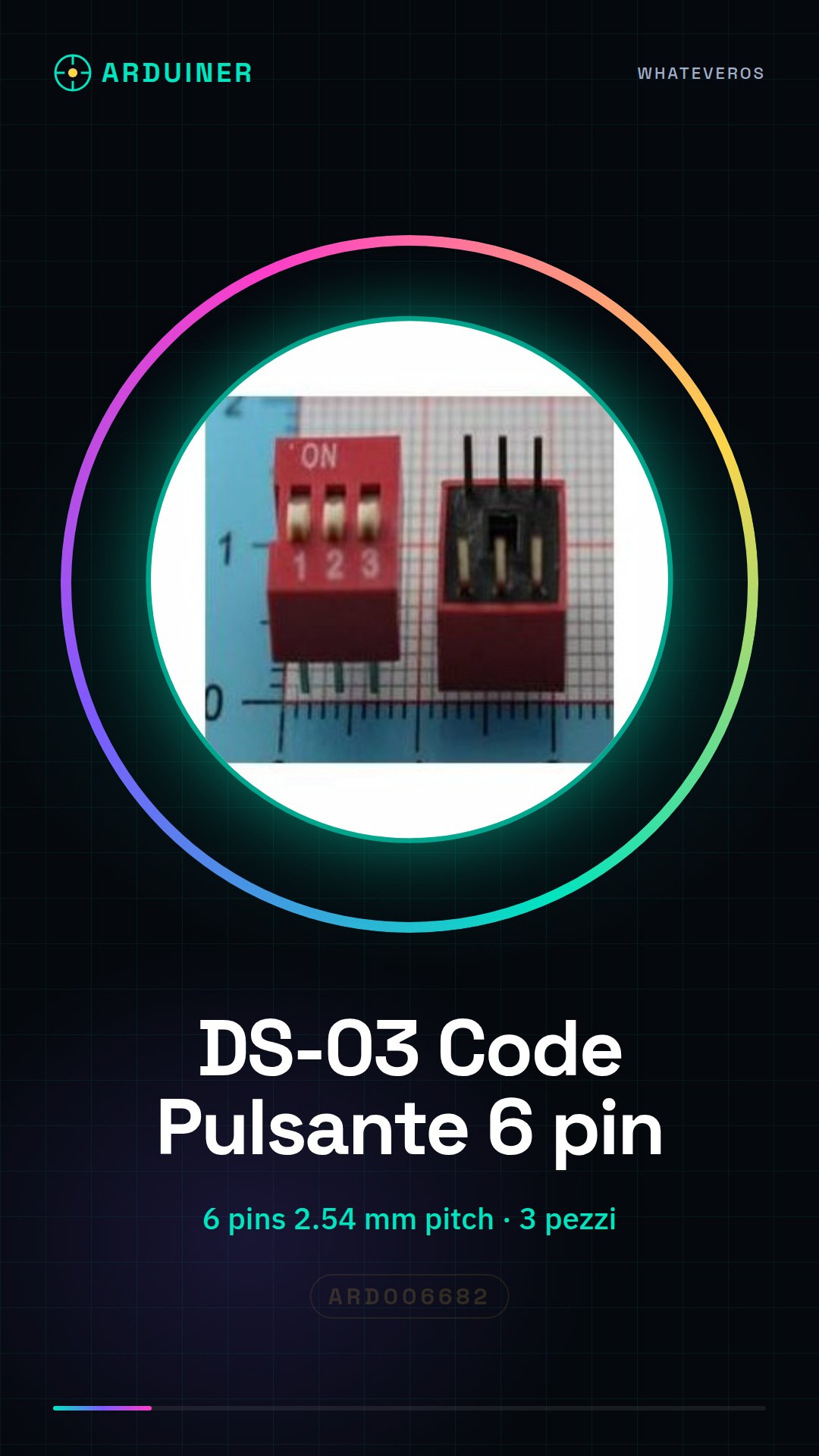
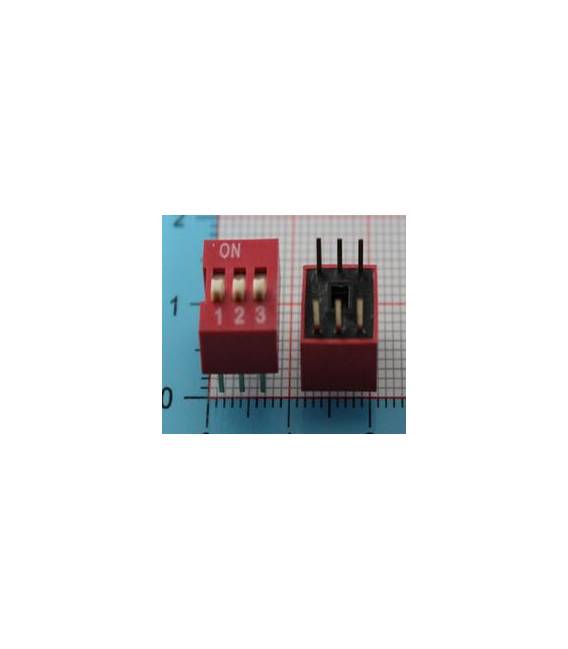
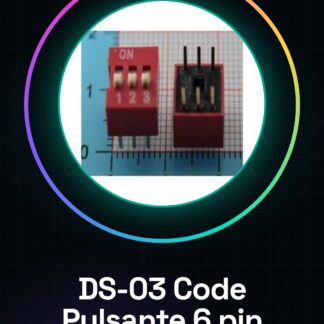
The DS-03 Code Button is a 6-pin pressure sensor, sold in a set of 3 pieces. It is designed to detect pressure and can be used in a variety of electronic applications.
Features
- 3 pieces DS-03 Code Button
- 6 pins
- Pitch 2.54 mm
What it is for
The DS-03 Code Button is ideal for projects that require pressure-based interactions. It can be used to create simple pressure counters, buttons, switches or other devices that respond to physical input. Compatibility with Arduino and ESP should be verified in the datasheet.
Tutorial: How to use 3 Pieces DS-03 Code Button 3set 6pins 2.54 Pitch
The DS-03 button is ideal for projects that require interactions as electronic skills develop. It is perfect for beginners and intermediates.
What you need
- Arduino or compatible microcontroller
- Test cable
- Multimeter (optional)
- Soldering station (optional)
Steps
- 1. Assembly: Solder the 3 buttons onto the circuit using a soldering station.
- 2. Connection: Connect pins 1 and 2 to the VCC of the microcontroller.
- 3. Connection: Connect pins 3 and 4 to the GND of the microcontroller.
- 4. Connection: Connect pin 5 to the digital pin of the microcontroller.
- 5. Connection: Connect pin 6 to the GND of the microcontroller.
- 6. Test: Turn on the Arduino and verify with a multimeter if the connections are correct.
- 7. Coding: Load the example code.
- 8. Test: Press the button and verify the digital state change.
Example code
int buttonPin = 5; int buttonState = 0; void setup() { pinMode(buttonPin, INPUT); } void loop() { buttonState = digitalRead(buttonPin); if (buttonState == HIGH) { Serial.println("Pulsante premuto"); } }Mini project
Create a simple button press counter in 30 minutes.
Common mistakes
- Connect pin 5 to GND instead of VCC.
- Omit the connection of pin 6 to GND.
- Forget to load the code.
- Press the button without turning on the Arduino.
Recommended accessories
- Arduino Uno
- USB cable
- Multimeter
- Soldering dust and brush
Frequently asked questions
Is the button not working?
Check the connections and code. Ensure that the pins are correctly configured.
How can I protect the button?
Use a protective circuit or a transistor.
Can I use this button with a different microcontroller?
Yes, but check the pin compatibility.
Does the button work with batteries?
The button works with external power. Check the required voltage on the datasheet.
Reviews
There are no reviews yet.