 EN
 IT Italiano
 ES Español
 FR Français
 DE Deutsch
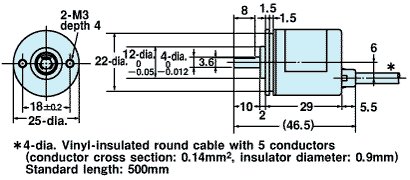
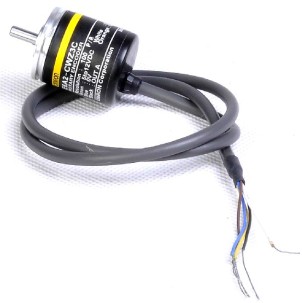
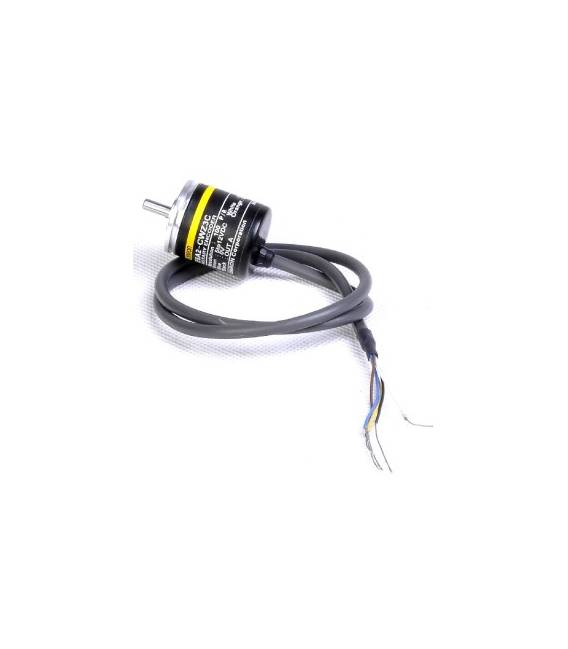
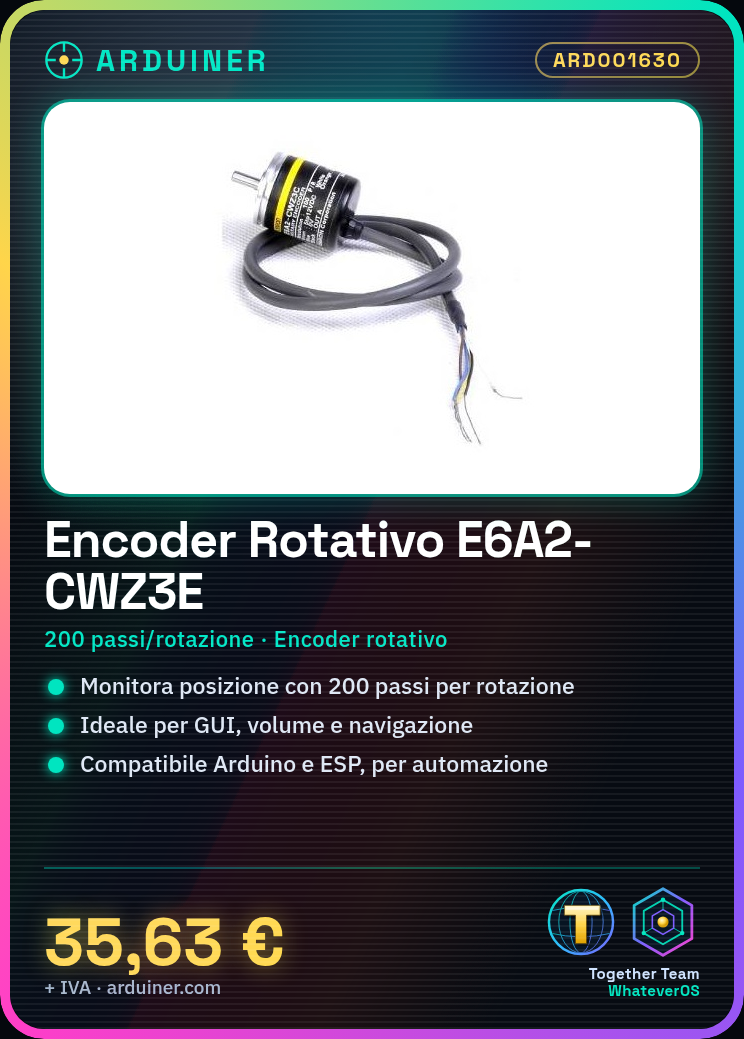
Description
What it is
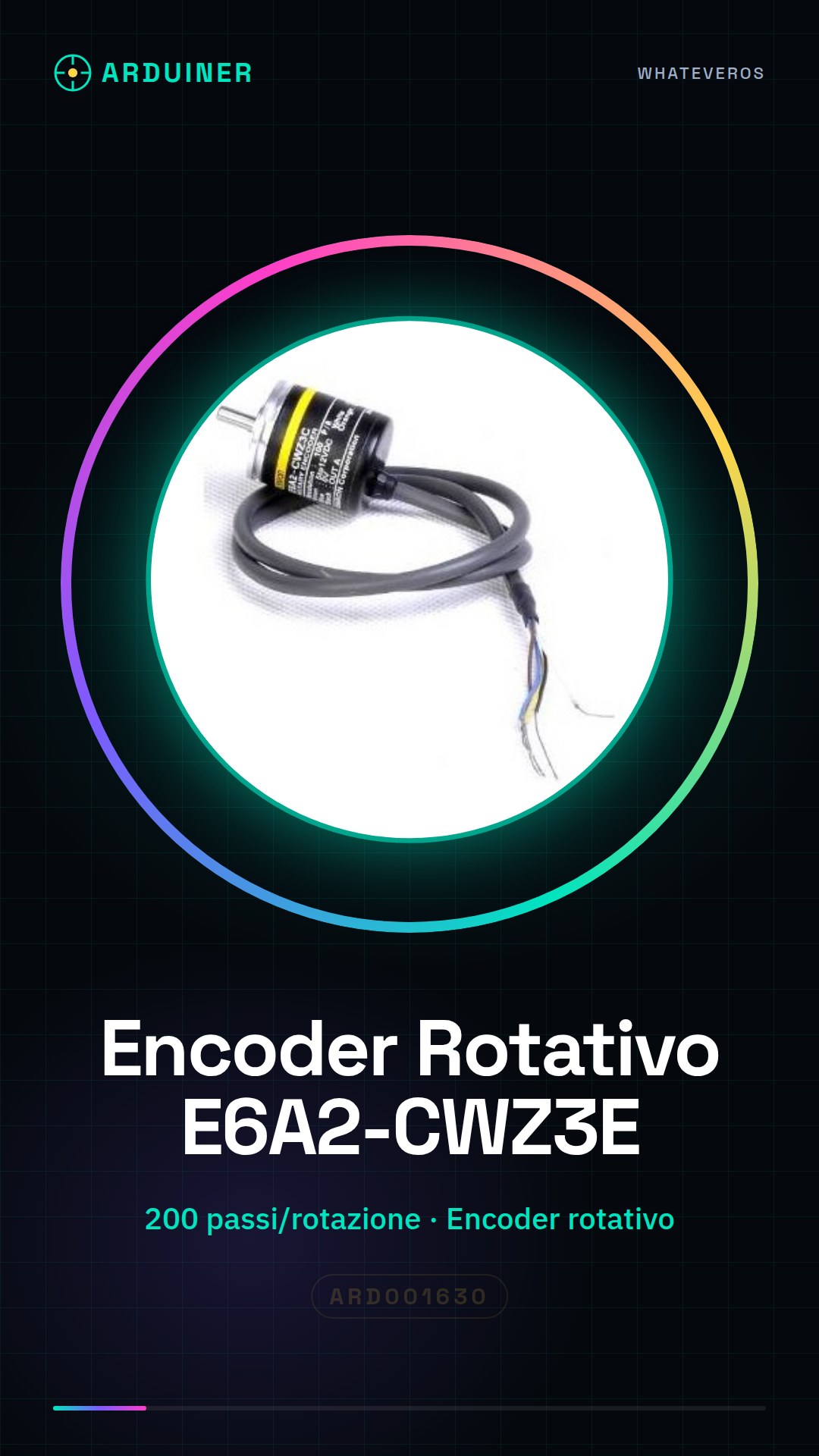
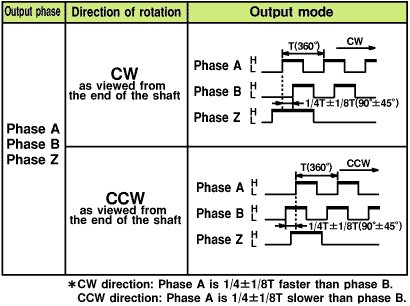
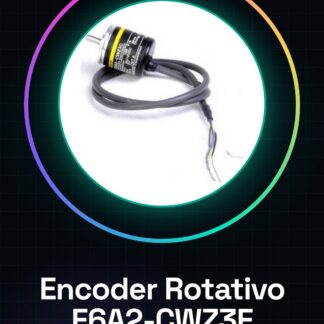
The E6A2-CWZ3E rotary encoder with 200 steps/rev is an electronic component used to measure the rotation of an axis. It emits digital signals based on the number of steps completed, allowing the position or movement of a connected object to be known.
Features
- Type: Rotary Encoder
- Steps per revolution: 200 p/r
- SKU: ARD001630
- Price: 35.63 €
What it is for
The E6A2-CWZ3E encoder is ideal for monitoring precise movements in electronic projects. It can be used in applications such as GUI control, volume control, and navigation. It is compatible with platforms like Arduino and ESP, allowing the integration of movement measurement into automation and control projects.
Tutorial: How to Use Rotary Encoder E6A2-CWZ3E
The E6A2-CWZ3E rotary encoder is a useful device for monitoring position or movement in applications such as GUI controls, volume adjustment, and navigation. Ideal for Arduino projects that require higher input resolution.
What you need
- Arduino Uno
- USB connection (for uploading sketches)
- Jumper wire
- Breadboard
Steps
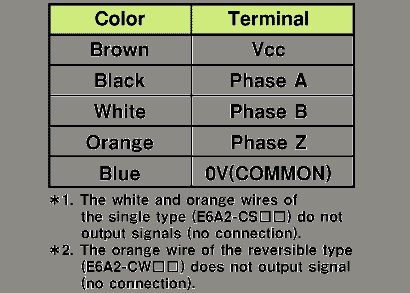
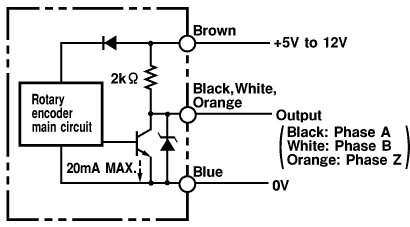
- Connect the A0 and A1 pins of the encoder to pins 2 and 3 of the Arduino microcontroller respectively.
- Check functionality with an LED connected to a digital output to display button presses.
- Upload a sample sketch such as ‘EncoderExample’ from the official Arduino repository.
- Modify the sketch according to project requirements, adapting the rotation count and direction.
- Test the application with a serial monitoring software to view encoder data.
- Implement a functionality that uses these data (e.g., motor control or graphical interface).
- Check the datasheet for your encoder specifications in case of doubts about specific electronic connections.
Example code
// Includere la libreria Encoder
#include <Encoder.h>

// Definire i pin dell'encoder
const int encoderPinA = 2;
const int encoderPinB = 3;

// Creare un oggetto Encoder
Encoder myEnc(encoderPinA, encoderPinB);

void setup() {
  Serial.begin(9600);
}

void loop() {
  long pos = myEnc.read();
  Serial.println(pos);
}
Mini project
Create a rotary counter to adjust the volume of a speaker with Arduino. Connect the encoder to two digital pins and use a sketch that maps the encoder values to the volume control variable.
Common mistakes
- Connect the encoder inputs to the wrong pins.
- Do not upload the correct sketch to read the encoder value.
- Ignore the direction of rotation of the encoder.
- Do not check the data on the serial monitor during testing.
Recommended accessories
- Arduino Uno
- Breadboard
- USB Connection
- Speaker
Frequently asked questions
What is the resolution of my encoder?
Check the datasheet to get the correct information.
How can I connect multiple encoders to Arduino?
Use the available digital pins and modify the example sketch to manage more Encoder objects.
Reviews
There are no reviews yet.