 EN
 IT Italiano
 ES Español
 FR Français
 DE Deutsch
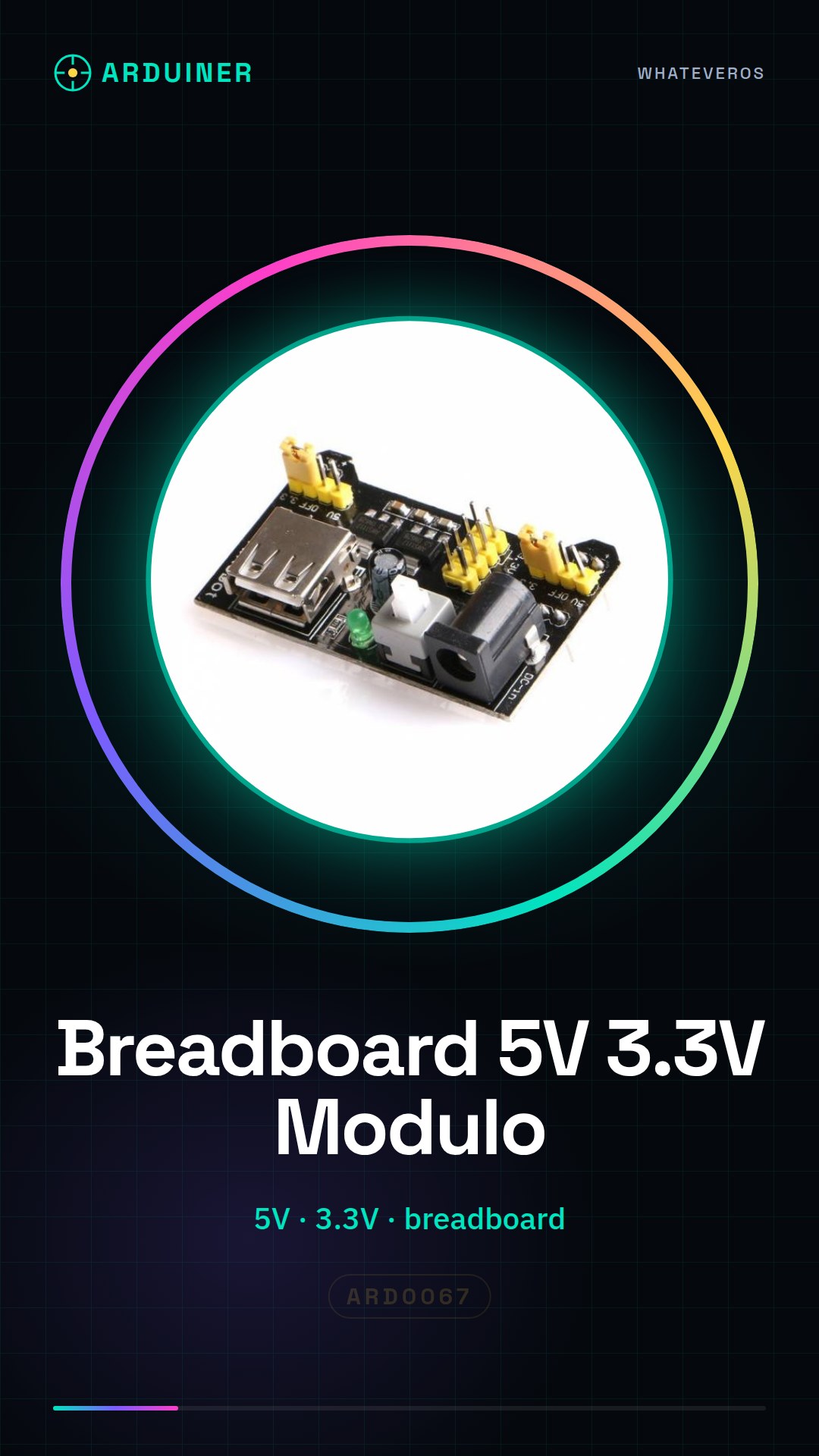
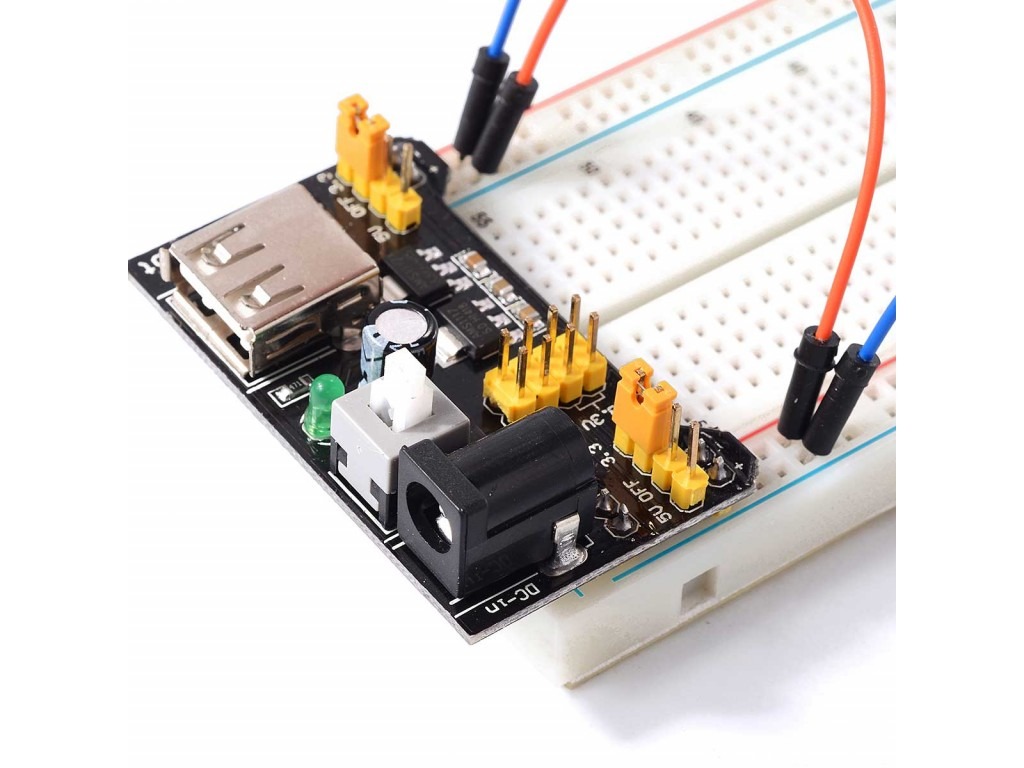
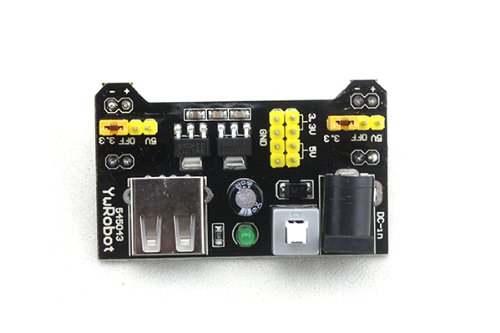
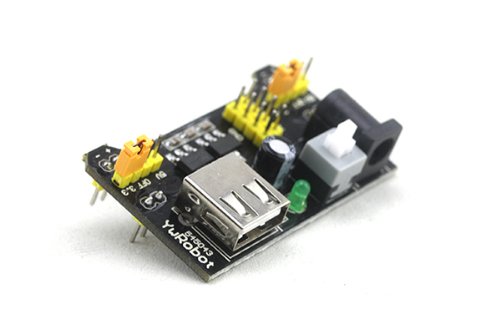
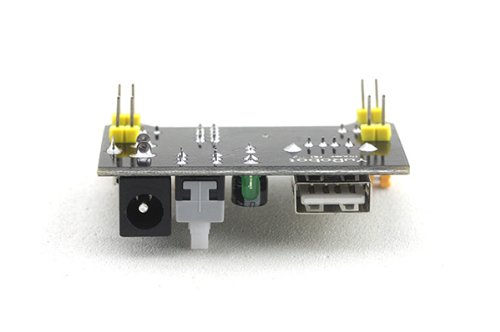
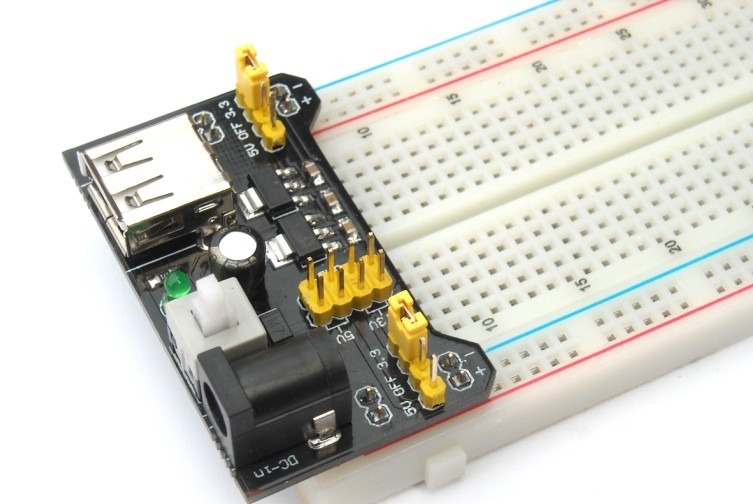
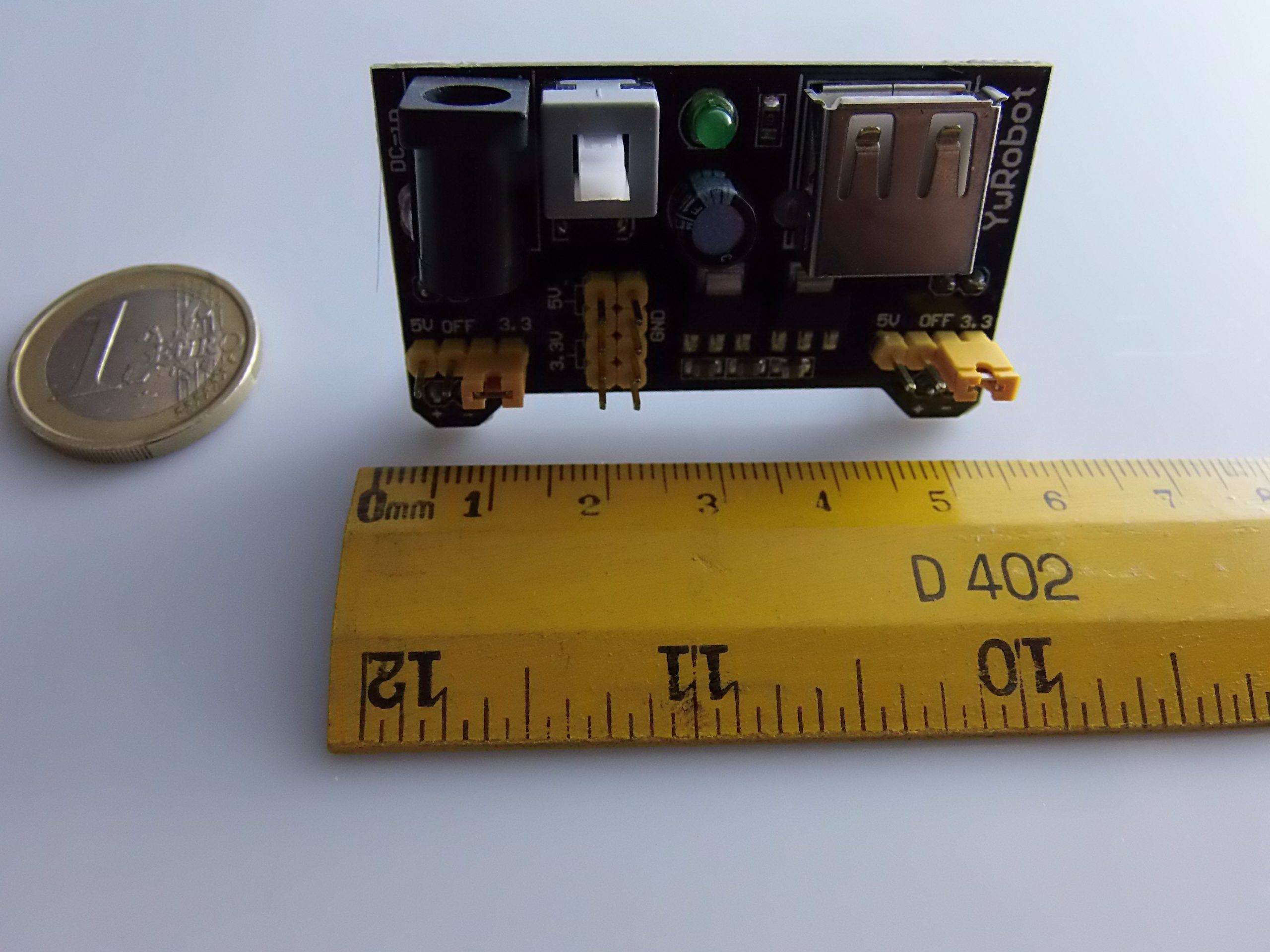
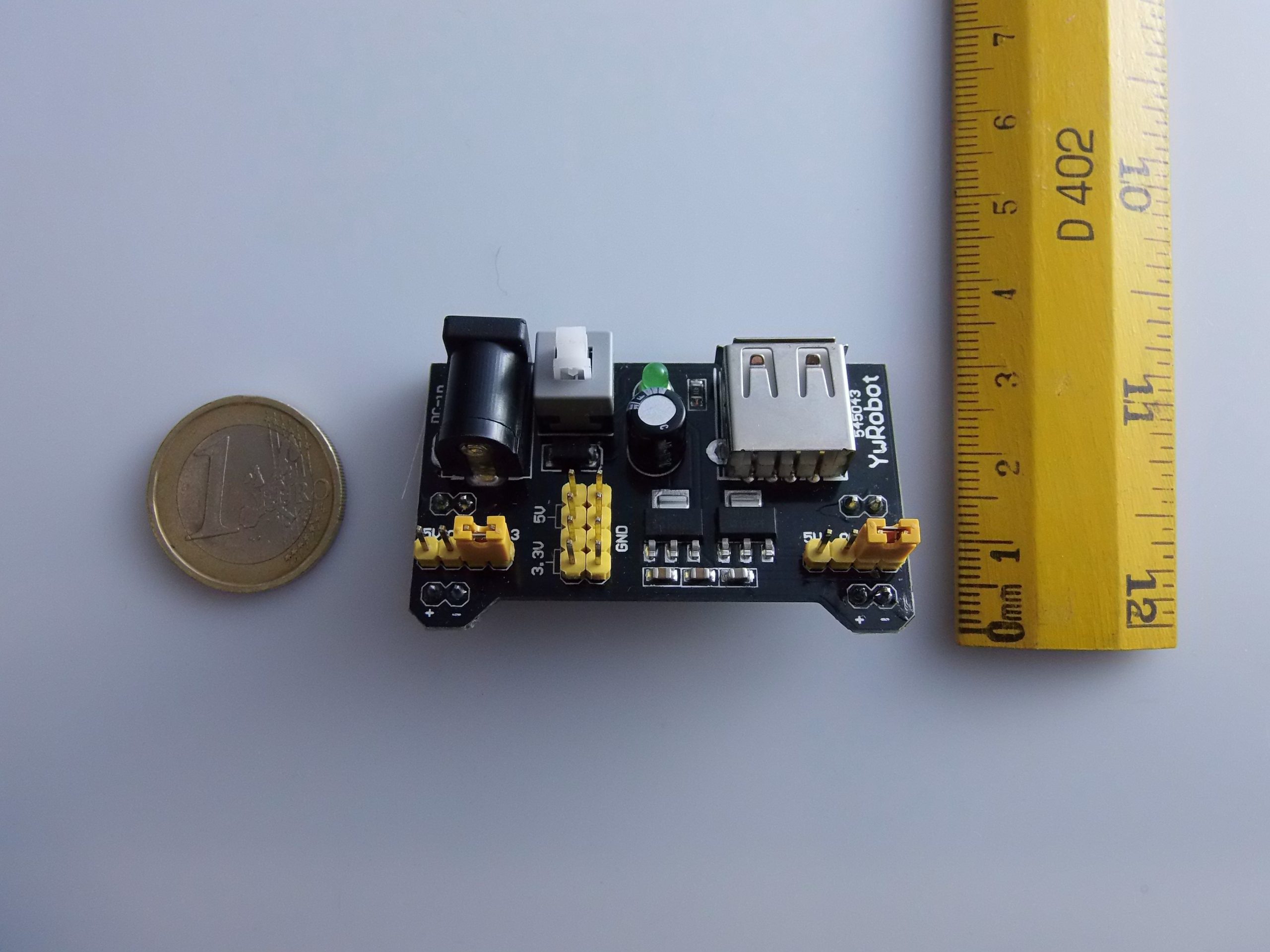
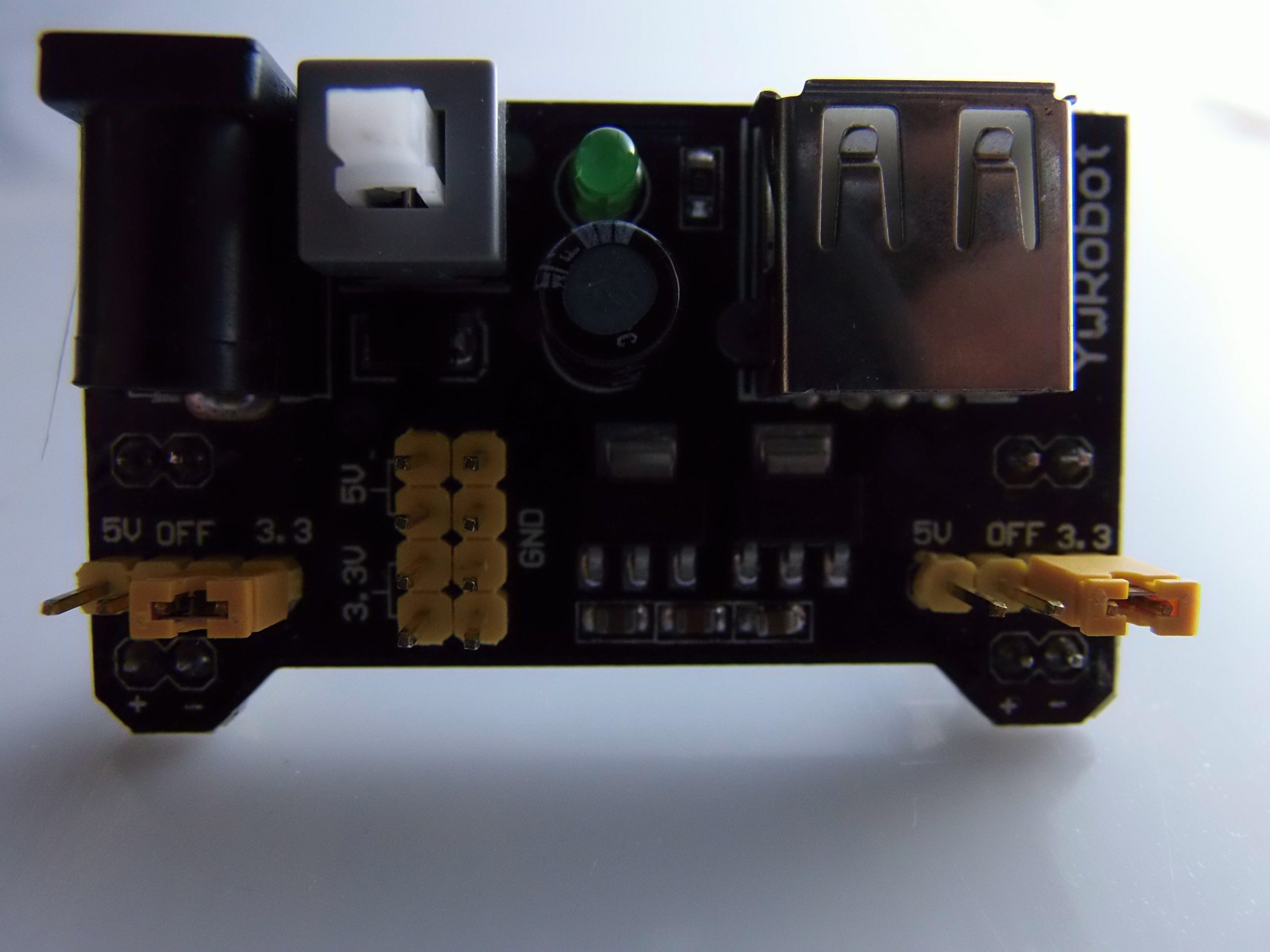
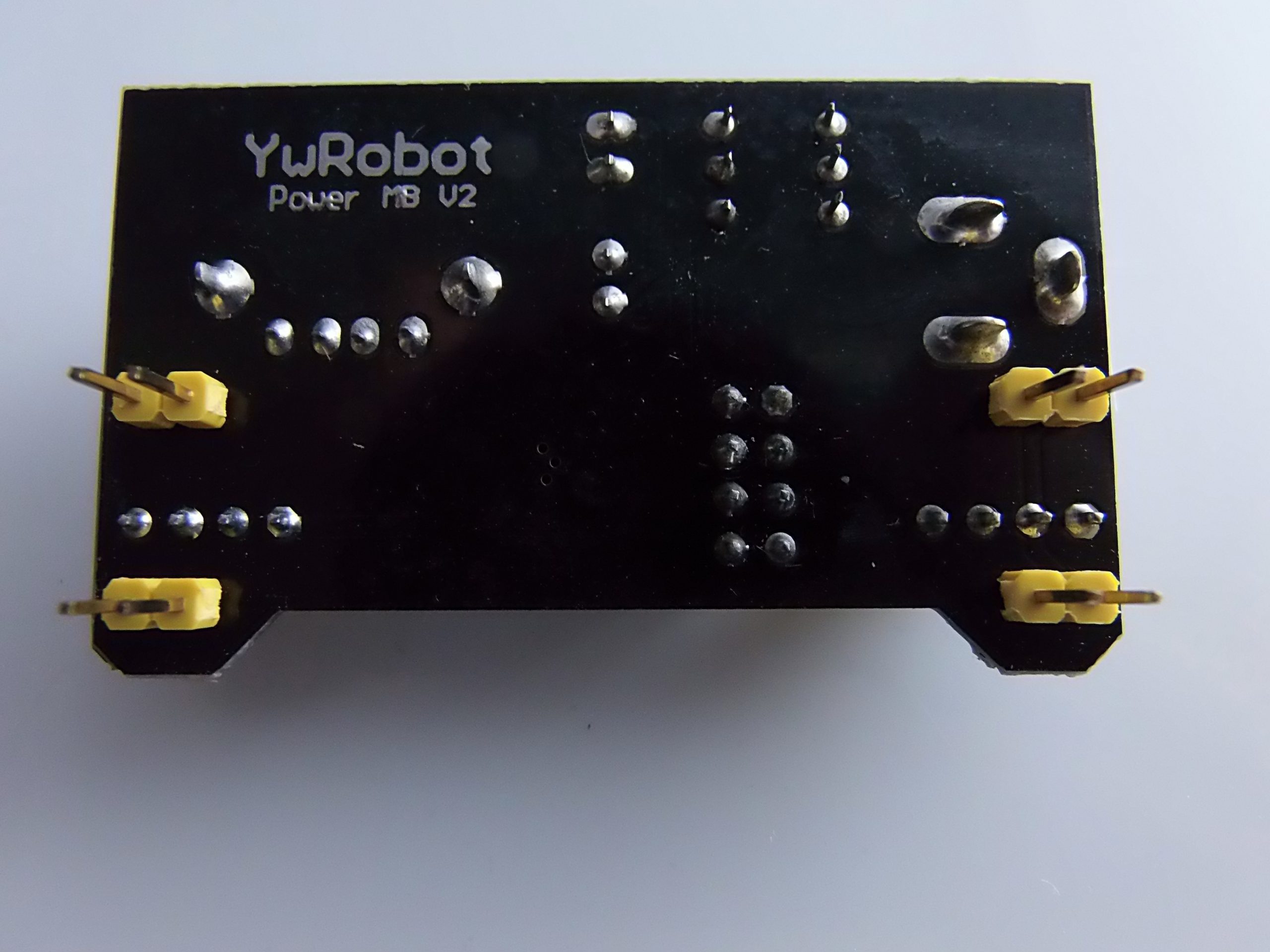
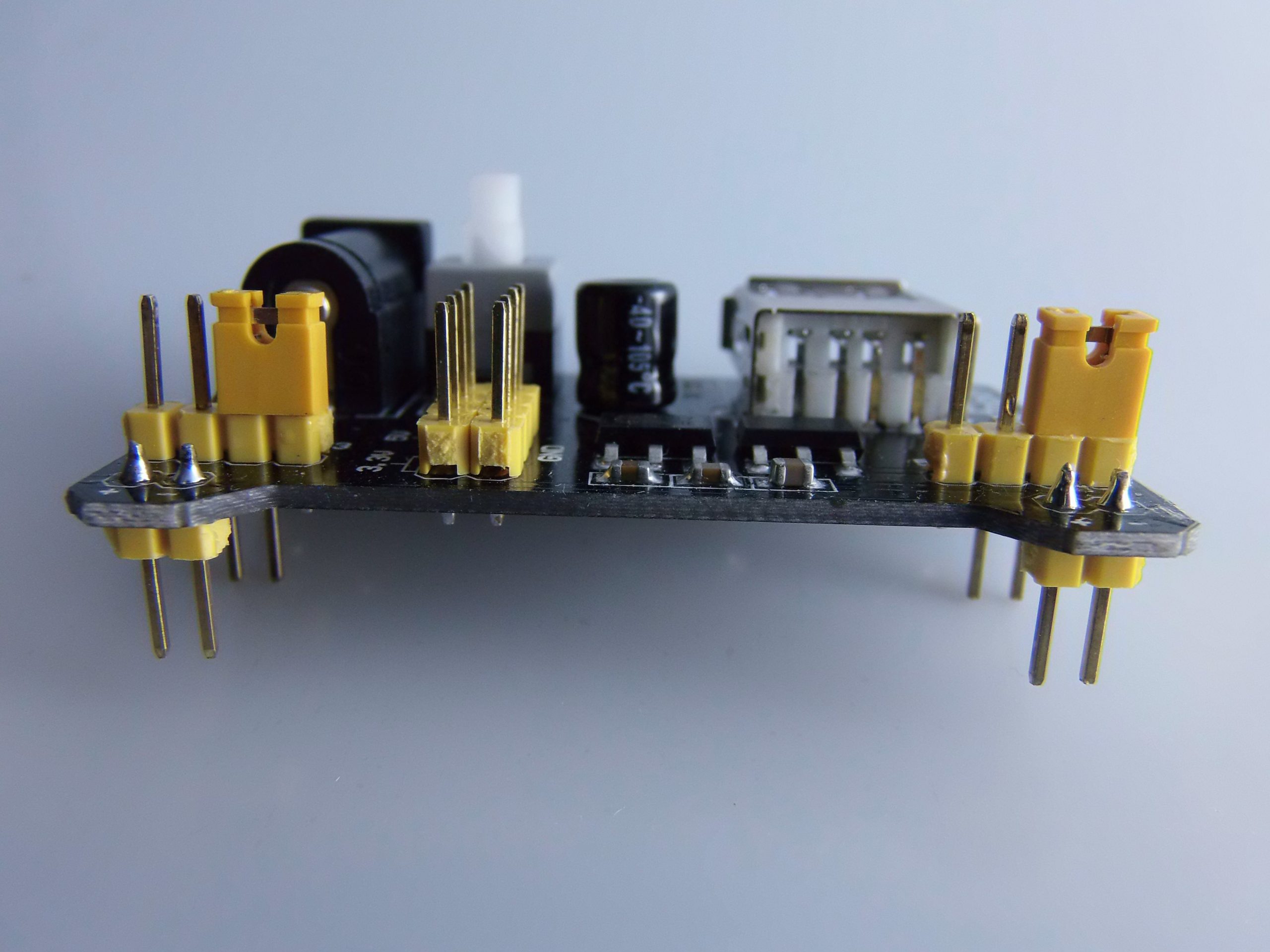
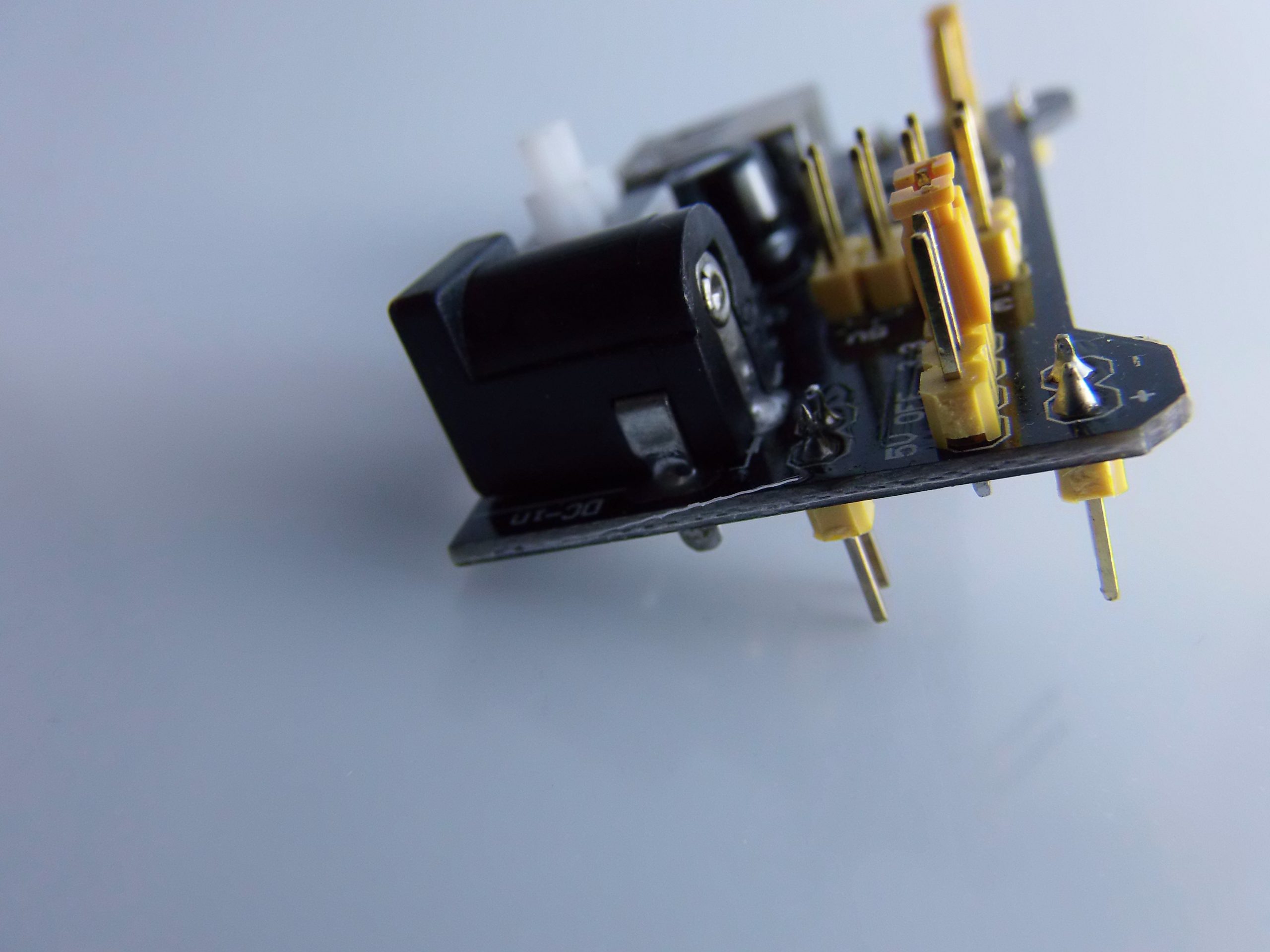
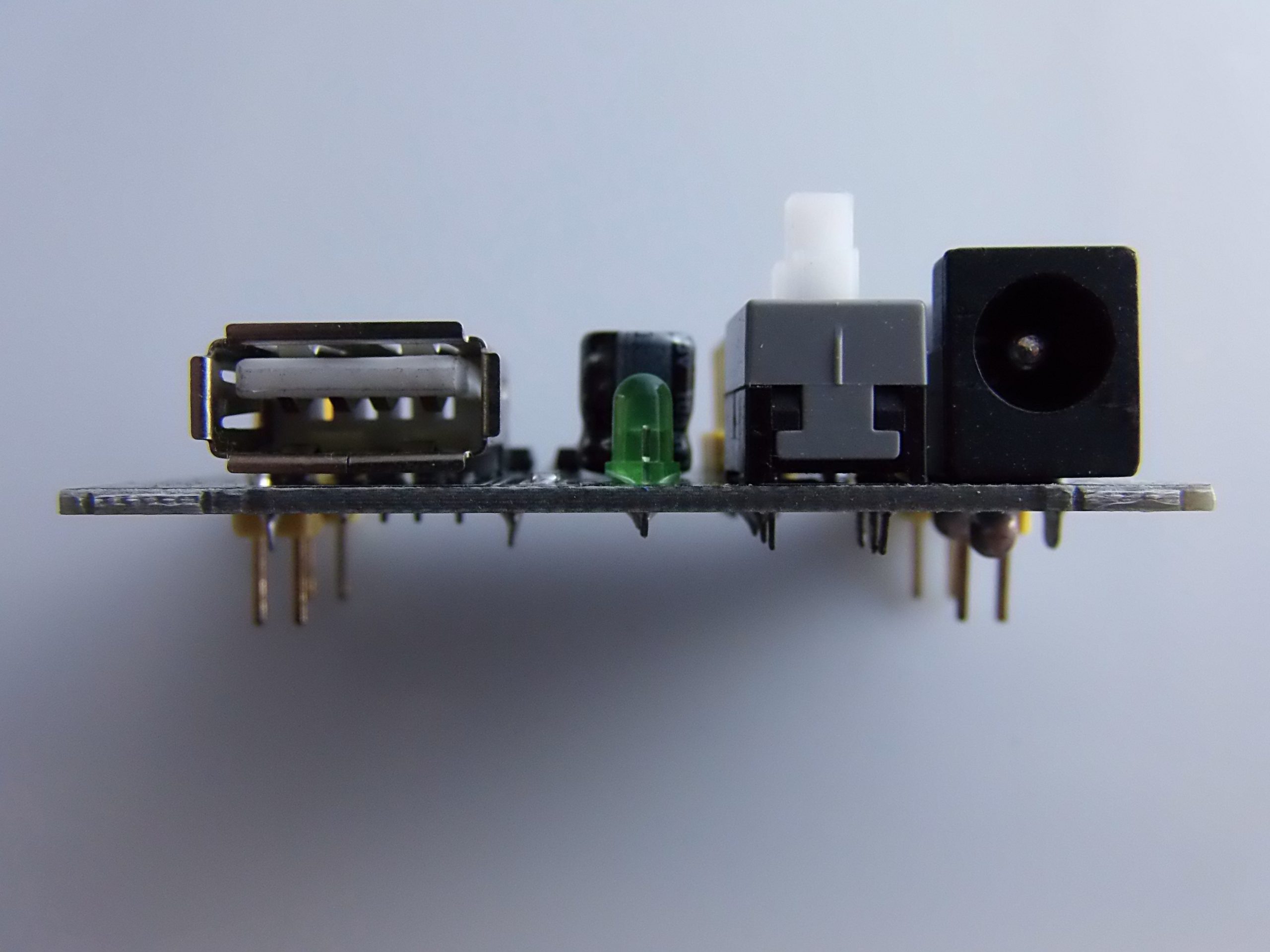
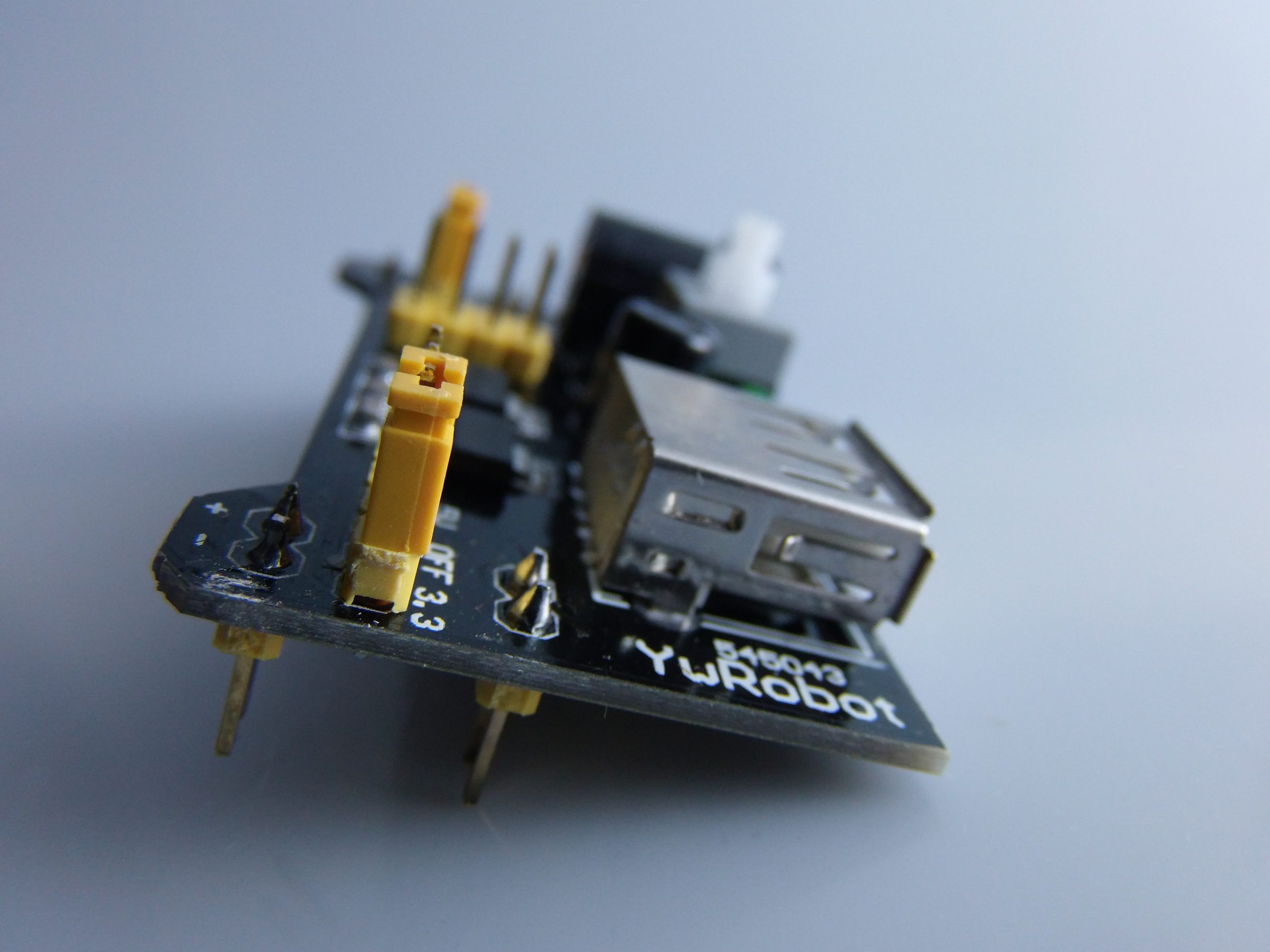
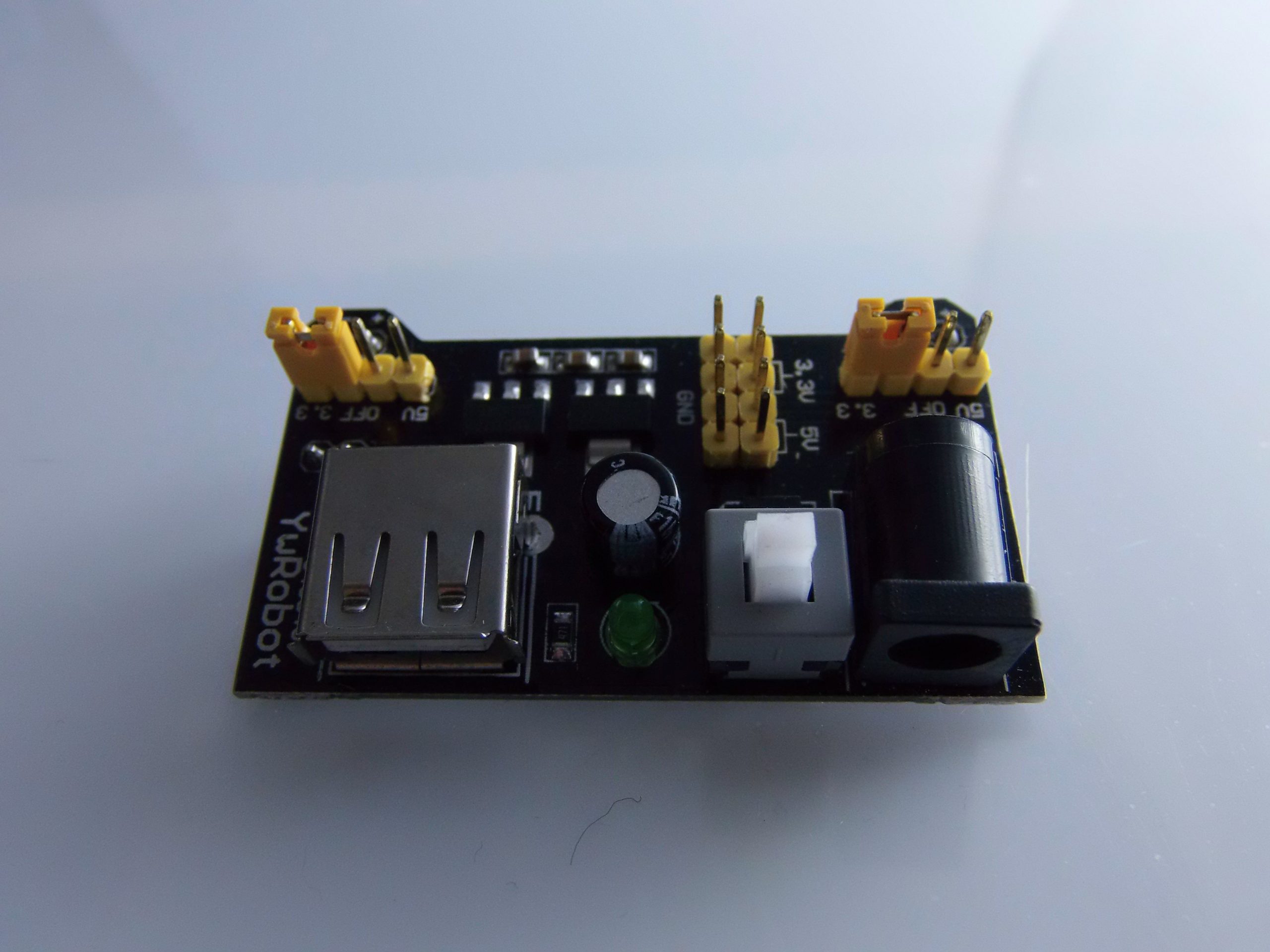
Description
What it is
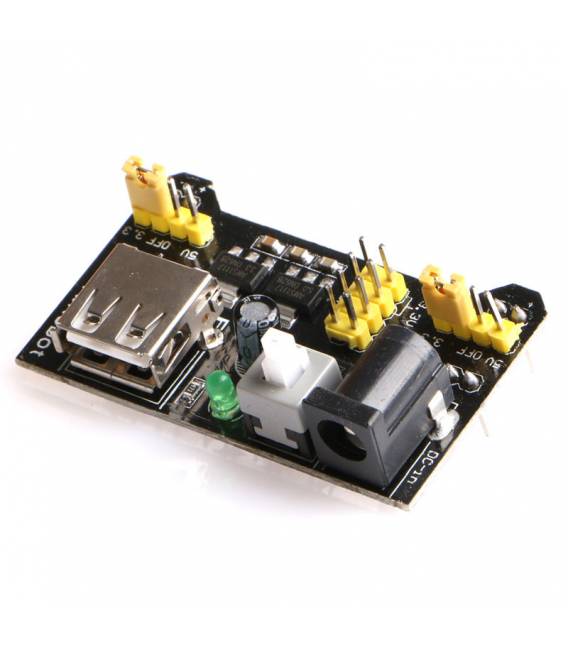
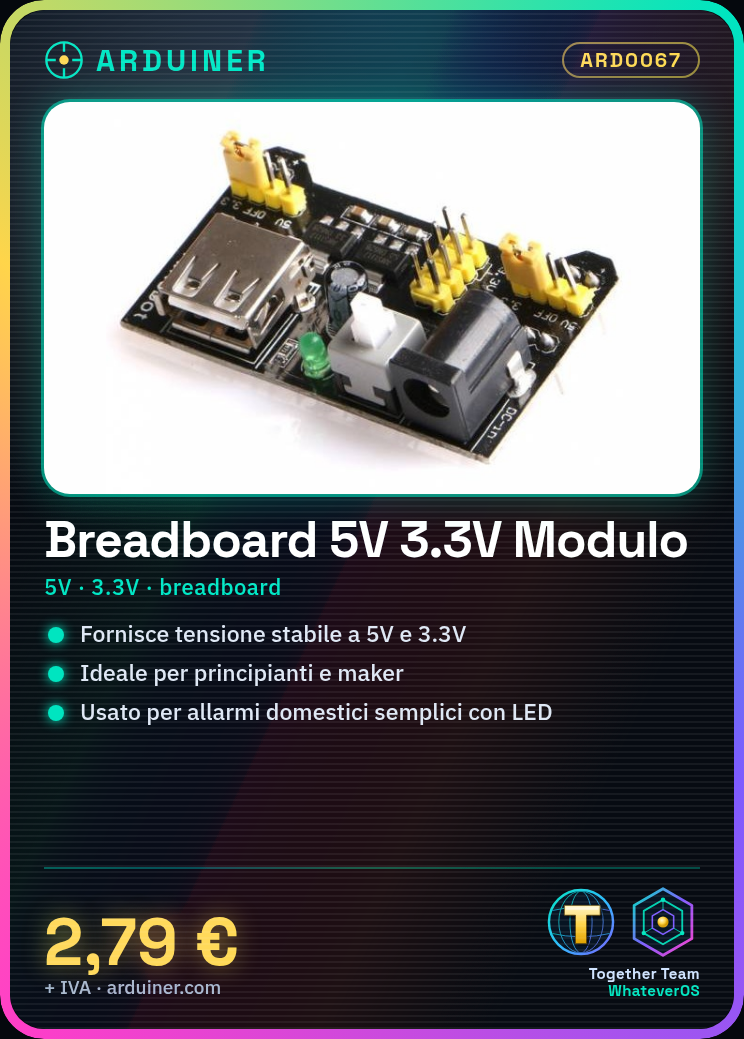
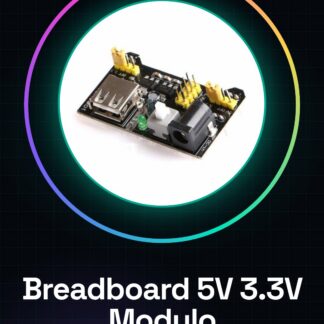
The breadboard power supply module compatible with Arduino provides a stable voltage of 5V and 3.3V, essential for electronic projects on small prototypes.
Features
- Compatible with Arduino breadboard
- Provides power supply at 5V and 3.3V
What it is for
Ideally used by beginners and makers working on small prototypes, the power supply module is suitable for simple home alarm projects with LEDs and motion sensors. Check the datasheet for further details on compatibility.
Tutorial: How to use Breadboard Power Supply Module for Arduino
The breadboard power supply module is essential to provide a stable voltage of 5V or 3.3V to your Arduino projects. Ideal for beginners and makers working on small prototypes.
What you need
- Arduino
- USB cable
- Breadboard
- Electronic components to test
Steps
- Connect the power supply module to the breadboard, ensuring that the red lines (VCC) and black lines (GND) are properly positioned.
- Check the polarity of the input connectors: the red ring indicates VCC, the black ring GND.
- Connect the USB cable from Arduino to the computer to provide power to the circuit.
- Select the desired voltage (5V or 3.3V) using the switch on the power supply module.
- Verify that the status LEDs are on, indicating that the power supply is stable.
- Connect the VCC and GND lines of the breadboard to the corresponding outputs of the power supply module.
- Connect the components to be tested to the breadboard using the power lines.
- Monitor the behavior of your circuits to ensure that the power supply is adequate.
Mini project
Create a simple home security alarm prototype with an LED and a motion sensor. Connect the components to the breadboard powered by the power supply module.
Common mistakes
- Do not check the polarity of the connectors before connecting.
- Choose an incompatible voltage for the device to be powered.
- Omit checking the status of the control LEDs on the module.
- Connect the Arduino directly without a protective circuit.
Recommended accessories
- Different sensors for Arduino projects
- Various resistors and capacitors
- Multicolor LEDs
- Backup battery
Frequently asked questions
Can the power supply module provide power to external devices?
Yes, but verify the maximum current required by the device.
Which voltage is best for Arduino?
5V for Arduino Uno and similar, 3.3V for Arduino Nano or ESP8266.
Reviews
There are no reviews yet.