 EN
 IT Italiano
 ES Español
 FR Français
 DE Deutsch
Description
What it is
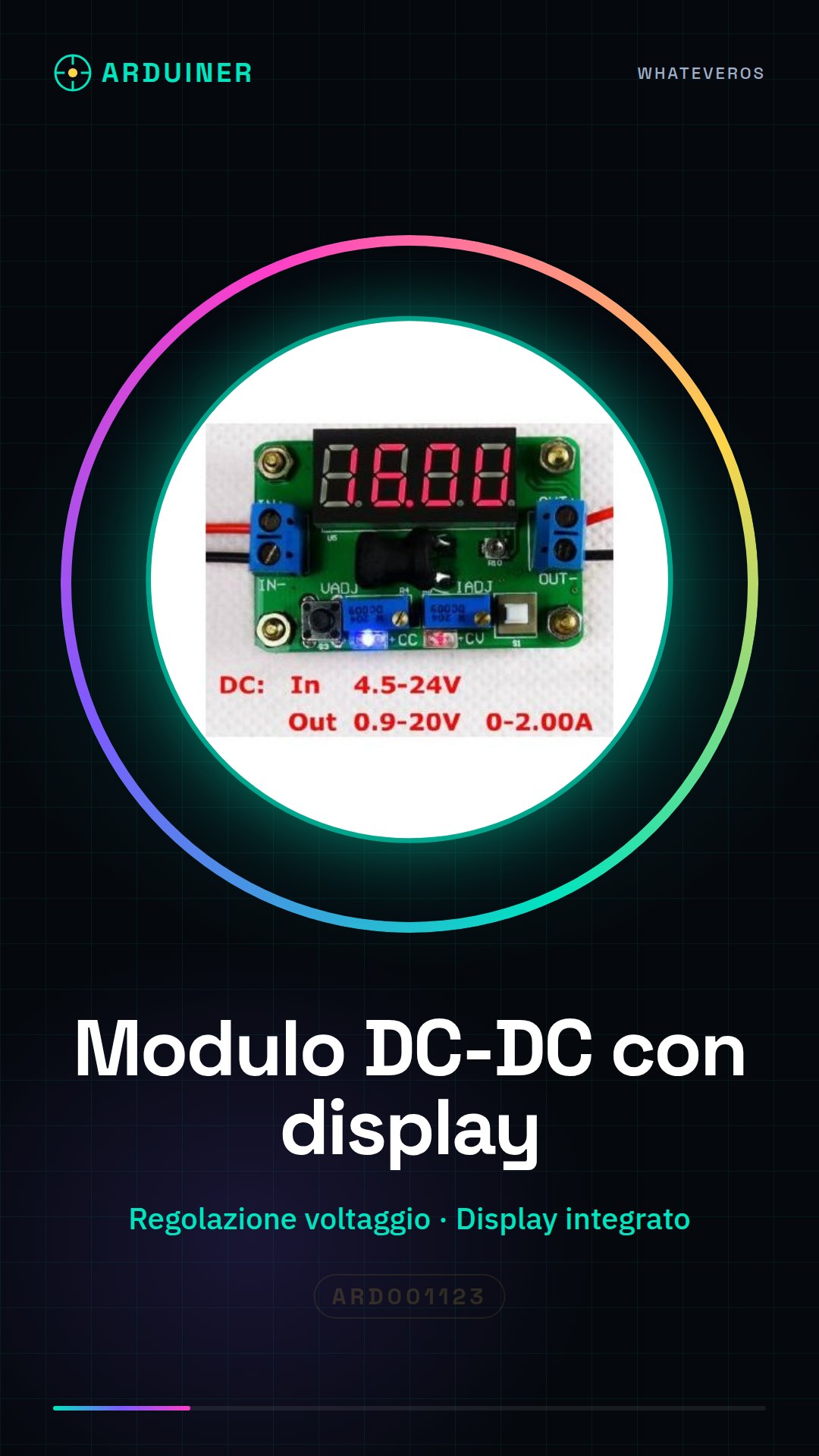
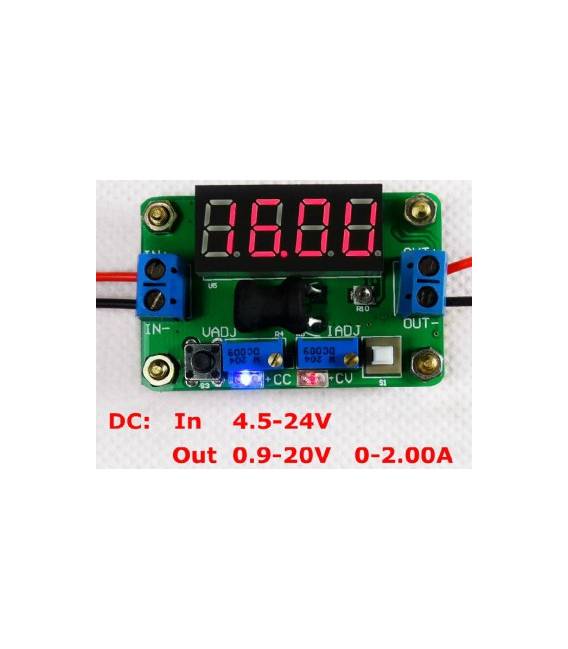
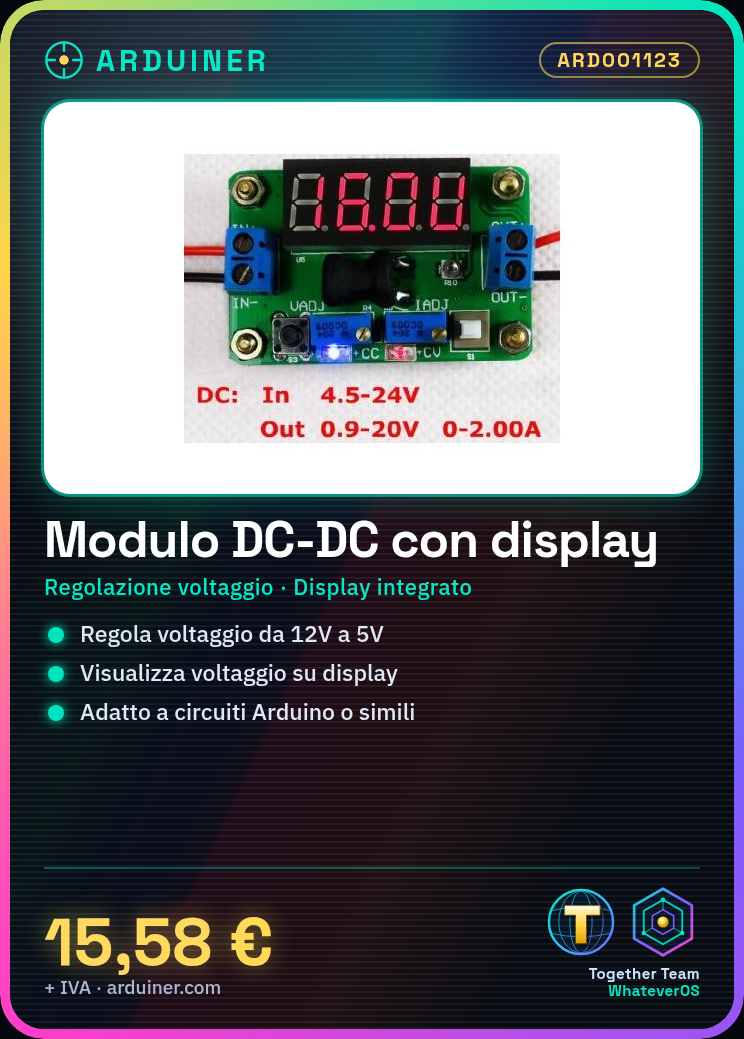
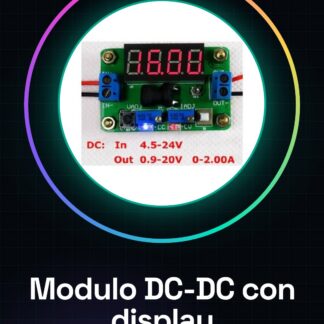
The DC-DC step down module with display is an essential component for managing power supply in electronic projects. This device allows for the regulation of DC supply voltage, providing a stable and controllable voltage.
Features
- Voltage regulation via integrated display
- Ideally suited for stabilizing the power supply of Arduino circuits or similar
What it is for
It is used to build a small voltage converter, useful for powering 5V LEDs from a 12V power source. Useful for both beginners and intermediate makers.
Tutorial: How to use DC-DC Step Down Module with Voltage Display Adjustable Power Supply
This module allows for the regulation of DC supply voltage, ideal for projects requiring a lower output voltage than the input. Useful for beginners and intermediate makers.
What you need
- DC-DC Step Down Module with Voltage Display and Adjustable Power Supply
- Arduino or compatible microcontroller
- DC Power Supply
- Connection Cable
Steps
- 1. Check the specifications on the datasheet for the operating voltage and maximum current.
- 2. Connect the DC power supply to the Vin pin of the module.
- 3. Connect the microcontroller to the OUT pin of the module.
- 4. Connect the display to the VCC and GND pins of the module.
- 5. Configure the desired voltage on the module via the configuration pins or through a serial interface.
- 6. Verify the correct polarity of the connections on the datasheet.
- 7. Upload a sample sketch to the Arduino to control the module.
- 8. Verify the operation of the module and the display.
Example code
```void setup() { Serial.begin(9600); while (!Serial); // attende la connessione seriale Serial.println("Step Down DC-DC in funzione"); // invia messaggio seriale } void loop() { // codice principale }```Mini project
Build a small voltage converter to power a 5V LED from a 12V source.
Common mistakes
- Connect the power supply correctly.
- Check the correct polarity of the connections.
- Configure the desired voltage correctly.
- Use a compatible microcontroller.
Recommended accessories
- Arduino Uno
- 5V LED
- 220 ohm resistor
- 12V power supply
Frequently asked questions
Does the module regulate the voltage correctly?
Check the voltage configuration and correct connection. Verify the specifications on the datasheet.
Can I use any power supply?
Yes, but make sure the supply voltage is within the range specified on the datasheet.
Does the module work with microcontrollers other than Arduino?
Yes, but make sure the serial protocol is compatible.
Can I use this module to power 3.3V devices?
Check the datasheet to see if the module supports conversion to 3.3V.
Reviews
There are no reviews yet.