 EN
 IT Italiano
 ES Español
 FR Français
 DE Deutsch
Description
What it is
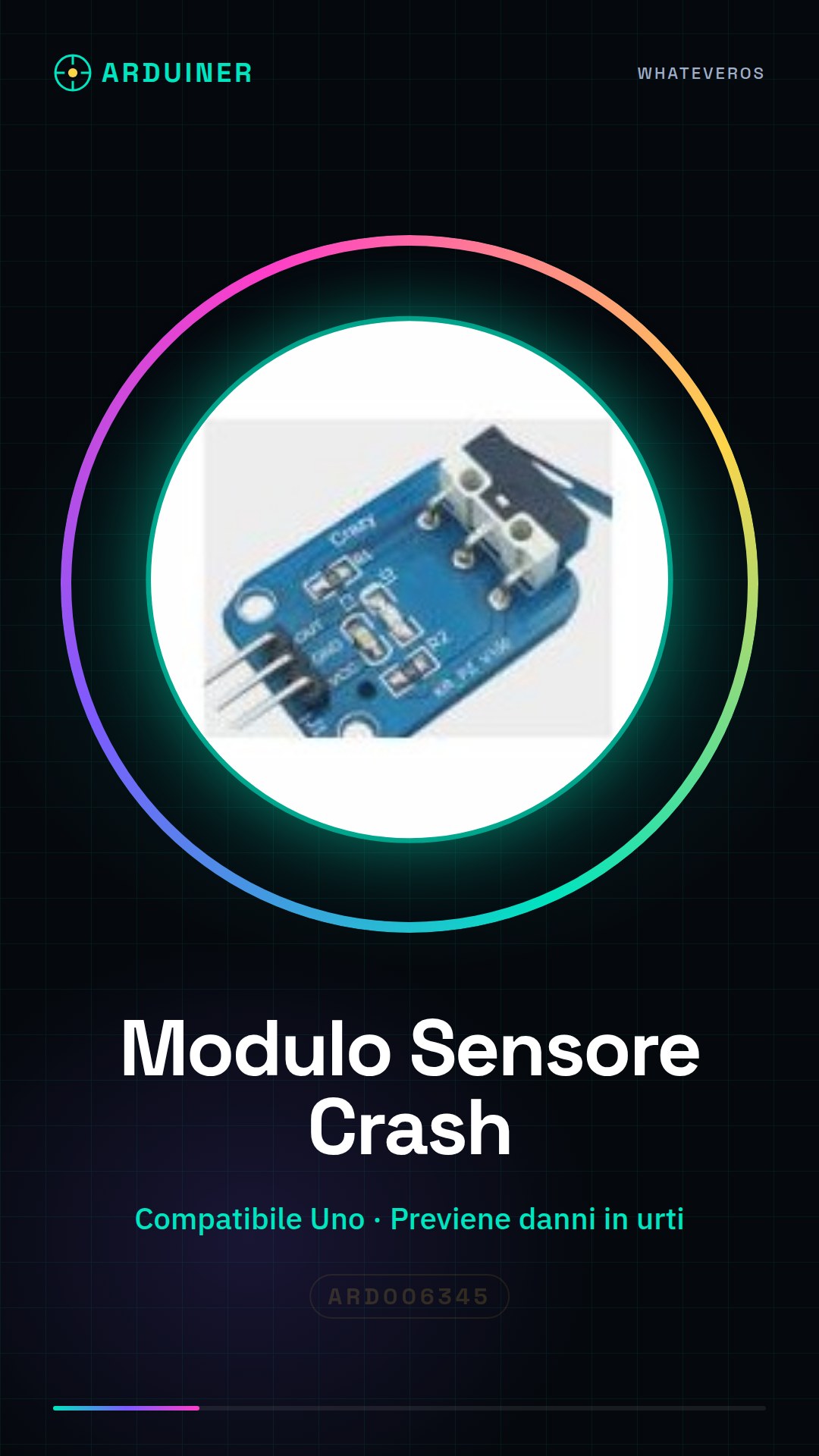
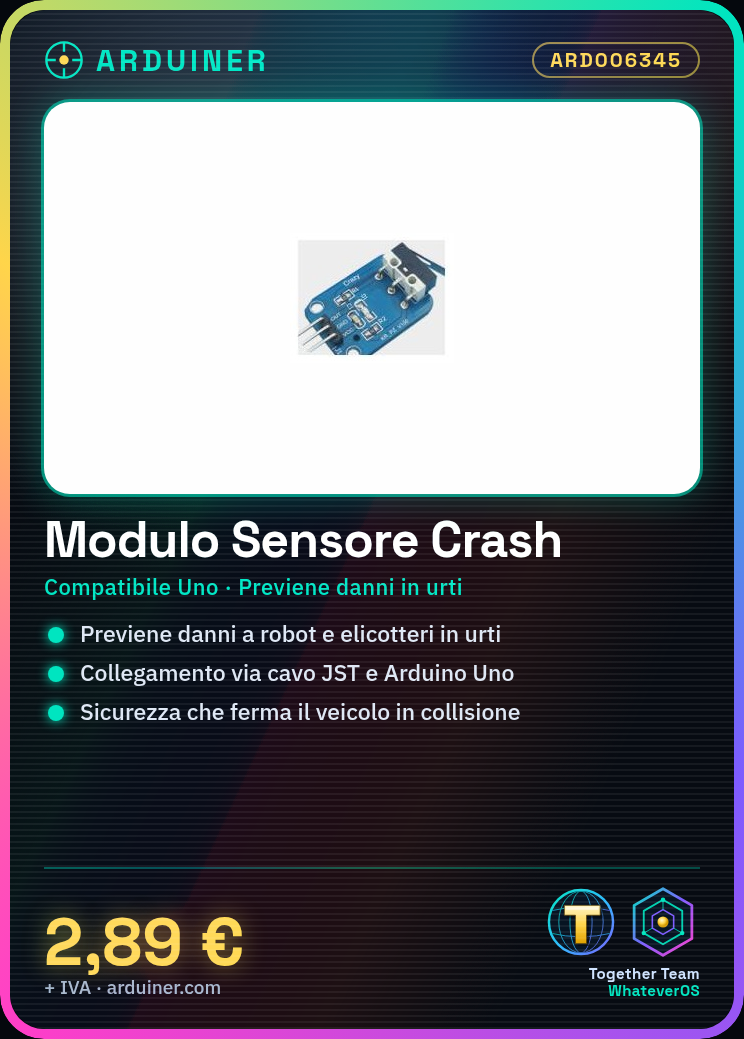
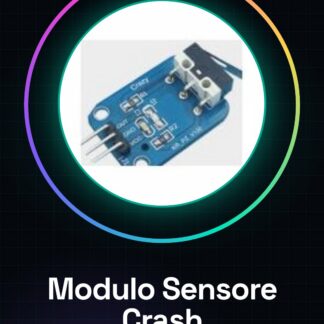
The crash or collision sensor module for Arduino is a device designed to protect robot car and helicopter models from damage in case of impact. This component helps prevent accidental incidents when the vehicle hits an object.
Features
- Crash or Collision Sensor Module for Arduino
- Ideally suited for robot cars and aerial models
- Helps prevent accidental damage in case of impact
What it is for
It is used to create a safety system that automatically stops the vehicle when a collision occurs. It can be used with Arduino Uno or other compatible microcontrollers to implement protection and safety features in robotic models.
Tutorial: How to use Robot Model Car Helicopter Crash or Collision Button Sensor Module
This crash or collision sensor module is ideal for makers who want to add a safety system to their model car or helicopter robots. It helps prevent accidental damage when the vehicle hits objects.
What you need
- Arduino Uno
- USB connection between Arduino and computer
- JST cable to connect sensors
- Model car or helicopter robot
Steps
- 1. Connect the crash sensor module to your model car or helicopter robot using a JST cable.
- 2. Check the proper power supply of the module with the Arduino Uno.
- 3. Download and install the necessary library to manage crash sensors on Arduino IDE.
- 4. Compile and run the example sketch provided by the library.
- 5. Verify that the LED on the module lights up when the vehicle hits an object.
- 6. Modify the sketch to send commands to the Arduino in case of collision (e.g., stop the motor).
- 7. Test the crash sensor functionality on a hard surface.
- 8. Optimize your instructions based on the specific environment and vehicle conditions
Example code
void setup() {
  Serial.begin(9600);
}

void loop() {
  if (crashDetected()) { // Verifica sul datasheet per la funzione di detección crash
    Serial.println("Collision detected!");
  }
}
Mini project
Create a small robot car that automatically stops when it hits an object. Use Arduino Uno and the crash sensor module.
Common mistakes
- Do not verify the correct power supply of the module.
- Omit testing the sketch with the Arduino before integration into the model.
- Do not update the instructions to adapt them to the specific environment and vehicle conditions.
Recommended accessories
- JST Connections
- USB Power Supply
- Robot Model Car or Helicopter
Frequently asked questions
How can I optimize the sensitivity of the module?
Check the datasheet settings to adjust the sensitivity level.
What is the maximum detectable distance of this crash sensor?
Check the datasheet for this specific information.

Reviews
There are no reviews yet.