 EN
 IT Italiano
 ES Español
 FR Français
 DE Deutsch
Description
What it is
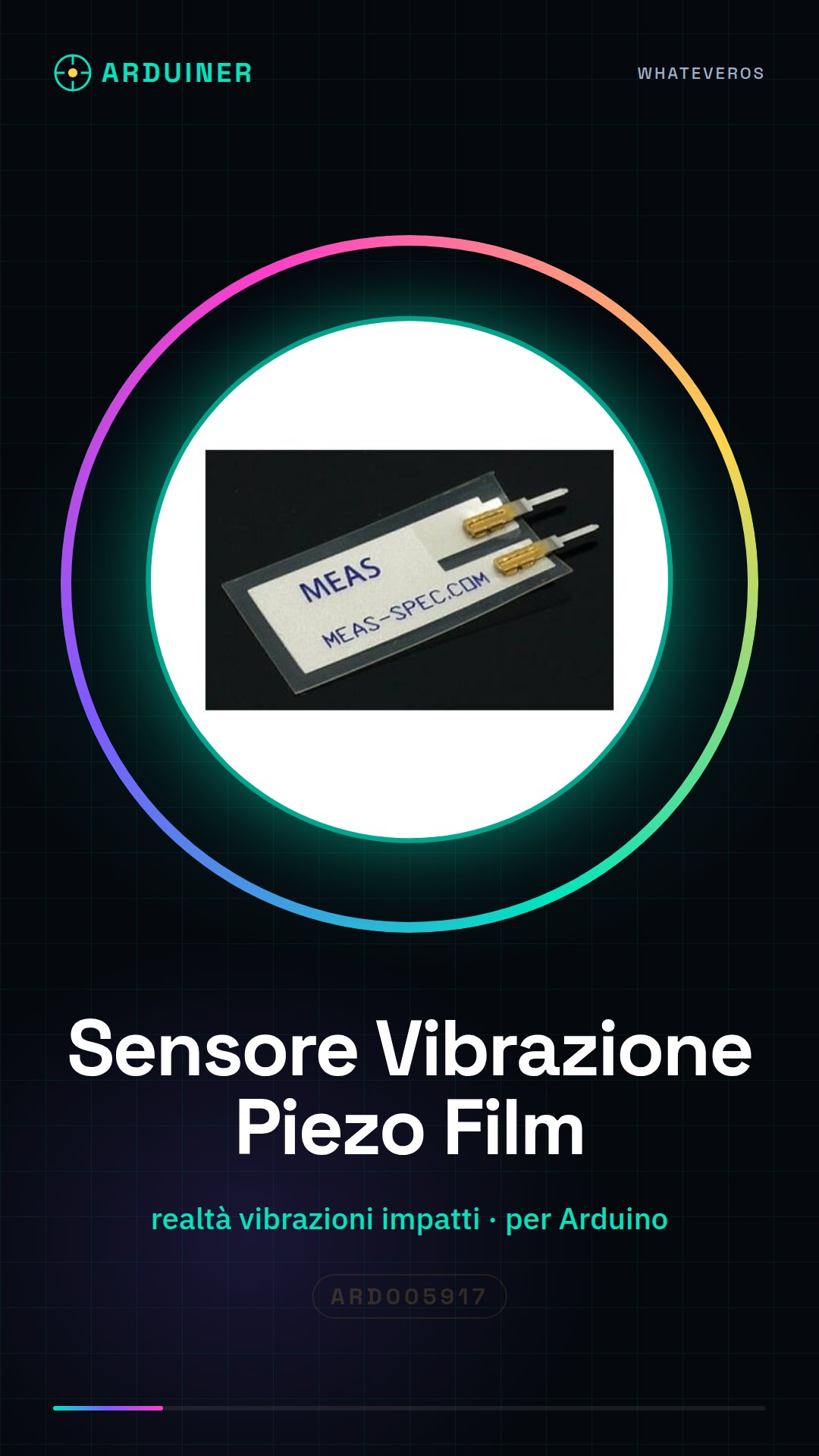
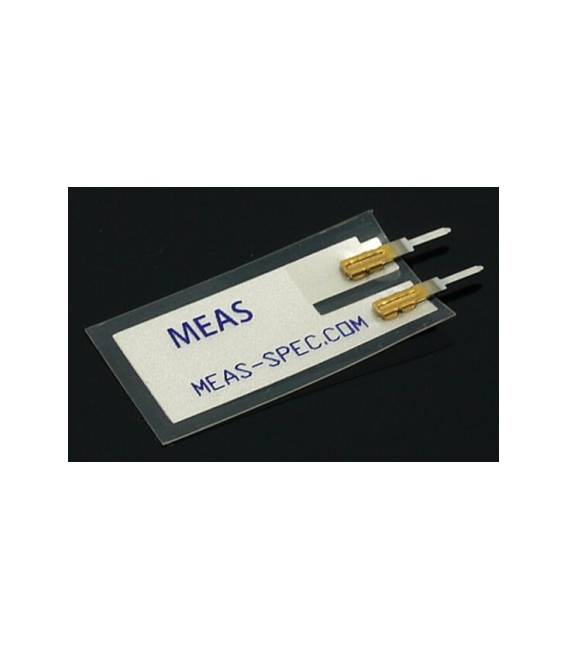
The piezoelectric film ultra-thin vibration sensor is an electronic component designed to detect vibrations or impacts. This type of sensor is particularly suitable for robotics projects, remote-controlled vehicles, and home security systems.
Features
- Ultra-thin piezoelectric film vibration sensor for Arduino
- Ideal for detecting vibrations or impacts
What it is for
Piezoelectric vibration sensors are useful in various contexts, such as creating home alarm systems that send a notification when movement is detected. The sensor can be easily integrated with Arduino and cloud platforms to send notifications.
Tutorial: How to use Piezo Electric Vibration Sensor
The piezo electric sensor is a very useful component for projects that require vibration or impact detection. Ideal for robots, remote-controlled vehicles, and home security systems.
What you need
- Arduino Uno
- Jumper Wire M-M
Steps
- Connect the piezo electric sensor to the digital pin of the Arduino using a jumper wire. The positive terminal of the sensor goes to the input pin of the Arduino, while the negative terminal goes to ground (GND).
- Open Arduino IDE and install the necessary library if it is not already present.
- Write a simple sketch to read values from the piezo electric sensor. Check the sensor datasheet to set the threshold value correctly, which indicates the start of vibration.
- Upload the sketch to the Arduino connected to the computer via USB.
- Start the serial monitor in Arduino IDE to view the data received from the piezo electric sensor.
Example code
int sensorPin = 2; // Collega il sensore a questo pin
void setup() {
  Serial.begin(9600);
pinMode(sensorPin, INPUT);}
void loop() {
 int value = digitalRead(sensorPin);
Serial.println(value);
delay(100);}
Mini project
Create a home alarm system that sends a notification when vibrations are detected. Connect the piezo electric sensor to an Arduino and use a cloud platform to send notifications.
Common mistakes
- Do not connect the terminals of the sensor correctly.
- Set the threshold value too high or too low.
- Omit the necessary library to read values from the piezo sensor.
Recommended accessories
- Arduino Uno
- Jumper Wire M-M
- Arduino Buzzer
Frequently asked questions
How can I increase the sensitivity of the sensor?
Check the datasheet to set the threshold value correctly.
The sensor is not working, what should I do?
Check the connections and make sure the Arduino is properly powered.

Reviews
There are no reviews yet.