 EN
 IT Italiano
 ES Español
 FR Français
 DE Deutsch
Description
What it is
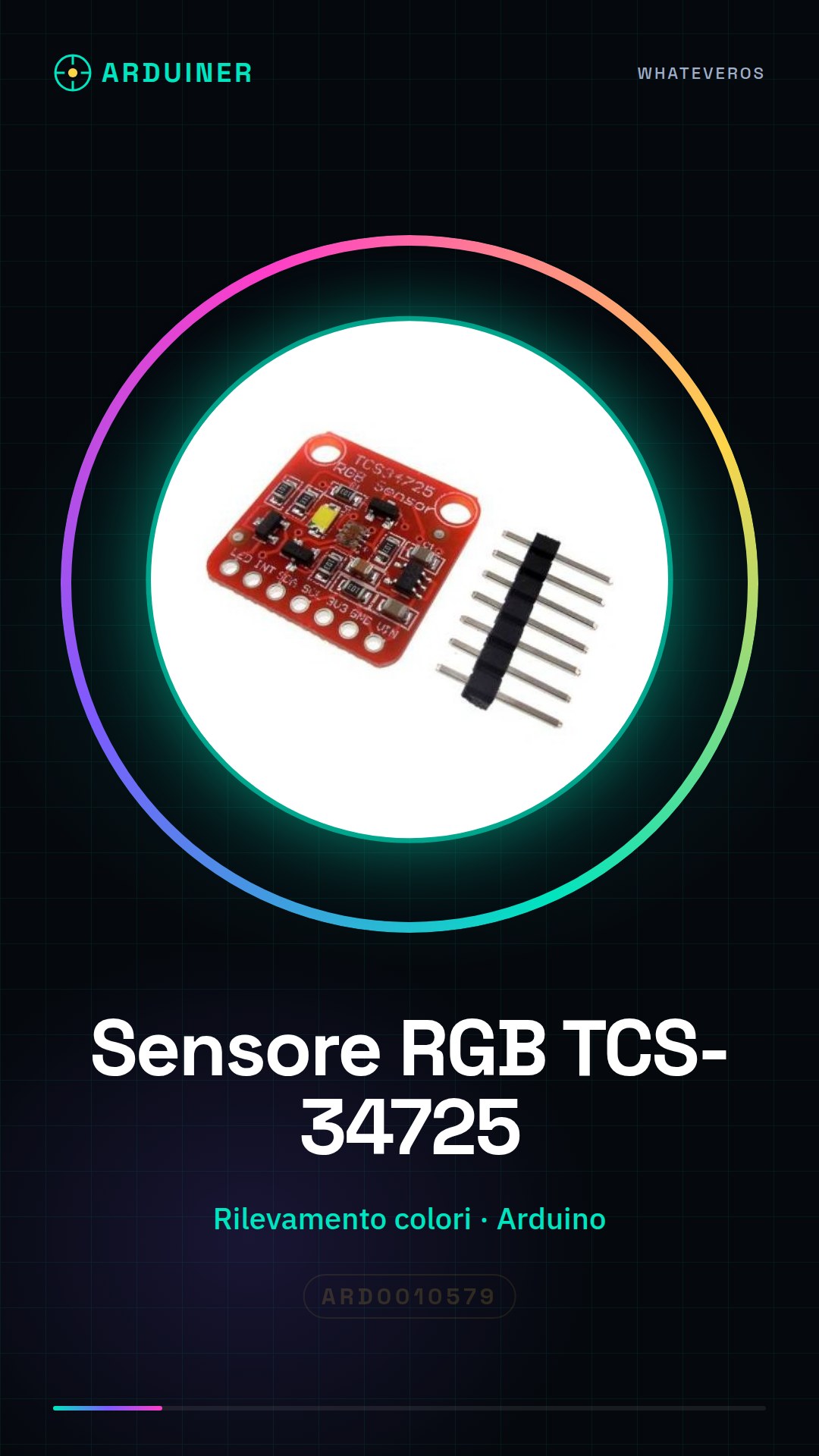
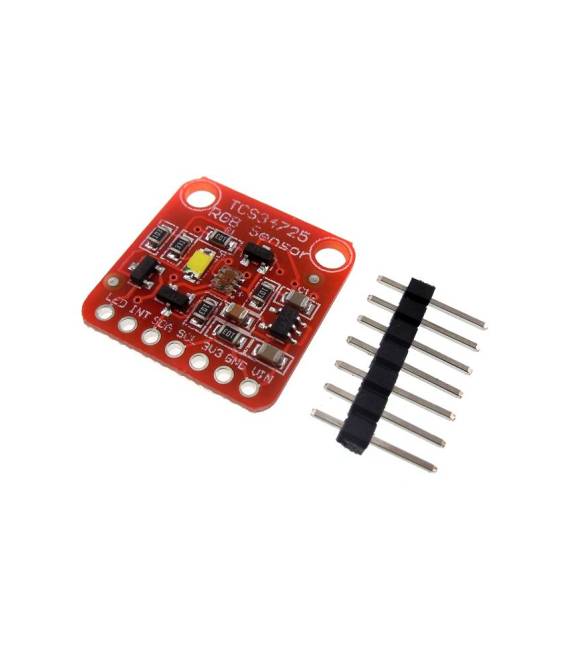
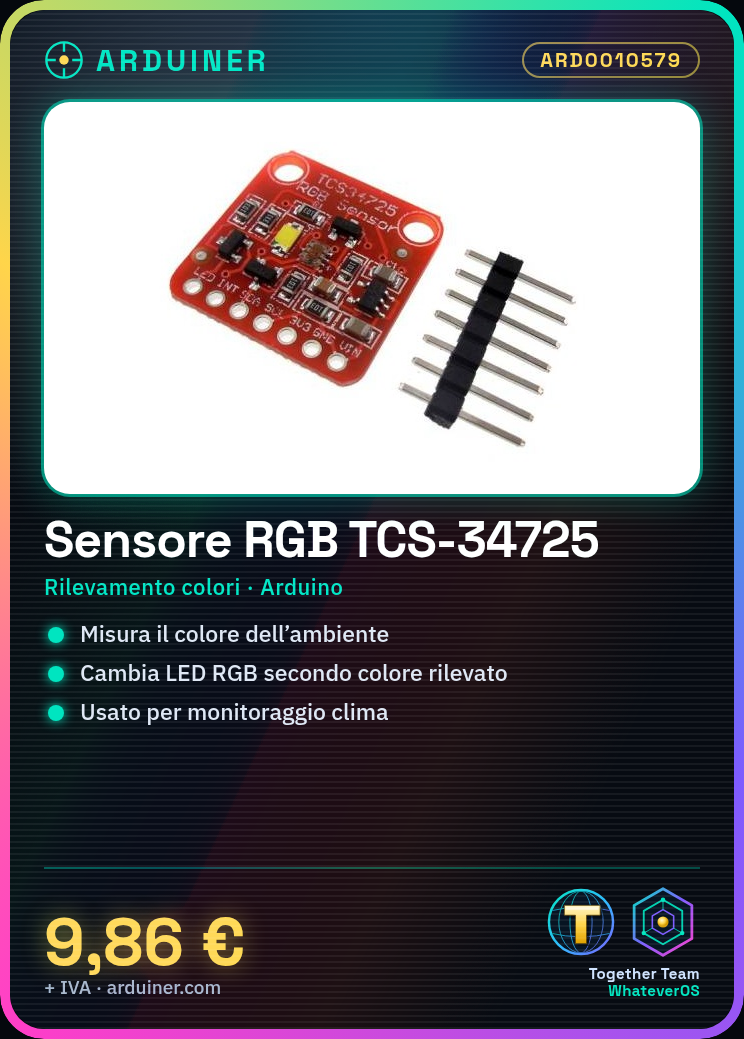
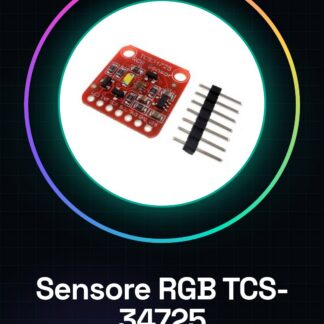
The RGB TCS-34725 color sensor module is an electronic component designed for accurate color and ambient light detection. This device is ideal for makers who want to integrate color sensing functionality into their Arduino projects.
Features
- RGB TCS-34725 Sensor
- Precise color and ambient light detection
What it is for
Color sensor modules TCS-34725 are used in projects that require color measurement, such as weather monitoring, color-based interactions, or artistic applications. It is compatible with Arduino and can be used to create devices that change the color of an RGB LED based on the color detected by the sensor.
Tutorial: How to use Color Sensor Module TCS-34725
The TCS-34725 color sensor module is a useful component for makers who want to measure and analyze ambient color. It is ideal for projects such as weather monitoring, color-based interactions, or artistic applications.
What you need
- Arduino Uno
- USB A-Micro B cable
- Connect to PC
Steps
- Connect the following pins of the TCS-34725 module to the Arduino: SDA to pin 20, SCL to pin 21, GND to ground and VCC to power supply voltage.
- Install the Adafruit_TCS34725 library via Arduino Library Manager or by downloading the source code from the official repository.
- Check the module’s datasheet to ensure that all settings and connections are correct.
- Write a simple sketch using the installed library to read RGB values from the sensor.
- Upload the sketch to Arduino via the USB cable.
- Open the Serial Monitor in Arduino IDE at 9600 baud and view the color data received from the module.
Example code
//Includi la libreria
#include <Adafruit_TCS34725.h>
//Instanzia l'oggetto sensore
Adafruit_TCS34725 tcs = Adafruit_TCS34725(TCS34725_INTEGRATIONTIME_700MS, TCS34725_GAIN_1X);
void setup() {
tcs.begin();
}
void loop() {
uint16_t r, g, b;
tcs.getRawData(&r, &g, &b); Serial.print("RGB: "); Serial.print(r); Serial.print(", "); Serial.print(g); Serial.print(", "); Serial.println(b);
}
Mini project
Create a small device that changes the color of an RGB LED based on the color detected by the TCS-34725 sensor. This project takes about 30 minutes.
Common mistakes
- Do not verify the correct installation of the library.
- Incorrect pin connection of the module.
- Reading and writing settings not correctly configured in the Arduino code.
Recommended accessories
- RGB LED
- Variable resistors
- 16×2 LCD module
Frequently asked questions
How can I get the datasheet for the TCS-34725 module?
The datasheet is available on the manufacturer’s website or in the Adafruit_TCS34725 library documentation.
What other libraries can be used with this sensor?
Alternatively to Adafruit_TCS34725, you can use TCS3472_RGB_Library or TCS34725_Arduino_Library.
Reviews
There are no reviews yet.