 EN
 IT Italiano
 ES Español
 FR Français
 DE Deutsch
Description
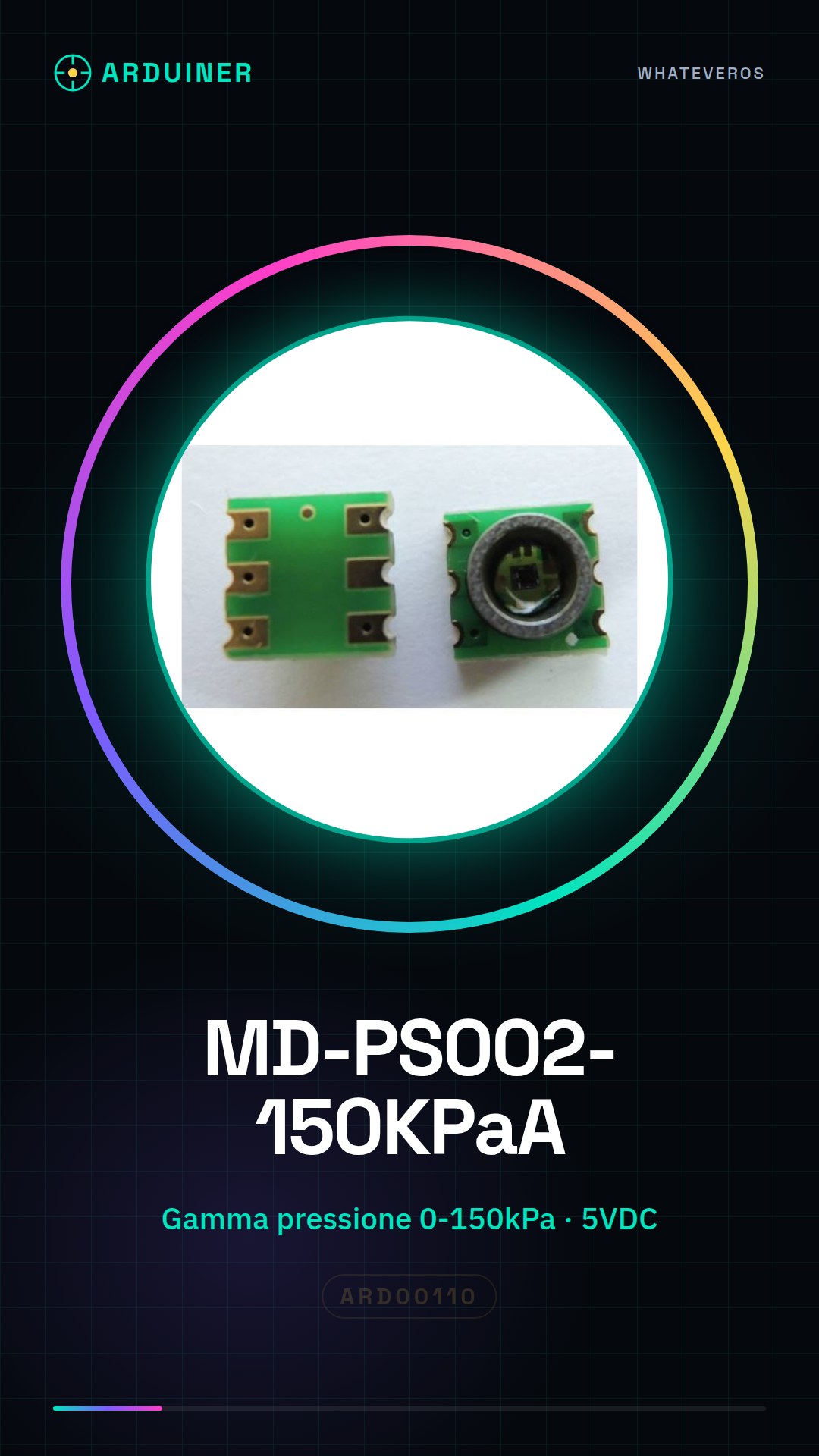
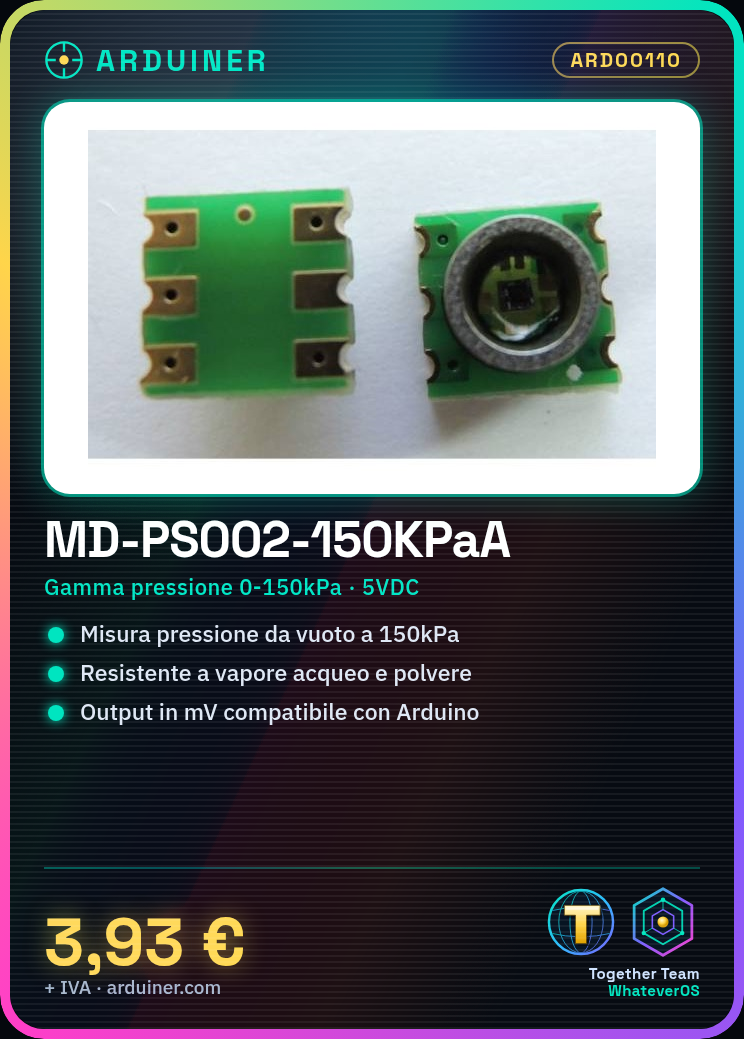
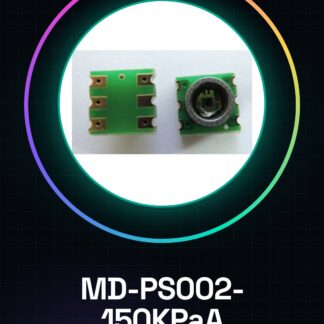
MD-PS002-150KPaA Absolute Pressure Sensor for Arduino
MAIN FEATURES:
Vacuum sensor.
Stainless steel pressure port.
The surface coating of the chip protects it from moisture, dust, etc.
Output: mV Signal
Electrical Supply: 5VDC or constant current 1 mA
Linear Precision: 0.25% FS
Emission Current: 29mA
Communication Range: 300m
150kpa Absolute Pressure
100 KPA Pressure Range (4295 psi)
Pressure Range from Vacuum (absolute 0 pressure) to above atmospheric pressure 50kPa
The 15psi range, the vacuum (-100kPa) can also be used to measure (positive and negative pressure detection).
Standard Pressure Range: 0-15, 0-30, 0-50, 0-100Psia.
Electrical Performance (22 C)
Operating Temperature Range: -40 to 125 C.
Storage Temperature Range: -55 to 150 C.
Maximum Overvoltage 6X.
Standard Pressure 2X.
Output Zero 8 mV / v / 10 mV / v
Output Full Scale 65-115 mV / 75-125 mV / 170-280 mV
Hysteresis and of 0,10% FSO
Temperature Coefficient of Zero of 30 V / v / C
Temperature Coefficient of Resistance of 0,30% / C
Temperature Coefficient of -0.20% FSO / C
Zero Hysteresis Thermal 0,10% FSO
|
GENERAL |
MODEL |
MD-PS002-150KPaA |
|
MATERIALS |
Pcb + components |
|
|
COMPATIBILITY |
ARDUINO |
|
|
ELECTRICAL COMPONENTS |
INPUT VOLTAGE |
5V |
|
WEIGHT AND DIMENSIONS |
PRODUCT WEIGHT |
2g |
|
PACKAGE WEIGHT |
0,055 kg |
|
|
PRODUCT DIMENSIONS (L x W x H) |
0,7 x 0,7 x 0,3 cm |
|
|
PACKAGE DIMENSIONS (L x W x H) |
3 x 2 x 2 cm |
|
|
PACKAGE CONTENT |
PACKAGE CONTENT |
1 x Module |
We have the technical specifications of all components available, should it not be present in the product download sheet, send us a message via the contact form and we will publish it as soon as possible on our website.
Tutorial: How to Use Absolute Pressure Sensor MD-PS002-150KPaA
The absolute pressure sensor MD-PS002-150KPaA is ideal for measuring atmospheric pressure or fluids in various fields such as meteorology, industrial automation, and DIY projects. It is suitable for both beginners and more experienced makers who want to add pressure monitoring functionality to their Arduino devices.
What you need
- Arduino Uno or compatible
- USB cable to connect the Arduino to the PC
- Absolute Pressure Sensor MD-PS002-150KPaA
Steps
- Connect the sensor to pins A0, VCC, and GND of the Arduino using jumper wires.
- Open Arduino IDE and create a new sketch.
- Insert the code to read the sensor value.
- Save the sketch with a meaningful name such as ‘AbsolutePressure’.
- Upload the sketch to the Arduino via USB.
- Open the Serial Monitor window in Arduino IDE.
- Set the transmission speed to 9600 baud.
- Read the pressure values displayed in the Serial Monitor.
Example code
const int sensorPin = A0;

void setup() {
 Serial.begin(9600);
}

void loop() {
 int sensorValue = analogRead(sensorPin);
 float voltage = (sensorValue / 1024.0) * 5.0;
 // Verifica sul datasheet per la conversione da tensione a pressione
 Serial.println(voltage);
 delay(1000);
}
Mini project
Create an alarm system that sends an email notification when the atmospheric pressure exceeds a certain critical value.
Common mistakes
- Do not verify the correct pin connections.
- Omit the installation of the necessary library to read the sensor values.
- Ignore the voltage to pressure conversion defined in the datasheet.
- Do not properly configure the transmission speed in Serial Monitor.
Recommended accessories
- ESP8266 Wi-Fi Module
- LCD Display for Arduino
- Portable Batteries for External Power Supply
Frequently asked questions
How can I convert the analog value to pressure?
Check the sensor’s datasheet to find the relationship between voltage and pressure.
Does the sensor work with Arduino Mega?
Yes, but make sure to connect to the correct pin on the Arduino Mega.
Reviews
There are no reviews yet.