 EN
 IT Italiano
 ES Español
 FR Français
 DE Deutsch
Description
What it is
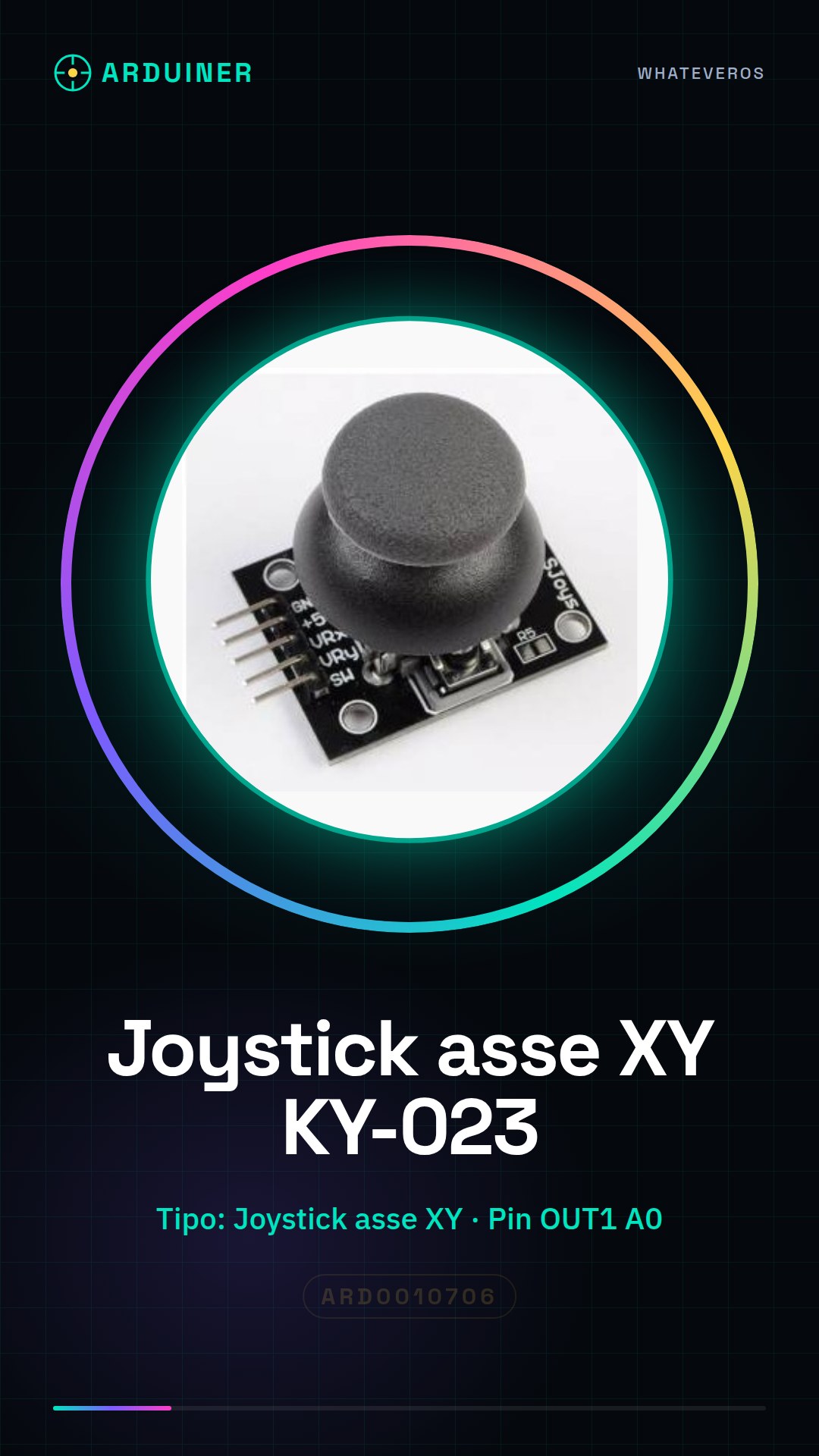
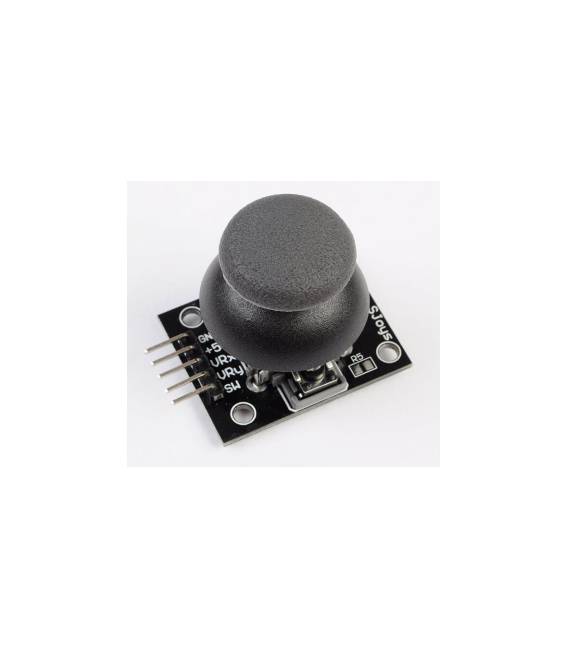
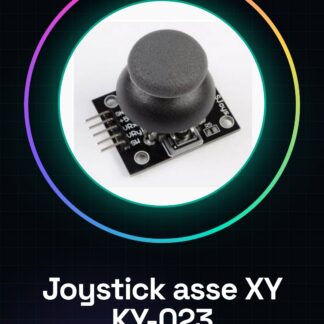
The KY-023 XY Axis Joystick module is an electronic component that allows for the control of two-dimensional movements. It can be used to create simple and intuitive user interfaces in electronic projects.
Features
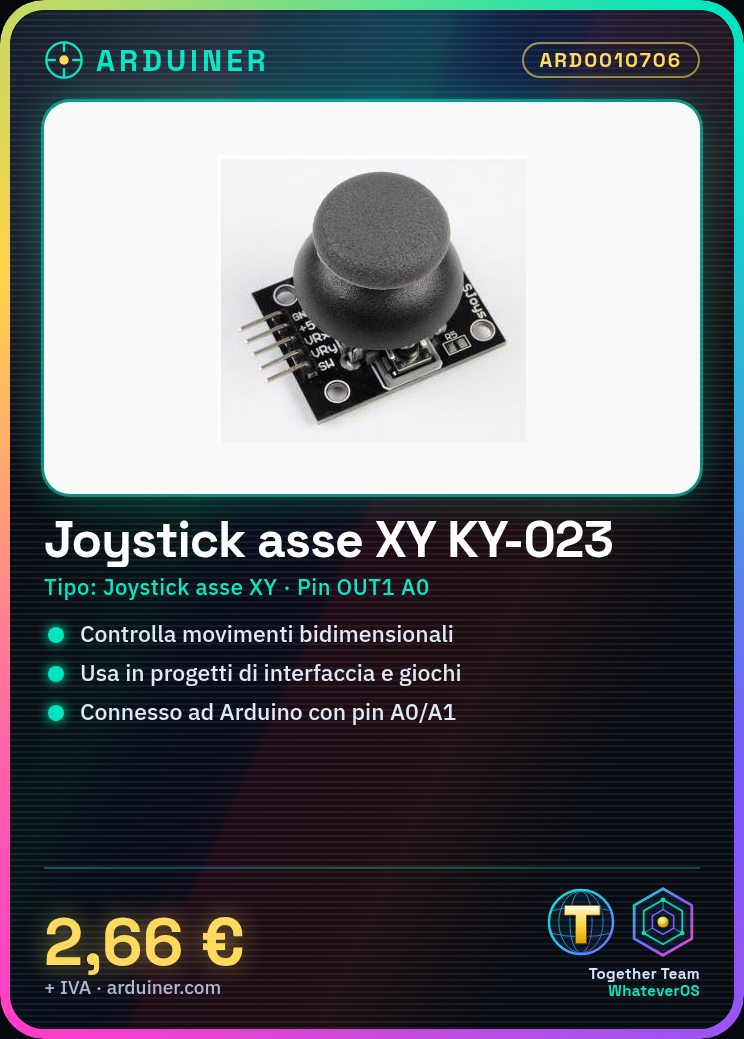
- Type: XY Axis Joystick
- Model: KY-023
- SKU: ARD0010706
- Price: 2.66 €
What it is for
The KY-023 XY Axis Joystick module is ideal for controlling position on two axes in applications such as:
- User interface projects
- Games
- Servo motor control
Compatibility with Arduino and other microcontrollers should be verified in the datasheet.
Tutorial: How to use KY-023 XY Axis Joystick
The KY-023 XY Axis Joystick is an ideal component for controlling position on two axes. Useful for user interface and game projects.
What you need
- KY-023 XY Axis Joystick
- Arduino
- Power cable
- 10kΩ resistor
Steps
- 1. Connect the Joystick to the Arduino using the following pins: VCC to 5V, GND to GND, OUT1 to pin A0, OUT2 to pin A1.
- 2. Connect a 10kΩ resistor between VCC and GND to stabilize the signal.
- 3. Load the following code onto your Arduino.
- 4. Check the joystick position using the serial console.
- 5. Refer to the datasheet for further details on operation.
- 6. Try moving the joystick and observe the values changing.
- 7. Use the values to control a servo or another component.
- 8. Test the joystick at various angles of movement.
Example code
```void loop() { int x = analogRead(A0); int y = analogRead(A1); Serial.print("X: "); Serial.print(x); Serial.print(" Y: "); Serial.println(y); delay(100);} ```Mini project
Create a control for a servo using the joystick values.
Common mistakes
- Connect the Joystick directly to VCC without a resistor.
- Do not use an appropriate resistor.
- Do not check the joystick position.
- Omit checking the datasheet.
Recommended accessories
- Servo
- LCD Display
- Buttons
- Variable Resistors
Frequently asked questions
How can I control the joystick in real-time?
Use the serial console to see the values in real-time.
Does the Joystick work with Arduino Uno?
Yes, it works with Arduino Uno.
What values to expect for X and Y?
Values between 0 and 1023, depending on the joystick position.
Reviews
There are no reviews yet.