 EN
 IT Italiano
 ES Español
 FR Français
 DE Deutsch
Description
What it is
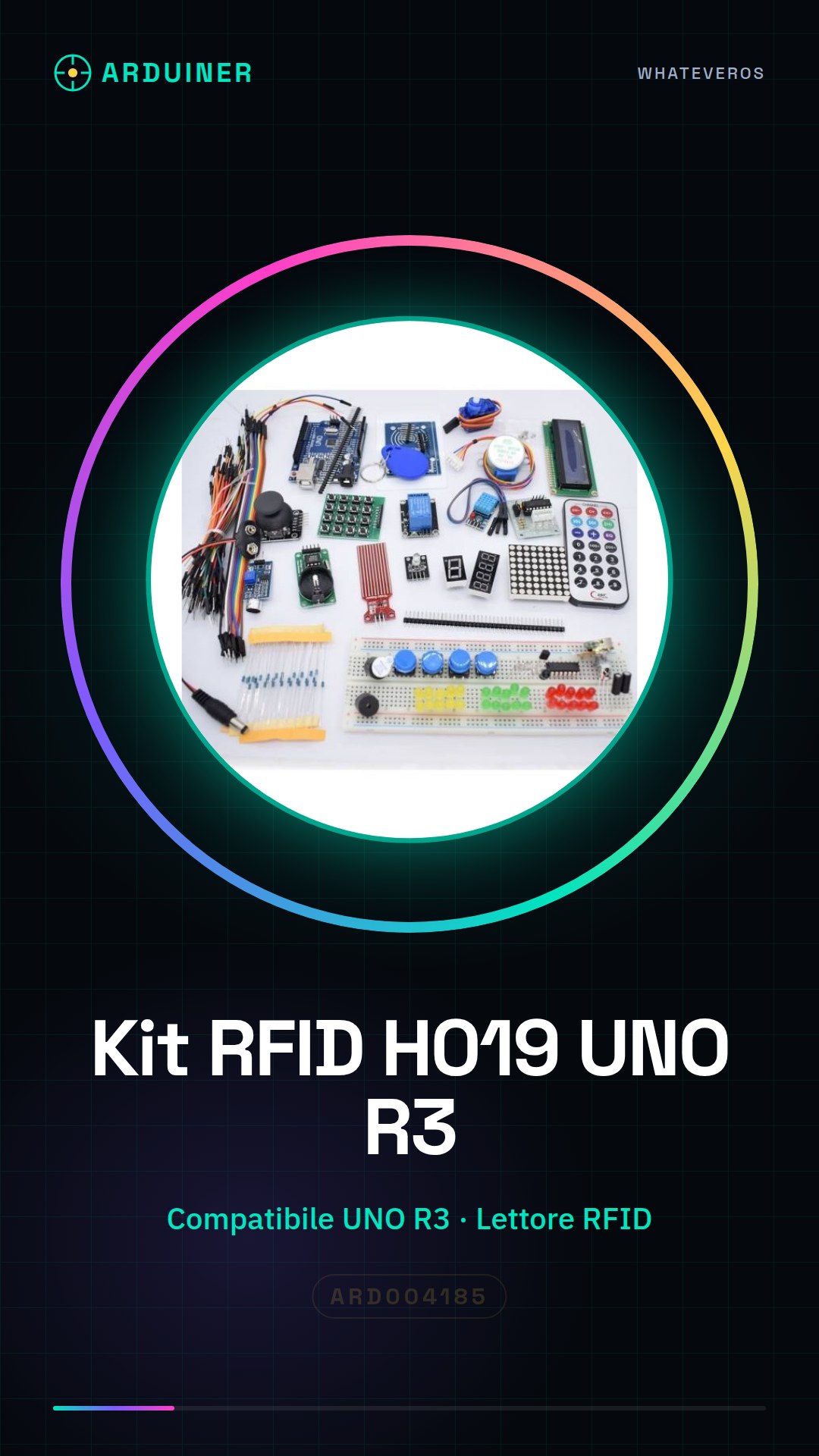
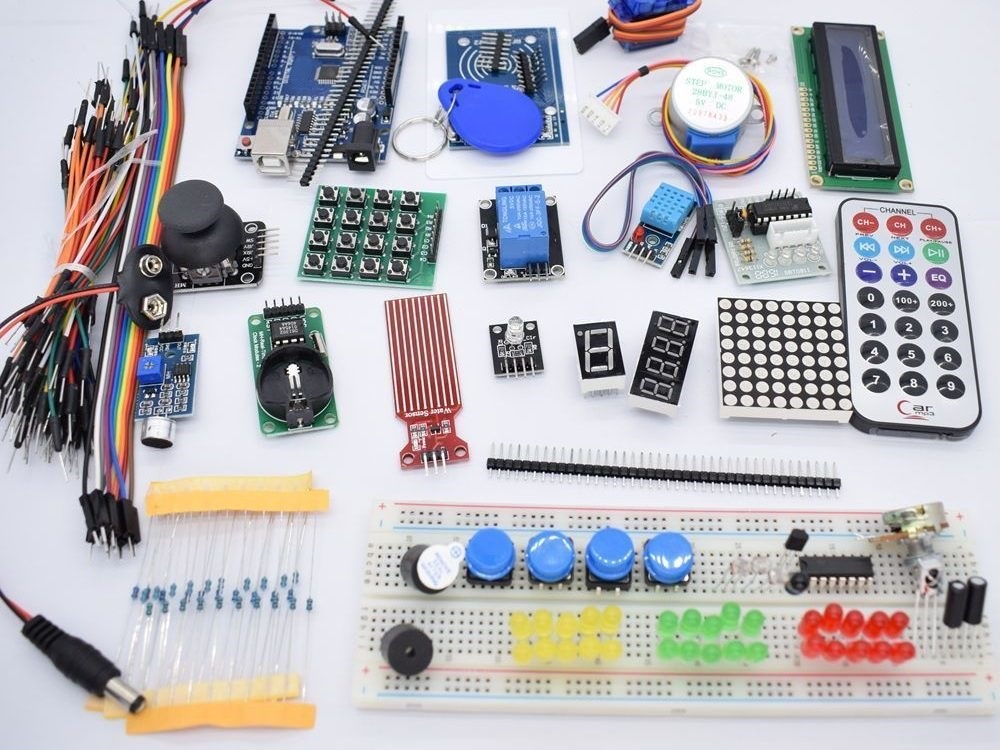
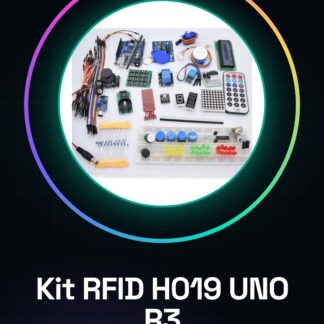
The RFID H019 UNO R3 Start Kit for Arduino is a set designed for beginners who want to explore RFID technology with Arduino.
Features
- Compatible with Arduino UNO R3
- Includes an RFID reader
- Includes RFID tags
- SKU: ARD004185
- Price: 36.95 €
What it is for
The kit allows you to create simple access or monitoring systems based on RFID technology. Example use: create an access system that turns on a light bulb when a specific RFID tag is detected.
Tutorial: How to use RFID H019 UNO R3 Start Kit
The RFID H019 learning kit is ideal for anyone who wants to start working with RFID technology using Arduino. This kit allows you to create simple access or monitoring systems.
What you need
- Arduino UNO R3
- USB A-B cable
- RFID H019 learning kit
Steps
- Connect the Arduino UNO to the computer via the USB cable.
- Download and install the MFRC522 library for Arduino from the GitHub repository.
- Open an existing sketch that uses the MFRC522 library or create a new empty sketch.
- Connect the pins of the RFID module to your Arduino UNO as specified in the datasheet.
- Upload the sketch to your Arduino UNO.
- Start the serial monitor to see the information transmitted by the RFID tag.
Example code
/* Configurazione base dello sketch */
#include <MFRC522.h>

#define SS_PIN 10
#define RST_PIN 9
MFRC522 mfrc522(SS_PIN, RST_PIN); // Instanzia l'oggetto MFRC522 con i pin specifici.
void setup() {
  Serial.begin(9600);
  mfrc522.PCD_Init();
}

void loop() {
  if ( !mfrc522.PICC_IsNewCardPresent()) return;
  if ( !mfrc522.PICC_ReadCardSerial()) return;
  Serial.print("UID tag: ");
  printHex(mfrc522.uid.uidByte, mfrc522.uid.size);
}
void printHex(byte *buffer, byte bufferSize) {
  for (byte i = 0; i < bufferSize; i++) {
    Serial.print(buffer[i] < 0x10 ? "0" : ");
    Serial.print(buffer[i], HEX);
  }
}
Mini project
Create an access system that turns on a light bulb when a specific RFID tag is detected.
Common mistakes
- Make sure the pins of the RFID module are correctly connected to the Arduino.
- Check that the MFRC522 library is installed and configured correctly.
- Ensure that the RFID tag works properly before uploading the sketch to Arduino.
Recommended accessories
- LED light bulb
- LED resistor
- Prototype kit
Frequently asked questions
How can I get the datasheet for the module?
The datasheet is available on the official hardware website or from the kit supplier.
Which library should I use with this kit?
Use the MFRC522 library to interact with the RFID module.
Reviews
There are no reviews yet.