 EN
 IT Italiano
 ES Español
 FR Français
 DE Deutsch
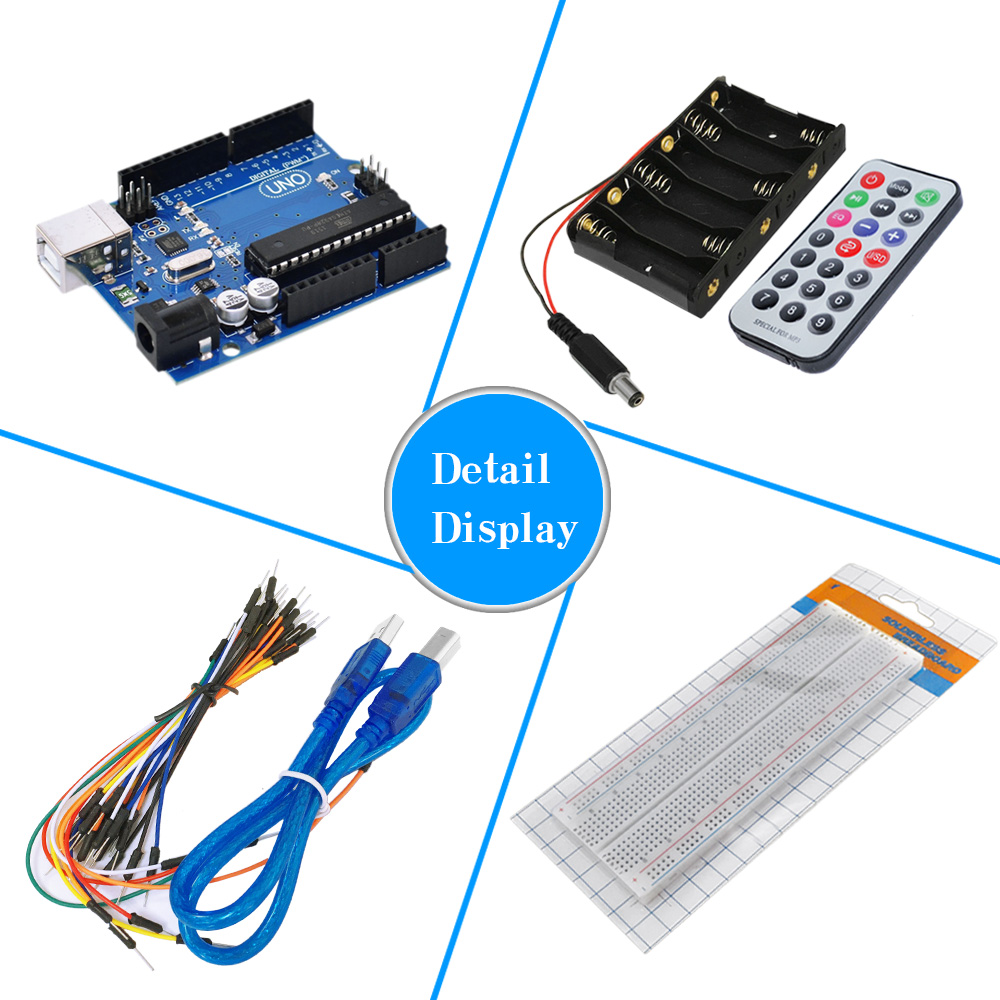
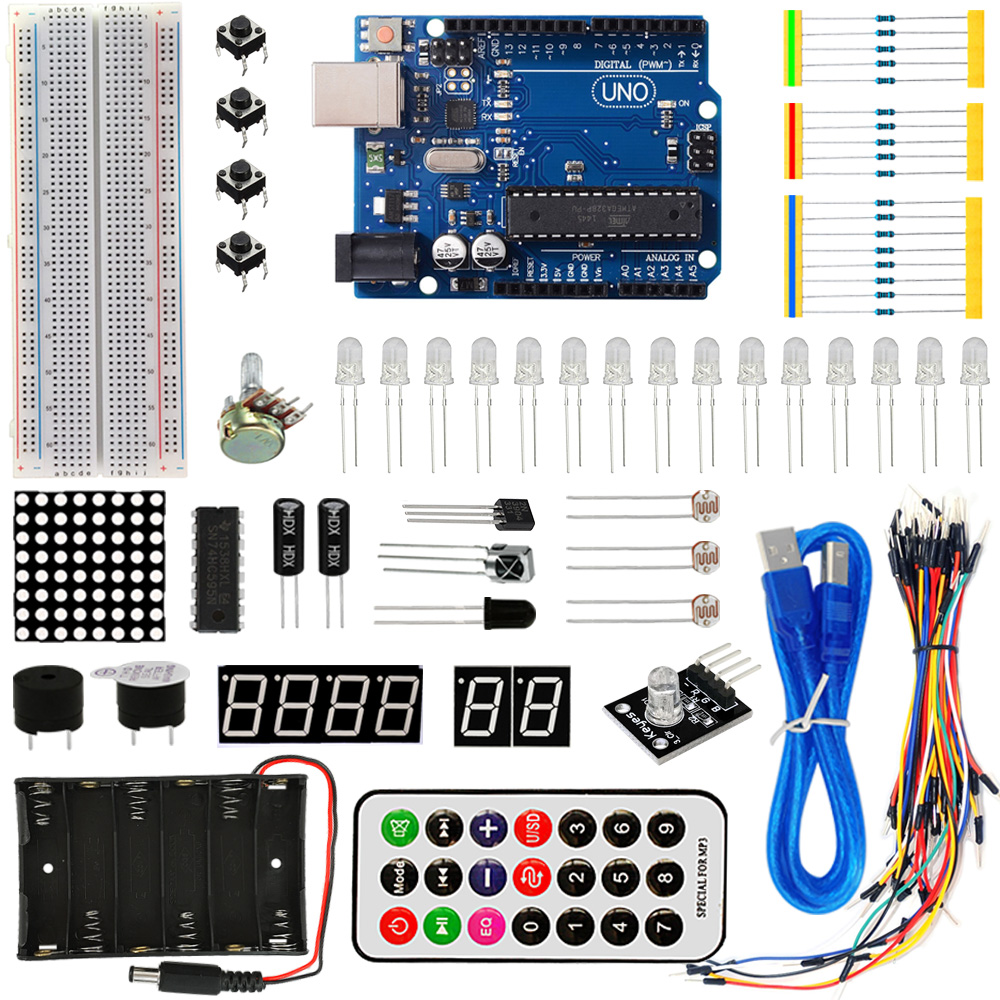
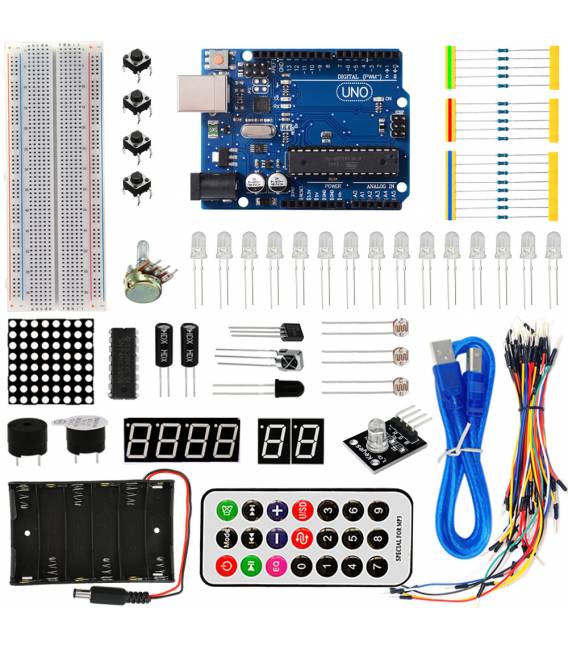
Description
What it is
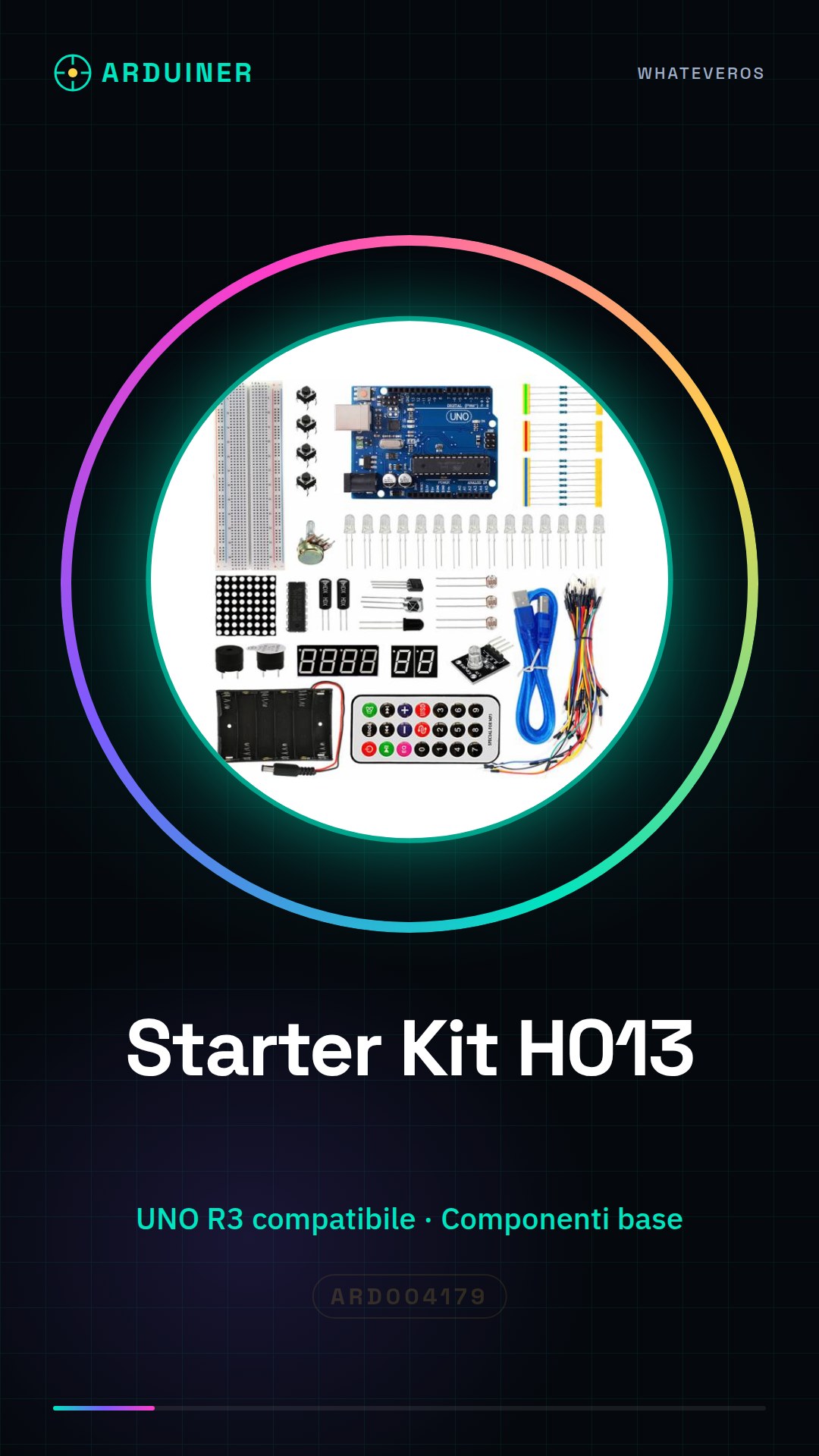
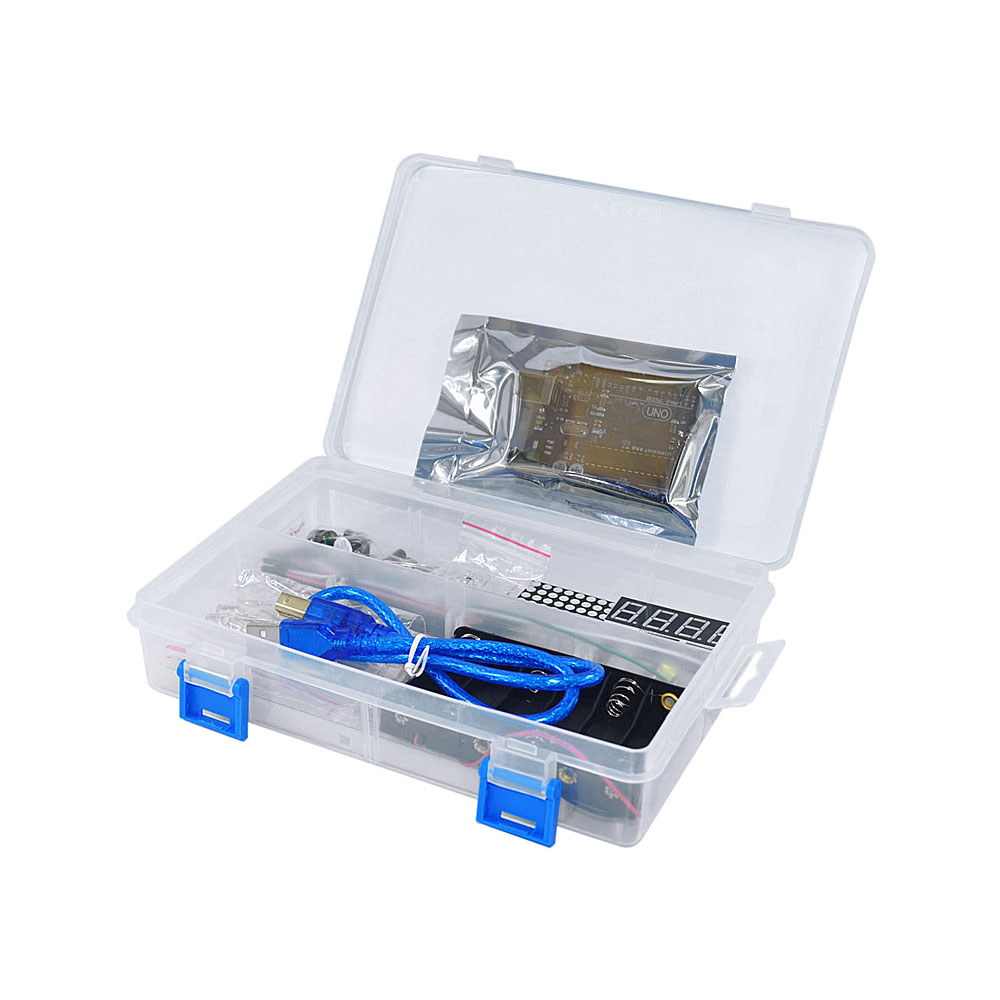
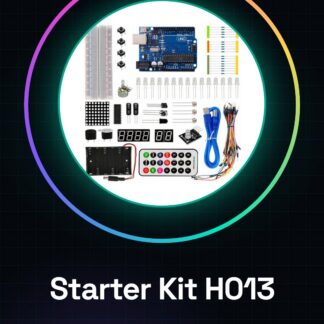
The H013 Arduino UNO R3 Basic Starter Kit is a package designed for beginners who want to learn how to program and build electronic projects with Arduino. It includes all the essential components to start experimenting with programming and electronics.
Features
- Compatible with Arduino UNO R3
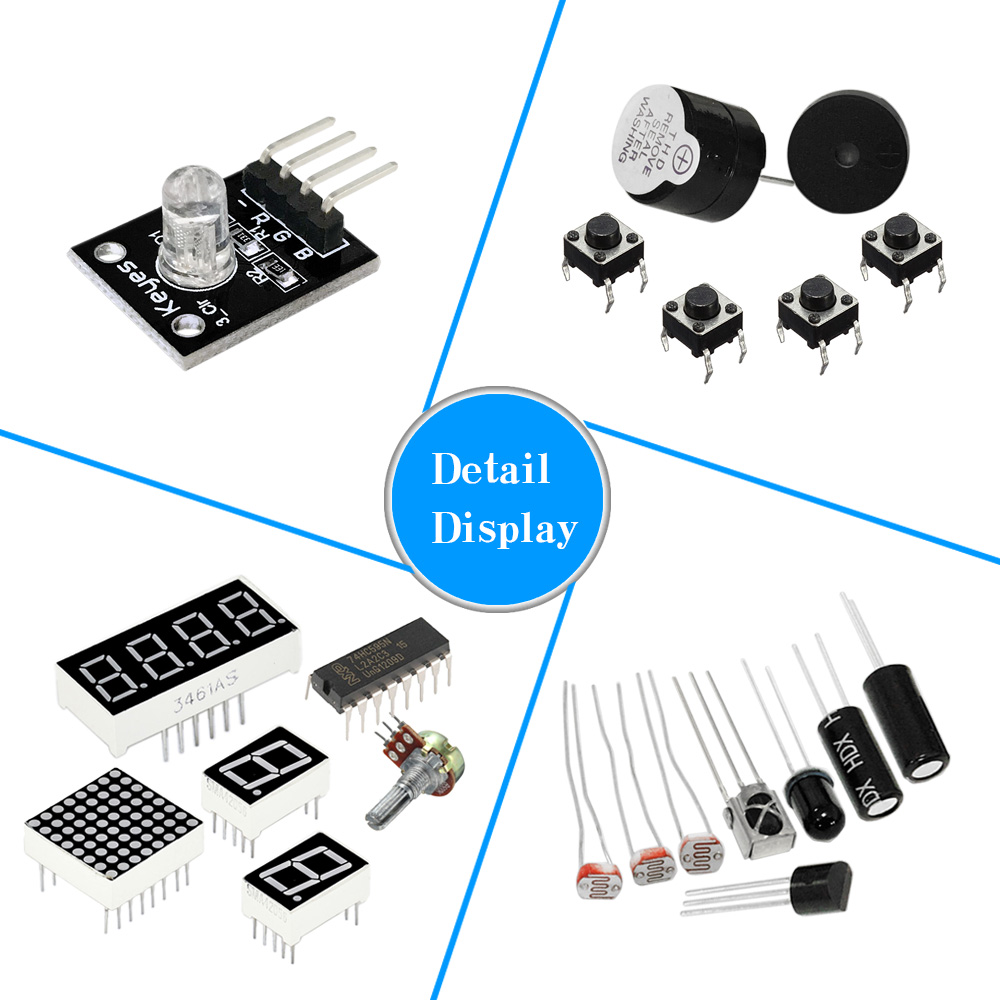
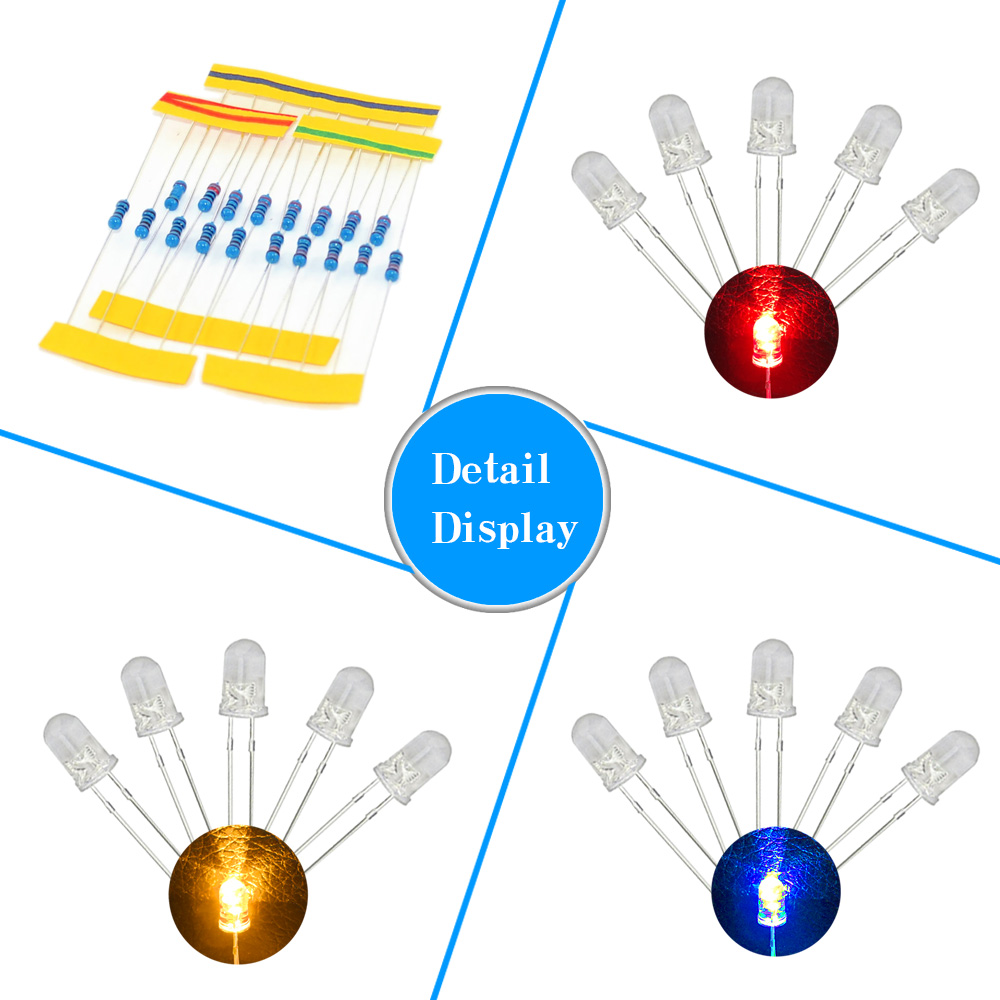
- Essential components for electronic projects
- Ideal for beginners
What it is for
The kit is suitable for creating projects such as luminous clocks that change color based on the time of day, using RGB LEDs and an ambient light sensor to adjust the brightness. It allows you to learn the basics of Arduino programming and experiment with basic electronic components.
Tutorial: How to use H013 Arduino UNO R3 Basic Starter Kit
The H013 Starter Kit for Arduino UNO R3 is perfect for beginners who want to start programming and building projects with Arduino. It contains everything you need to set up your first development environment.
What you need
- Arduino UNO R3
- USB A-MicroB cable
- Printable card
- Basic sensors
Steps
- Step 1: Connect the Arduino UNO to your computer via the USB cable. Check the connection.
- Step 2: Download and install Arduino IDE from arduino.cc.
- Step 3: Open Arduino IDE, select ‘File > Preferences’, enter https://arduino.esp8266.com/stable/package_esp8266com_index.json as the update server URL.
- Step 4: In the ‘Tools’ section of Arduino IDE, set the board to ‘Arduino Uno’.
- Step 5: Ensure that the device is correctly recognized by your operating system and selected in Arduino IDE.
- Step 6: Load a simple sketch (e.g., Blink) to test the hardware.
- Step 7: Explore the sensors included in the kit by following the datasheet instructions.
- Step 8: Try to create a personal project using the kit.
Example code
void setup() {
  pinMode(LED_BUILTIN, OUTPUT);
}

void loop() {
  digitalWrite(LED_BUILTIN, HIGH);
  delay(1000);
  digitalWrite(LED_BUILTIN, LOW);
  delay(1000);
}
Mini project
Create a glowing clock that changes color based on the time of day. Use RGB LEDs and an ambient light sensor to adjust the brightness.
Common mistakes
- I can’t connect Arduino to the computer.
- Arduino doesn’t recognize additional sensors.
- The code doesn’t load correctly onto the board.
- The LEDs don’t turn on or blink incorrectly.
Recommended accessories
- Breadboard
- USB cable connectors
- Variable resistors
- Temperature and light sensors
Frequently asked questions
Where can I find the kit’s datasheet?
The datasheet is available on the official Arduino website or in the documentation provided with the kit.
Can I use this kit for wireless projects?
Yes, by adding a WiFi module like ESP8266 to your kit.
Reviews
There are no reviews yet.