 EN
 IT Italiano
 ES Español
 FR Français
 DE Deutsch
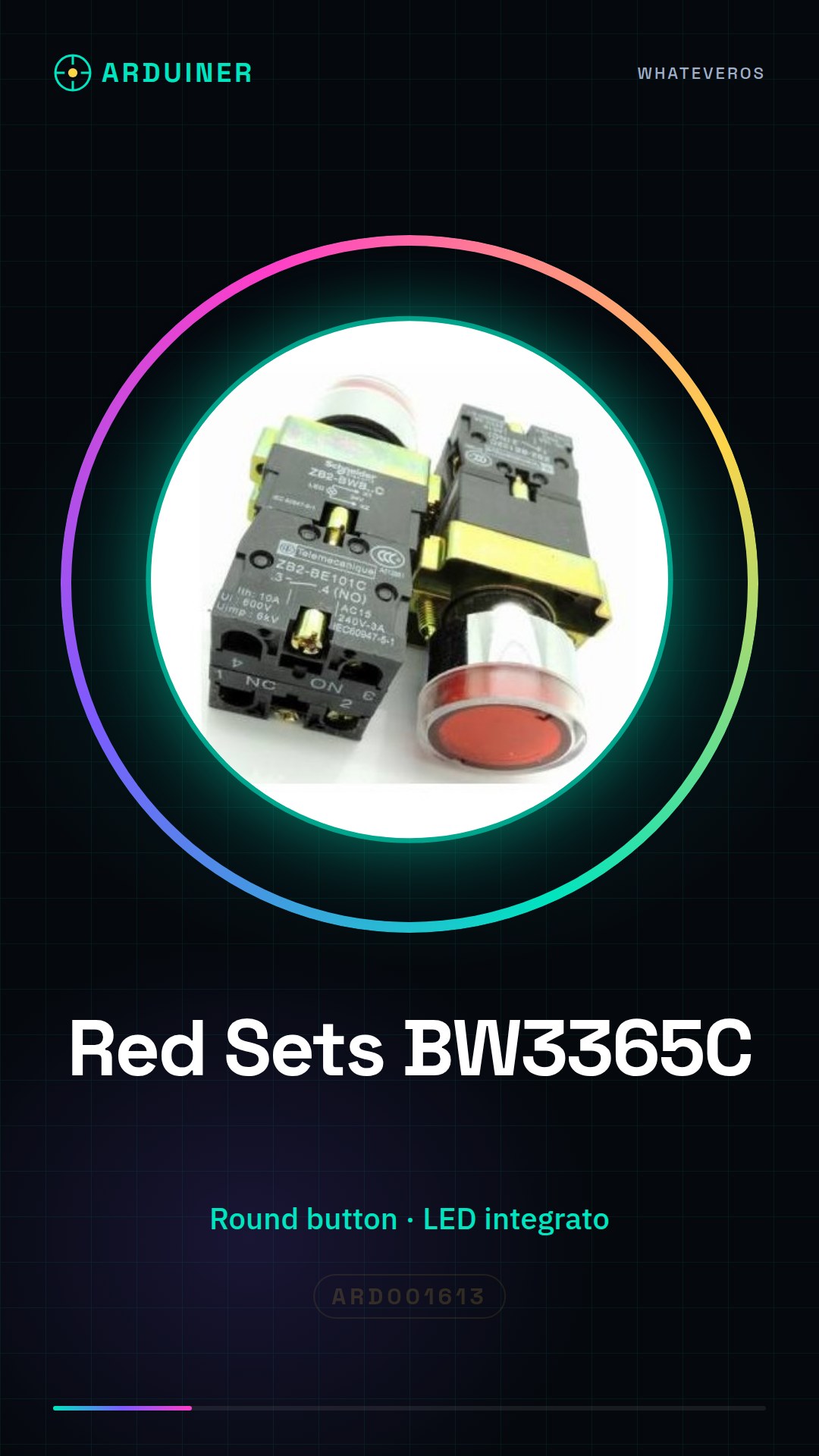
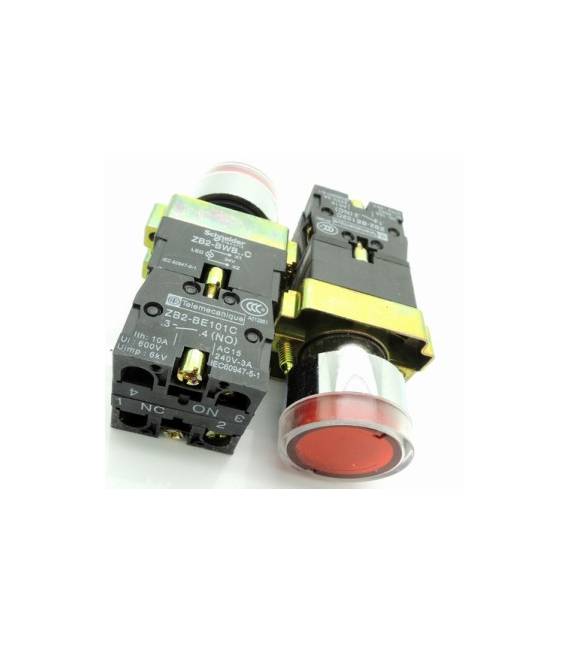
Description
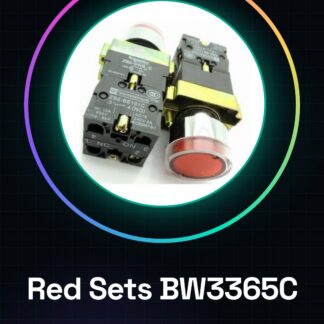
What are Red Sets BW3365C? These are round buttons with integrated LED lighting, ideal for Arduino and other microcontroller projects. They offer a visually appealing solution for user interfaces in various applications. Features Round button with integrated LED lighting Perfectly suited for Arduino and microcontroller projects Useful for creating visually appealing user interfaces in Arduino projects. You can use it to activate simple home alarms or integrate it into more complex systems requiring a clear and intuitive user interface. Tutorial: How to Use Button with Integrated LED This button with integrated LED is ideal for Arduino projects requiring a visually appealing user interface. It is suitable for both beginners and intermediate makers. What you need Arduino Uno USB A-MicroB Cable Prototyping Board Steps Connect the button to the prototyping board. Connect the button’s positive power line (see datasheet) to 5V of the Arduino. Connect the button’s ground line to GND of the Arduino. Connect the button’s output to digital pin 2 of the Arduino. Verify all connections with a multimeter. Upload the Arduino sketch to the microcontroller. Press the button and verify that the LED lights up when pressed. Example Code const int button = 2; void setup() { pinMode(button, INPUT); } void loop() { if (digitalRead(button) == LOW) { // Pressing the button activates this part of the code. } } Mini-project Create a simple home alarm that turns on an external LED when the button is pressed. Use a buzzer to add a warning function. Common mistakes Incorrectly connecting the button’s power supply. Swapping the lines between positive and ground. Ignoring the necessary resistance for the integrated LED (check the datasheet). Inserting code incompatible with the type of button used. Recommended accessories Buzzer Piezo ARD001624 LED RGB ARD001635 Prototyping Board ARD001647 USB A-MicroB Cable ARD001658 Frequently Asked Questions How can I check the state of the button? Use the digitalRead() function to verify if the button is pressed. Do I need a resistor between the button and the Arduino? Check the specifications on the datasheet, but it is often not necessary for direct contact buttons.
Reviews
There are no reviews yet.