 EN
 IT Italiano
 ES Español
 FR Français
 DE Deutsch
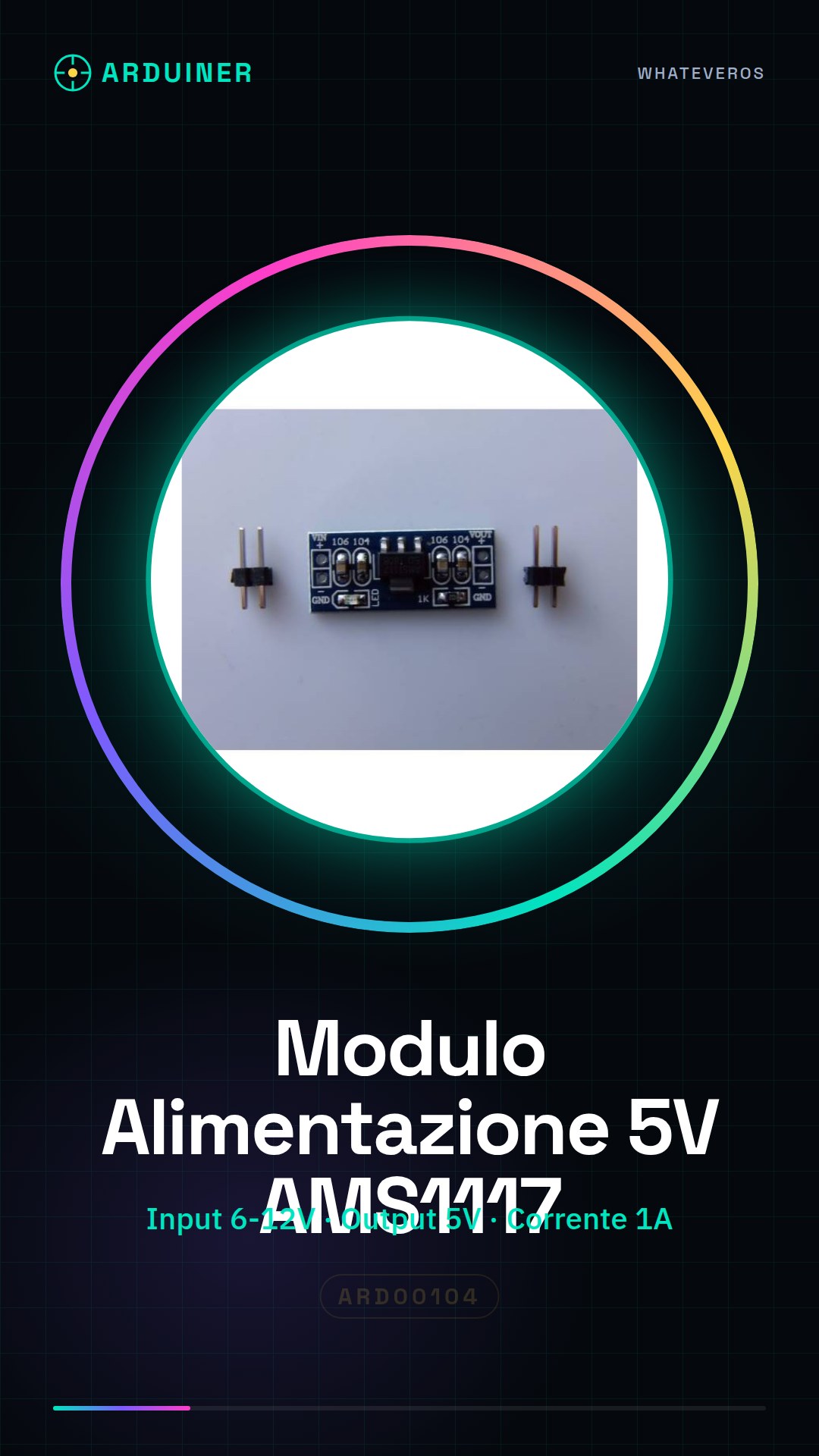
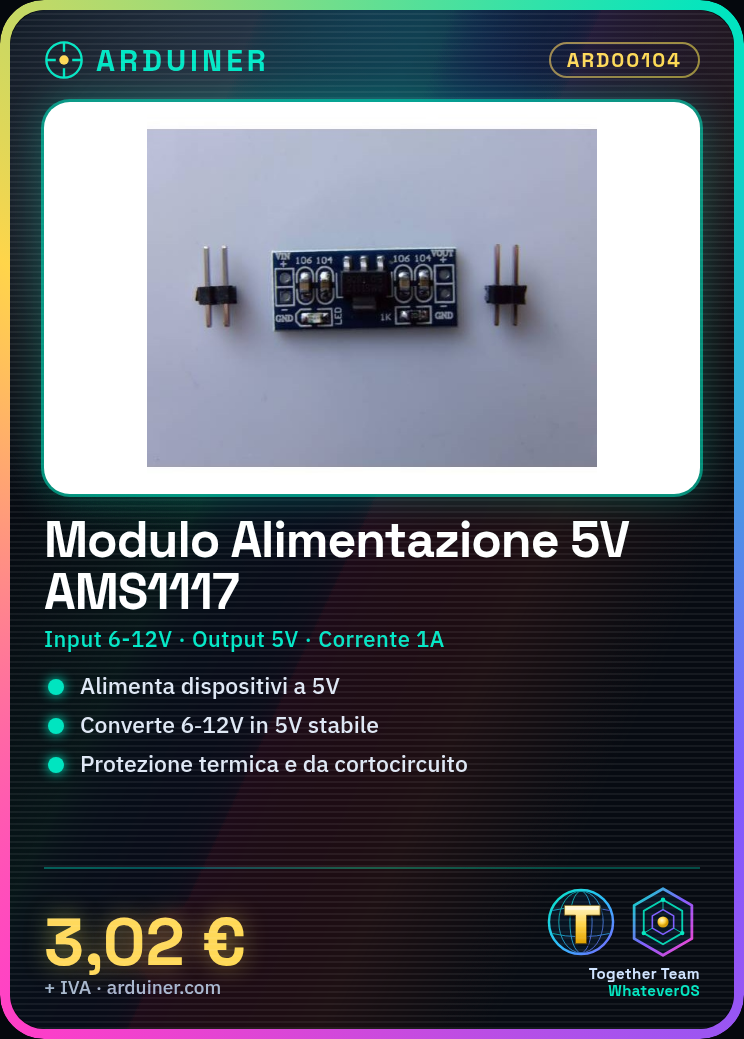
Description
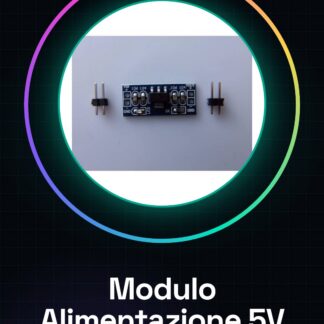
Description of the 5.0V AMS1117-5.0V Power Module
What is it?
The power module based on the AMS1117-5.0V voltage regulator is a small circuit that converts an input voltage range of 6V to 12V into a stable and fixed 5V output voltage. It is widely used to power 5V electronic devices, such as Arduino and sensors.
Technical Specifications:
- Regulator: AMS1117-5.0V (fixed linear voltage regulator)
- Input Voltage: 6V – 12V DC (typically 7-12V recommended)
- Output Voltage: 5.0V DC fixed
- Maximum Output Current: up to 1A (depends on the heatsink and load)
- Efficiency: Not very high (it is a linear regulator, dissipating heat)
- Dimensions: very compact, suitable for prototypes and DIY projects
- Pins: Vin (input), GND (ground), Vout (5V output)
Key Features:
- Stable and reliable 5V regulation.
- Internal thermal protection and short-circuit protection.
- Easy to integrate into circuits powered by batteries or DC power supplies from 6-12V.
How to Use with Arduino
Electrical Connections:
- Power Supply:
- Connect the pin Vin of the AMS1117 module to a DC power supply from 6 to 12V (e.g., a 9V adapter or 9V battery).
- Connect the pin GND of the module to the system ground (GND).
- 5V Output:
- Connect the pin Vout of the module to the pin 5V of Arduino (or use the Vout pin to power other 5V components).
- Connect the ground (GND) of the module also to the GND of Arduino for a common reference.
Important:
- Do not supply voltages higher than 12V on the Vin pin, to avoid overheating.
- Ensure that the current required by the load does not exceed 1A, otherwise the regulator may be damaged.
- The AMS1117 regulator is linear, so it dissipates energy as heat: if the load is heavy, consider a heatsink or a more efficient switching regulator.
Programming Guide and Usage Examples with Arduino
The module is just a voltage regulator, so it does not require direct programming, but it is needed to properly power Arduino and its modules/sensors. Here is a practical example to power Arduino and turn on an LED:
Schematic:
- External power supply (9V) → AMS1117 Module Vin
- AMS1117 Vout (5V stable) → Arduino 5V pin
- Module GND → Arduino GND
- Arduino pin 13 → LED (with 220Ω resistor) → GND
Example Arduino code:
void setup() {
  pinMode(13, OUTPUT);  // Configura il pin 13 come uscita
}

void loop() {
  digitalWrite(13, HIGH);  // Accendi il LED
  delay(1000);             // Aspetta 1 secondo
  digitalWrite(13, LOW);   // Spegni il LED
  delay(1000);             // Aspetta 1 secondo
}
Summary of Advantages and Tips
- Advantages:
- Provides stable 5V power supply for Arduino and modules.
- Ease of use with standard DC power supplies.
- Compatibility with 5V sensors and modules.
- Tips:
- Use an appropriate power source (batter or 7-12V power adapter).
- Monitor the regulator temperature with high loads.
- Maintain a common ground between the module and Arduino.
If you want, I can also help you with more detailed electrical schematics or advanced usage examples with specific sensors or modules! Do you want to proceed?
Tutorial: How to use AMS1117-5.0V Power Module
The AMS1117-5.0V power module is ideal for providing a constant 5V voltage to electronic circuits that require an input of 6 to 12V. It is particularly useful for Arduino projects, sensors, and DIY devices.
What you need
- Arduino or microcontroller
- Physical Connection (wires)
- External Power Supply
Steps
- Check that the input voltage of the power supply is between 6V and 12V.
- Connect the V+ input of the module to your power supply positive.
- Connect the GND pin of the power adapter to the GND of your circuit or microcontroller.
- Connect the 5V output voltage to any component that requires a stable 5V voltage.
- Ensure there are no components connected to the power line before the AMS1117 power supply.
Mini project
Create a simple lighting system controlled by Arduino, using the power supply module to turn on and off an LED lamp.
Common mistakes
- Connecting a power supply with voltage higher than 12V
- Incorrectly connecting GND
- Using a component that requires more current than the power supply provides
Recommended accessories
- Arduino Uno R3
- LED and resistor
- Variable external power supply
Frequently asked questions
How much current can it provide?
Check the datasheet
Can I use a USB power supply as input?
Yes, if it provides a voltage between 6V and 12V
Reviews
There are no reviews yet.