 EN
 IT Italiano
 ES Español
 FR Français
 DE Deutsch
Description
What it is
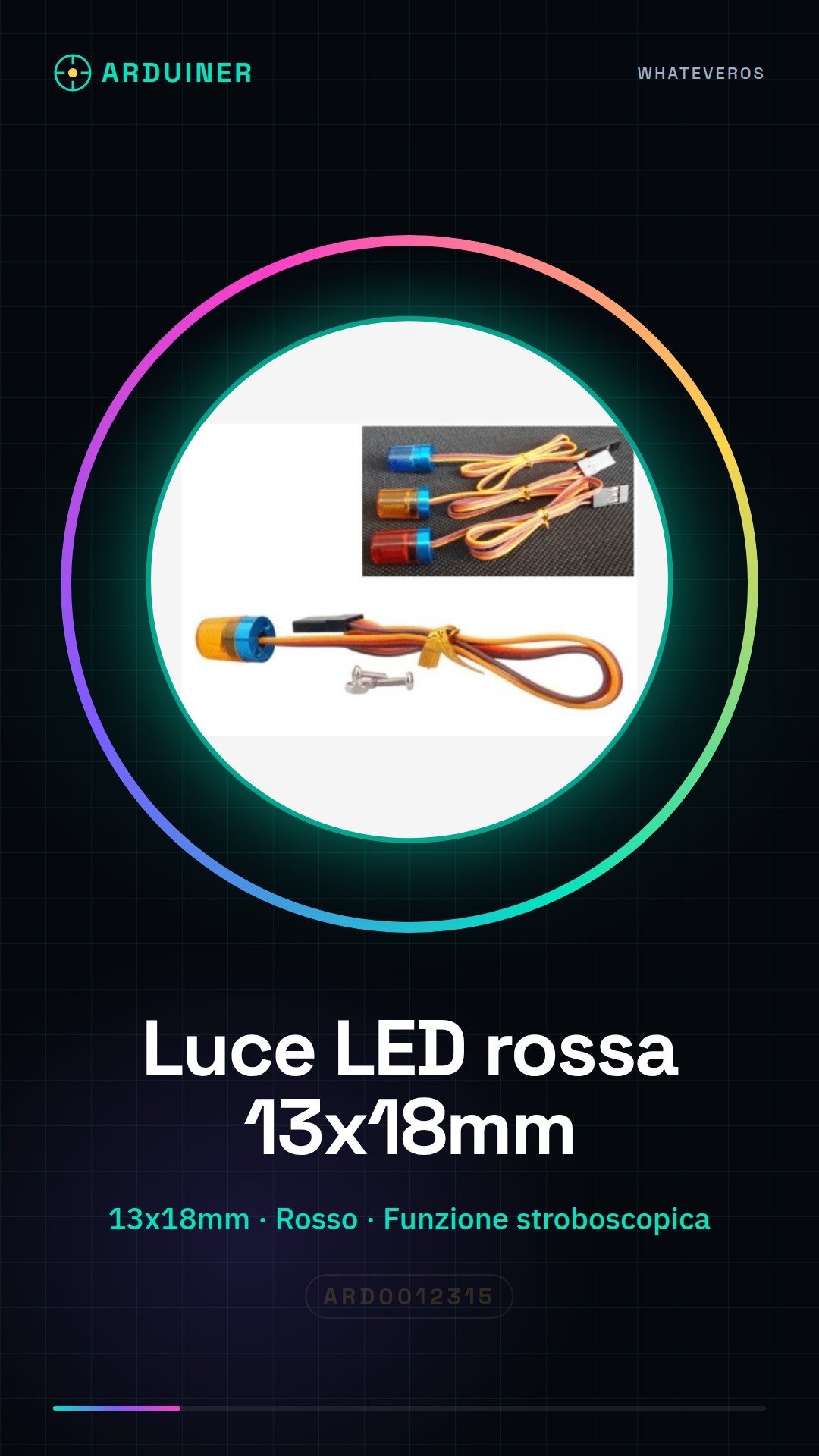
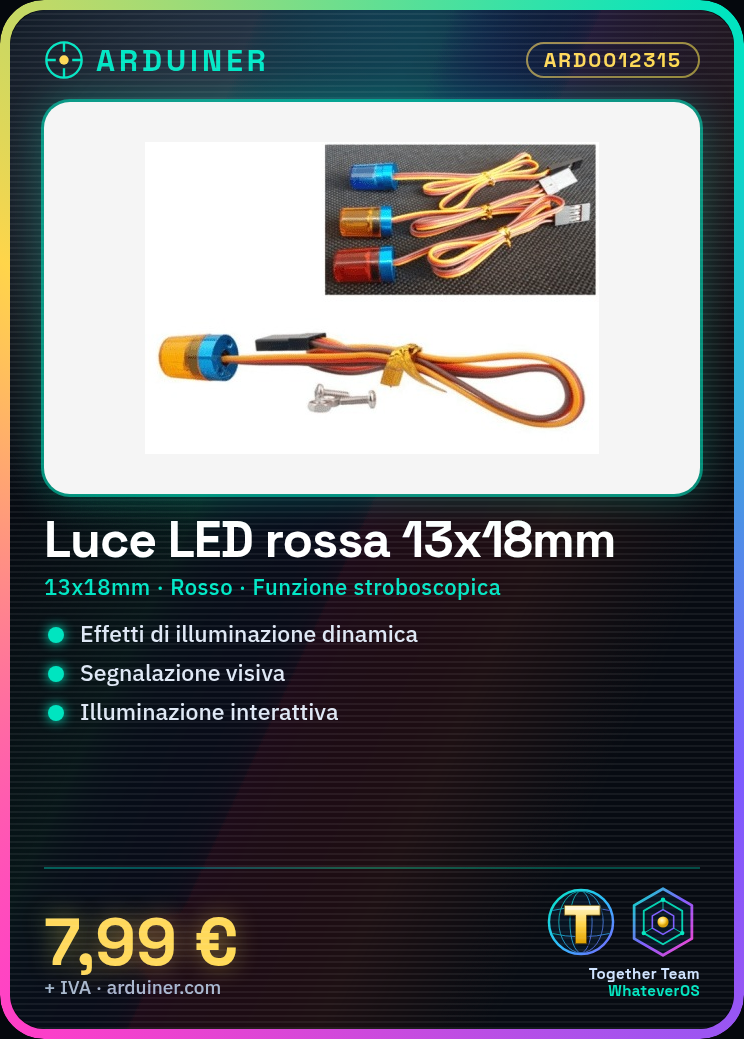
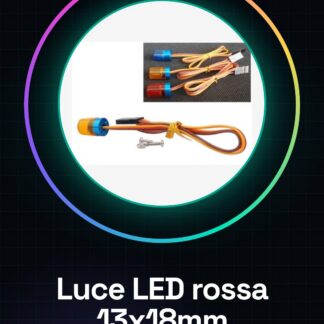
The 13x18mm red LED with stroboscopic function is an electronic component designed to add dynamic lighting effects to Arduino and general electronics projects. This LED can be used to create special effects, signaling, or interactive lighting.
Features
- Dimensions: 13x18mm
- Color: Red
- Stroboscopic function
- Flashing function
- Rotating function
What it is for
This LED is ideal for dynamic lighting, signaling, or special effects projects. It is compatible with Arduino and other microcontrollers like ESP, allowing for the creation of custom flashing and rotating patterns. Perfect for beginner and intermediate makers who want to add an interactive lighting touch to their projects.
Tutorial: How to use Red Stroboscopic LED Light
This 13 * 18 mm red LED strobe light is ideal for dynamic lighting projects, signaling, or special effects. It is perfect for beginner and intermediate makers who want to add an interactive touch of light to their projects.
What you need
- Arduino Uno
- USB cable
- 5V power supply
- connection cable
- appropriate resistor
- LED pinout or datasheet
Steps
- 1. Connect the Arduino Uno to the 5V power supply via USB cable.
- 2. Connect the LED to the Arduino board using a connection cable and a resistor to protect the LED.
- 3. Check the polarity of the LED (anode (+) and cathode (-)) and connect it correctly.
- 4. Program the Arduino with a sketch that controls the strobe LED.
- 5. Download the code onto the microcontroller.
- 6. Check that the LED blinks or rotates as expected.
- 7. Adjust the code to change the lighting pattern.
- 8. Try out different ways to use the stroboscopic LED in your projects.
Example code
void setup() {
  pinMode(LED_BUILTIN, OUTPUT);
}

void loop() {
  digitalWrite(LED_BUILTIN, HIGH);
  delay(100);
  digitalWrite(LED_BUILTIN, LOW);
  delay(100);
}
Mini project
Create a special effects projector that uses the stroboscopic LED to produce dynamic lighting. Set up various flashing and rotating patterns to adapt the project to different occasions.
Common mistakes
- Connect the LED backwards
- Omit the protective resistor
- Use an incompatible power supply
- Write code that does not support the stroboscopic function
Recommended accessories
- Variable resistor
- Light control module
- Motion sensors
- Arduino Nano
Frequently asked questions
What is the operating voltage of the LED?
Check the datasheet.
How can I adjust the flashing intensity of the LED?
Modify the code to change the delay times.
Can I use the LED with other microcontrollers?
Yes, but make sure the operating voltage is compatible.
Reviews
There are no reviews yet.