 EN
 IT Italiano
 ES Español
 FR Français
 DE Deutsch
Description
What it is
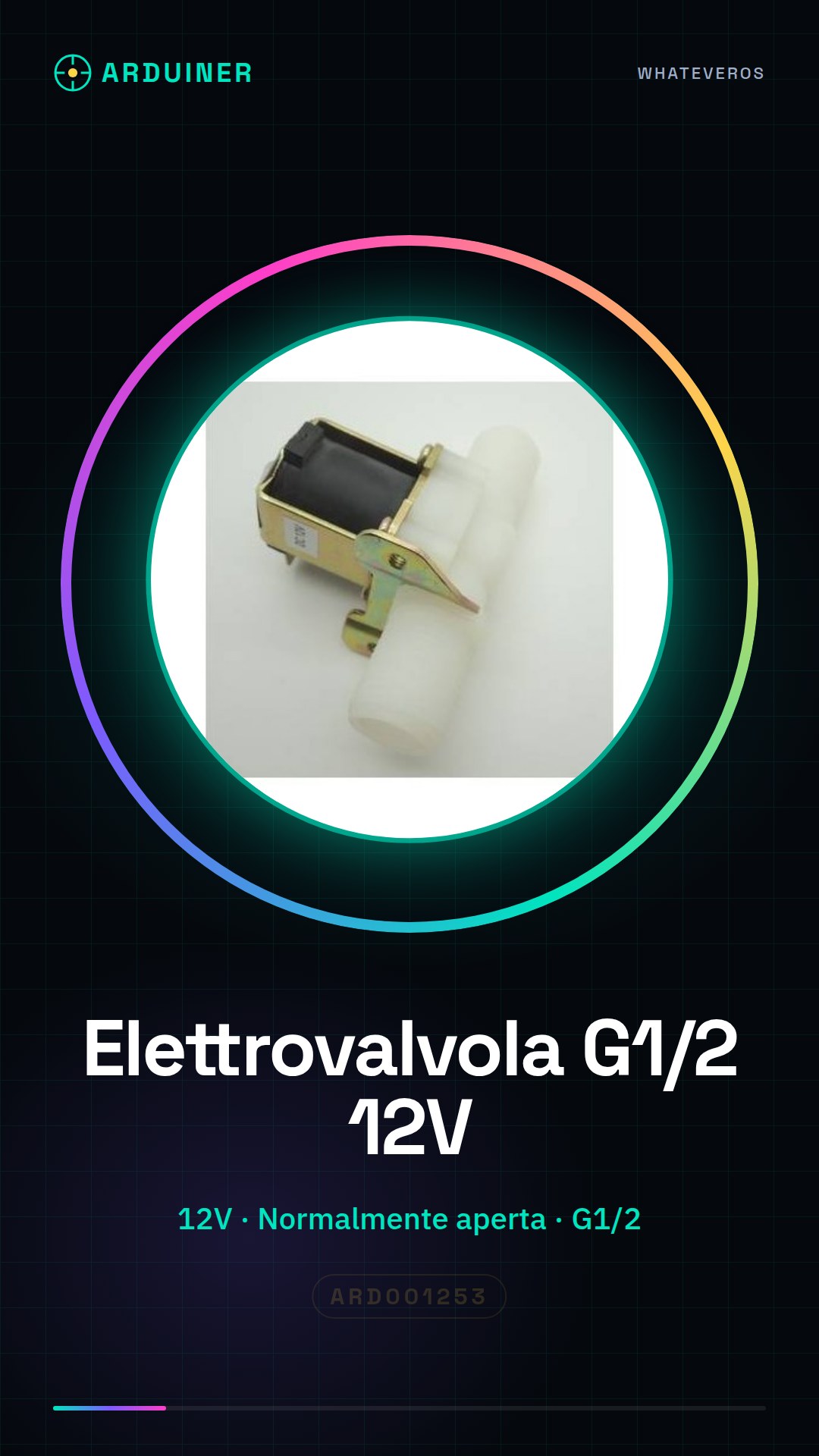
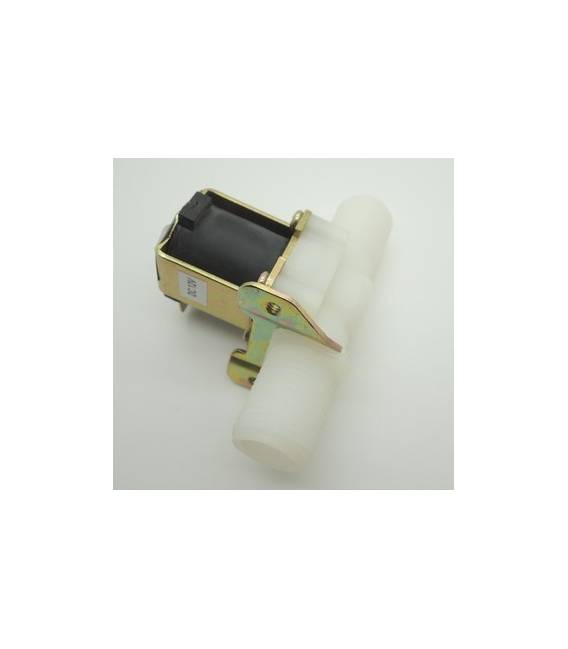
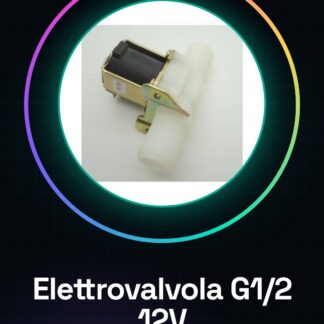
The G1/2 12V normally open solenoid valve is an electronic device that allows controlling the flow of water or gas based on electrical signals received. This type of electromagnetic solenoid valve is ideal for DIY projects, home automation, and irrigation systems.
Features
- Type: G1/2 Solenoid Valve
- Operating Voltage: 12V
- Normal Operating State: Open (Normally Open)
What it is for
The solenoid valve can be used to create an automatic irrigation system that opens and closes the water flow based on a programmed schedule. It is compatible with various microcontrollers such as Arduino or ESP.
Tutorial: How to Use G1/2 12V Normally Open Solenoid Valve
The G1/2 12V solenoid valve is an electronic device that allows controlling the flow of water or gas based on electrical signals. Ideal for DIY projects, home automation, and irrigation systems.
What you need
- Arduino Uno
- Hydraulic G1/2 connection
- 12V power supply cable
- Resistor
Steps
- Connect the solenoid valve to the hydraulic pipe using the G1/2 connection.
- Connect a resistor between the Arduino output and the valve circuit to protect the microcontroller.
- Power the solenoid valve with a separate 12V power supply.
- Connect the control wires of the solenoid valve to the Arduino (GND to ground, VCC to 5V or 3.3V and signal to a microcontroller pin).
- Write an Arduino sketch that activates the valve for a certain period.
- Check that the power supply is correct and that there are no short circuits.
- Test the operation of the solenoid valve by opening and closing the fluid flow.
- Adjust the sketch according to the project requirements.
Example code
void setup() {
  pinMode(2, OUTPUT);
}

void loop() {
  digitalWrite(2, HIGH); // apre la valvola
  delay(5000);           // attiva per 5 secondi
  digitalWrite(2, LOW);  // chiude la valvola
}
Mini project
Create an automatic irrigation system that opens and closes the water based on a programmed routine.
Common mistakes
- Do not use power supplies below 12V.
- Omit the protection resistor.
- Connect the signal to ground or VCC instead of the microcontroller pin.
- Use a non-compatible G1/2 tube.
Recommended accessories
- Resistor
- Separate 12V power supply
- G1/2 hydraulic connection
- Arduino Uno
Frequently asked questions
How can I control the solenoid valve from a greater distance?
Use a wireless communication module such as RF or Wi-Fi to send signals from the Arduino over a greater distance.
What is the maximum power I can pass through the solenoid valve?
Check the product datasheet.
Reviews
There are no reviews yet.