 EN
 IT Italiano
 ES Español
 FR Français
 DE Deutsch
Description
Technical Specifications
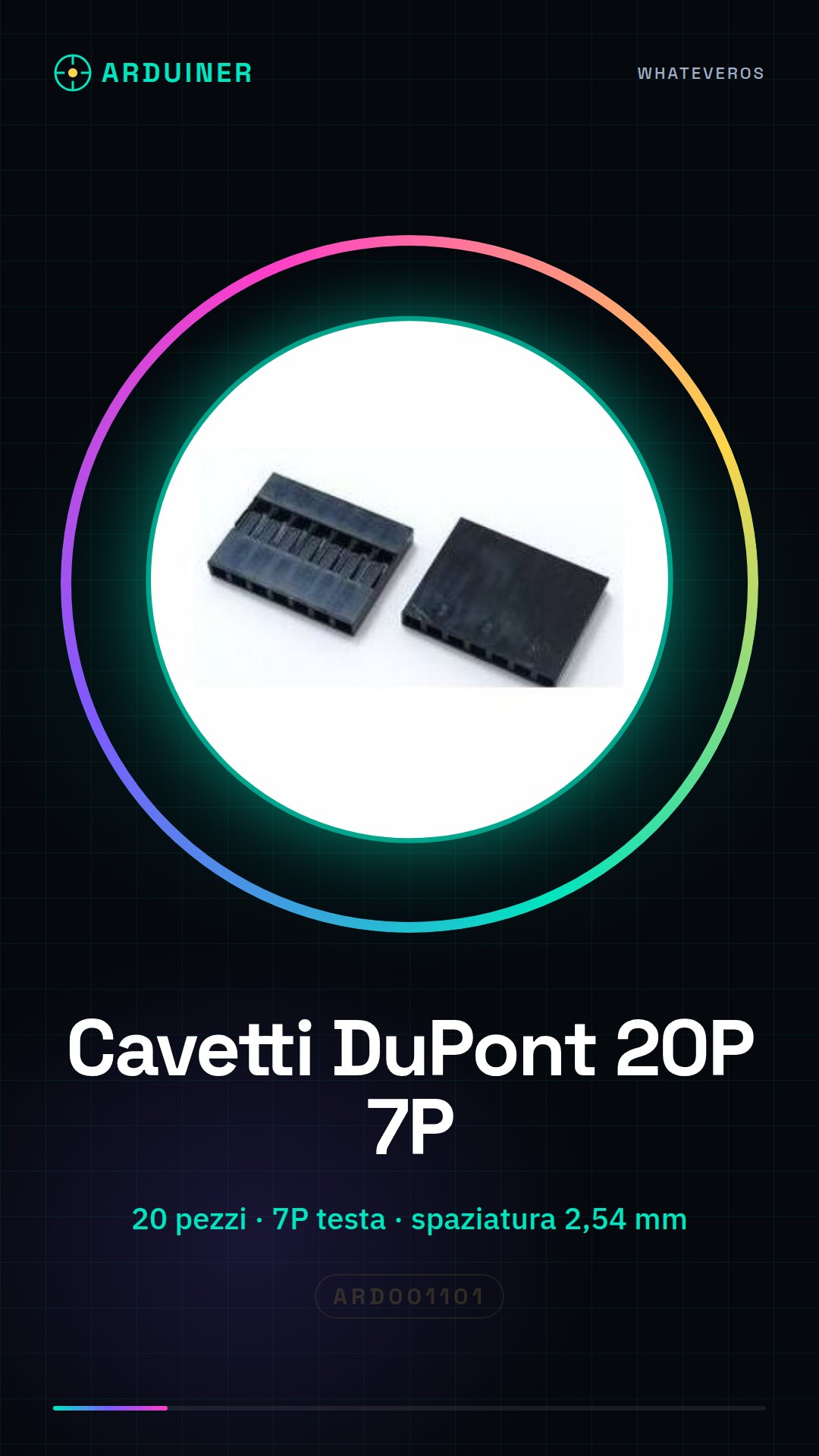
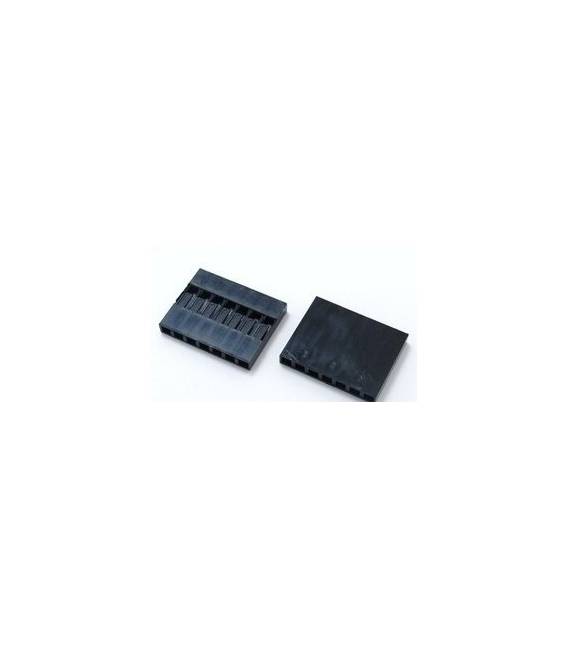
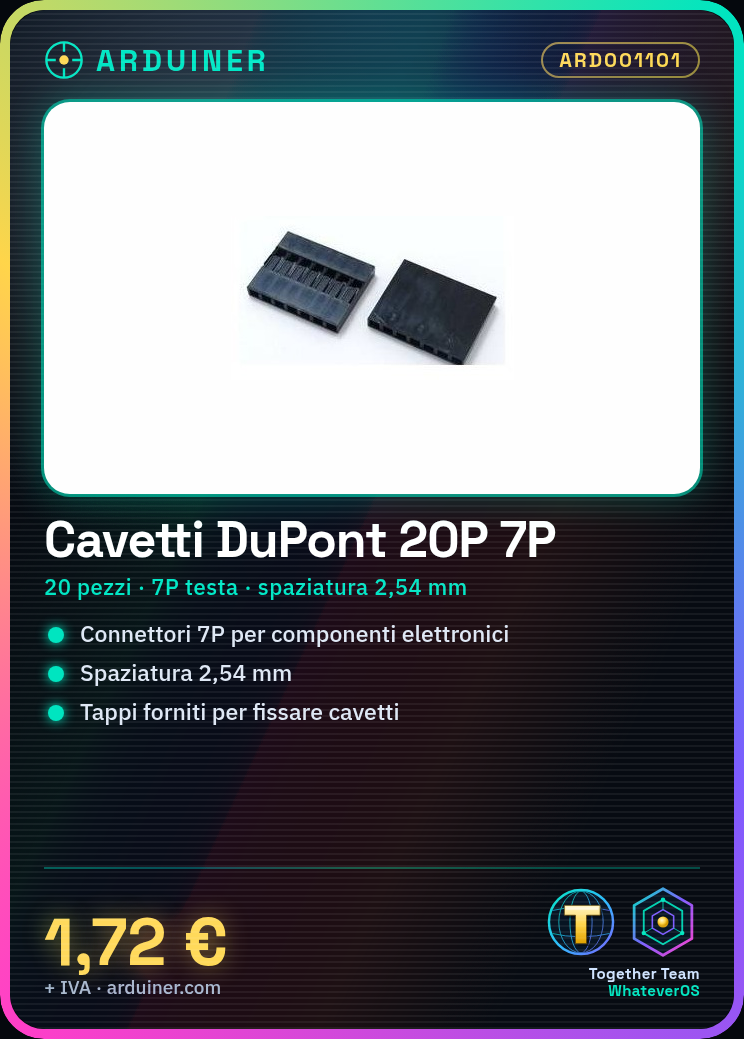
The product ARD001101 consists of 20 DuPont wires per unit, with a contact spacing of 2.54 mm. These wires are used to connect various electronic components, such as sensors and power supplies, to Arduino modules or other electronic systems. Each wire is equipped with a plastic housing and caps to secure the connectors.
DuPont Connectors wires allow for the creation of temporary or permanent connections between electronic components, facilitating prototyping and circuit maintenance. The 2.54 mm spacing allows these wires to be used with standard connectors and sockets.
To ensure safe and efficient use, it is important to verify the compatibility of the wires with the intended connectors and to ensure that the connectors are securely fastened to prevent short circuits or incorrect connections.
Key Specifications
| Parameter | Value |
| Model | ARD001101 |
| Quantity | 20 pieces |
| Contact spacing | 2.54 mm |
| Connector type | DuPont Connectors |
| Shell material | N/D (see manufacturer’s technical sheet) |
| Plug type | N/D (see manufacturer’s technical sheet) |
| Container | N/D (see manufacturer’s technical sheet) |
Installation and Usage
- Check the compatibility of DuPont wires with the target connectors.
- Connect a DuPont wire to an output connector of an Arduino module or to another electronic component.
- Use the provided plugs to secure the connectors if necessary.
- Check the connection before using the circuit.
- Repeat the process to connect other components.
Compatibility and Requirements
- These Dupont cables are compatible with Arduino modules and other electronic systems that use standard connectors with a 2.54 mm pitch.
- To use these cables, you need to have compatible connectors and an Arduino module or another reference system available.
- The cables can be used to connect sensors, power supplies, and other electronic components.
Limitations and Important Notes
- Dupont cables are not designed for permanent connections or applications that require a high degree of mechanical durability.
- It is important to ensure that the connectors are securely fastened to prevent short circuits.
- Dupont cables are not suitable for high-temperature or high-humidity applications.
- Dupont cables are not designed for connections with low contact spacing.
Troubleshooting
The DuPont wire does not connect properly to the connector.
Probable cause: The recipient connector may not be compatible or may be damaged.
Solution: Check the connector compatibility and replace any damaged connectors.
The DuPont wire easily disconnects from the connector.
Probable cause: The clips may not have been used correctly or may be damaged.
Solution: Ensure that the clips are securely attached to the connectors and replace any damaged clips.
The DuPont wire does not transmit the signal correctly.
Probable cause: The wire may be damaged or not compatible with the connector.
Solution: Check the wire compatibility and replace any damaged wires.
The DuPont wire generates heat during use.
Probable cause: The connection may be too tight or the cable may not be suitable for the application.
Solution: Check the compatibility of the cable and replace any unsuitable cables.
Use cases
Home security alarm system
Objective: Connect a motion sensor to an Arduino module to activate an alarm.
What’s needed: Arduino module, motion sensor, DuPont ARD001101 cables.
Steps: 1) Connect the motion sensor to the Arduino module using DuPont cables. 2) Configure the Arduino module to detect motion. 3) Connect an alarm to the Arduino module to activate it when the sensor detects motion.
Expected result: The home security alarm system is ready to be used.
Smart lighting project
Objective: Connect a light sensor to an Arduino module to control a lighting system.
Needed: Arduino module, light sensor, DuPont cables ARD001101.
Steps: 1) Connect the light sensor to the Arduino module using DuPont cables. 2) Configure the Arduino module to adjust the light intensity based on the level of illumination. 3) Connect the lighting system to the Arduino module to control the light.
Expected result: The smart lighting system is ready to be used.
Environmental Monitoring Project
Objective: Connect a temperature sensor to an Arduino module to monitor environmental conditions.
Needed: Arduino module, temperature sensor, DuPont cables ARD001101.
Steps: 1) Connect the temperature sensor to the Arduino module using DuPont cables. 2) Configure the Arduino module to detect temperature. 3) Transmit temperature data to a computer or network device.
Expected Result: The environmental monitoring system is ready to be used.
Home Automation Project
Objective: Connect a presence sensor to an Arduino module to control doors.
What’s needed: Arduino module, presence sensor, DuPont wires ARD001101.
Steps: 1) Connect the presence sensor to the Arduino module using DuPont wires. 2) Configure the Arduino module to detect presence. 3) Connect a door opening system to the Arduino module to control access.
Expected Result: The home automation system is ready to be used.
Temperature Control Project
Objective: Connect a temperature sensor to an Arduino module to regulate a heating system.
What’s needed: Arduino module, temperature sensor, DuPont wires ARD001101.
Steps: 1) Connect the temperature sensor to the Arduino module using DuPont cables. 2) Configure the Arduino module to regulate temperature. 3) Connect the heating system to the Arduino module to regulate heating.
Expected result: The temperature control system is ready to be used.
Humidity Monitoring Project
Objective: Connect a humidity sensor to an Arduino module to monitor environmental conditions.
What you need: Arduino module, humidity sensor, DuPont cables ARD001101.
Steps: 1) Connect the humidity sensor to the Arduino module using DuPont cables. 2) Configure the Arduino module to detect humidity. 3) Transmit humidity data to a computer or network device.
Expected result: The humidity monitoring system is ready to be used.
Light Control Project
Objective: Connect a light sensor to an Arduino module to control the lights.
What you need: Arduino module, light sensor, DuPont cables ARD001101.
Steps: 1) Connect the light sensor to the Arduino module using DuPont cables. 2) Configure the Arduino module to adjust the light intensity. 3) Connect the lights to the Arduino module to control the light.
Expected result: The light control system is ready to be used.
Temperature and Humidity Monitoring Project
Objective: Connect a temperature and humidity sensor to an Arduino module to monitor environmental conditions.
What you need: Arduino module, temperature and humidity sensor, DuPont cables ARD001101.
Steps: 1) Connect the temperature and humidity sensor to the Arduino module using Dupont wires. 2) Configure the Arduino module to detect temperature and humidity. 3) Transmit the temperature and humidity data to a computer or network device.
Expected result: The temperature and humidity monitoring system is ready to be used.
In the package
- 20 pieces
Complete the project
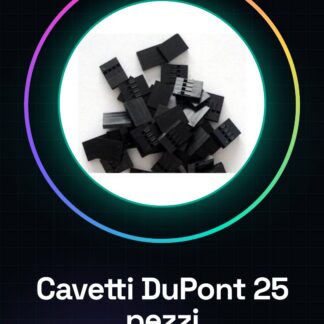
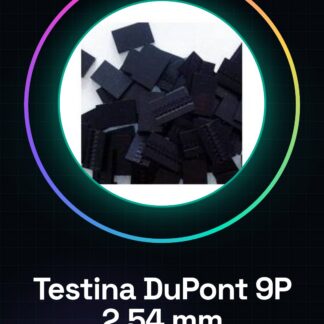
- 25 pieces Dupont 4P head Dupont, Spacing 2.54MM, Dupont plastic housing, plugs: These Dupont 4P wires can be used to connect electronic components to Arduino modules or other electronic systems.
- 25 Pieces 3P Dupont head, Spacing 2.54MM, Dupont plastic housing, plugs: These Dupont 3P wires can be used to connect electronic components to Arduino modules or other electronic systems.
- 25 Pieces 5P Dupont Head, 2.54MM Spacing, Dupont Plastic Shell, Caps: These Dupont 5P cables can be used to connect electronic components to Arduino modules or other electronic systems.
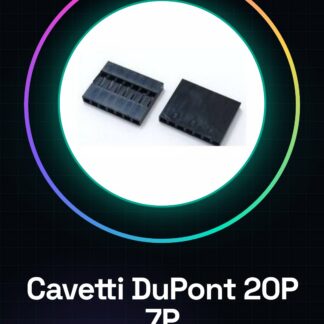
- 20 Pieces 6P Dupont Head, Dupont Plastic Housing 2.54MM Spacing, Caps: These Dupont 6P cables can be used to connect electronic components to Arduino modules or other electronic systems.
- 20 Pieces 8P Dupont Head, 2.54MM Spacing, Plastic Cap: These Dupont 8P cables can use to connect electronic components to Arduino modules or other electronic systems.
Technical FAQs
What is the spacing between Dupont cable contacts?
The spacing between Dupont cable contacts is 2.54 mm.
How do you clean Dupont cables?
It is recommended to use a soft cloth to remove any dust residues.
Why does the Dupont wire not connect properly to the connector?
Check the compatibility of the connector and replace any damaged connectors.
Why does the Dupont wire easily come off the connector?
Ensure that the caps are securely attached to the connectors and replace any damaged caps.
Tutorial: How to Use 7P Dupont Wires
Dupont wires are essential for connecting various electronic components such as sensors, power supplies, and Arduino modules. This tutorial will guide you in their use.
What you need
- Arduino Module
- Sensors
- Power Supply
Steps
- Check the compatibility of the Dupont wires with your connectors.
- Connect the Dupont wire to the Arduino module following the instructions in the datasheet.
- Connect a sensor to the Dupont wire to test the connection.
- Verify that the output from the sensor is correctly detected by the Arduino.
- If necessary, use the provided caps to secure the cables.
- Repeat the process with other sensors or components such as power supplies.
Mini project
Create a simple alarm system by connecting a motion sensor and a siren to the Arduino module using DuPont cables.
Common mistakes
- Choosing the wrong type of connectors.
- Failing to properly check the connection before use.
- Using damaged or unsuitable cables.
Recommended accessories
- Arduino Uno Module
- PIR Motion Sensors
- USB Power Supply
- Prototype Breadboard
Frequently asked questions
What is the spacing between DuPont cable contacts?
2,54mm
How do you clean DuPont cables?
Use a soft cloth to remove any dust residues.
Reviews
There are no reviews yet.